

1000 FAQs, 500 tutorials and explanatory videos. Here, there are only solutions!
Understanding kDrive permissions
This guide details the different assignments and access permissions for files/folders in kDrive Infomaniak, including the restoration of inheritance of rights over the content of folders and subfolders.
Preamble
- Refer to this other guide if you are looking for general information about sharing data on kDrive.
- Refer to this other guide for more specific information about sharing the common folder.
- Refer to this other guide regarding the more global permissions of users within the Organization if they are part of it.
Types of access rights
A share (of a document, directory, etc.) on kDrive can be restricted. Choose whether the user…
- … can view:
- View only
- Download
- Add a comment
- … can modify:
- Modify the file
- Download
- Add a comment
- Add and create a file/folder
- Delete a file/folder
- … can manage (only if the share is within the common folder and not in a personal folder):
- Modify the file
- Download
- Add a comment
- Add and create a file/folder
- Delete the file
- Share with other users
- Manage user rights
The permissions granted as well as the information about the beneficiaries of the shares are visible on kDrive in the column “Who has access”:
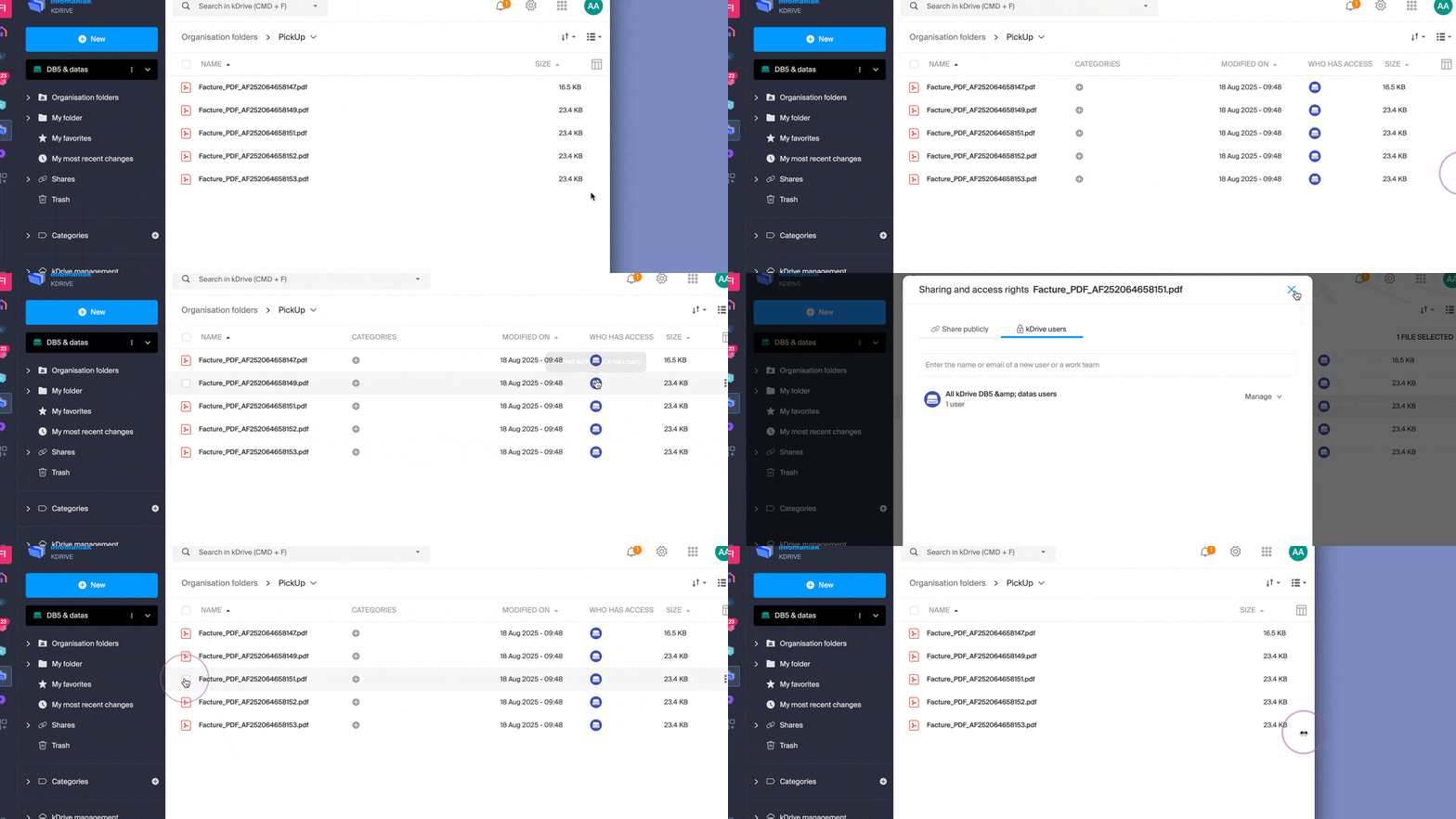
An eventual public link activated on a file is indicated by a green icon in this column: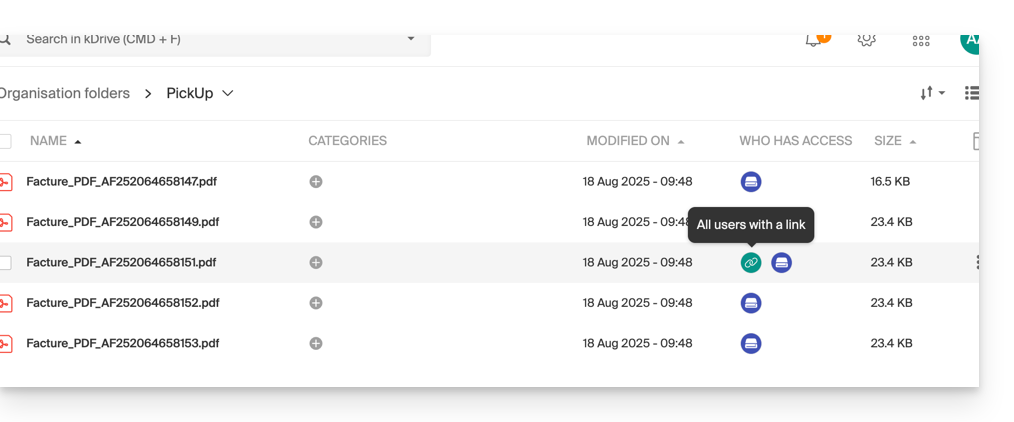
Assigning rights to the content of folders and subfolders
The “Organization Folders” folder (common folder) does not necessarily mean that all kDrive users have access to it.
Indeed, the share can be restricted and only part of the hierarchy can be shared with one or more users. Example of recursion when applying a share or removing it:
- Imagine full access for all users to all the content of folders and subfolders.
- If the share at the level of the parent folder (the folder at the very top of the hierarchy) is deleted, users will no longer have access to the content of the folders and subfolders.
Resolving an inheritance rights issue
In the case where a parent folder is shared with multiple users, and subsequently, one of these users is removed from the share at one of the child folders (i.e., one of the subfolders of the main folder located higher in the hierarchy), then the day a new share with a collaborator is made at the level of the parent folder, this share will not be propagated or inherited at the level of the child folders.
- A share is made with an additional user on a parent folder (SEPT24).
- The share is recursive over all the data contained in the child folders (assoc).
- Sharing is removed from one of these child folders (assoc).
- An additional share is made on the parent folder (SEPT24).
- The child folder does not inherit this share (due to the manual operation in point 2 above).
- The solution is to click on the link present in the sharing window, which informs you of the incomplete share, which will restore the correct access rights according to the inheritance of the parent folder:
