Knowledge base
1000 FAQs, 500 tutorials and instructional videos. Here, there are only solutions!
Understanding Organizations, my kSuite, accounts, apps...
This guide helps you understand the structure of your Infomaniak services. The goal is to familiarize you with the terminology used and to help you easily manage your management interfaces, especially when using my kSuite (ik.me, etik.com, ikmail.com).
Introduction
- An Organisation is the term used to represent the grouping of Infomaniak services and users (you and any collaborators, family members, etc.).
- To understand what an Organisation actually represents, this guide is structured around several possible scenarios:
- Any new registration for a free address my ksuite (ik.me / etik.com / ikmail.com).
- Any new registration for other Infomaniak services.
- Combined use of my kSuite and other services in the ecosystem:
- Register for my kSuite by specifying an existing Infomaniak account.
- Purchase Infomaniak products using only a my kSuite account.
1. Registering for my kSuite (ik.me / etik.com / ikmail.com)
During registration on welcome.infomaniak.com/signup/myksuite, you chose the name for your email address, for example anna.a@ik.me, and then entered a personal phone number: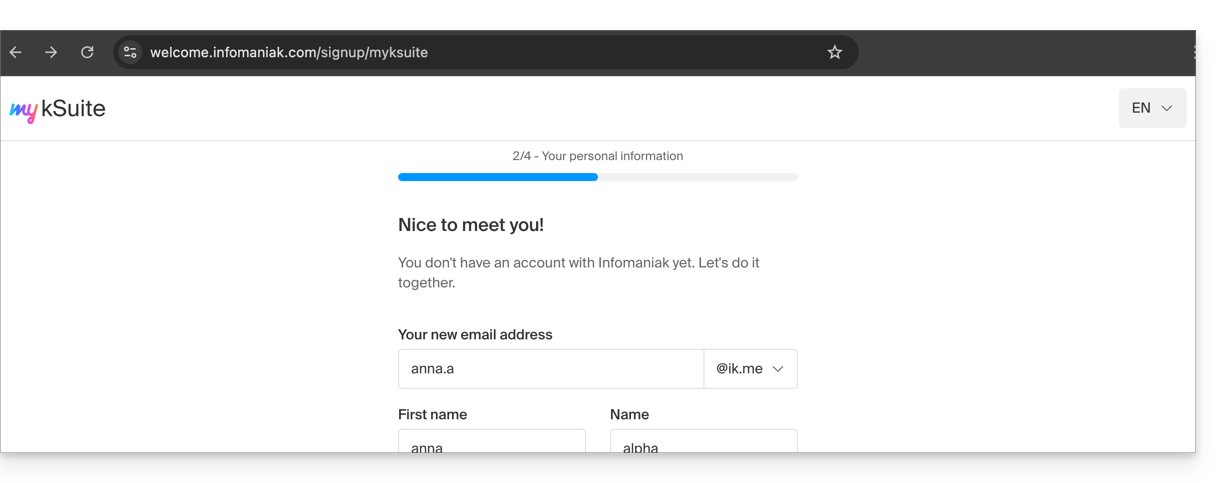
- Once your registration is validated, you can access your email address anna.a@ik.me via the web app Mail
ksuite.infomaniak.com/mail: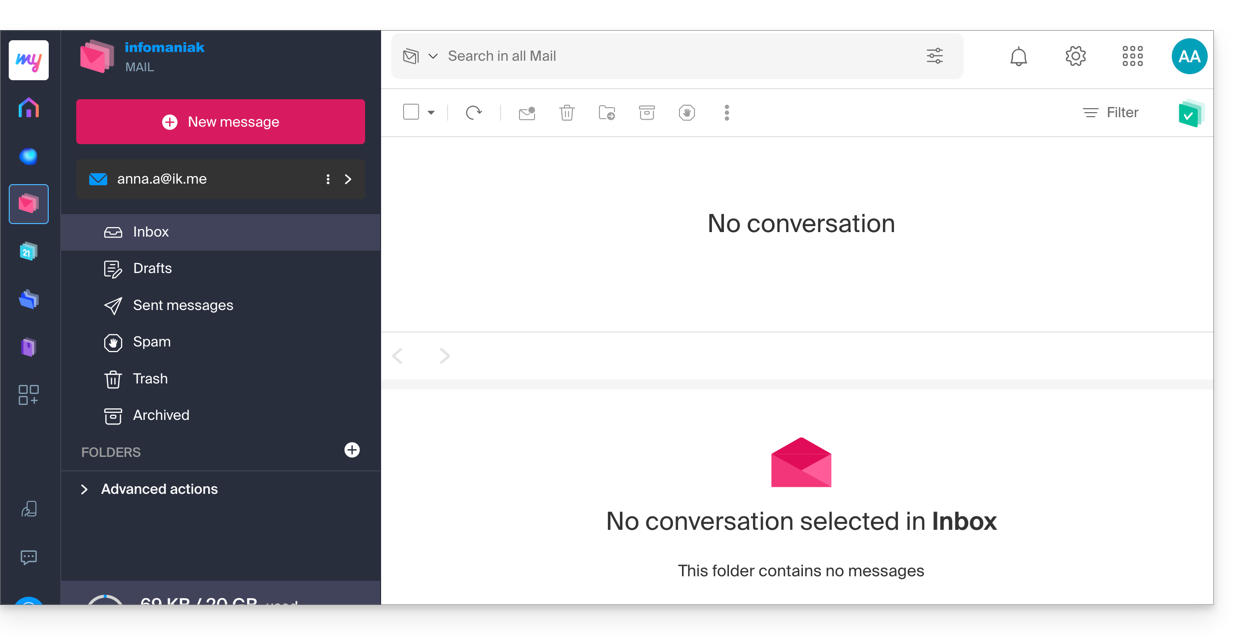
- You can distinguish:
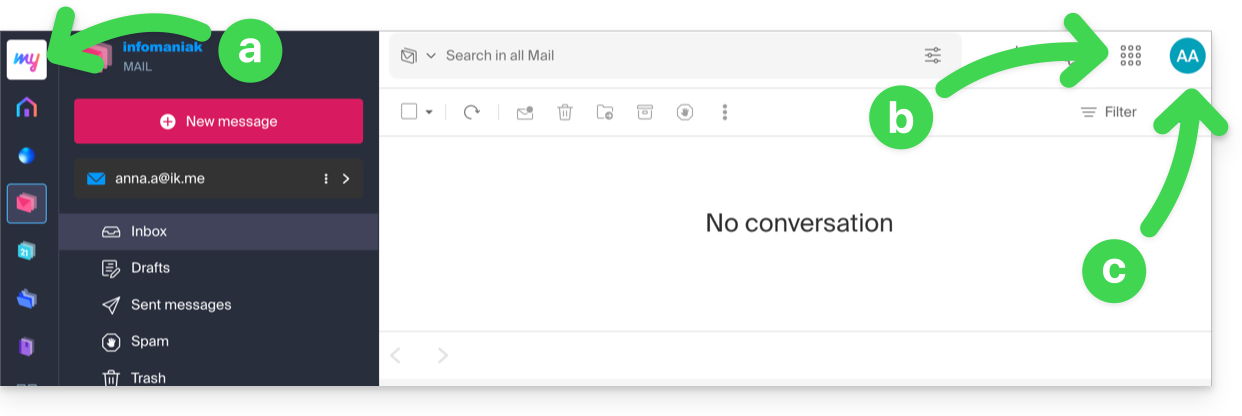
- The logo/type of your Organization, which in this case indicates that it is a my kSuite account.
- The button allows you to access the Manager
manager.infomaniak.comand other apps/services related to my kSuite: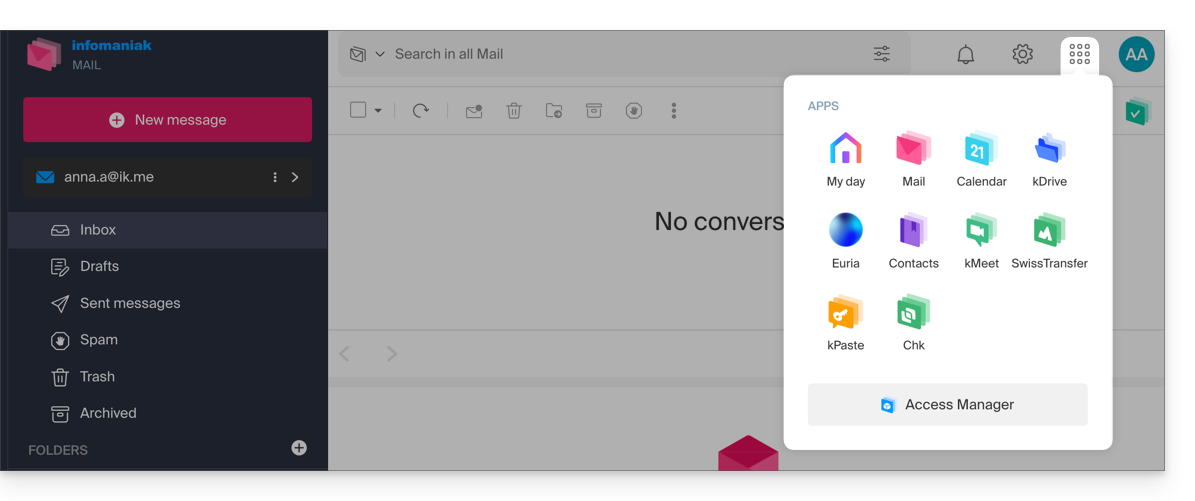
- In this case, the Manager will only contain information about managing your my kSuite account:
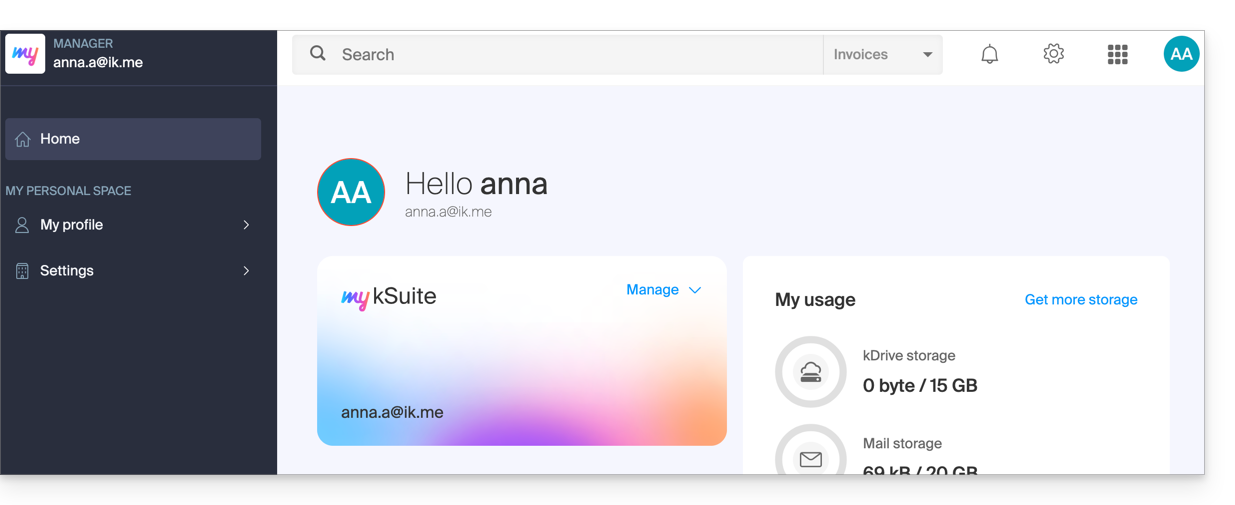
- In this case, the Manager will only contain information about managing your my kSuite account:
- The initials correspond to your Infomaniak account (first name/last name provided during registration):
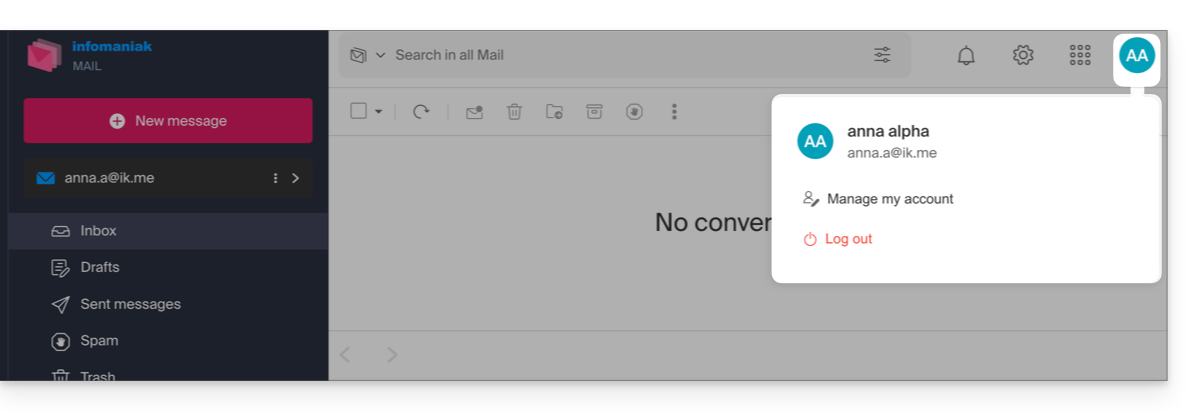
This my kSuite account cannot directly contain hosting products, or kSuite Pro with a domain name, etc. The rest of this guide explains how to create a more comprehensive Organization if needed.
Please note that it is not possible to export your my kSuite services to another Organization.
To use your new my kSuite email address in the Mail web app, please refer to this other guide.
2. Registration and purchase of hosting, domain, etc.
When you registered on welcome.infomaniak.com/signup/, you chose your login ID, in the form of a personal email address, for example anna.alpha@orange.fr :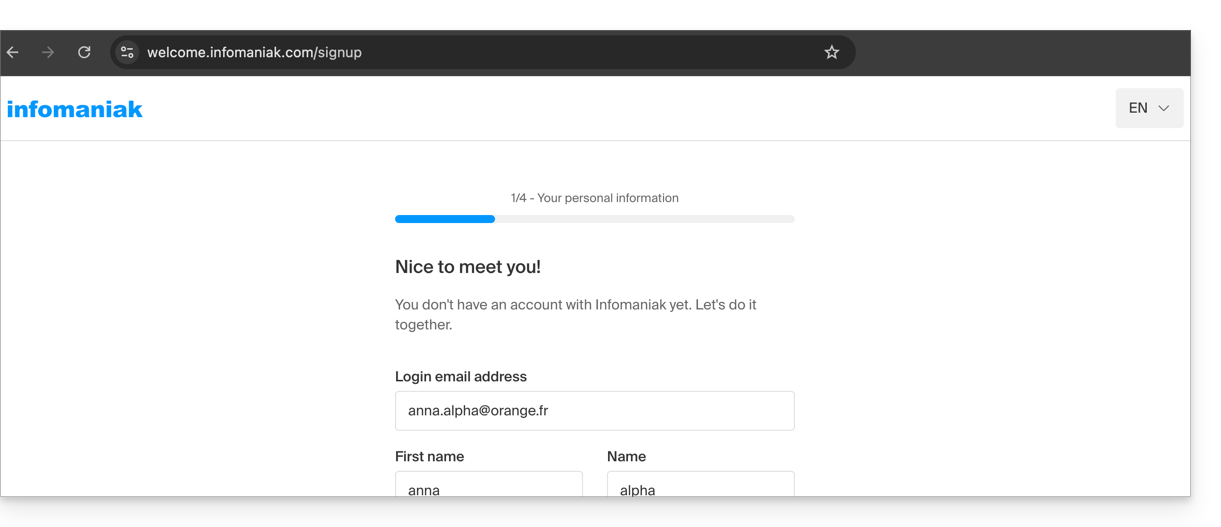
You then chose the type of Organization you wanted to create (personal, or for a company, association, etc.):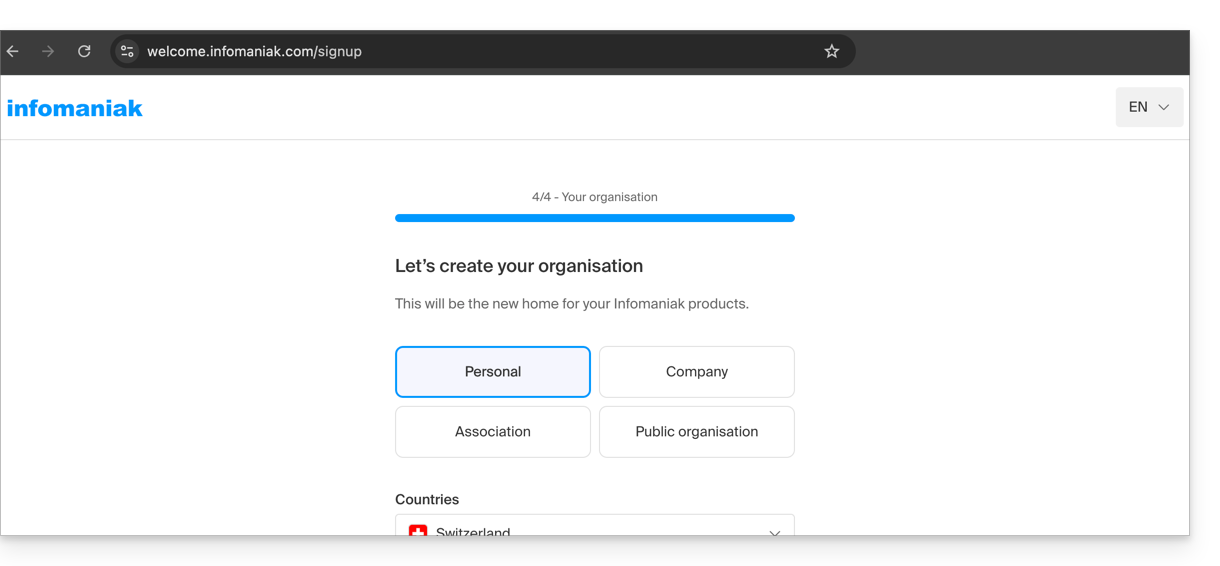
- Once your registration is validated, you can access the Manager at
manager.infomaniak.com, and your Organization is still an “empty shell” of which you are currently the sole legal representative: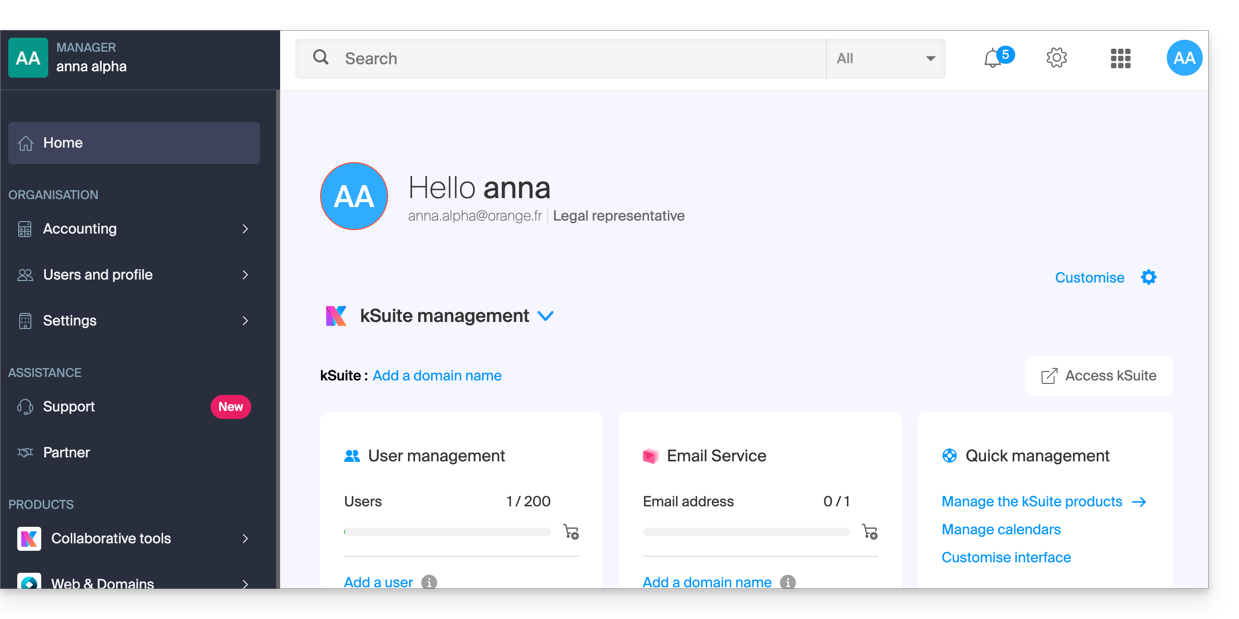
- You can distinguish:
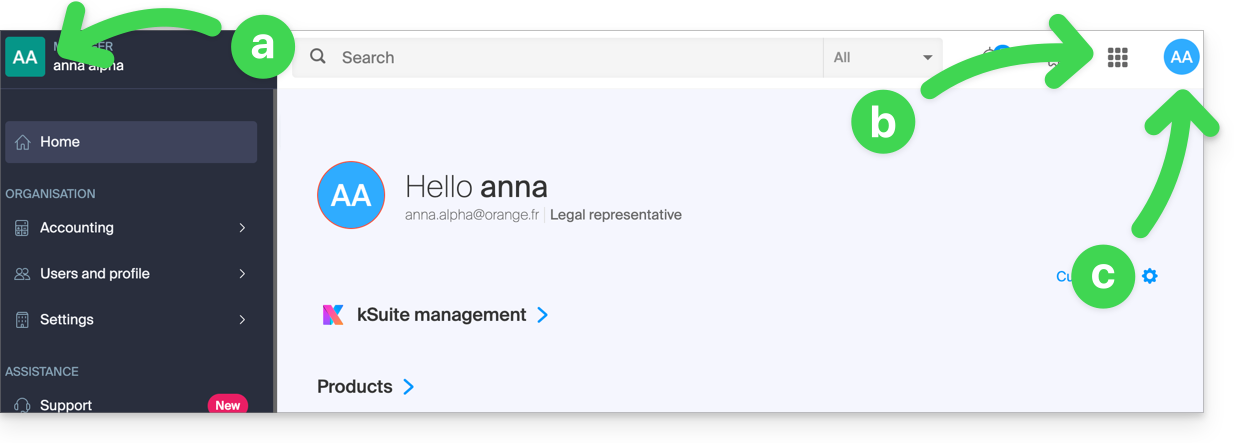
- The logo/type of your Organization, which in this case indicates that it is a personal Organization (automatically named during creation using the creator's first name/last name); this can be customized.
- The button allows you to access kSuite
ksuite.infomaniak.comand other apps/other services related to the kSuite Free added to your new Organization: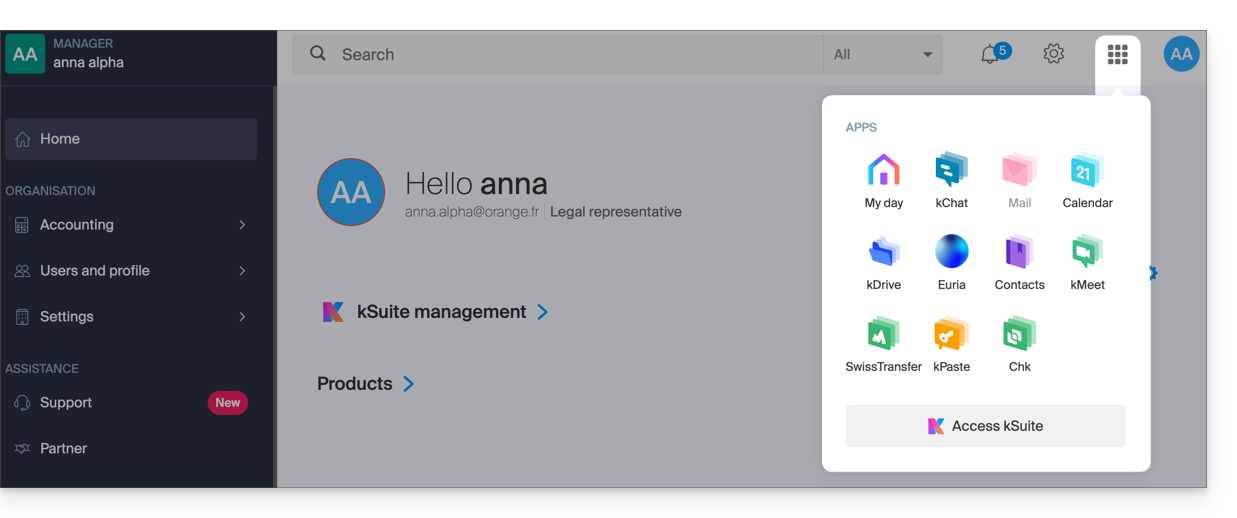
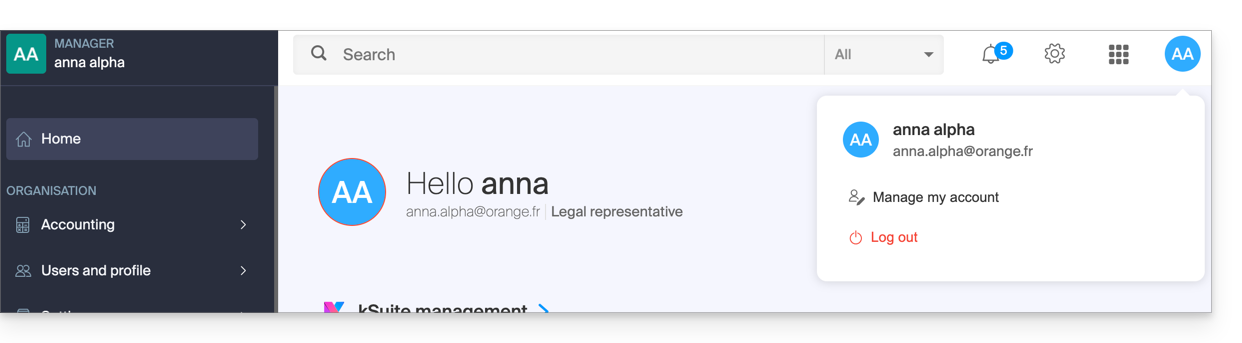
- The initials are those of your Infomaniak account (first name/last name provided during registration):
3. Combined Use
What happens if you sign up for my kSuite using an Infomaniak account that you already own for using hosting products?
Or, how to proceed if you want to purchase hosting products when you only have a my kSuite account?
Register for my kSuite by specifying an existing account
When registering on welcome.infomaniak.com/signup/myksuite, you choose to log in with an existing account…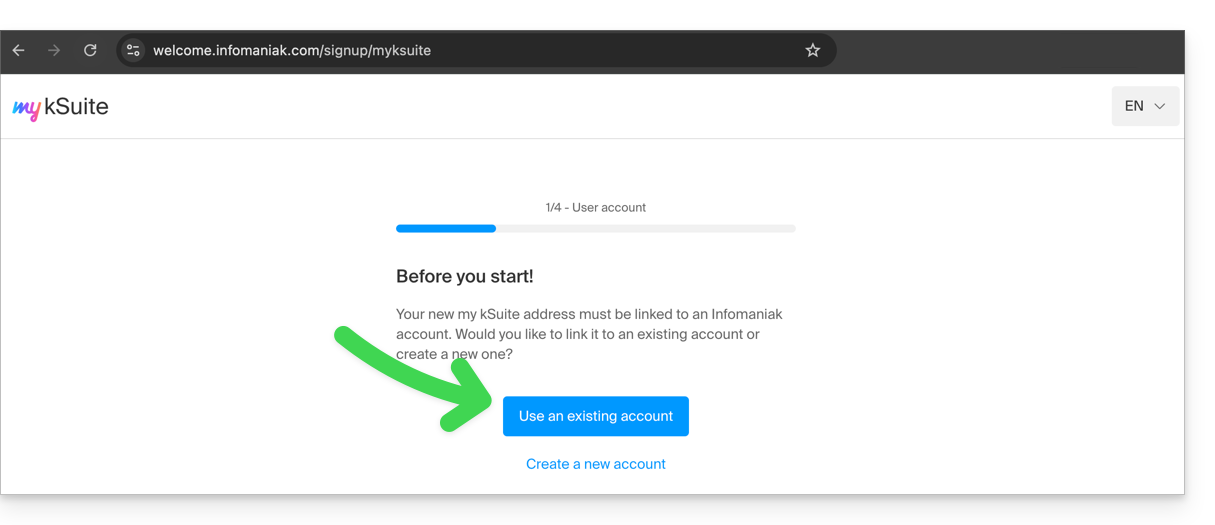
- Obviously, you should not enter a my kSuite account (
anna.a@ik.mefor example) as an existing account, because you cannot have multiple ik.me / etik.com / ikmail.com email addresses: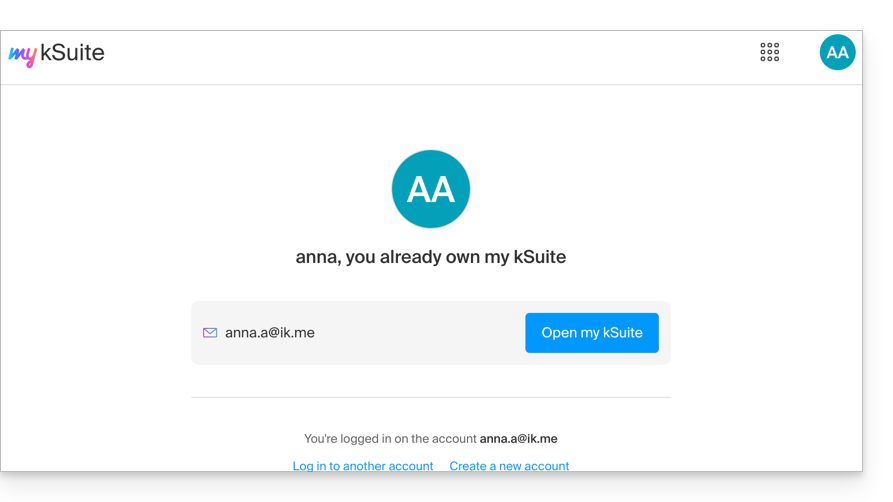
- Enter your existing Organization account,
anna.alpha@orange.fr: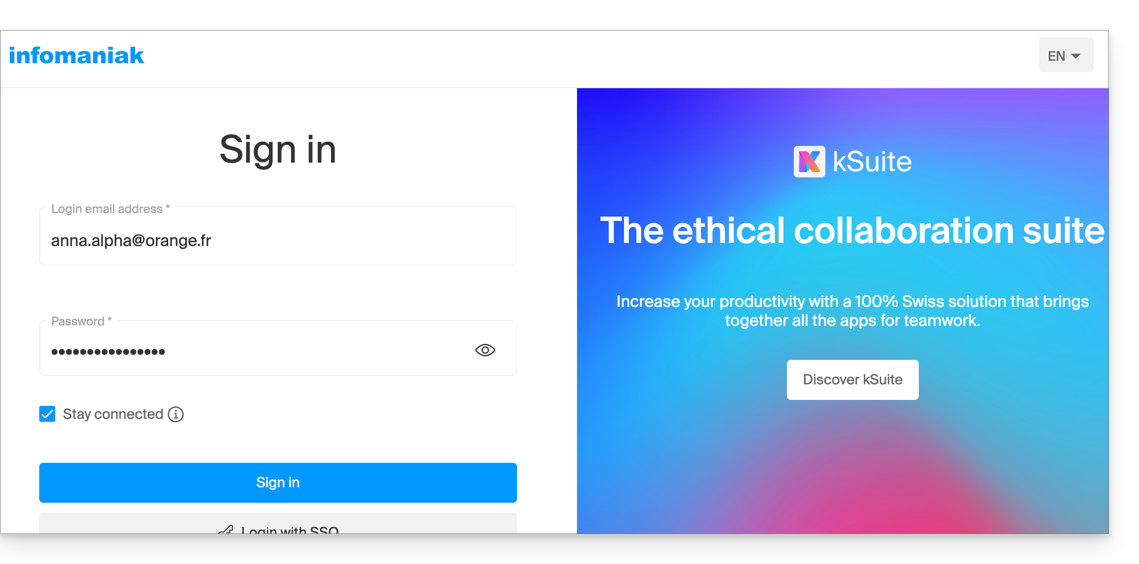
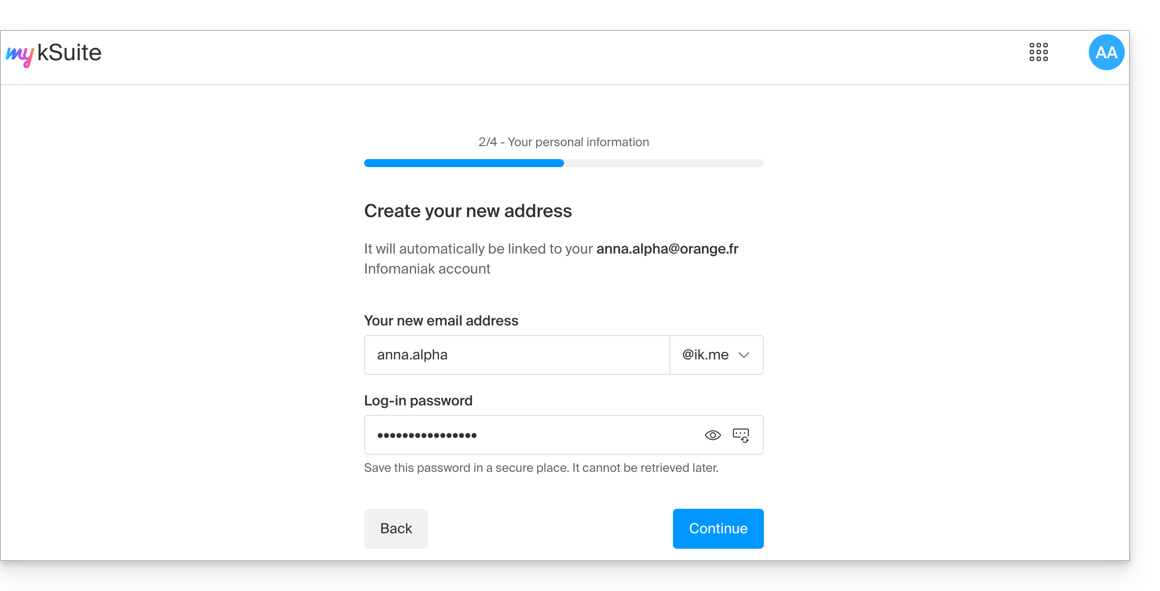
- This will prompt you to create a my kSuite account:
- Once your registration is validated, you will access the Manager at
manager.infomaniak.com:- Your previous Organization is visible…
- and is separate from my kSuite, which is currently selected:
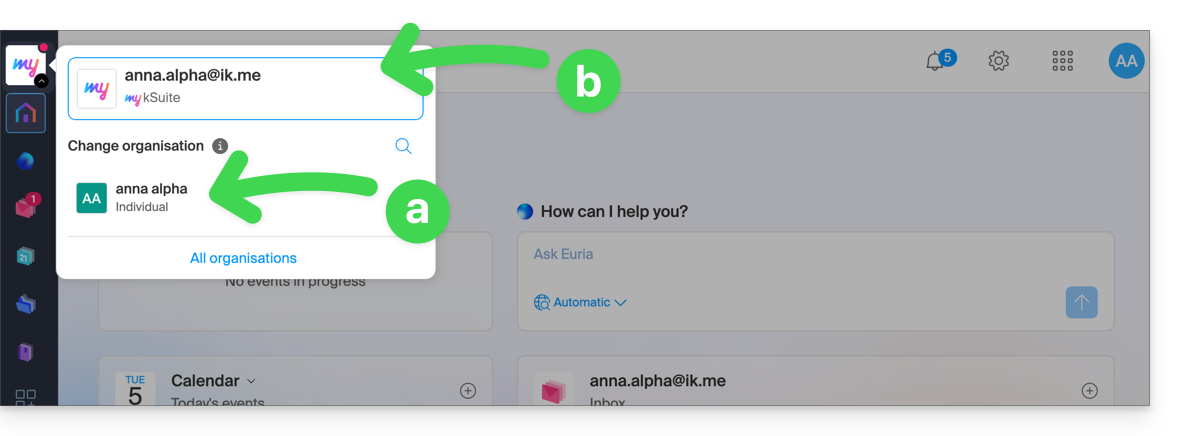
- Click on one of the Organizations/my kSuite in this menu (which is always accessible permanently in the upper left corner) to switch between them.
Purchase products using a my kSuite account
Another scenario: you want to purchase one of the services offered by Infomaniak on www.infomaniak.com, for example a domain name for your future website/email: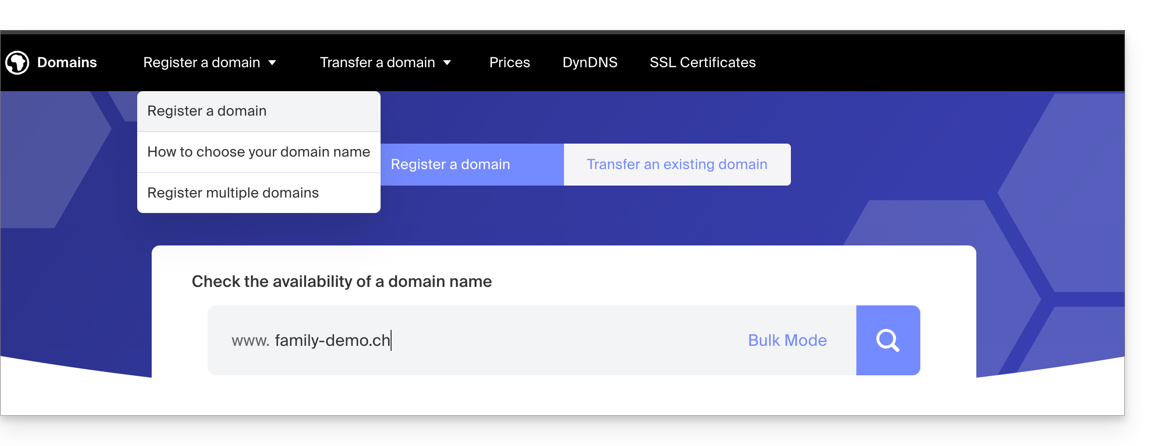
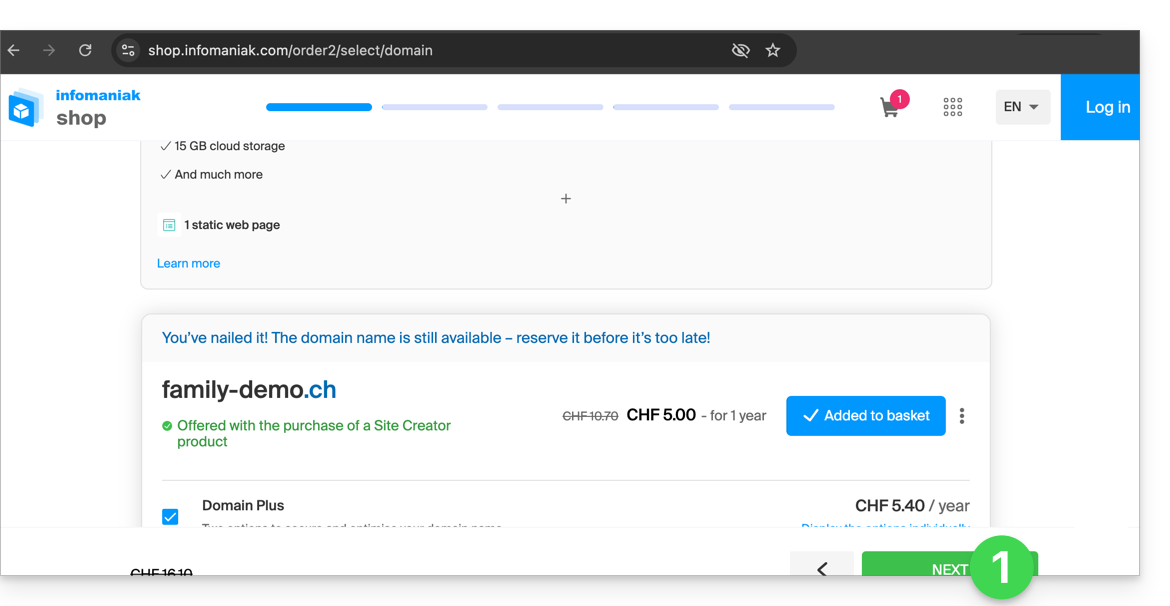
- You will be redirected to the Infomaniak Shop; proceed to the next step:
- At the step where you need to enter your existing Infomaniak ID, enter your existing my kSuite account (
anna.alpha@ikmail.comin this example):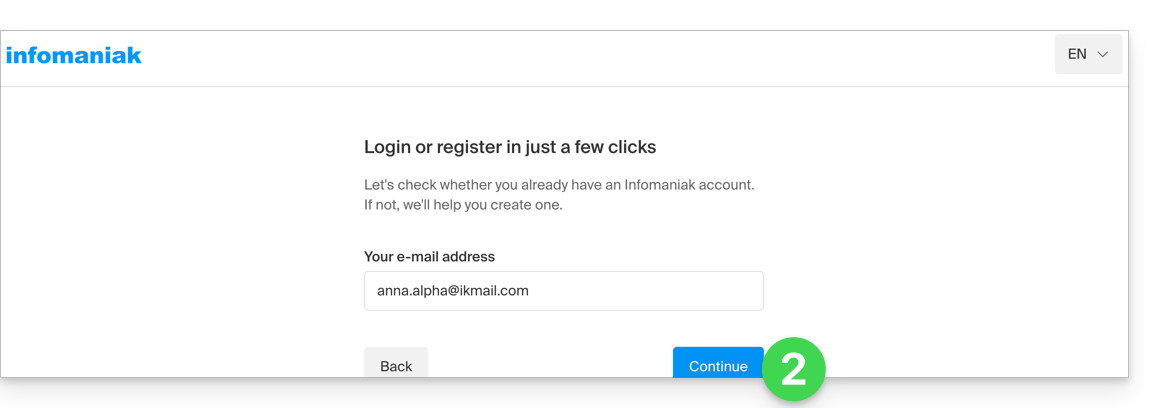
- Your existing ID is recognized; you must authenticate:
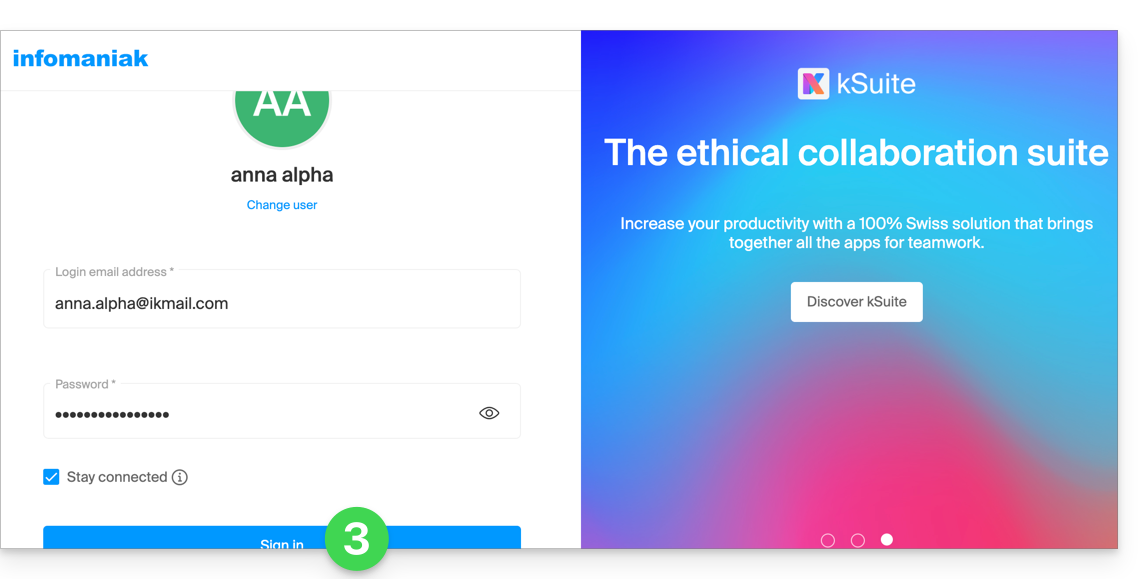
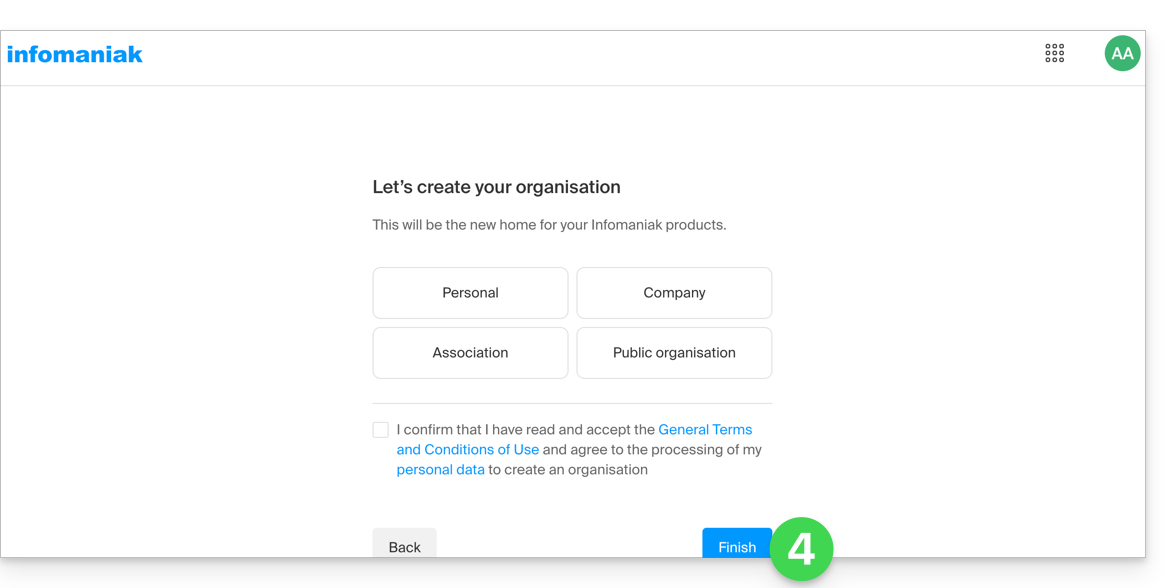
- You will then necessarily proceed to the Organization creation step; choose the type of Organization you wish to create (personal, or for a company, association, etc.):
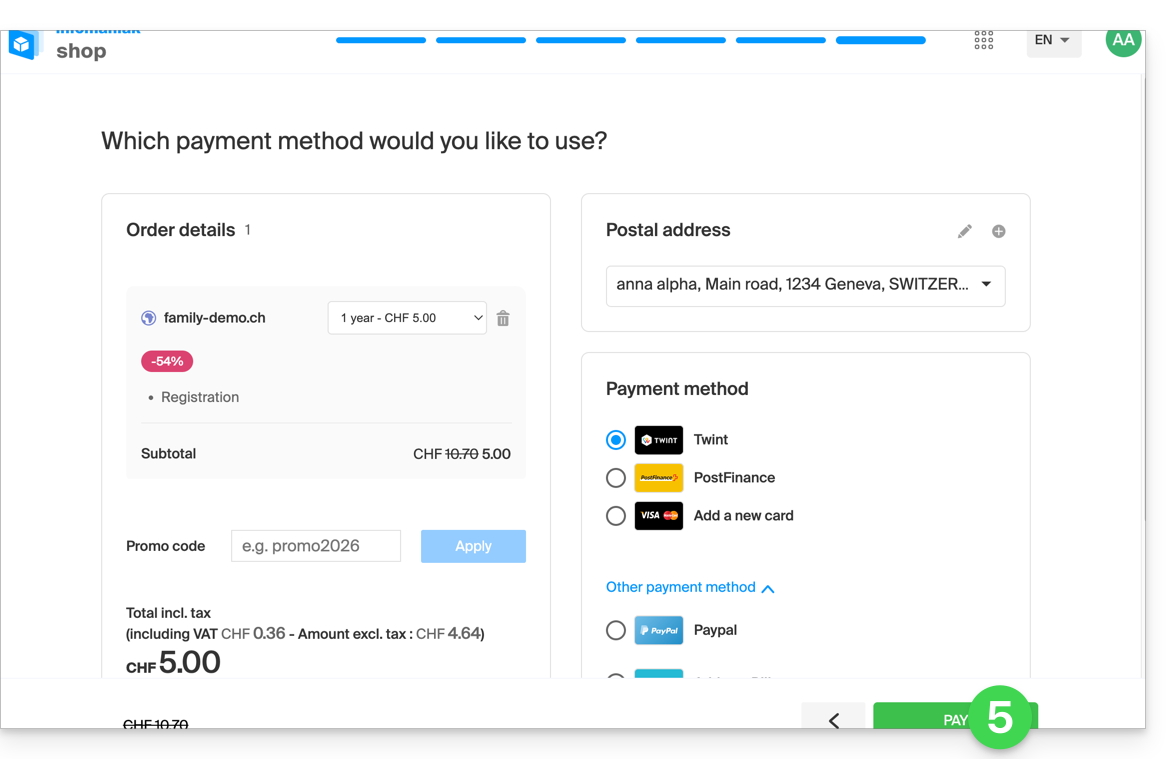
- To complete the purchase, the details relating to the Organization will be requested for billing purposes (they are also used to generate an owner for the domain name ordered); all that remains is to complete the order:
- Once the order is complete, you can access the Manager at
manager.infomaniak.com: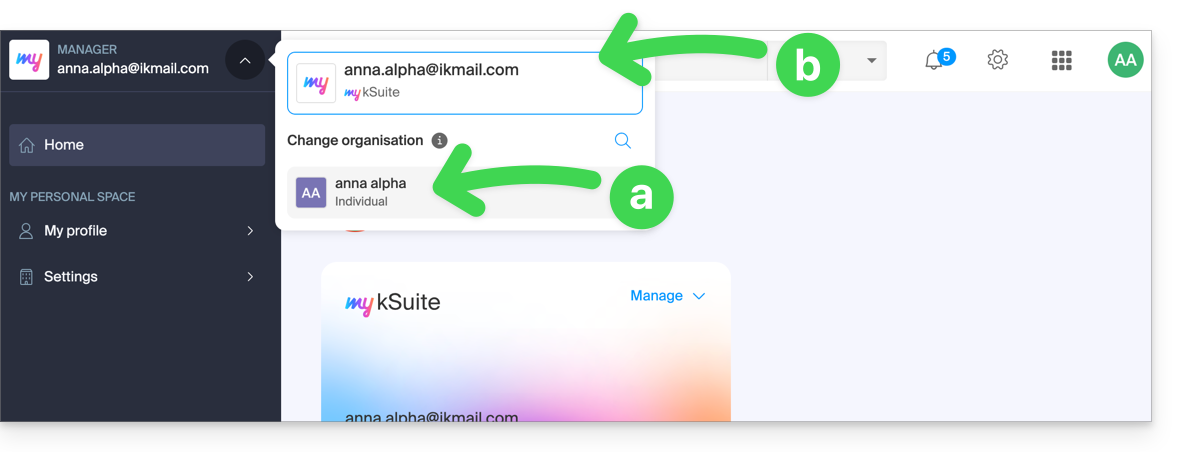
- Your new Organisation is visible…
- and is separate from my kSuite, which is currently selected.
- Click on the new Organisation to switch to it and manage your ordered products:
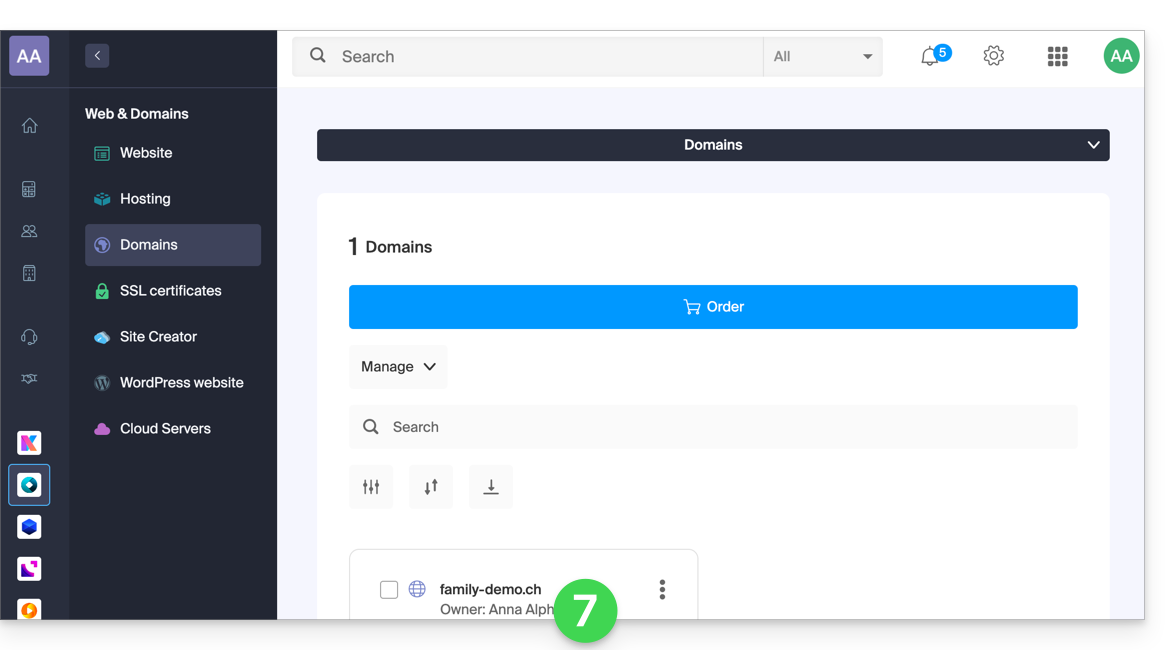
- To switch between your Organizations/my kSuite, click on this menu (always accessible permanently in the top left corner):
- First, to reach the main Manager page,
- then click on the chevron to select the destination:
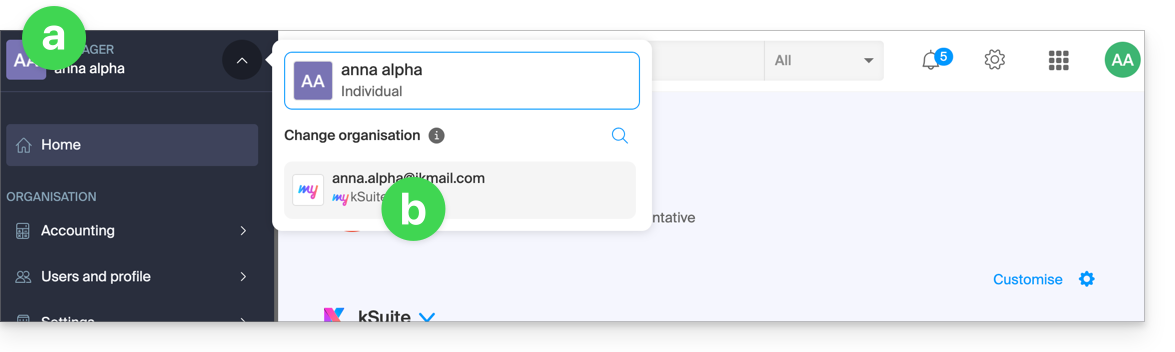
- You will then find your my kSuite email address.
To understand the different Infomaniak "Suites" (kSuite Pro, my kSuite...), please refer to this other guide.
Link to this FAQ: https://faq.infomaniak.com/2489
Has this FAQ been helpful?