Knowledge base
1000 FAQs, 500 tutorials and instructional videos. Here, there are only solutions!
Request access to an Infomaniak email address
Update 05/11/2026
This guide explains the steps required for you, as an employee, collaborator, family member, or in any other situation, to access an email address created on Infomaniak by a third party.
Request to be a user of the email address
Prerequisites
- If you already have an Infomaniak account, check that the email address is actually inaccessible to your user at the moment.
- Note your login ID: click on the badge with your initials / avatar in the top right of the Infomaniak Manager:
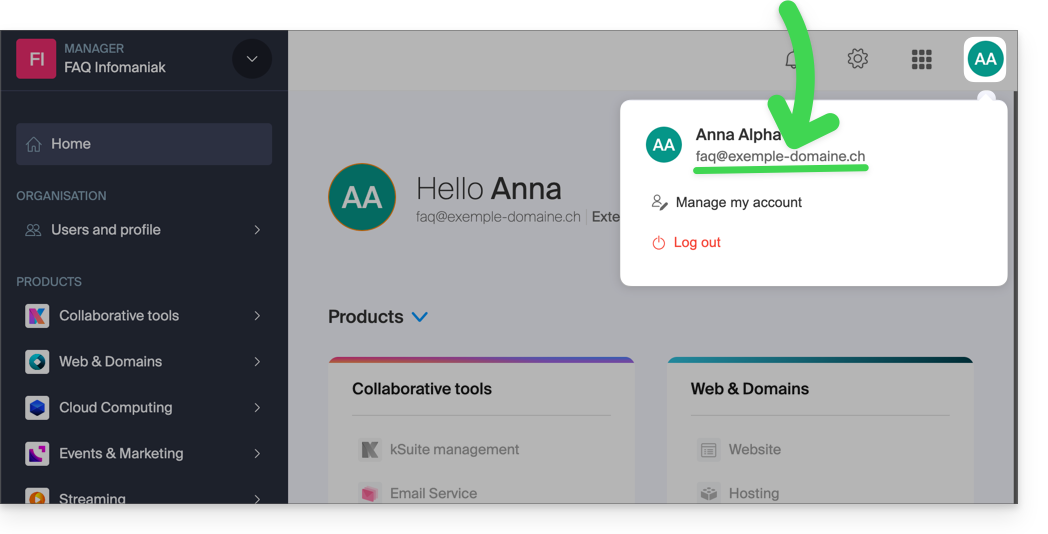
Then, contact the manager of the email address concerned (demo@primary-domain.ch in this example):
- Ask him to follow the instructions provided in this other guide faq.infomaniak.com/1478 to add your login ID as a user of the address “
demo” on the Mail Service “primary-domain.ch”. - Provide him with your login ID, for example
faq@example-domain.ch.
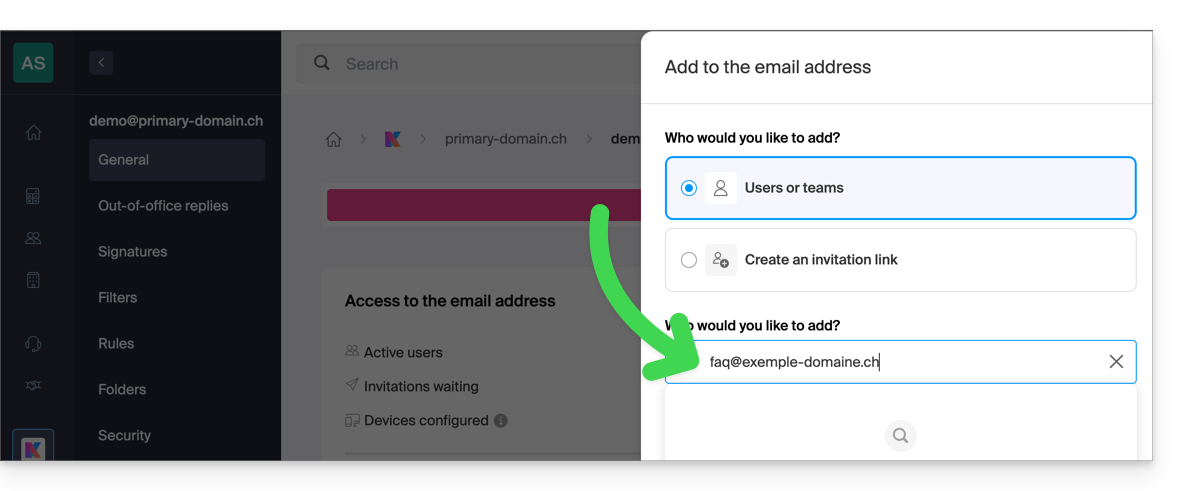
He will then be able to add your login ID at point 6, as a user of the email address:
- either directly, because you are already part of the same Organization as him:
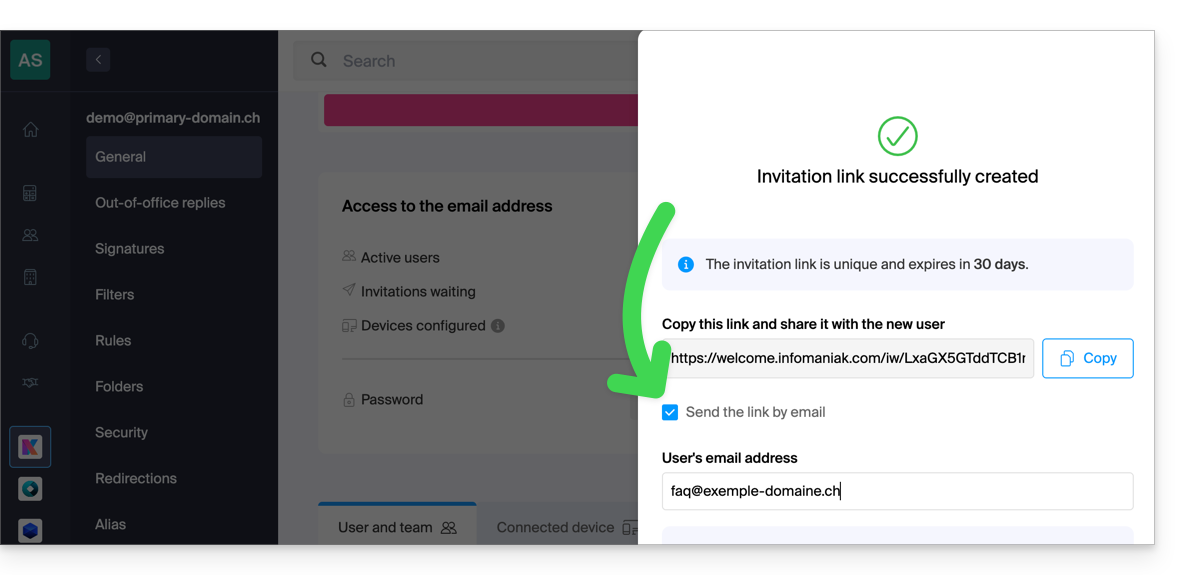
- or via an invitation link system, which he can send you by message, email for example:
Once the operation is complete, you will see the content of the mailbox concerned appear on your interface ksuite.infomaniak.com/all/mail: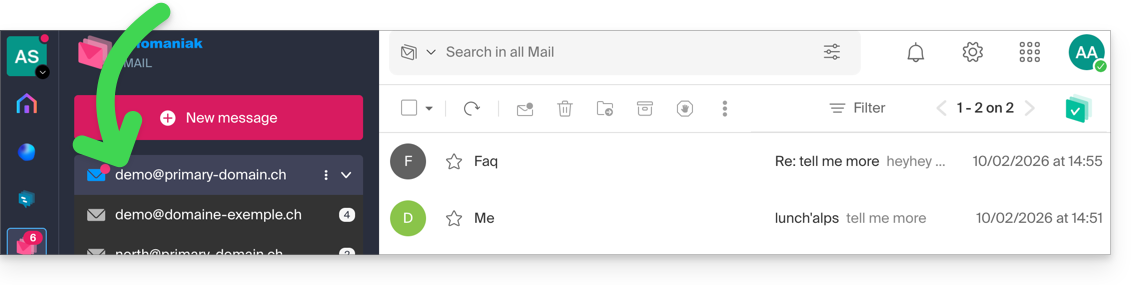
Link to this FAQ:
Has this FAQ been helpful?