

Knowledge base
1000 FAQs, 500 tutorials and explanatory videos. Here, there are only solutions!
Change the login password for Manager / Mail
This guide explains how to change the password of your Infomaniak account (= user account) on the Manager, the administration interface of your Infomaniak products.
Preamble
- This same password also allows you to log in to Mail Infomaniak and various iOS / Android applications such as kDrive, Infomaniak Mail, etc. (learn more).
- If you are unable to log in to the Manager, you will not be able to change the password; refer to this other guide in this case.
- A change in the login password may affect access to your mailbox as a password may be requested again for its use.
- You can also change only the passwords of email addresses.
Change the Infomaniak account password
To change the password of your Infomaniak account:
- Click here to access the management of your settings (Infomaniak Manager).
- Click on Edit from the Login Settings box under login password:
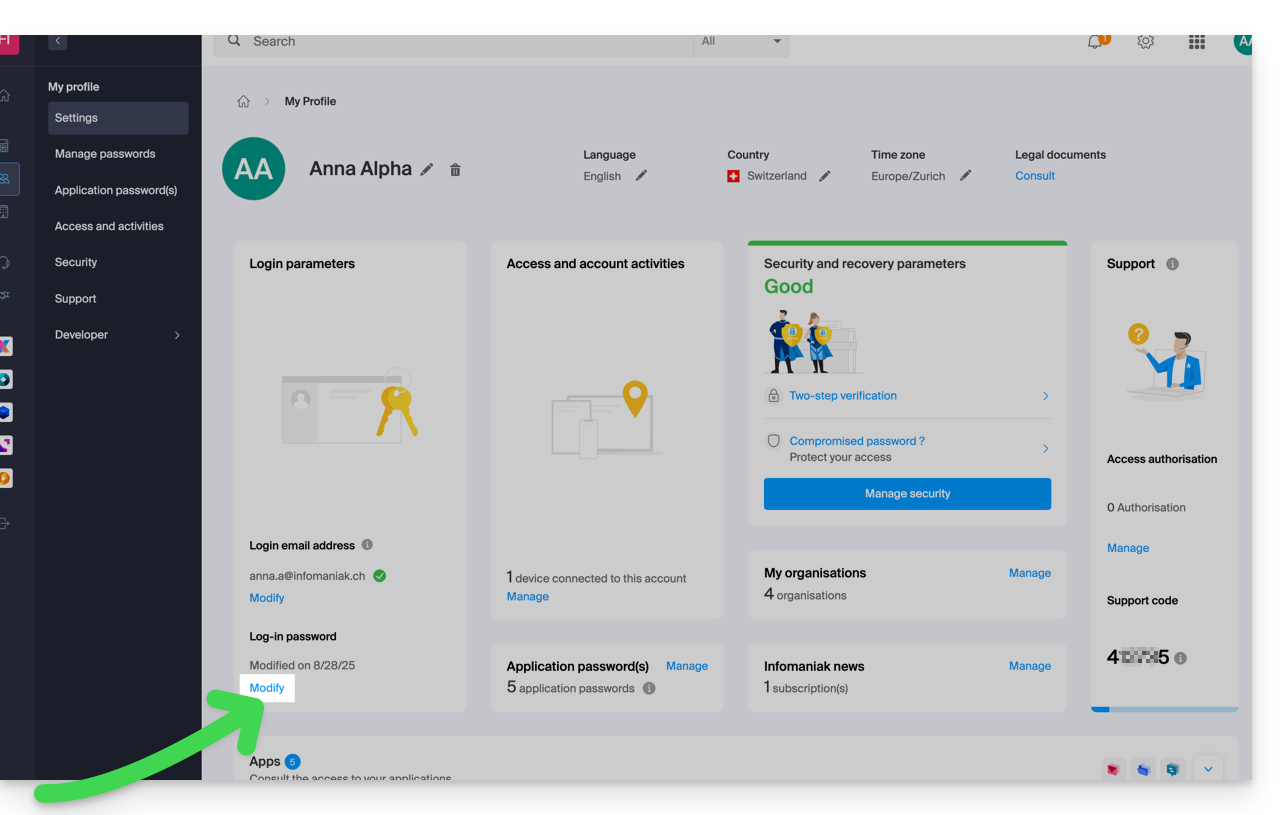
- Enter the current login password and the desired new password.
- Click on Save.
Link to this FAQ: