Knowledge base
1000 FAQs, 500 tutorials and instructional videos. Here, there are only solutions!
Getting Started Guide: Custom Brand
Thank you for choosing to customize your account with Custom Brand!
Introduction
- Available as an option with any Infomaniak plan or already included with kSuite Enterprise, discover this customization tool to make your web addresses unique, add a logo, or add an image slideshow to your Infomaniak organization login page.
- The Web Redirection tool will no longer be usable on your domain after Custom Brand is activated on it.
Custom Brand Customization Guides
Prerequisites
- Own a domain name with Infomaniak (transfer it if necessary).
- Its extension must be among those supported by Custom Brand.
- Note that this also works with a subdomain.
- Configure the domain to use Infomaniak's DNS servers.
Next, to use Custom Brand: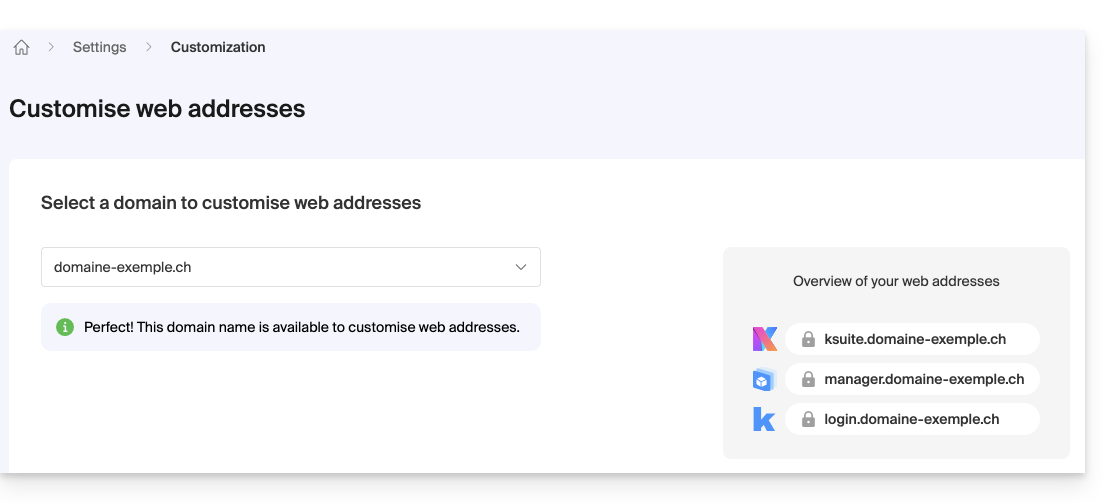
- Getting started with Custom Brand: customize URLs & the interface
- Troubleshooting:
Customize your web addresses with your domain
| Access to… | without Custom Brand | with Custom Brand |
|---|---|---|
| kSuite | ksuite.infomaniak.com | ksuite.domain.xyz |
| Manager | manager.infomaniak.com | manager.domain.xyz |
| e-mails (Mail) | mail.infomaniak.com | mail.domain.xyz |
| calendars | calendar.infomaniak.com | calendar.domain.xyz |
| contacts | contacts.infomaniak.com | contacts.domain.xyz |
| kDrive | kdrive.infomaniak.com | kdrive.domain.xyz |
| kMeet video conferences | kmeet.infomaniak.com | kmeet.domain.xyz |
| Euria | euria.infomaniak.com | euria.domain.xyz |
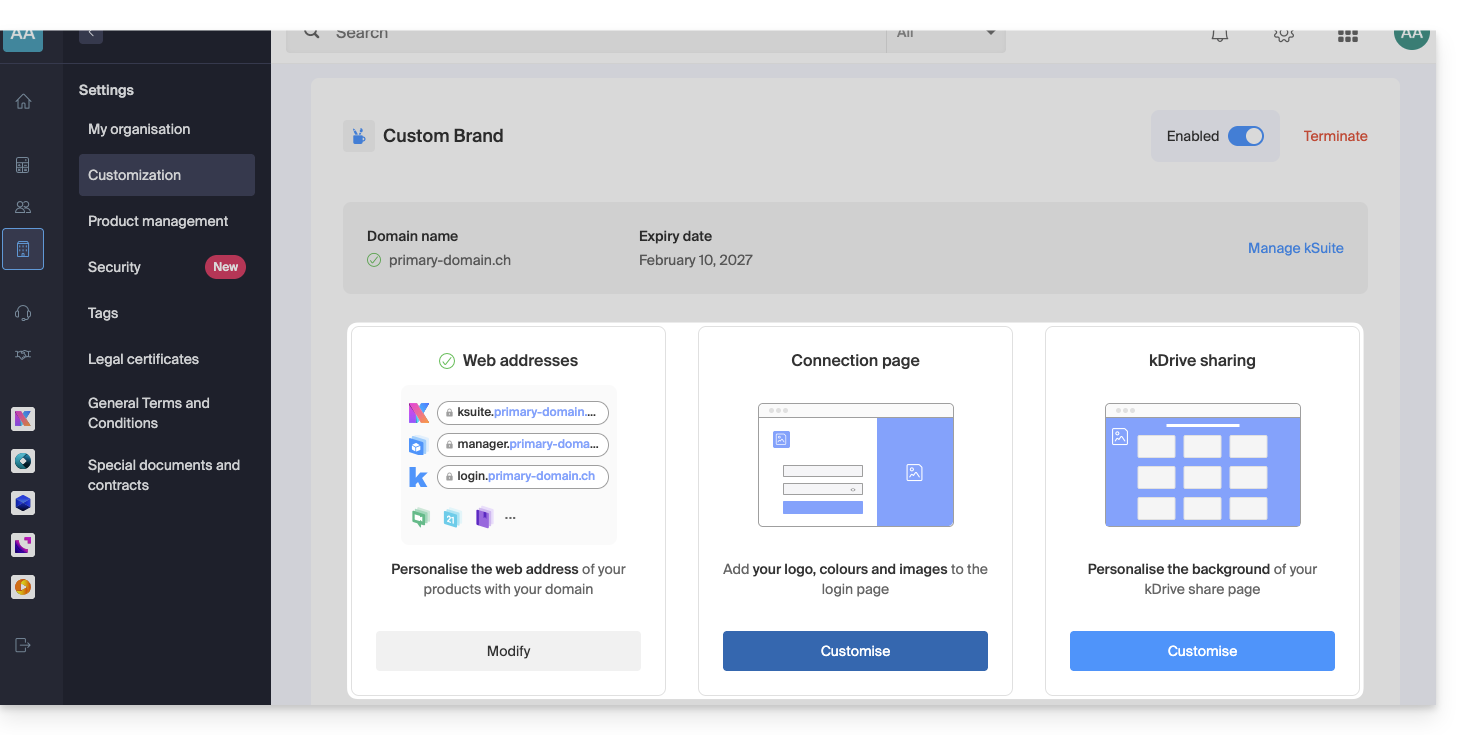
Customize your Organization's interface
The following interface options can be modified from the kSuite settings: :
- Add your logo to your Organization's interface.
- Added a 3-image panorama to the login page.
- Changed the text and button color on the login page.
- Customization of kDrive sharing (see this other guide).
Link to this FAQ: https://faq.infomaniak.com/2465
Has this FAQ been helpful?