Knowledge base
1000 FAQs, 500 tutorials and instructional videos. Here, there are only solutions!
Getting Started: Custom Brand
Thank you for choosing to customize your account with Custom Brand!
Introduction
- Available as an option with any Infomaniak offer or already included with kSuite Enterprise, discover this customization tool to make your web addresses unique, add a logo or an image slideshow to your login page to your Infomaniak Organization.
- The Web Redirection tool will no longer be usable on your domain after activating Custom Brand on it.
Custom Brand Customization Guides
Prerequisites
- Own a domain name with Infomaniak (transfer it if necessary).
- Its extension must be among those supported by Custom Brand.
- Note that this also works with a subdomain.
- Configure the domain to use Infomaniak's DNS servers.
Then, to use Custom Brand: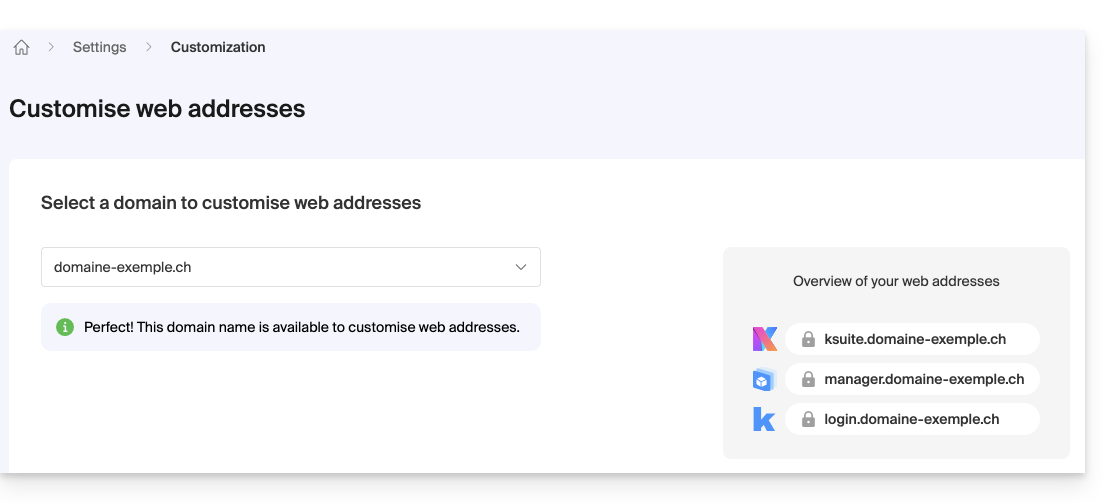
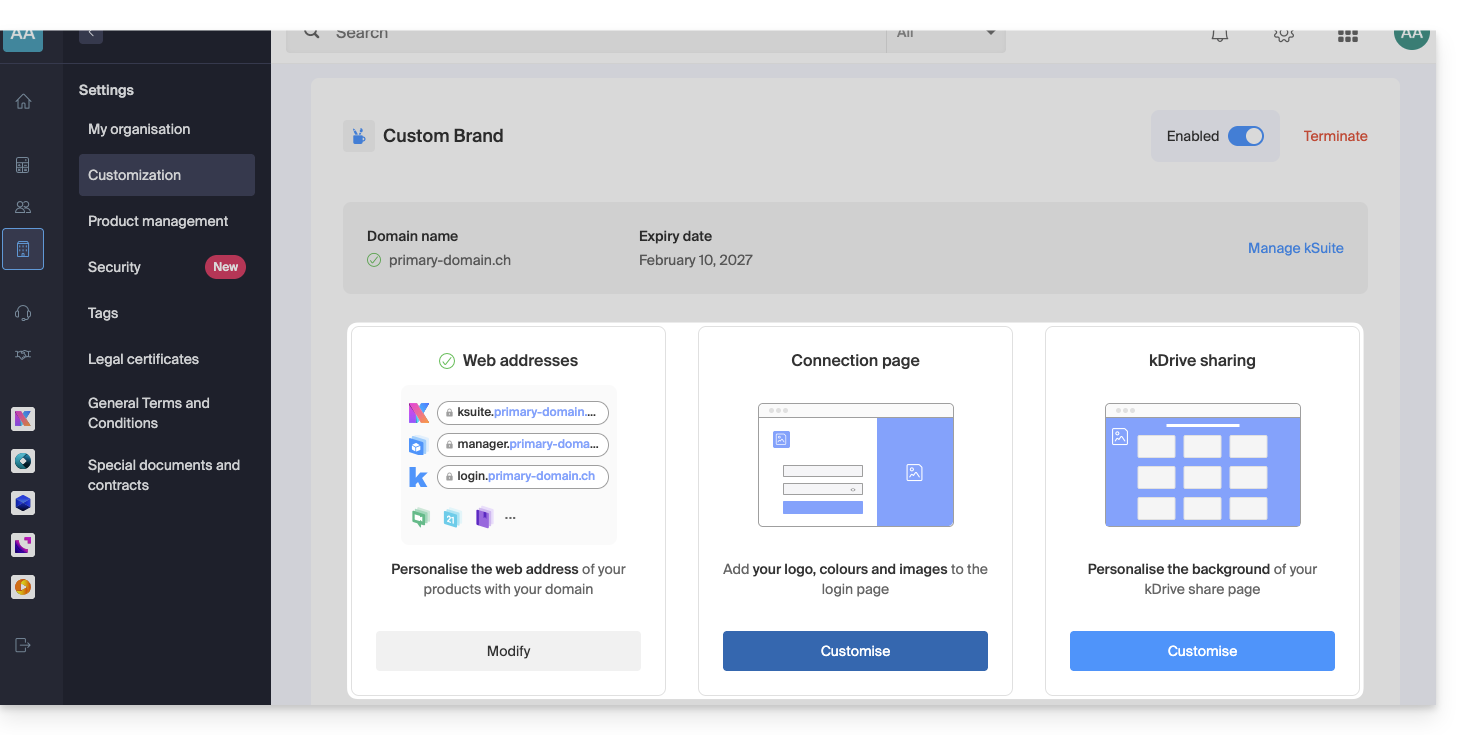
- Access Custom Brand, customize the URLs & interface
- Troubleshoot an issue:
Customize your web addresses with your domain
| Access to … | without Custom Brand | with Custom Brand |
|---|---|---|
| kSuite | ksuite.infomaniak.com | ksuite.domain.xyz |
| Manager | manager.infomaniak.com | manager.domain.xyz |
| e-mails ( Mail) | mail.infomaniak.com | mail.domain.xyz |
| calendars / agendas | calendar.infomaniak.com | calendar.domain.xyz |
| contacts | contacts.infomaniak.com | contacts.domain.xyz |
| kDrive | kdrive.infomaniak.com | kdrive.domain.xyz |
| videoconferences kMeet | kmeet.infomaniak.com | kmeet.domain.xyz |
| Euria | euria.infomaniak.com | euria.domain.xyz |
Customize the interface of your Organization
The following interface options are modifiable from the kSuite settings:
- Add your logo to your Organization's interface.
- Add a panorama of 3 images on the login page.
- Change the text and button color on the login page.
- Customize kDrive shares (see this other guide).
Link to this FAQ:
Has this FAQ been helpful?