Knowledge base
1000 FAQs, 500 tutorials and instructional videos. Here, there are only solutions!
Upgrading an existing Mail service to a new kSuite
This guide helps you get started with kSuite by integrating an existing Mail Service into your Organization.
Introduction
- To help you identify the kSuite offer that best suits your needs, please refer to this other guide.
- You can also integrate kDrive if it is not currently included in a kSuite.
Upgrading a Mail Service to kSuite
If no kSuite is currently present in the Organization, the easiest option is to order a new one and specify the domain name corresponding to your current Mail Service. This will integrate the latter into the new kSuite.
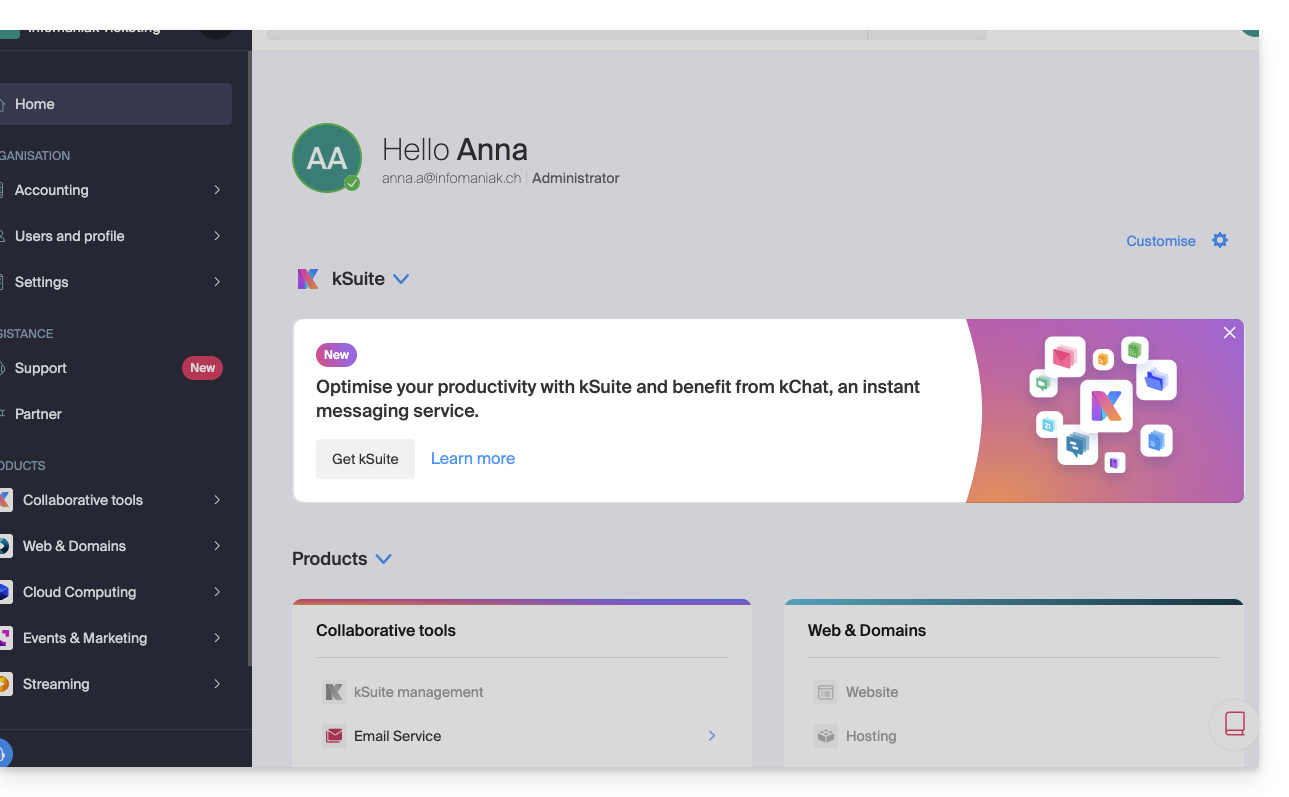
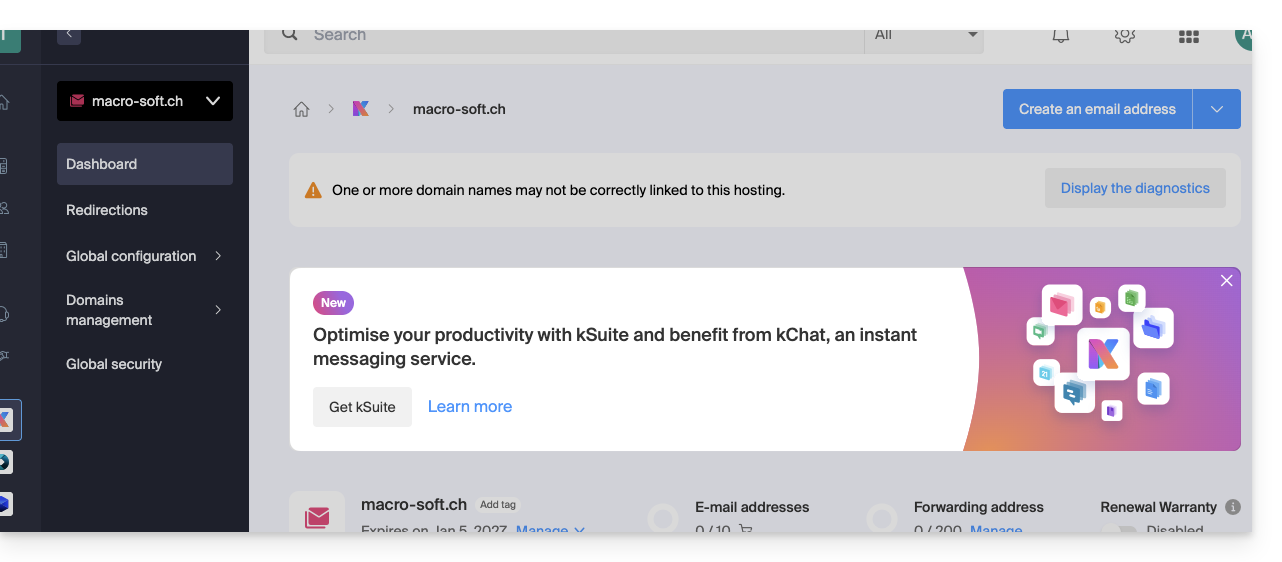
You can also do this from an information banner that is visible…
- … on the homepage of your Manager interface:
- … on the management page for your Mail service, excluding the current kSuite:
Link to this FAQ: https://faq.infomaniak.com/2495
Has this FAQ been helpful?