Knowledge base
1000 FAQs, 500 tutorials and instructional videos. Here, there are only solutions!
Manage Public Cloud Users
This guide explains how to manage users for your Public Cloud project.
Introduction
- To access a project's resources, you need to create OpenStack users (see below).
- These OpenStack users are not related to Infomaniak Manager users.
- The user's username is generated automatically and is provided after its creation.
- These OpenStack users are linked to a project, so they cannot access multiple projects.
- All operations on users (adding, modifying, deleting, etc.) are asynchronous and may sometimes take several minutes to complete.
Create a user for your Public Cloud
To create an OpenStack user after ordering your Public Cloud:
- Click here to access your product management interface on the Infomaniak Manager (need help?).
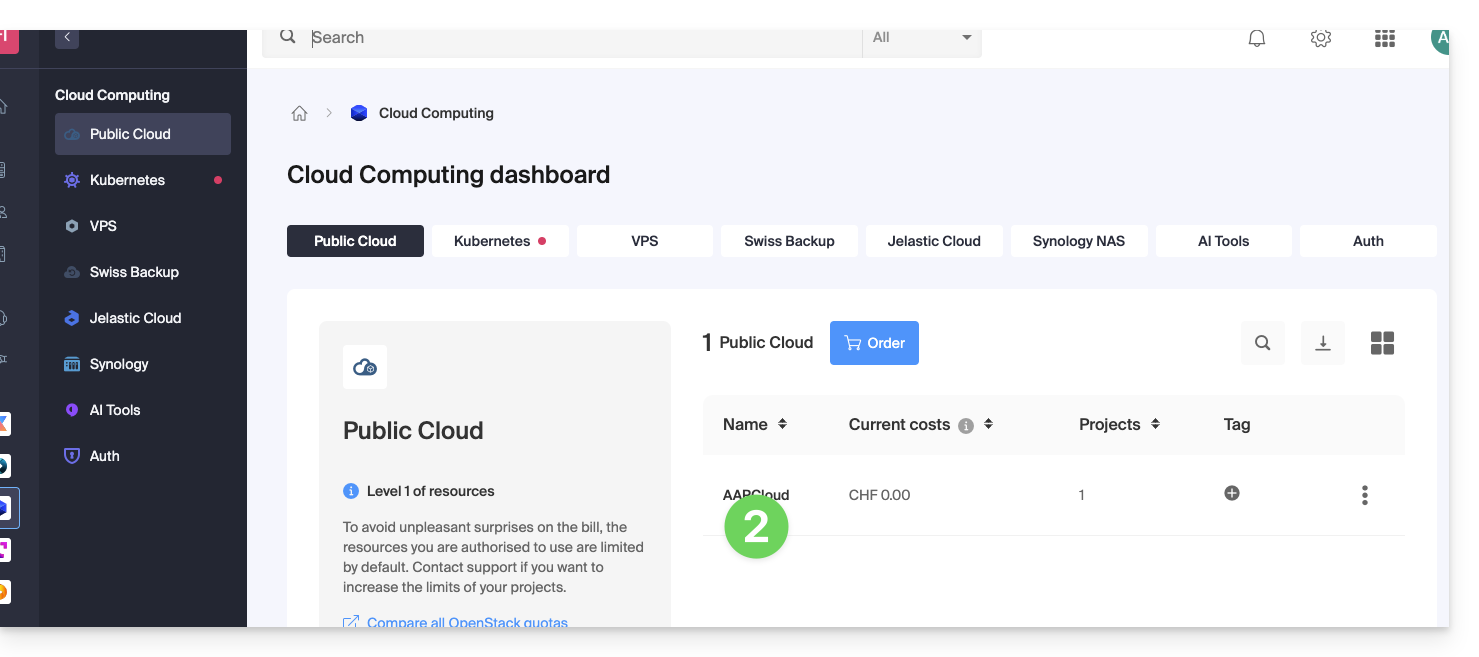
- Click directly on the name assigned to the product in question:
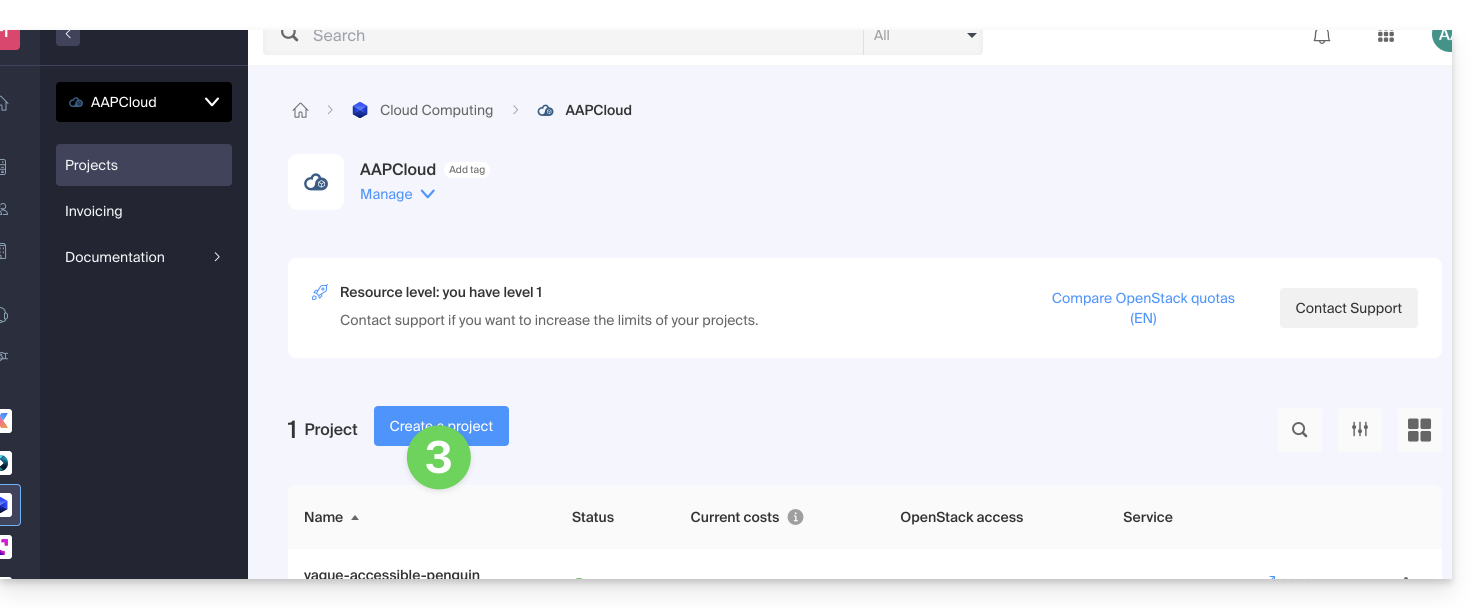
- Create a new Project:
- The user defined when creating your project will be in the format
PCU-XXXX, and you can assign a description to it for ease of use.
User Password Management
The OpenStack user password can be set immediately upon creation, or it can be generated later using a link that is sent by email to the address of your choice.
To change it later:
- Click here to access the management interface for your product in the Infomaniak Manager (need help?).
- Click directly on the name assigned to the product in question.
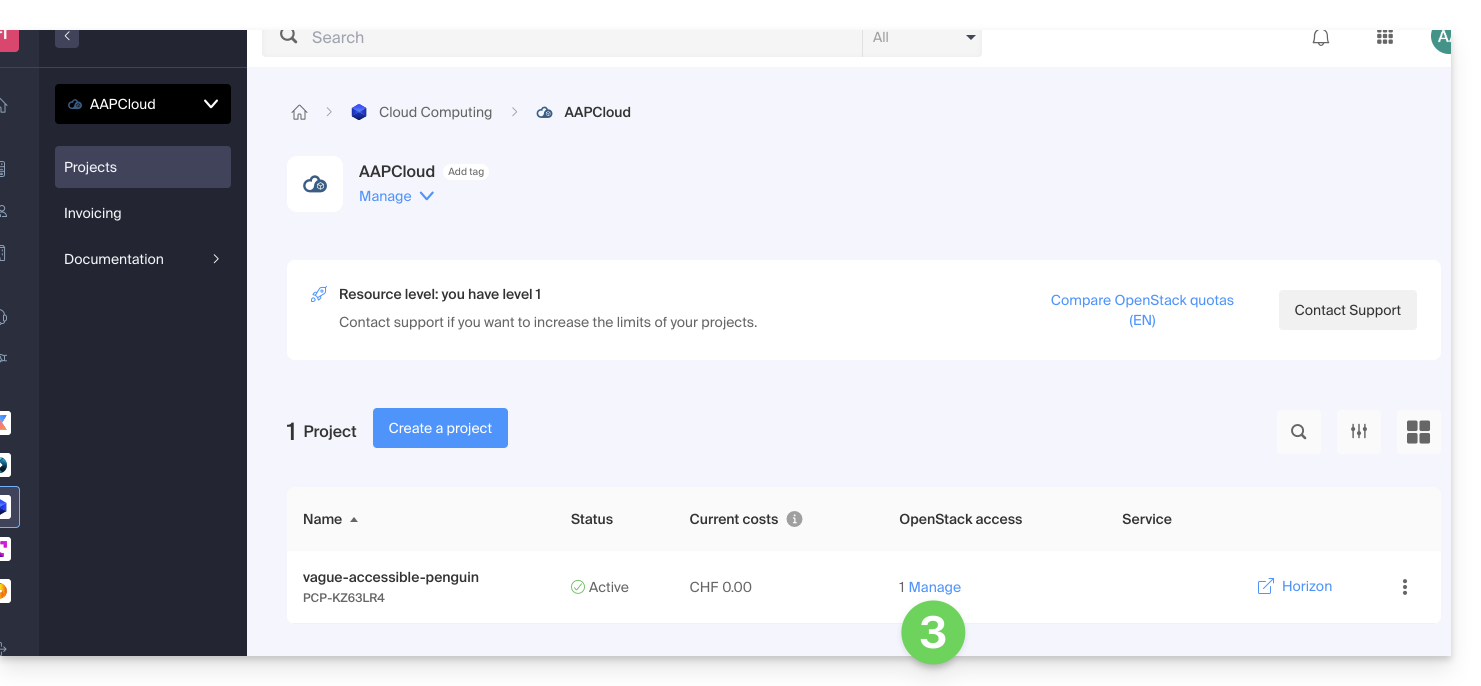
- Click on Manage in the Users column of the project in question:
- Click on the menu to the right of the user in question to access the password change option.
Add a new user to a project
To add more users to your project:
- Click here to access your product management interface in the Infomaniak Manager (need help?).
- Click directly on the name assigned to the product in question.
- Click on Manage in the Users column of the project in question.
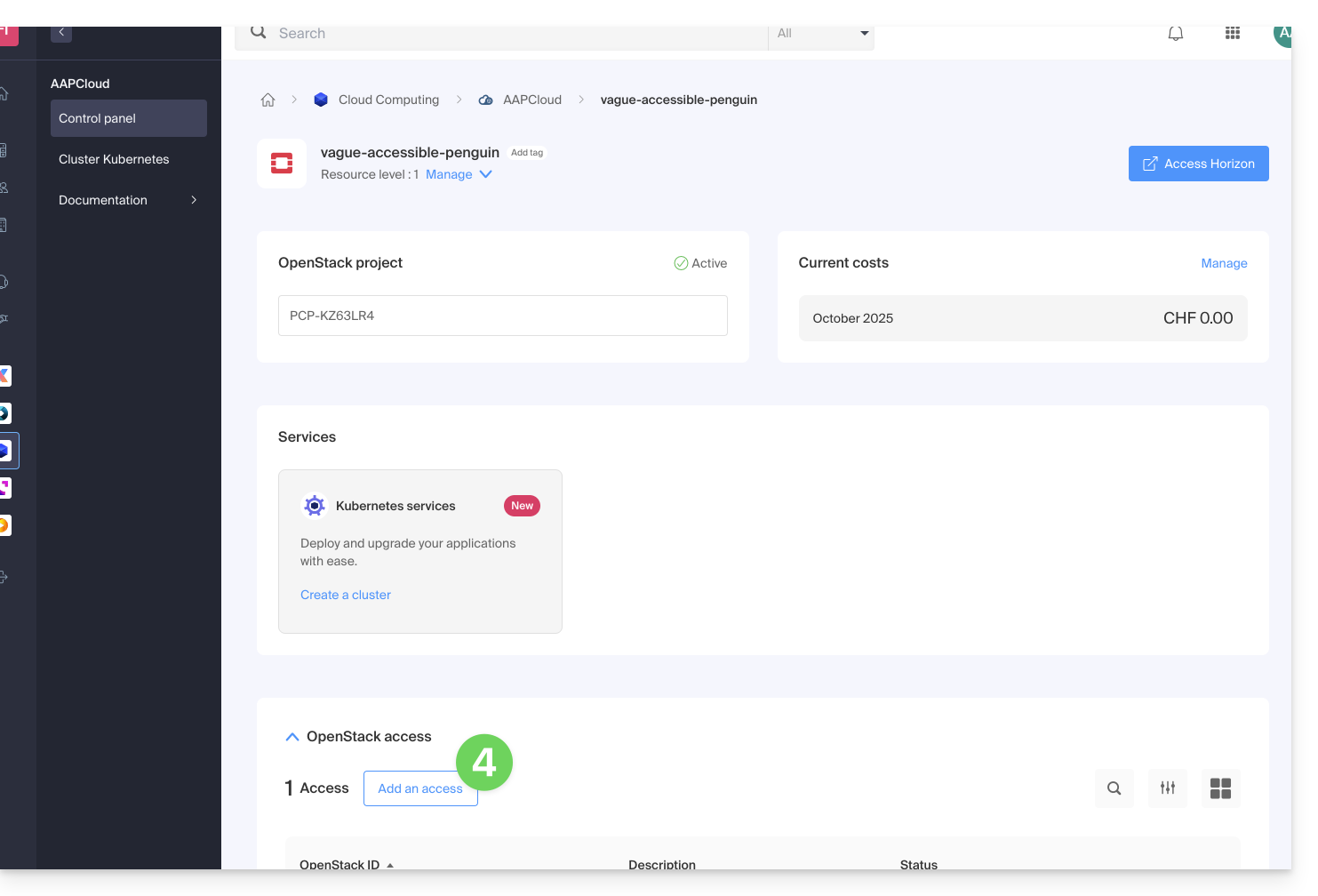
- Click on Add OpenStack access:
Delete a user
To delete an existing user:
- Click here to access your product management in the Infomaniak Manager (need help?).
- Click directly on the name assigned to the product in question.
- Click on Manage in the Users column of the project in question.
- Click on the menu to the right of the user you want to delete:
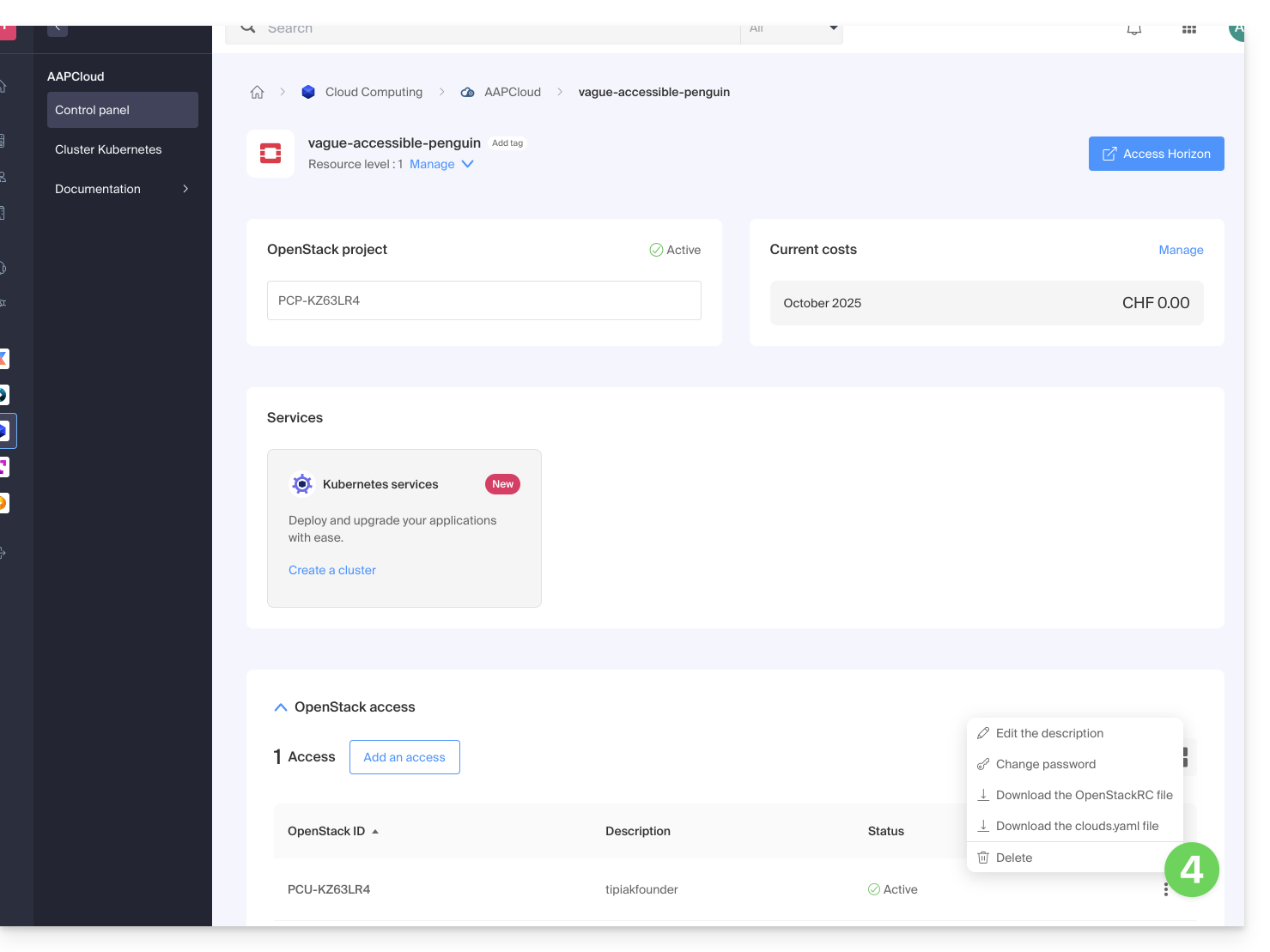
Deleting the OpenStack user is immediate and permanent.
Learn more
- Getting Started Guide: Public Cloud
- Public Cloud: Taking Action on an Existing Project
- Complete product documentation: https://docs.infomaniak.cloud
Link to this FAQ: https://faq.infomaniak.com/2492
Has this FAQ been helpful?