Knowledge base
1000 FAQs, 500 tutorials and instructional videos. Here, there are only solutions!
Secure a video stream with a unique key
This guide explains how to restrict access to Infomaniak video streaming using a unique key (hash).
Introduction
- This method offers the best level of protection and allows you, for example, to restrict your broadcasts to a members-only area requiring authentication.
- Since the method of generating this code is specific to each site, you will need to implement the required PHP functions and adapt the integration code for your player accordingly.
Restrict access to broadcasts using a unique key (hash)
To do this:
- Click here to access the management of your product in the Infomaniak Manager (need help?).
- Click directly on the name assigned to the product in question.
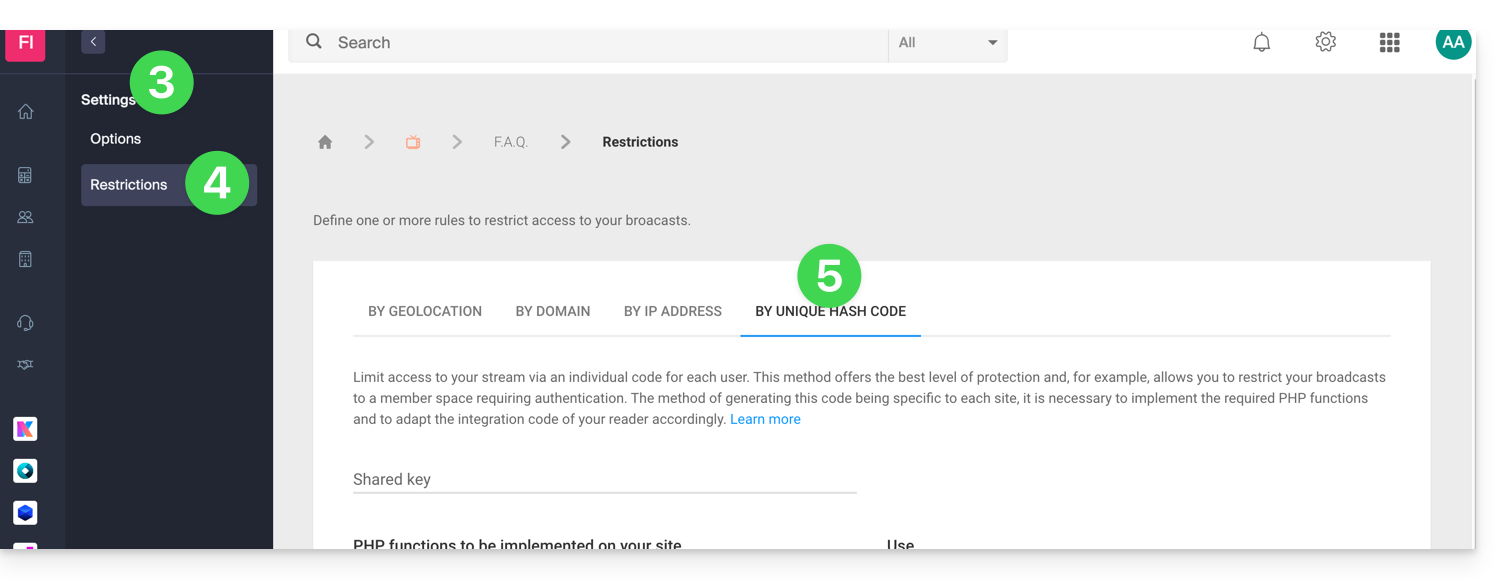
- Click on Settings in the left-hand menu.
- Click on Restrictions in the left-hand menu.
- Click on the tab (or the dropdown menu item) Restriction by unique hash:
How restrictions work
This method requires retrieving information related to the configuration of your stream and the user connecting.
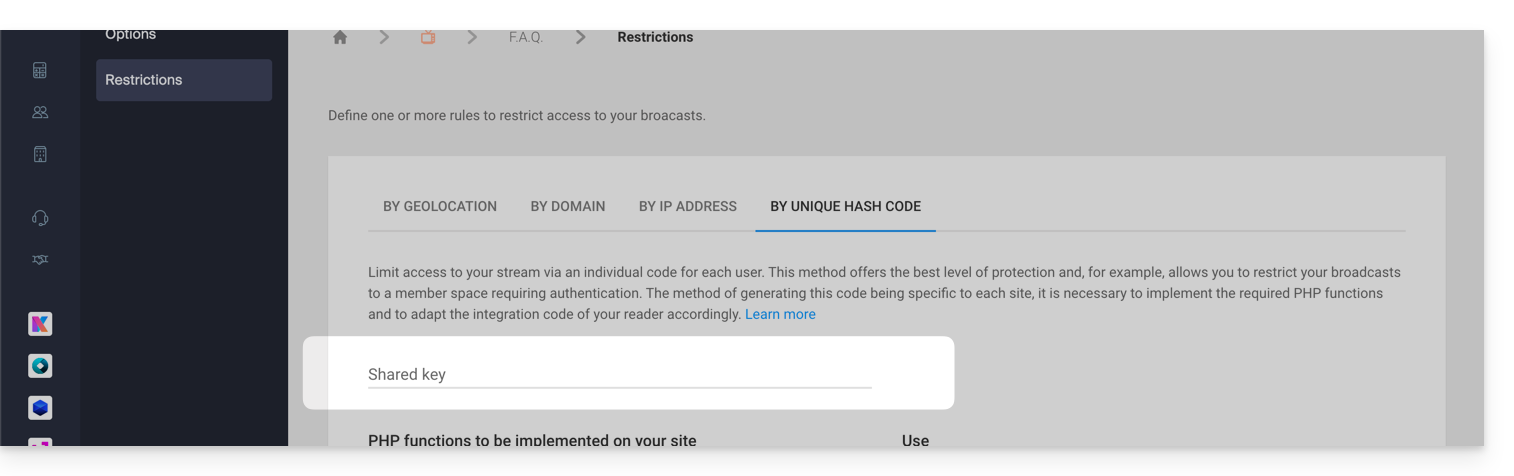
First, you need to create a password (a key) in the Infomaniak Manager. Once this key is added, connected viewers and those attempting to view your stream will be instantly blocked (refer to this other guide to customize the replacement image displayed to blocked viewers).
Here's the process to follow to allow access to your stream:
- Design an authentication system (e.g., a members area).
- Use the password configured above in the Manager.
- Retrieve the IP address of the users, for example, using
$_SERVER["REMOTE_ADDR"]. - Obtain the ID of the stream to target.
- Retrieve the current date and time (without minutes and seconds).
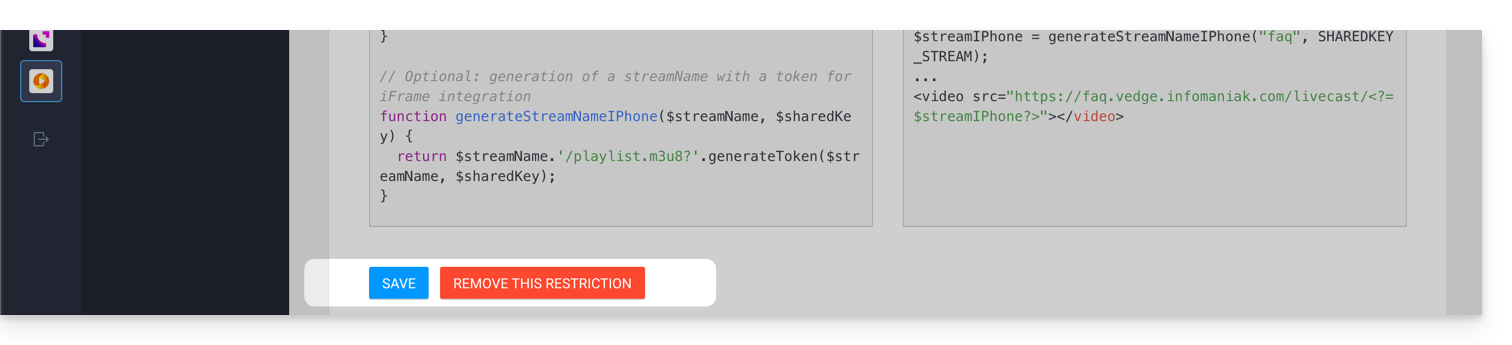
These elements will then be hashed by the code provided in the Manager to generate a unique token specific to each user, which will be transmitted to the stream when it is loaded. The streaming platform will then verify the validity of the hash to allow or reject the connection.
Important notes
- To ensure the security of access to the stream, the validity of each token is limited in time.
- It is important to disable the cache on the pages that allow access to the stream; if the token generation is cached, other users will attempt to authenticate with someone else's hash, which will cause them to be rejected even if they are authorized to view the stream.
Link to this FAQ: https://faq.infomaniak.com/2273
Has this FAQ been helpful?