Knowledge base
1000 FAQs, 500 tutorials and instructional videos. Here, there are only solutions!
Link an external domain name to the Newsletter
This guide explains how to use the Infomaniak Newsletter tool with an external domain name (not managed with Infomaniak).
Prerequisites
- The domain name must belong to you.
- Synonymous domains and their main domain cannot be used to send newsletters.
- You can configure your synonyms as aliases.
Link an external domain
To access the management of domains for sending newsletters:
- Click here to access your product management interface in the Infomaniak Manager (need help?).
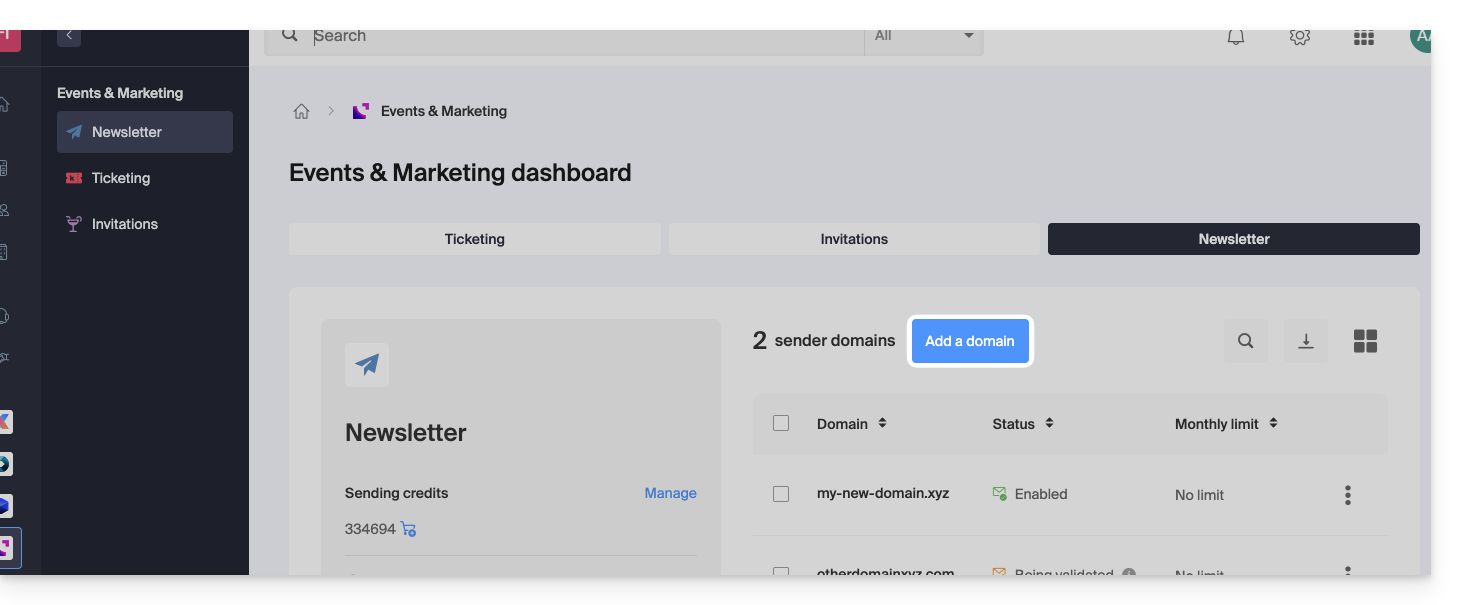
- If you already have a Newsletter, click on Add a domain:
- Otherwise, click on Start for free:
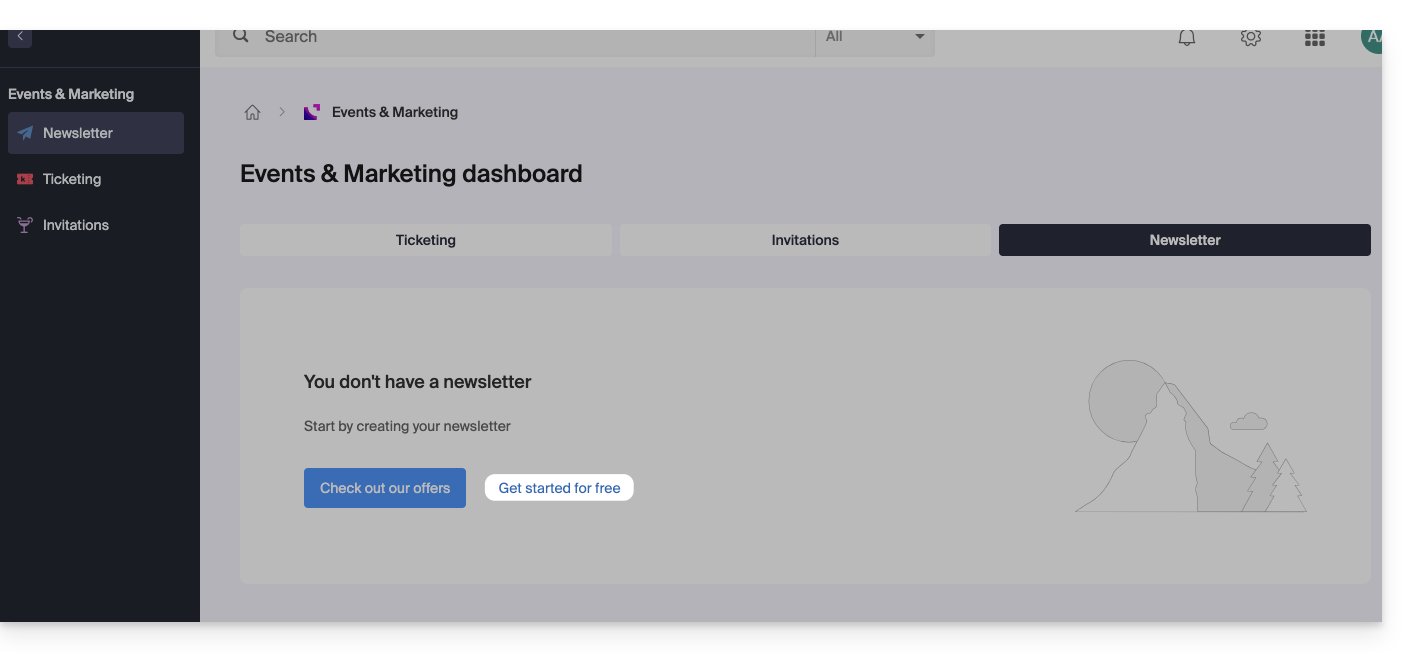
- Otherwise, click on Start for free:
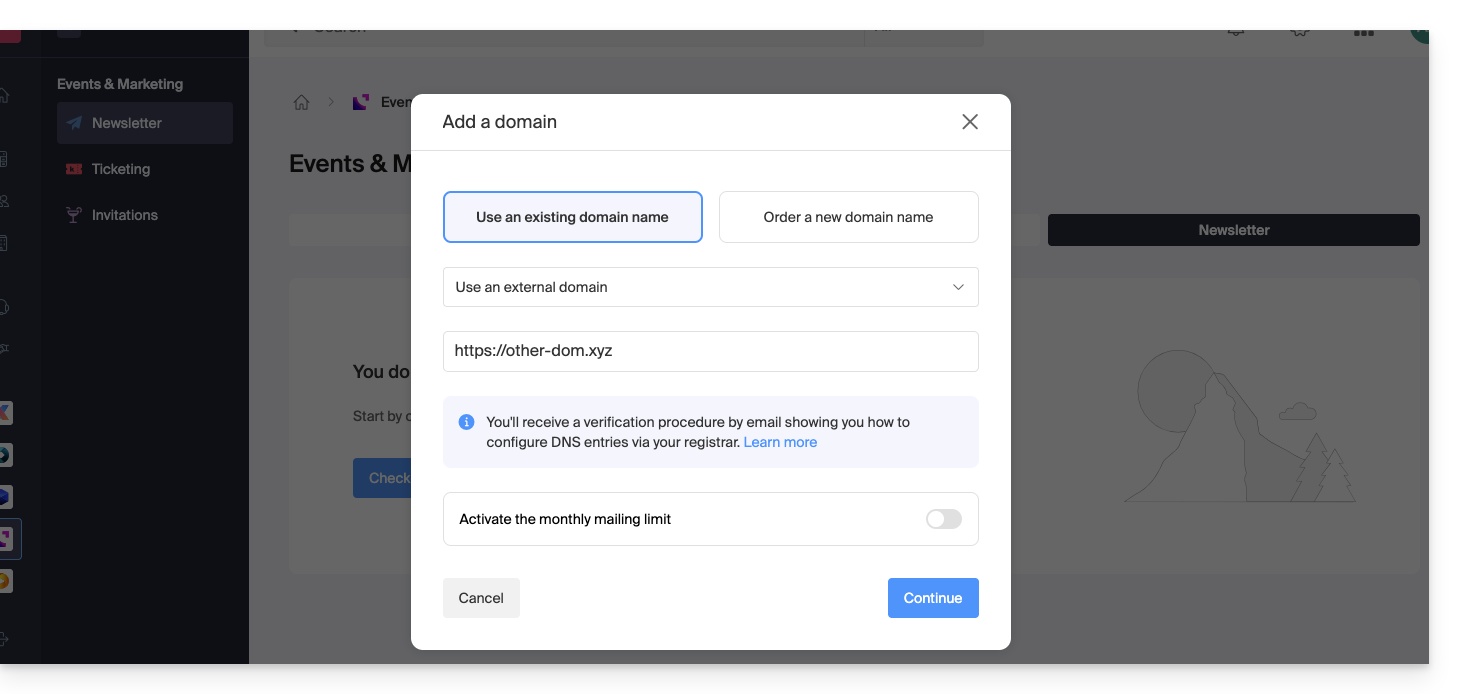
- Select Other domain from the drop-down menu before entering (or enter directly) the domain name you want to use to send newsletters.
- Choose an optional monthly limit.
- Click the button to Continue:
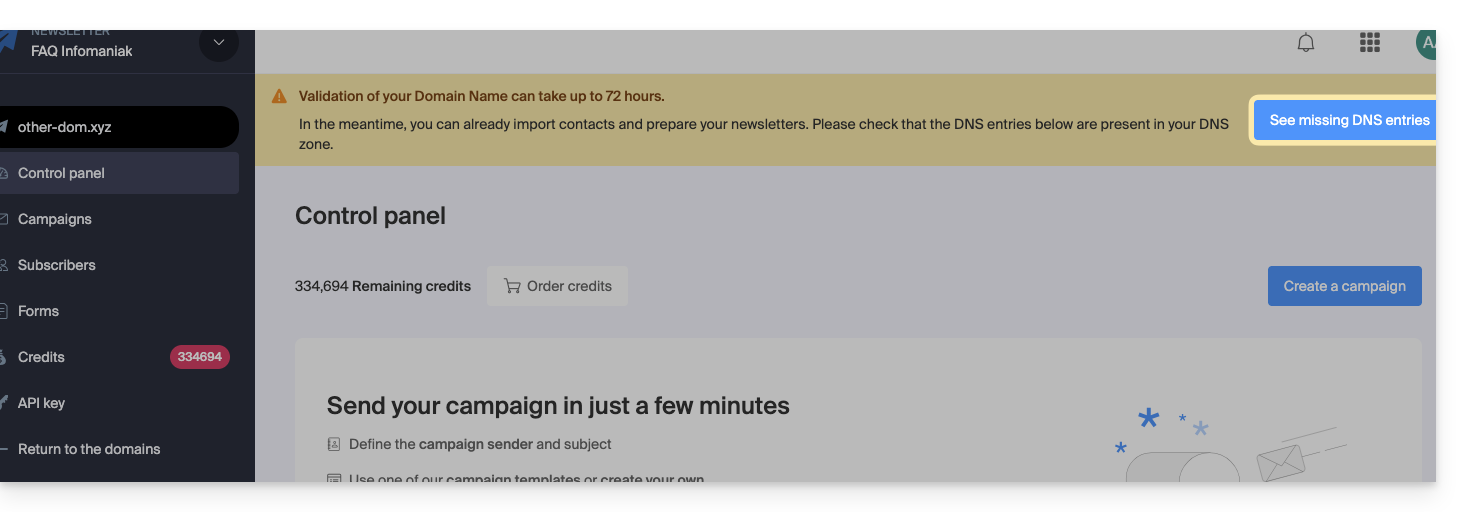
- Add it to your registrar the TXT / CNAME / DKIM records that you will receive by email and which can be viewed in the interface by clicking on the button:
Link to this FAQ: https://faq.infomaniak.com/2241
Has this FAQ been helpful?