Knowledge base
1000 FAQs, 500 tutorials and instructional videos. Here, there are only solutions!
Segment and filter newsletter contacts
This guide presents the available options for segmenting and filtering your contact lists when sending an Infomaniak Newsletter.
Introduction
- Filtering subscribers based on certain criteria allows you to send newsletters only to specific people among your subscribers.
- The criteria can be their registration date, as well as custom fields, or even actions performed or not performed during previous sends.
- You can combine multiple conditions and add "
OR" conditions to refine your filters.
Segment your sends based on…
Access your Newsletter:
- Click here to access your product management interface on the Infomaniak Manager (need help?).
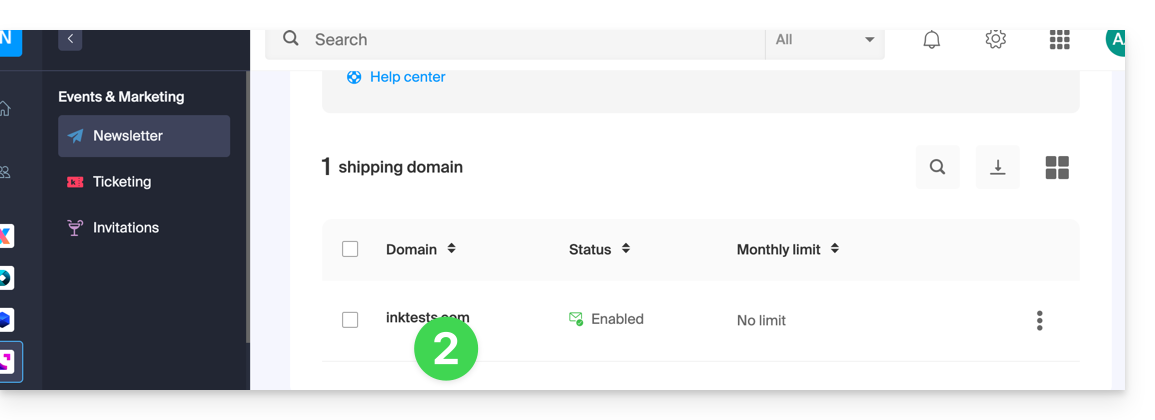
- Click on the domain name in question in the table that appears:
… the specific features for subscribers
Here is an example of a newsletter signup form with additional fields that allow you to request personalized information from the person signing up: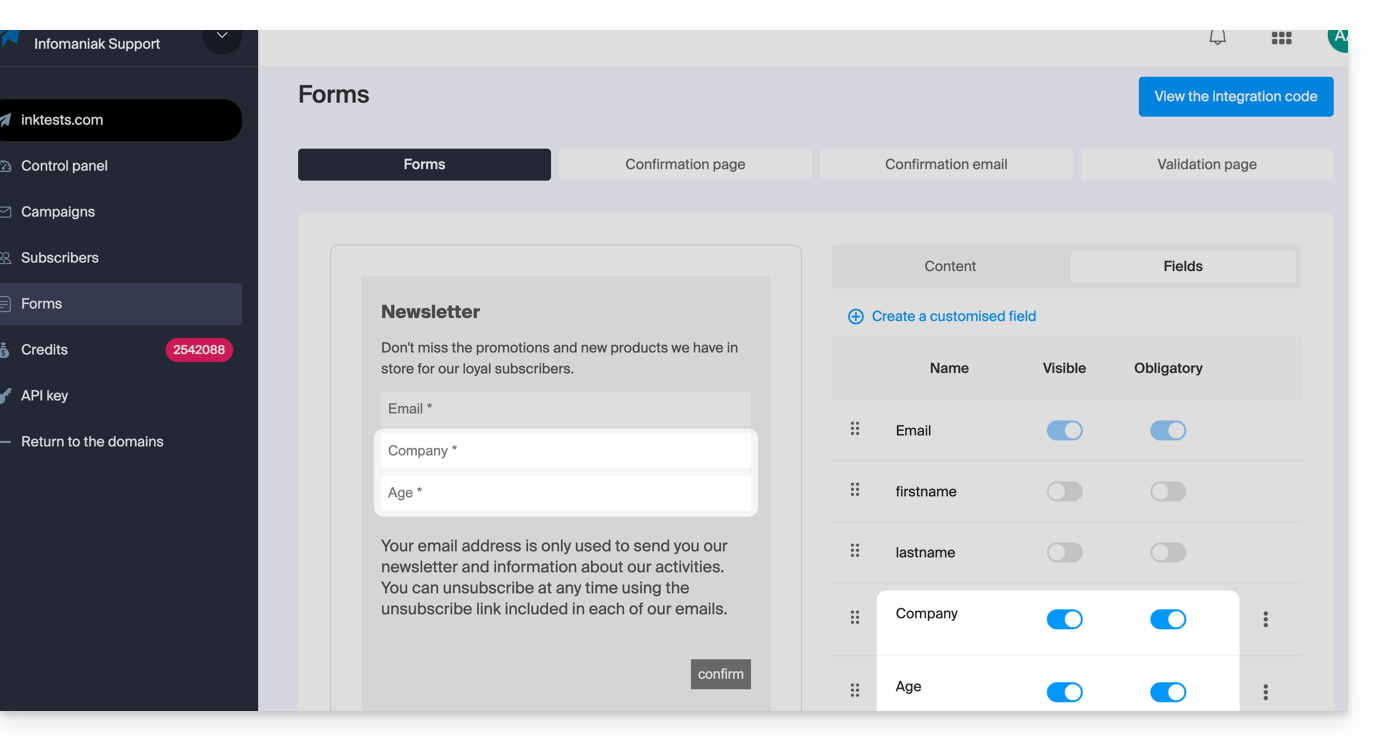
Once some users have filled in this information, you can find it in the details of their contact record: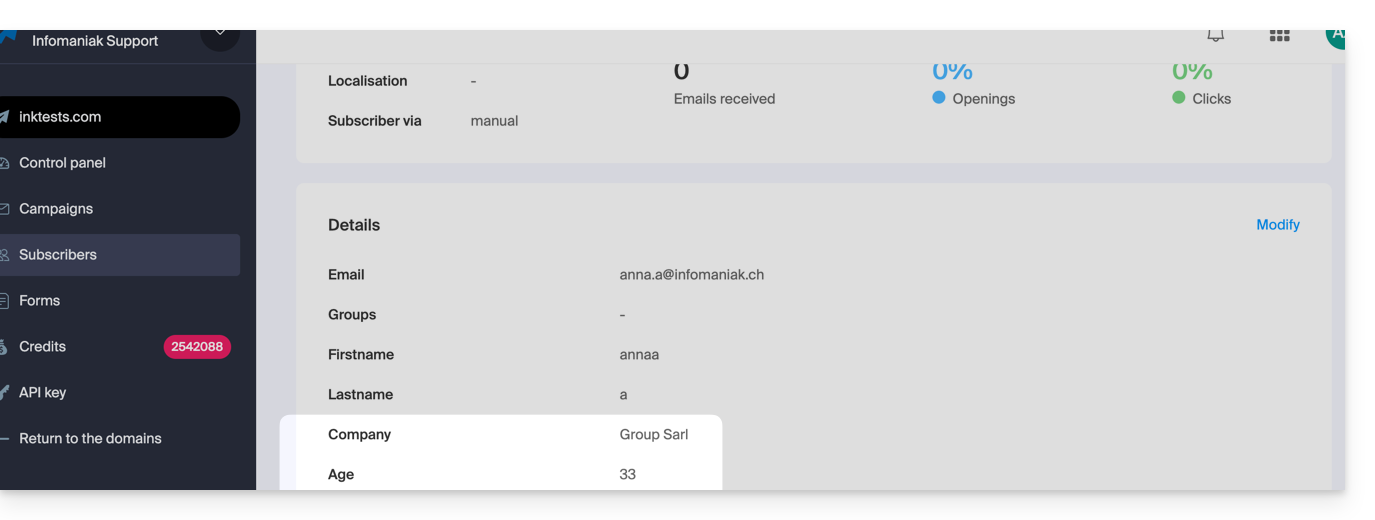
This type of information can be used to segment your subscriber list and write only to a portion of it. Refer to chapter 4 of this other guide.
… the subscriber's past actions
Information about a previous mailing can be used to segment your next campaign. Example: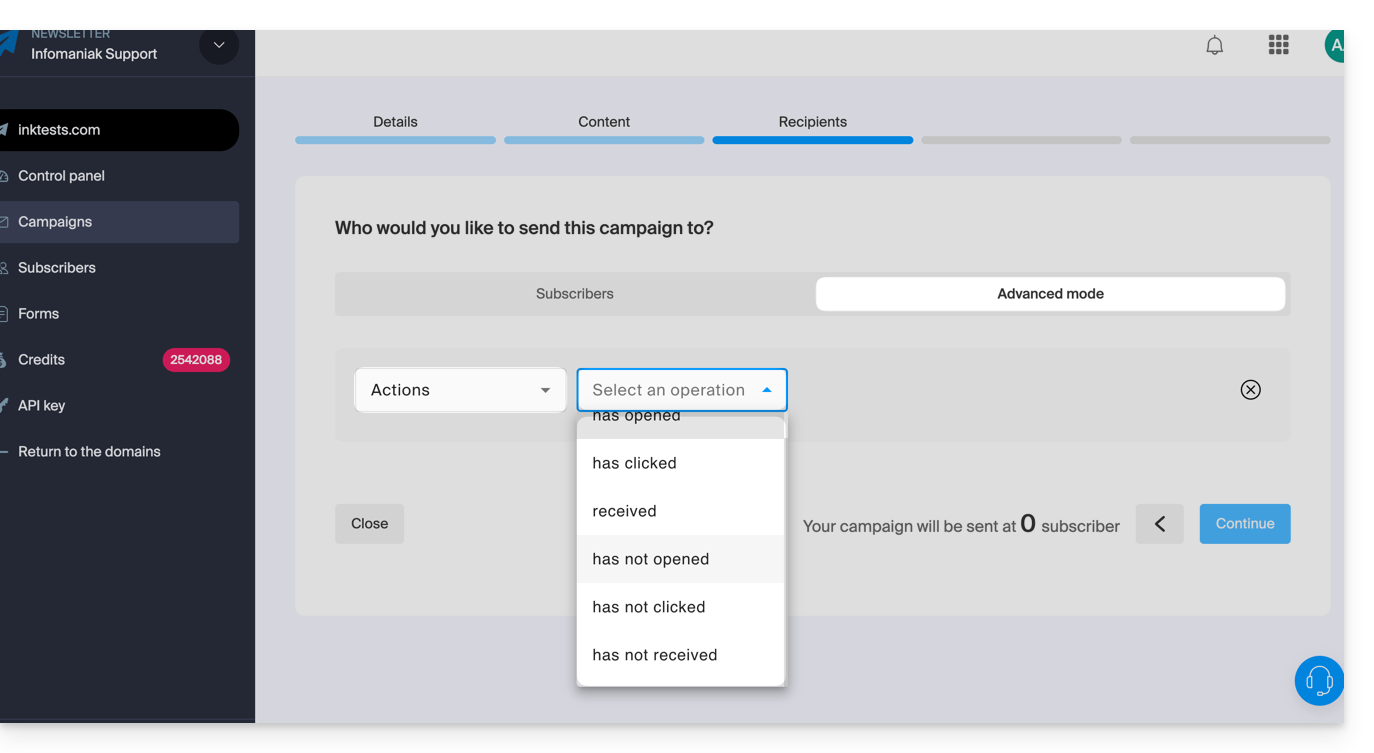
- Only send to subscribers who have opened the last 5 campaigns.
- Only send to subscribers who have never clicked on the specific newsletter sent one month ago.
- etc.
To do this:
- Refer to chapter 4 of this other guide.
- Instead of choosing custom field, choose Actions to select the criteria that define the people who will receive this next newsletter.
- This same drop-down menu also allows you to segment a send based on the subscription dates of subscribers (e.g., send only to subscribers who registered in a specific month).
Link to this FAQ: https://faq.infomaniak.com/2184
Has this FAQ been helpful?