Knowledge base
1000 FAQs, 500 tutorials and instructional videos. Here, there are only solutions!
Link a domain name to the Mail service
This guide explains how to link a domain name to an Infomaniak Mail Service.
If the domain name is located…
… with Infomaniak, same Organization
If your domain name is registered with Infomaniak and is in the same user account or Organization as your email, then there is nothing to do.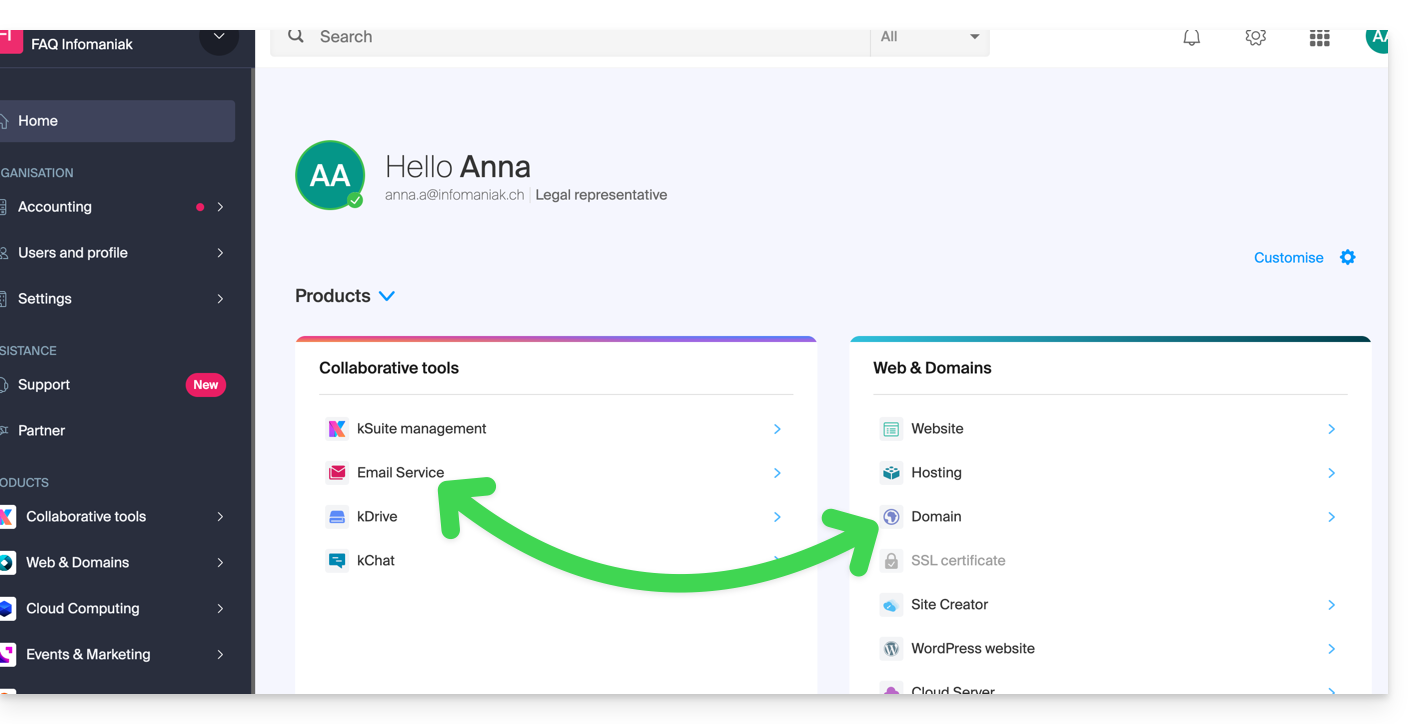
- Consult this other guide to check for and correct any configuration errors.
… with Infomaniak, different organization
If your domain name is registered with Infomaniak but in a different user account or Organization, then:
- Edit its DNS zone (❓: help) by specifying Infomaniak's MX (❓: help) + SPF (❓: help) & DKIM (❓: help).
- Any DNS addition/modification may take up to 48 hours to propagate (❓: help).
OU
- Move it (❓: help) within the same Organization.
… with Infomaniak using external DNS
If your domain name uses DNS records that are not Infomaniak's, then:
- Edit the current DNS zone where it is hosted (if necessary, consult the help documentation of the provider in question) and specify Infomaniak's MX record (❓: help) + SPF (❓: help) & DKIM (❓: help).
- Any DNS addition or modification may take up to 48 hours to propagate (❓: help).
OU
- Change your current DNS settings and select the option to use Infomaniak's DNS servers.
- Any DNS addition or modification may take up to 48 hours to propagate (❓: help).
- Refer to this other guide to check and correct any potential configuration errors.
… or with external DNS servers
If your domain name uses DNS servers that are not Infomaniak's, then:
- Edit the current DNS zone where it is located (if necessary, consult the provider's help documentation) and specify the MX record (❓: help) for Infomaniak, as well as SPF (❓: help) and DKIM (❓: help).
- Any DNS addition or modification may take up to 48 hours to propagate (❓: help).
OU
- Change the current DNS servers (if necessary, consult the provider's help documentation) to use Infomaniak's DNS servers; this requires having a DNS zone with Infomaniak (❓: help).
- Any DNS addition or modification may take up to 48 hours to propagate (❓: help).
- This DNS zone with Infomaniak will be configured correctly, but please refer to this other guide to check for and correct any potential configuration errors.
… elsewhere, but you are moving it here
If your domain name is registered with another registrar and you would like to transfer it to the same location as your Infomaniak email, then:
- Transfer the domain name (❓: help) to Infomaniak (it will be configured correctly, but please refer to this other guide to check for and correct any potential configuration errors).
Alternatively, consider ordering a new domain name (❓: help) if necessary.
Link to this FAQ: https://faq.infomaniak.com/1979
Has this FAQ been helpful?