Knowledge base
1000 FAQs, 500 tutorials and instructional videos. Here, there are only solutions!
Edit a VOD media file
It is possible to modify a video that has already been uploaded to a VOD service. This tool cannot be used for audio-only media.
Shorten / trim a video
To access a media file in the VOD space:
- Click here to access the management of your VOD/AOD in the Infomaniak Manager (need help?).
- Click directly on the name assigned to the product in question:
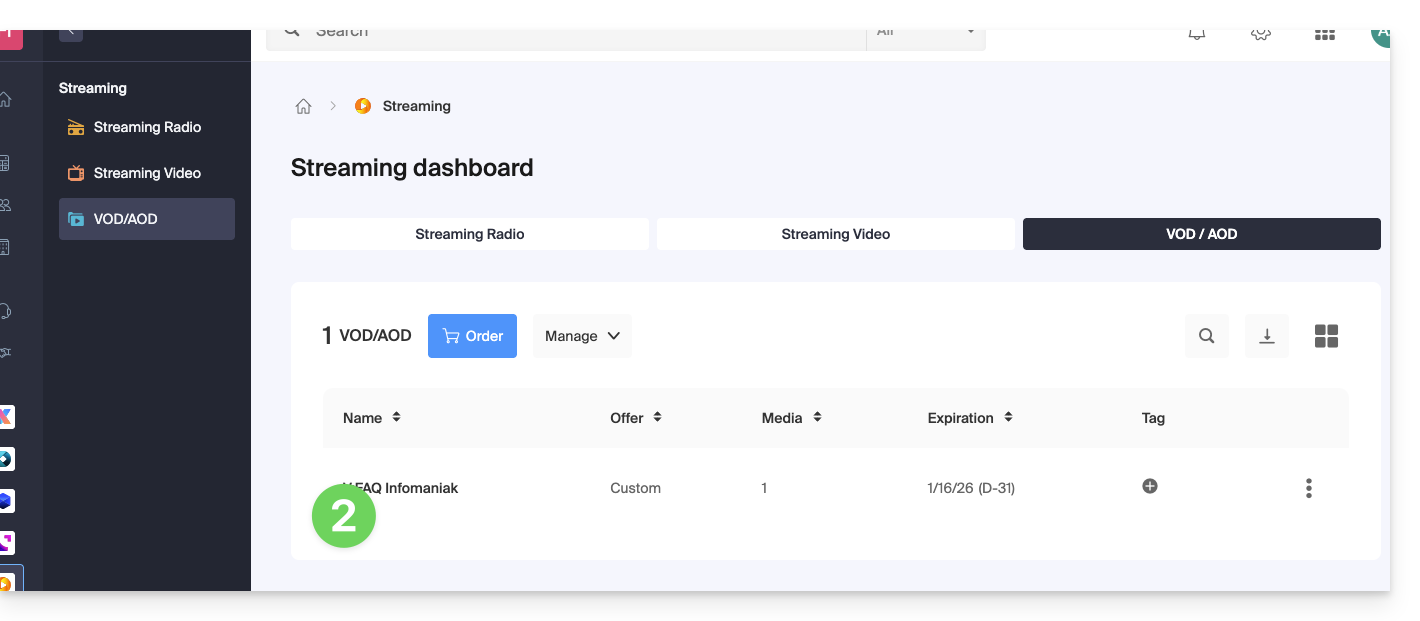
- Click on Media in the left-hand menu.
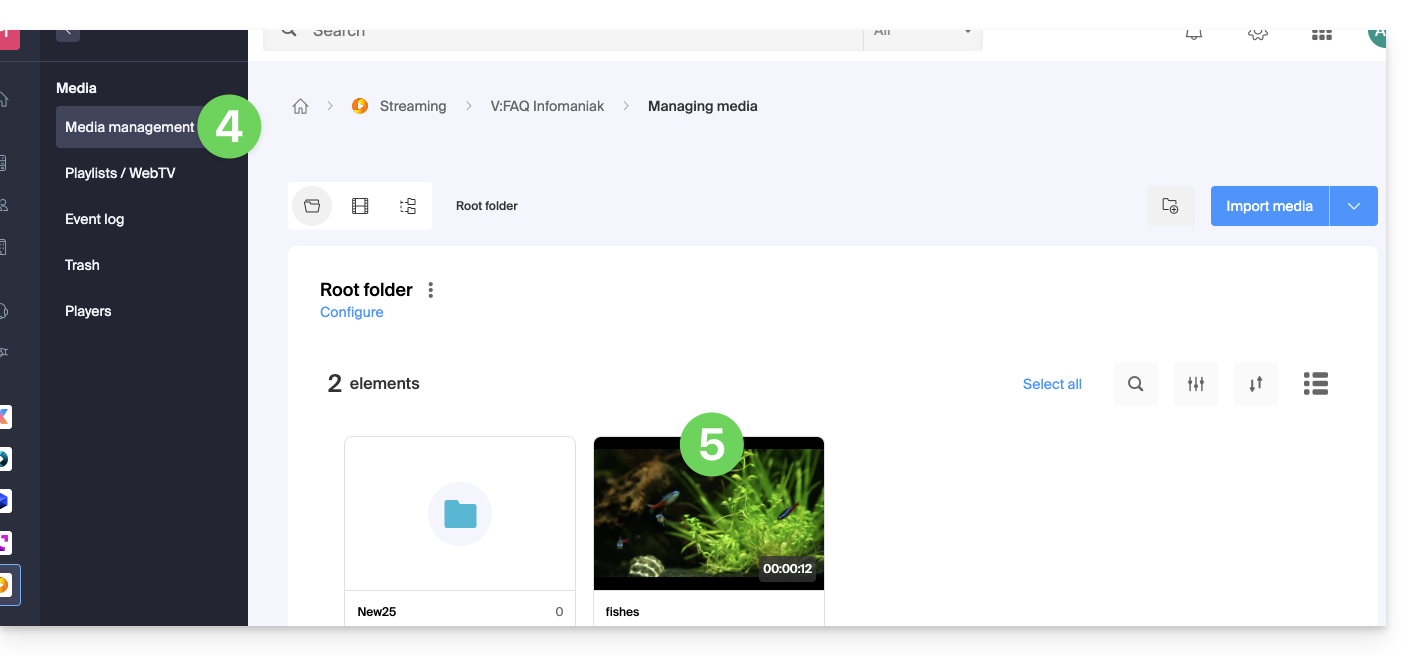
- Click on Media Management in the left-hand menu.
- Click on the relevant media:
- Click on the Edit button:
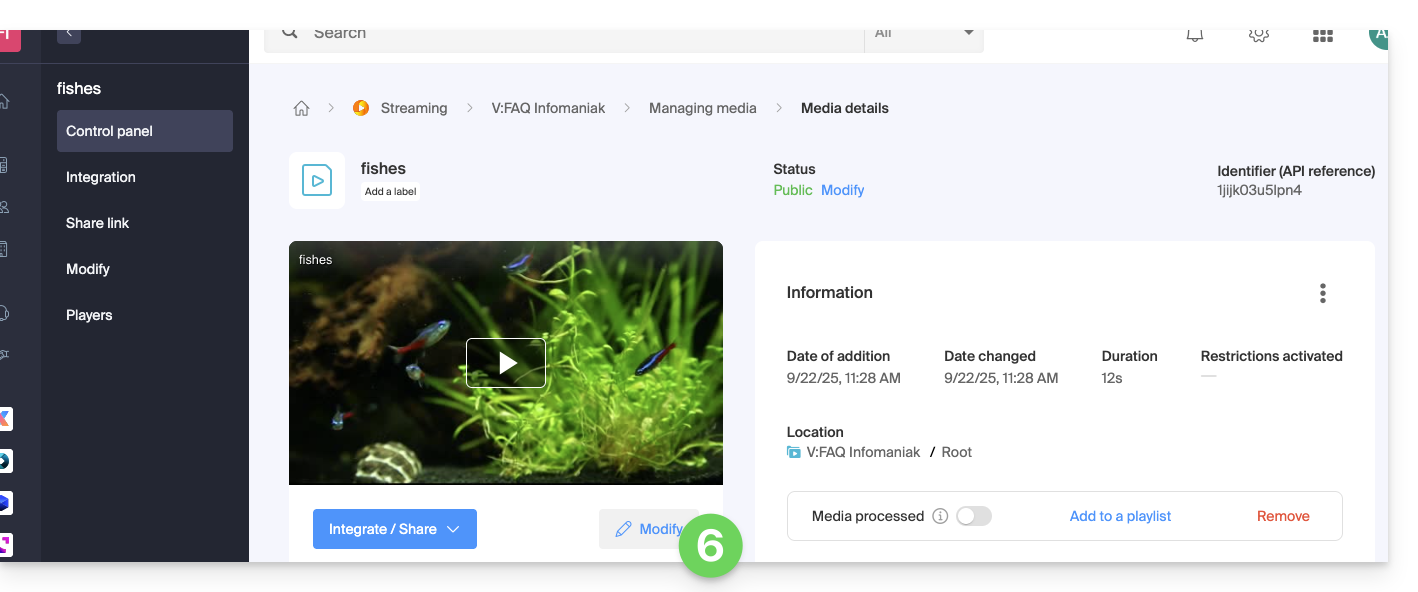
- Click on the EDIT tab.
- Shorten the video at the bottom of the page as needed.
- Click Save (or Preview if necessary):
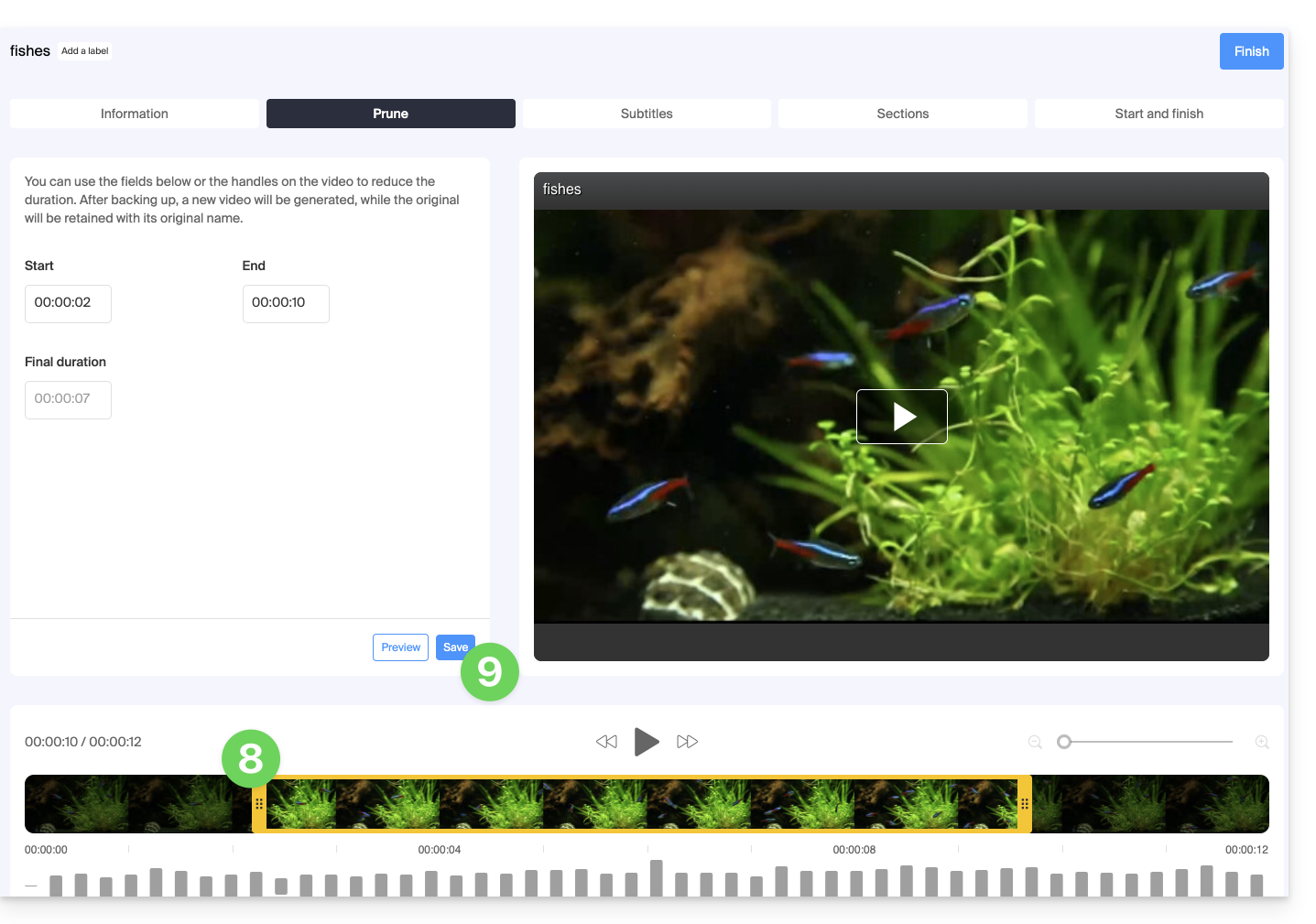
- Cutting your media will generate a new video; the original will be kept with its original name:
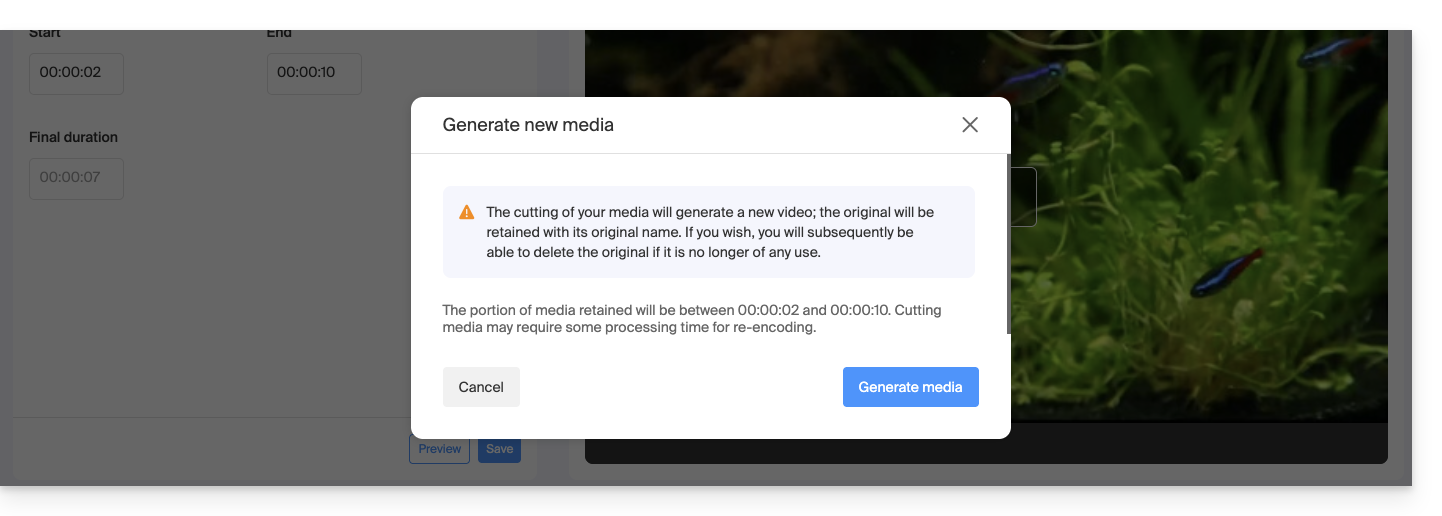 If you wish, you can delete the original video later if it is no longer needed.
Link to this FAQ: https://faq.infomaniak.com/1671
Has this FAQ been helpful?