Knowledge base
1000 FAQs, 500 tutorials and instructional videos. Here, there are only solutions!
Generate images with AI Services
Update 10/19/2026
This guide details how to create illustrations within Infomaniak's AI Services.
Introduction
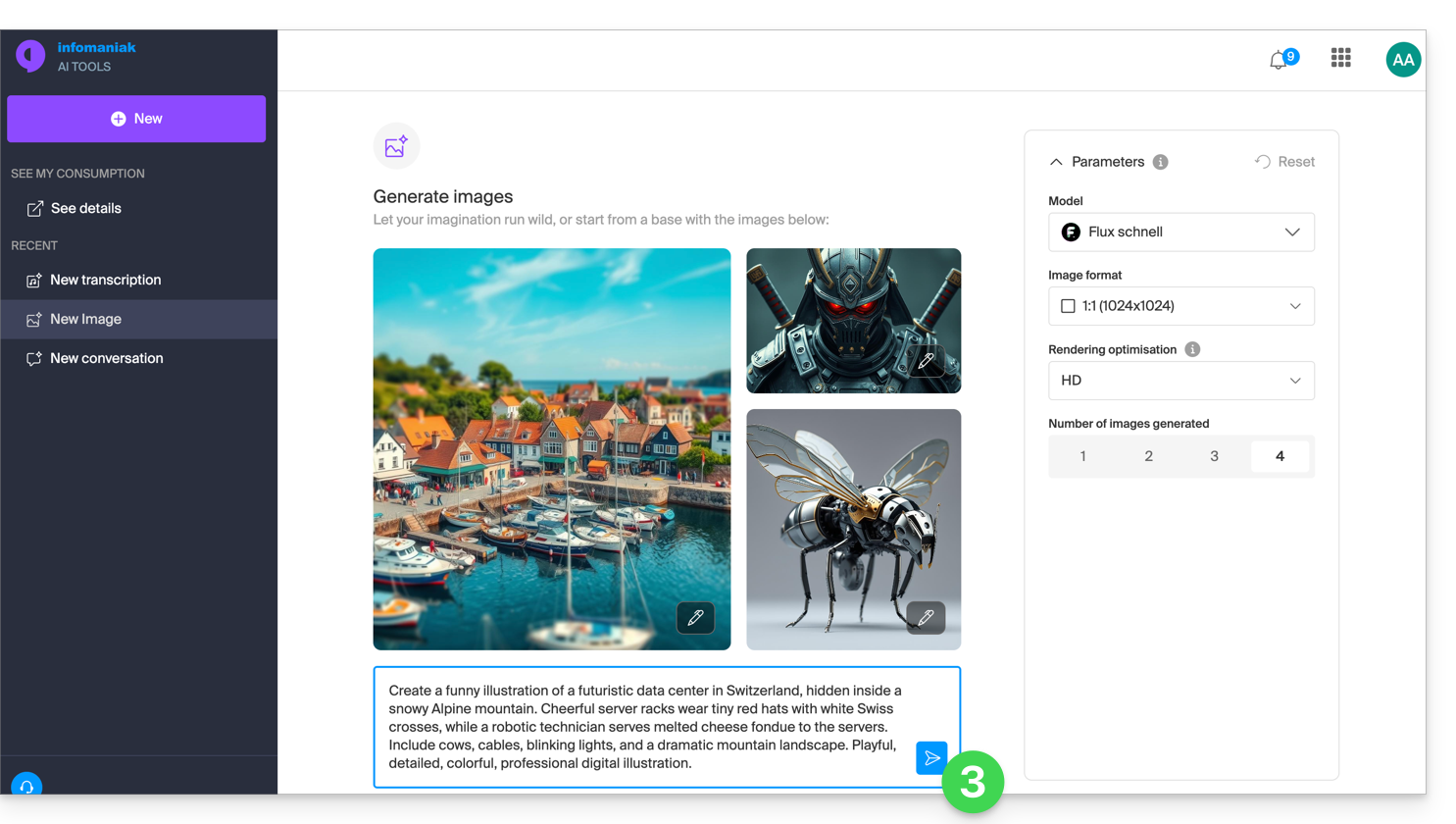
- The homepage features example images that you can use for inspiration.
- The generated images are available for 30 days in the web app's history.therefore, API calls are excluded, where some technical metadata is logged, but not the responses).
- The public API of AI Services is used with the
fluxmodel.
Generate an image with AI Services
To access the artificial intelligence image generation tool:
- Click here to access AI Services.
- If nothing is displayed after logging in, you may not be in the Organization to which your service is linked (❓: help).
- Manage the desired settings: model based on availability, format (square, portrait, landscape), rendering (more or less detail), and the number of images to generate, from 1 to 4.
- Write the prompt needed to model your idea, then click on the icon:
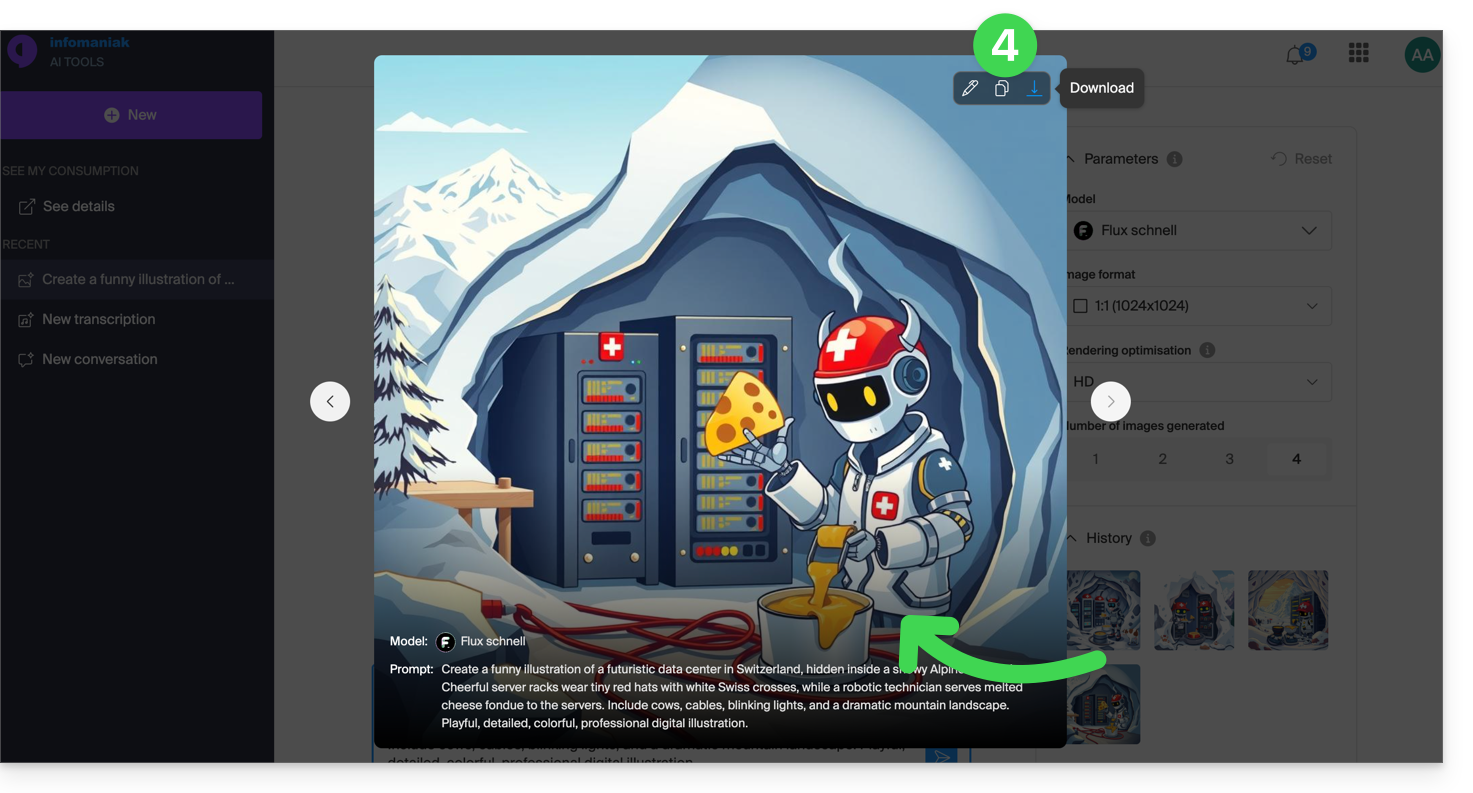
- The results and history can be enlarged, used to reconfigure the settings identically, copied to the clipboard, or downloaded to your device:
Link to this FAQ: https://faq.infomaniak.com/1632
Has this FAQ been helpful?