Knowledge base
1000 FAQs, 500 tutorials and instructional videos. Here, there are only solutions!
Overlay an image on a VOD media
This guide explains how to insert a logo or watermark on your videos in the Infomaniak VOD space to strengthen your brand image and protect your content from unauthorized use.
Introduction
- There are two distinct methods for displaying an image in your media:
- by configuring a Player
- or via the rules of an Import Folder.
- These two technologies are independent: if you activate them simultaneously, the Player logo will be superimposed on the logo already embedded in the video.
1. Overlay via the Video Player
When managing a Player, the selected logo is added as an overlay during playback: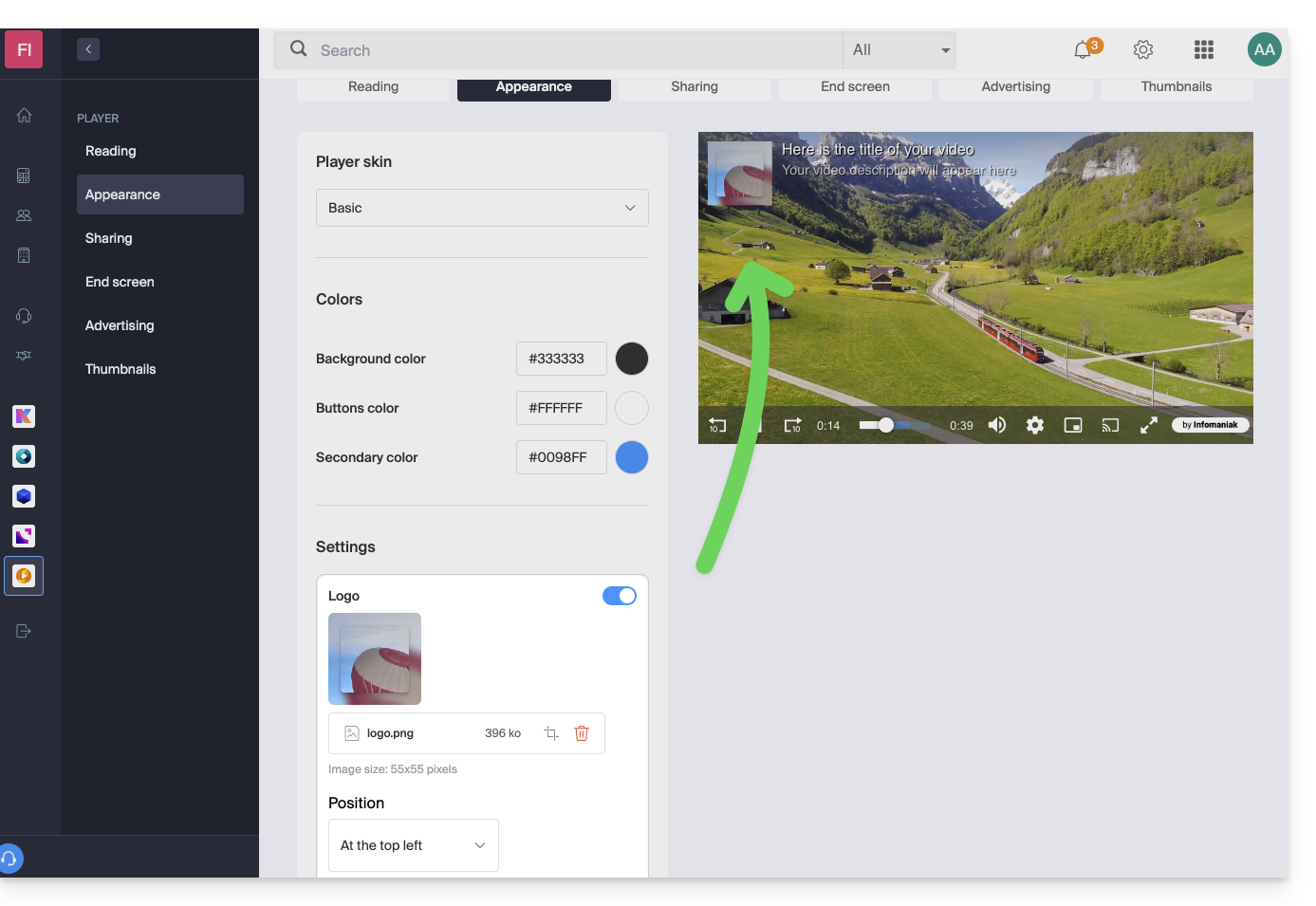
- Advantages: great flexibility.
- You can modify or remove the logo at any time without modifying the source file.
- The same media can be broadcast via different Players with distinct logos.
- Limitation: if a user accesses the video's source stream directly (direct URL), the logo will not be visible.
2. Embedding via an Import Folder
In the configuration of a folder (root or subfolder), the image is directly embedded in the video stream during the encoding process: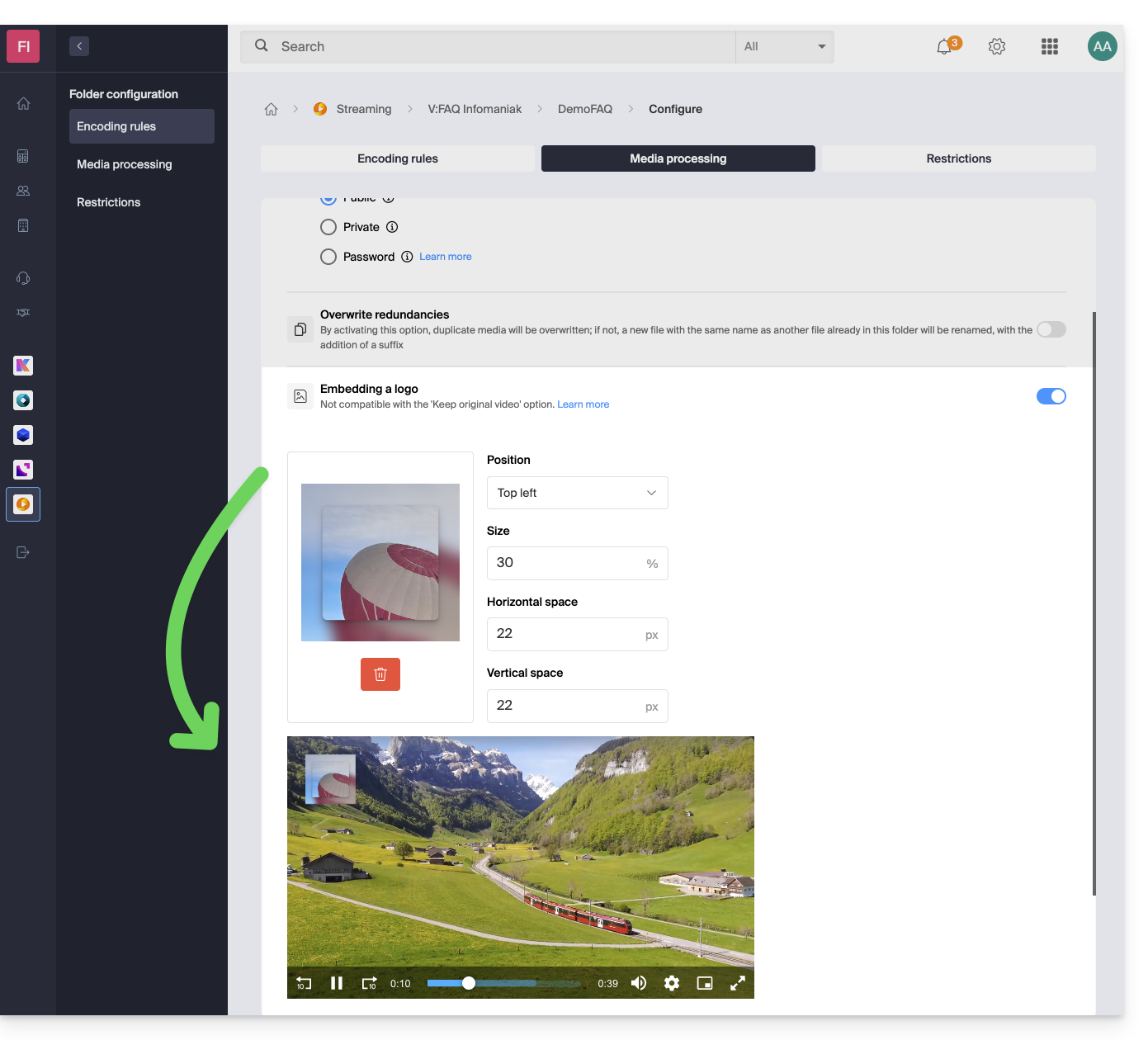
- Advantage: maximum security.
- The logo is an integral part of the video file (burn-in).
- It remains present regardless of the playback or download method.
- Disadvantage: lack of flexibility.
- Once the video has been processed, the logo can no longer be modified or removed.
- Any subsequent changes require a new import of the media.
Link to this FAQ: https://faq.infomaniak.com/1403
Has this FAQ been helpful?