Knowledge base
1000 FAQs, 500 tutorials and instructional videos. Here, there are only solutions!
Understanding Infomaniak Account Login Notifications
This guide explains why you may receive an automatic security email regarding your Infomaniak account (i.e., your user account).
Introduction
- Warning: fake messages are circulating and imitate Infomaniak's security email.
- If you are unsure about the authenticity of the warning, access the Infomaniak Manager and check the recent activity instead of clicking on any potentially malicious link that may be present in the fake message.
Automated security alerts
1. Login from a new location
A security email is automatically sent when a new connection to your Infomaniak account occurs from a new location: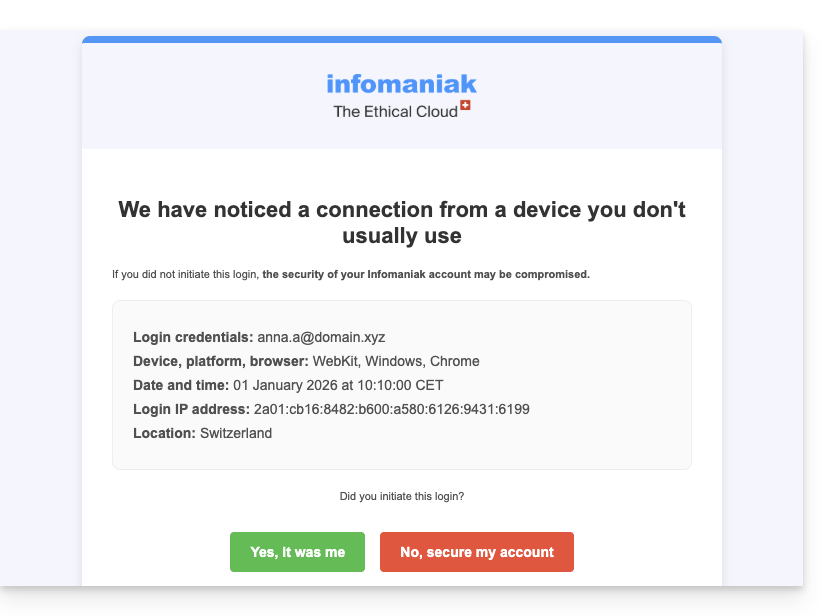
This can happen, for example, if you are using your browser's private browsing mode or if you are accessing your account from a new computer.
If you receive this email immediately after logging into your Infomaniak account, you can safely ignore the login alert!
2. Login attempt (incorrect password)
A security email is automatically sent when someone enters an incorrect password after entering the email address to log in to the Manager: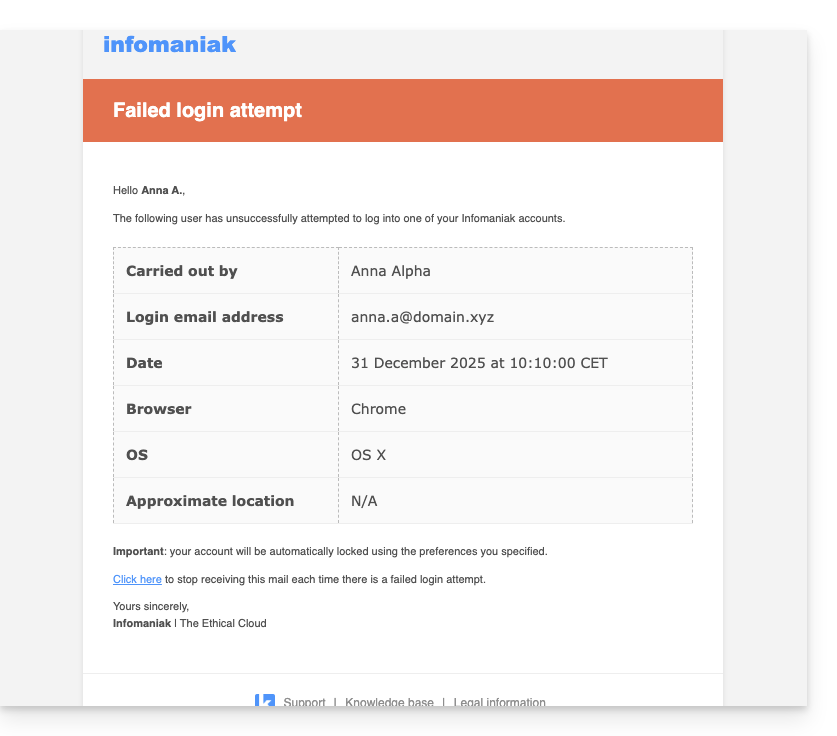
View recent activity in the Manager
You can view the recent activities of your account and those of your Infomaniak Organization:
If you notice any illegitimate actions that you don't believe you performed, and/or if you suspect an intrusion:
- Refer to this other guide to quickly secure your tools.
- Enable two-factor authentication on your account to improve its protection and ensure that only you receive a unique code authorizing login.
- Change the Manager password.
- Change the passwords for the email addresses associated with Mail Infomaniak.
Link to this FAQ: https://faq.infomaniak.com/88
Has this FAQ been helpful?