Knowledge base
1000 FAQs, 500 tutorials and instructional videos. Here, there are only solutions!
Understanding SwissTransfer Data Limits
This guide details the data storage limits for SwissTransfer.
Introduction
- Only the SwissTransfer Terms and Conditions (❓: help), especially article 2, are applicable.
Retention period
SwissTransfer accepts files up to 50 GB in size, which is particularly useful for large files that cannot be sent as email attachments or by other traditional means.
You can choose to make them available for a maximum of:
- 1 day
- 3 days
- 7 days
- 15 days
- 30 days*
- 60 days (after subscribing to the Enterprise plan)
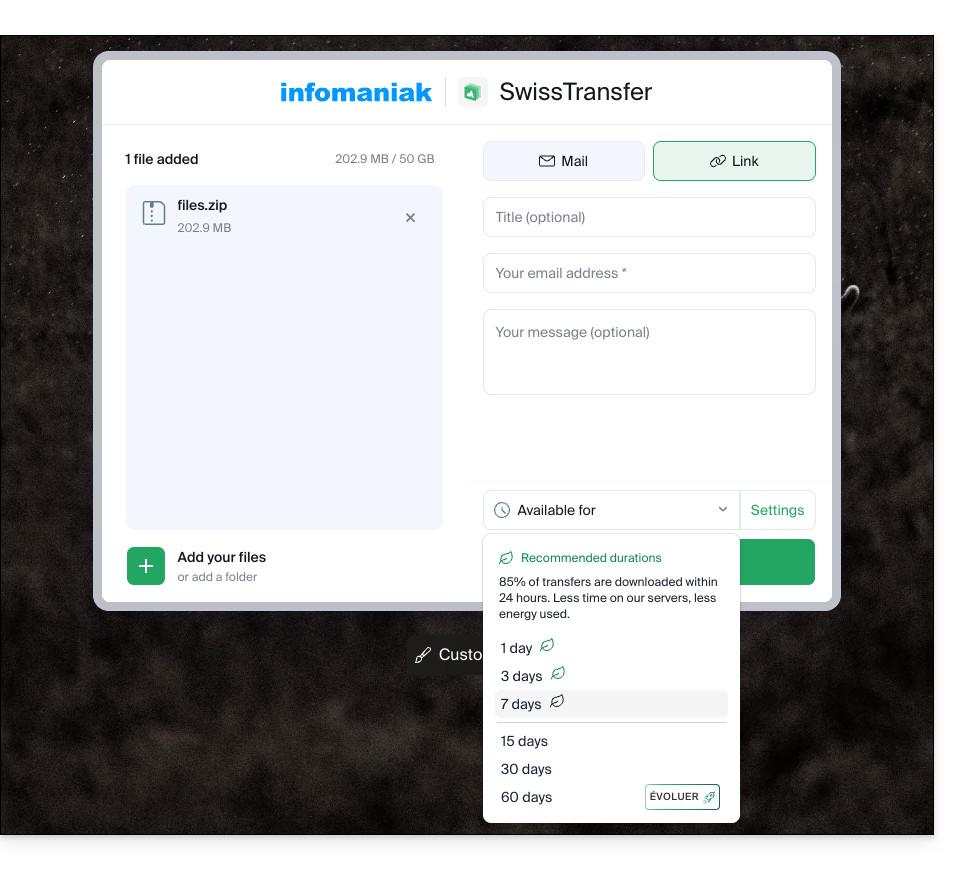
* When choosing 30 days, files are automatically deleted after 15 days, but an extension is offered to the sender by email on the 12th day, and remains available for 3 days, in order to extend the availability up to the desired 30 days.
With a SwissTransfer Pro / kSuite Pro account, the choice of the maximum number of days is final:
- kSuite Free = 30
- kSuite Standard = 30
- kSuite Business = 30
- kSuite Enterprise = 60
- my kSuite = 30
- my kSuite+ = 30
Files are automatically deleted after the chosen period. There is no need to contact Infomaniak Support: once expired, a link can unfortunately no longer be reactivated or extended.
Downloading data
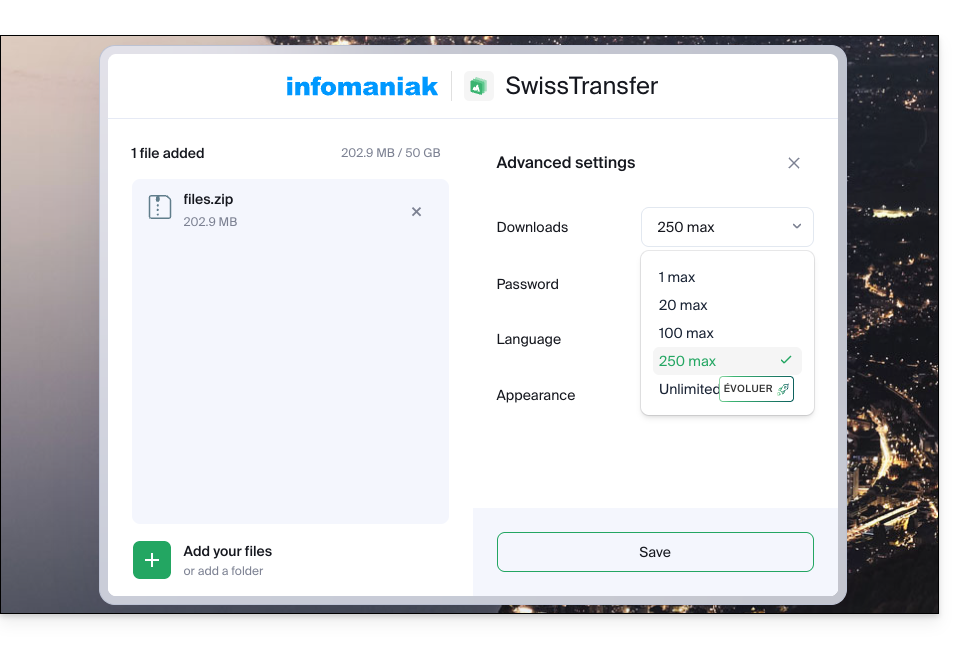
When creating your SwissTransfer, you can limit the number of times recipients can download it:
- 1
- 20
- 100
- 250
- unlimited (after subscribing to a paid plan)
They can be downloaded by the user…
- …either one by one…
- … or by using the "Download All" button, which will create a
.ziparchive to download:- If the archive exceeds 10 GB, you will need to download the data files one by one.
- Therefore, if you need to send several large files, it is best to group them together beforehand into a zip/rar/etc. archive (see below).
Link to this FAQ: https://faq.infomaniak.com/2929
Has this FAQ been helpful?