Knowledge base
1000 FAQs, 500 tutorials and instructional videos. Here, there are only solutions!
Understanding the lifecycle of AI models
This guide explains the model lifecycle in AI Services, how to replace them, and the time you have to migrate.
Regular newsletters will inform you of new features, deprecated or added models.
Model Lifecycle
In accordance with the terms of use, when a model is replaced:
- Infomaniak will notify you by email.
- The model remains accessible for 30 days under its exact name (e.g.:
llama3) to facilitate migration.
Note: A deprecated model no longer appears in the dashboard: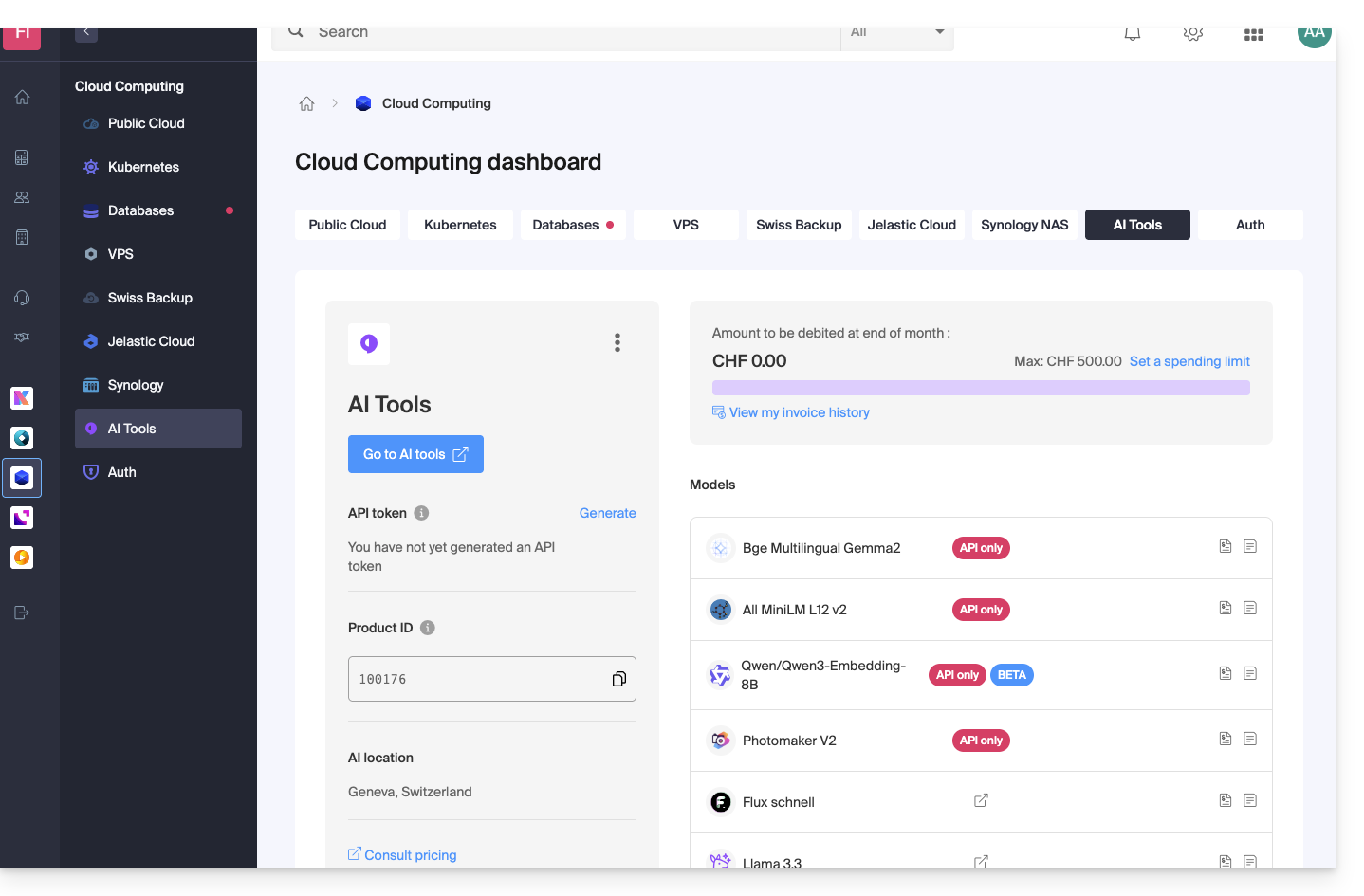
BETA Models
BETA models allow you to try the latest versions quickly.
If they meet Infomaniak's criteria and your needs, they leave the BETA phase and enter the standard lifecycle described above.
Replacing a Model
Each deprecated model in the newsletters is systematically replaced by a more performant or equivalent but lighter model.
Simply follow the recommendations provided in the Infomaniak newsletter.
Example
llama3→ replaced bygpt-oss-120b
If you are using the OpenAI client or direct HTTP requests, simply modify the model field:
{
  "model": "llama3",
  "messages": [
    {
      "role": "user",
      "content": "Traduire la phrase en EN: bonjour le monde !"
    }
  ]
}
Replace it with:
{
  "model": "gpt-oss-120b",
  "messages": [
    {
      "role": "user",
      "content": "Traduire la phrase en EN: bonjour le monde !"
    }
  ]
}
Link to this FAQ:
Has this FAQ been helpful?