Knowledge base
1000 FAQs, 500 tutorials and instructional videos. Here, there are only solutions!
Create an alternative email address (alias)
You can create and manage aliases (alternative email addresses) directly from the Mail Service in the Infomaniak administration interface (Manager):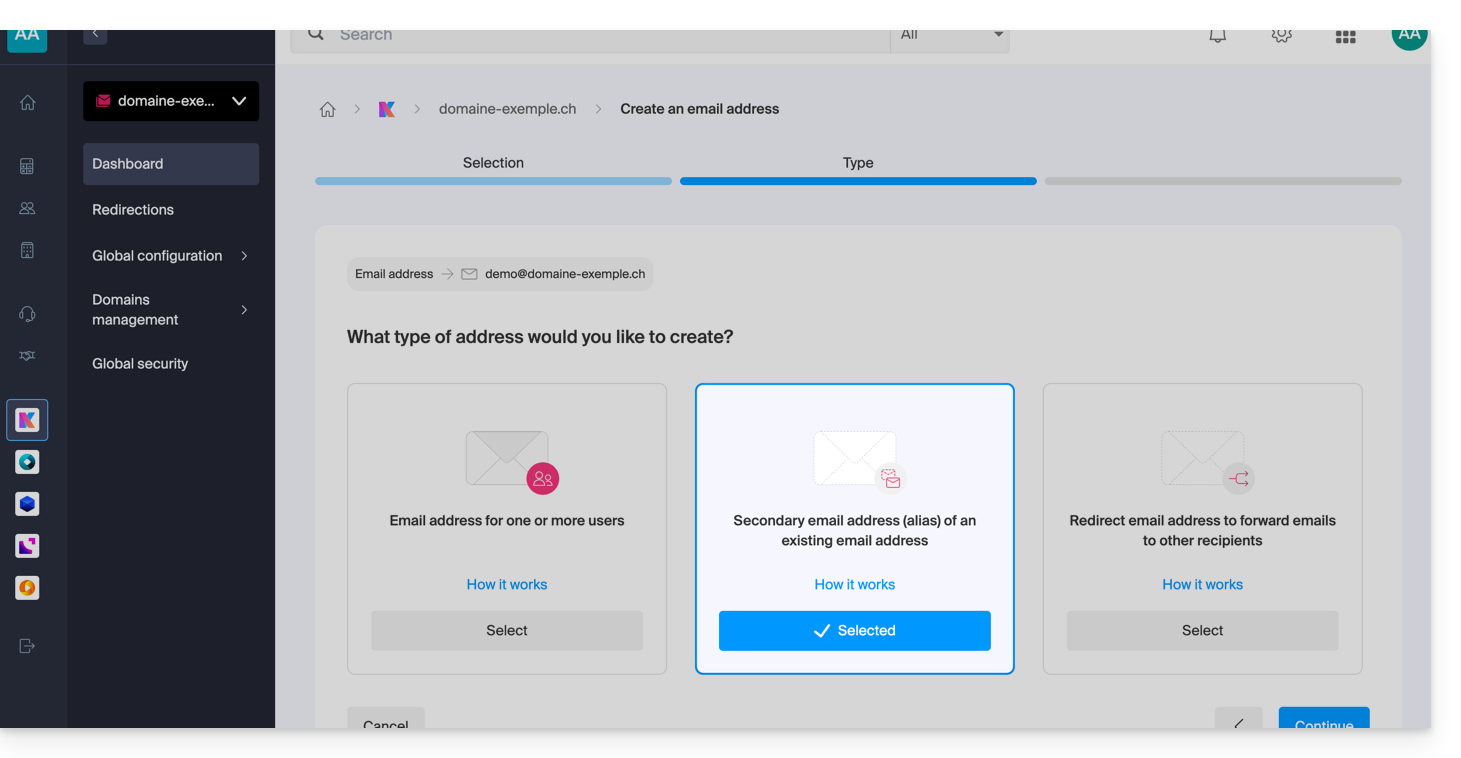
What are alternative email addresses?
An alternative email address, commonly called an alias, is an additional address linked to a primary email address. It does not have its own password or storage space, as it automatically forwards all received messages to the main inbox.ar elle redirige automatiquement tous les messages reçus vers la boîte de réception principale. For example:
- Main email address:
florent@domain.xyz - Alternative addresses:
florent.dupont@domain.xyzand/orfd@domain.xyzand/orcontact@domain.xyz, etc.
For detailed instructions on creating an alias, please refer to this other guide.
Features & Benefits
Using an alias allows you to multiply contact points while simplifying daily email management:
- Consolidated inbox: emails from multiple aliases are received directly in the main address, avoiding the creation of multiple mailboxes.
- Centralized management: the user does not need to remember multiple passwords; settings such as the signature, auto-reply, or filtering rules are centralized on the main address.
- Confidentiality and security: an alias allows you to communicate without revealing your main email address or real identity when sending messages.
- Multi-domain usage: it is possible to connect multiple domain names to the Mail Service to receive messages on different extensions (e.g., .com, .ch, .fr) via a single interface; see this other guide.
- Cost optimization: alternative addresses are not counted against the address quota included in the Mail Service offer, allowing you to create numerous identities/spellings without incurring additional costs.
For specific needs, it is also possible (and this applies to all Infomaniak email offers) to generate temporary/on-the-fly aliases to filter incoming emails or register on third-party services without cluttering the main inbox. See this other guide.
Link to this FAQ: https://faq.infomaniak.com/2902
Has this FAQ been helpful?