Knowledge base
1000 FAQs, 500 tutorials and instructional videos. Here, there are only solutions!
Troubleshooting Acronis backup deletion issues
Update 09/28/2026
This guide explains how to delete a Swiss Backup using Acronis, and the different scenarios you may encounter when deleting it. Also, refer to this other Acronis guide on the subject.
Prerequisites
- At least one device must be registered (and online) with the same credentials used to create the backup:
- For example, if the goal is to delete a backup created by
SBA-XXXX-ADMIN, but no device is online, simply download Acronis to another device and register it with the same user: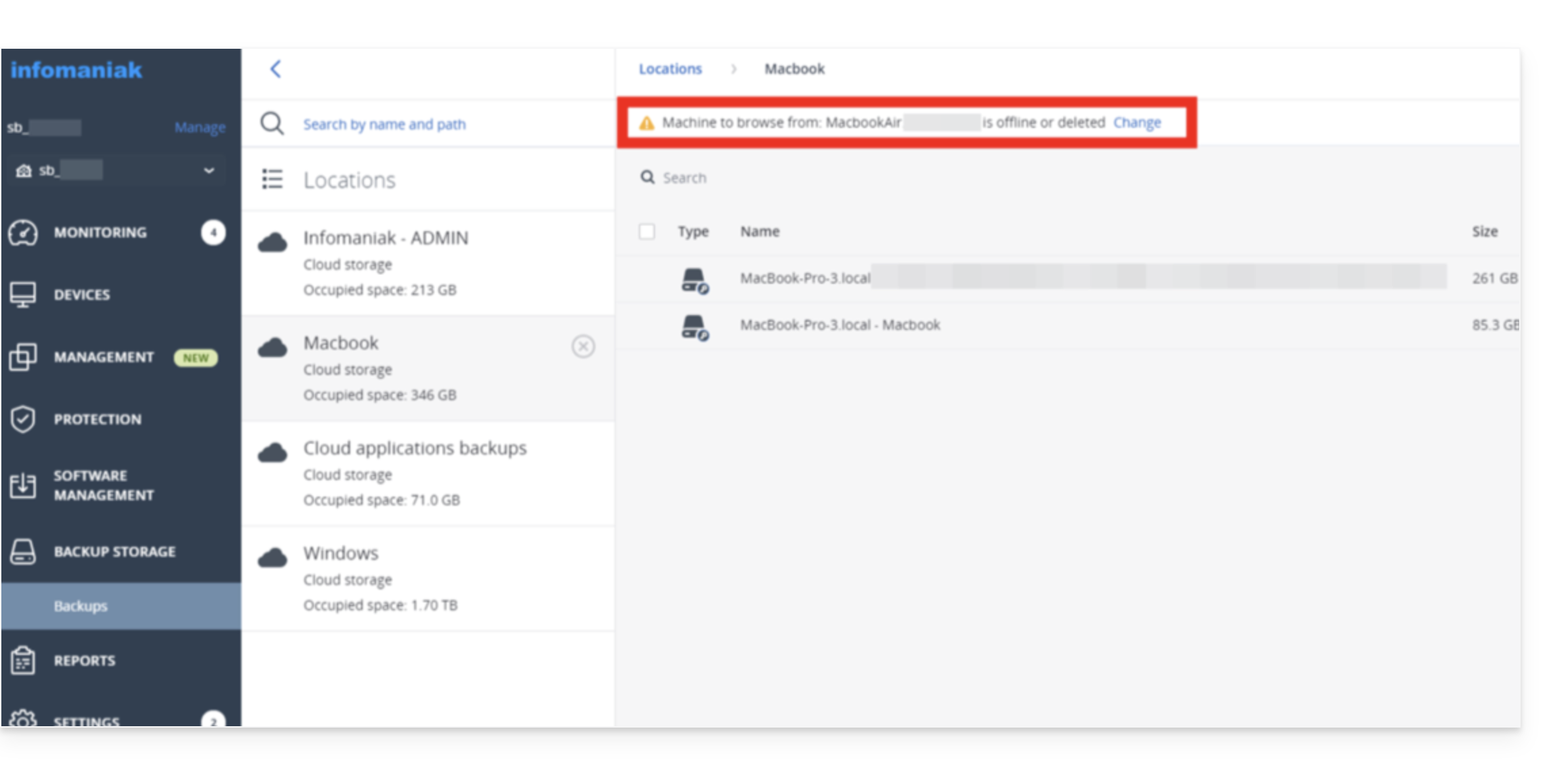
- For example, if the goal is to delete a backup created by
- Deletion requires free space:
- Please consider increasing your user's quota (❓: help). Once the deletion is complete, you can return the quota to the agreed-upon level:
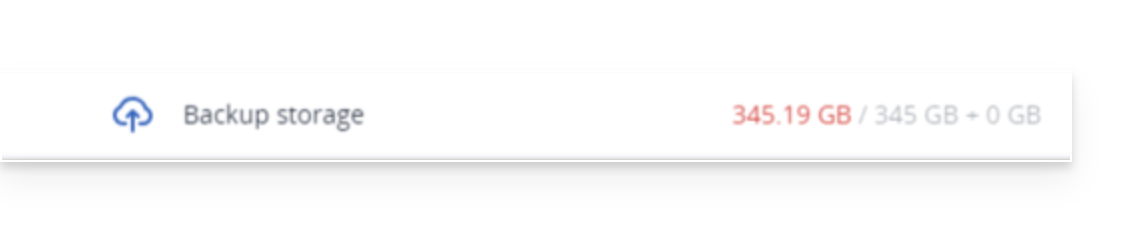
- Please consider increasing your user's quota (❓: help). Once the deletion is complete, you can return the quota to the agreed-upon level:
- Refresh the storage:
- If a deletion was recently performed, please be patient; the deletion may take some time depending on the size of the archive to be deleted. If the storage space used has not changed, refresh the backup location:
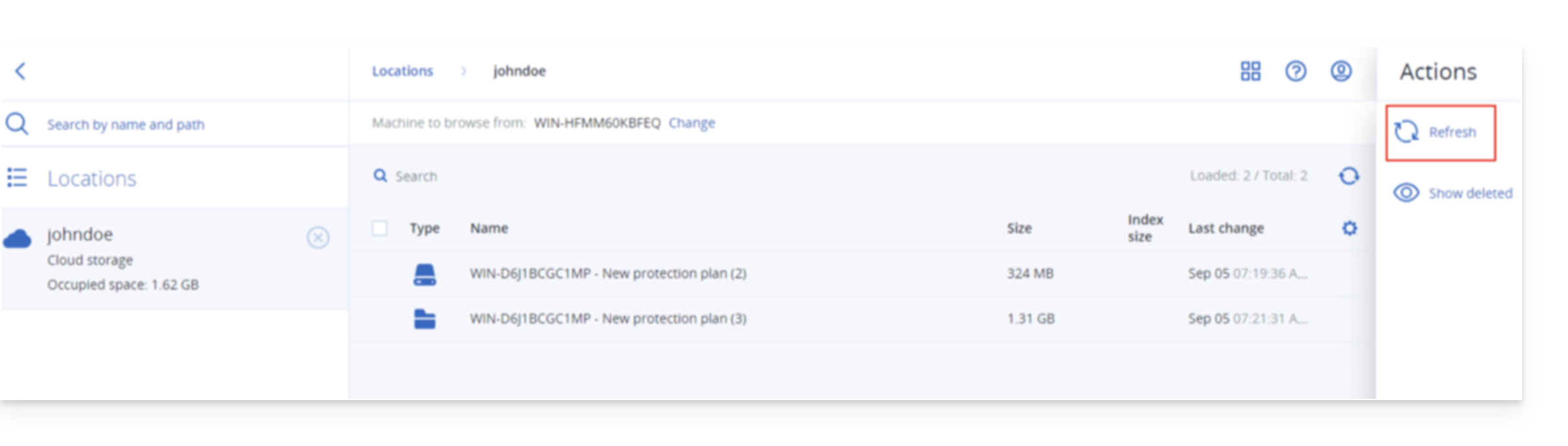
- If a deletion was recently performed, please be patient; the deletion may take some time depending on the size of the archive to be deleted. If the storage space used has not changed, refresh the backup location:
Delete an Acronis backup
To do this:
- Log in to the Backup Storage on the Cyber Protect console.
- Select the location from which you want to delete the backups.
- Select the backup archive from which you want to delete the backups.
Delete the entire backup archive
- Click Delete.
- Deleting a backup archive deletes all backups within that archive.
Delete a specific backup within the backup archive
- Click on View backups.
- Select the backup (restore point) that you want to delete.
- Click on Actions > Delete:
- When deleting a backup archive, check the box and then click Delete to confirm your decision.
- When deleting a specific backup, click Delete to confirm your decision.
Delete all backups associated with a user
- Even if no device is online, you can Disable > Delete it (❓: help).
Delete incomplete backups (if any)
- Refer to this other guide for detailed instructions.
Certificate
If the storage quota/deletion issue persists even after increasing the storage quota for the user in question, it is recommended to reinstall Acronis.
When Acronis is completely uninstalled, it removes the certificate that may be causing this bug.
To remove the certificate manually, without uninstalling Acronis:
Link to this FAQ: https://faq.infomaniak.com/2877
Has this FAQ been helpful?