Knowledge base
1000 FAQs, 500 tutorials and instructional videos. Here, there are only solutions!
Ticketing: Add events to a pass after it has been created
This guide shows you how to add events to passes that have already been created and sold, but for which you need to add dates (as part of the Infomaniak ticketing system).
For an overview of passes and everything they can do, please refer to this other guide.
Prerequisites
- The relevant passes must be of the automatic type and have associated free events.
Using the pass update feature
When purchasing or creating a pass, it retrieves the list of events associated with the schedule (Schedule, Pass). If an event is added after sales have been made, only new passes will include this new event.
This function allows you to add this new event to existing passes so that subscribers can also access it.
How to update existing passes
When adding new events to a pass, the Update pass button will be available: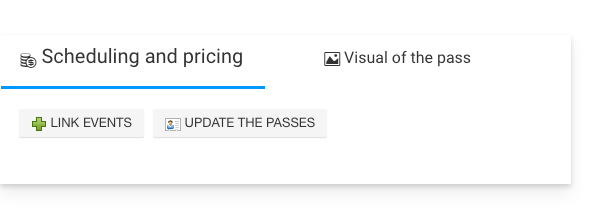
Clicking this button will display a message indicating the number of passes that will be updated: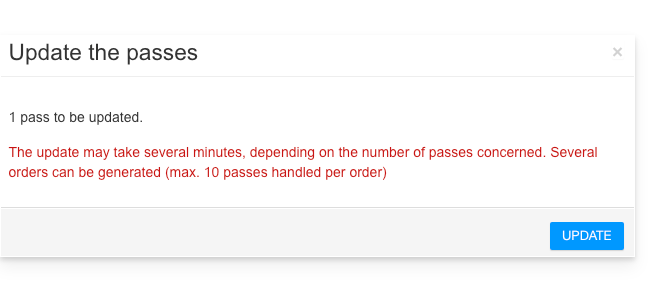
Link to this FAQ: https://faq.infomaniak.com/2776
Has this FAQ been helpful?