Knowledge base
1000 FAQs, 500 tutorials and instructional videos. Here, there are only solutions!
Back up WordPress with UpdraftPlus on Swiss Backup (S3)
This guide explains how to back up WordPress data to a Swiss Backup backup space, the backup solution in an independent Swiss cloud.
Introduction
- If the backups offered by Infomaniak no longer meet your availability or security requirements, or if your website is hosted elsewhere, your data can be backed up via an S3 Compatible connection on Infomaniak's servers, ensuring that you don't lose any data.
Install and configure the UpdraftPlus extension
Prerequisites
- Have an Swiss Backup Infomaniak account with available device quota (minimum 1) for an iCloud backup.
- Add 1 device of type Cloud to obtain the S3 Compatible settings.
Then:
- Add the WordPress plugin UpdraftPlus, which offers WordPress data backup to S3-compatible storage.
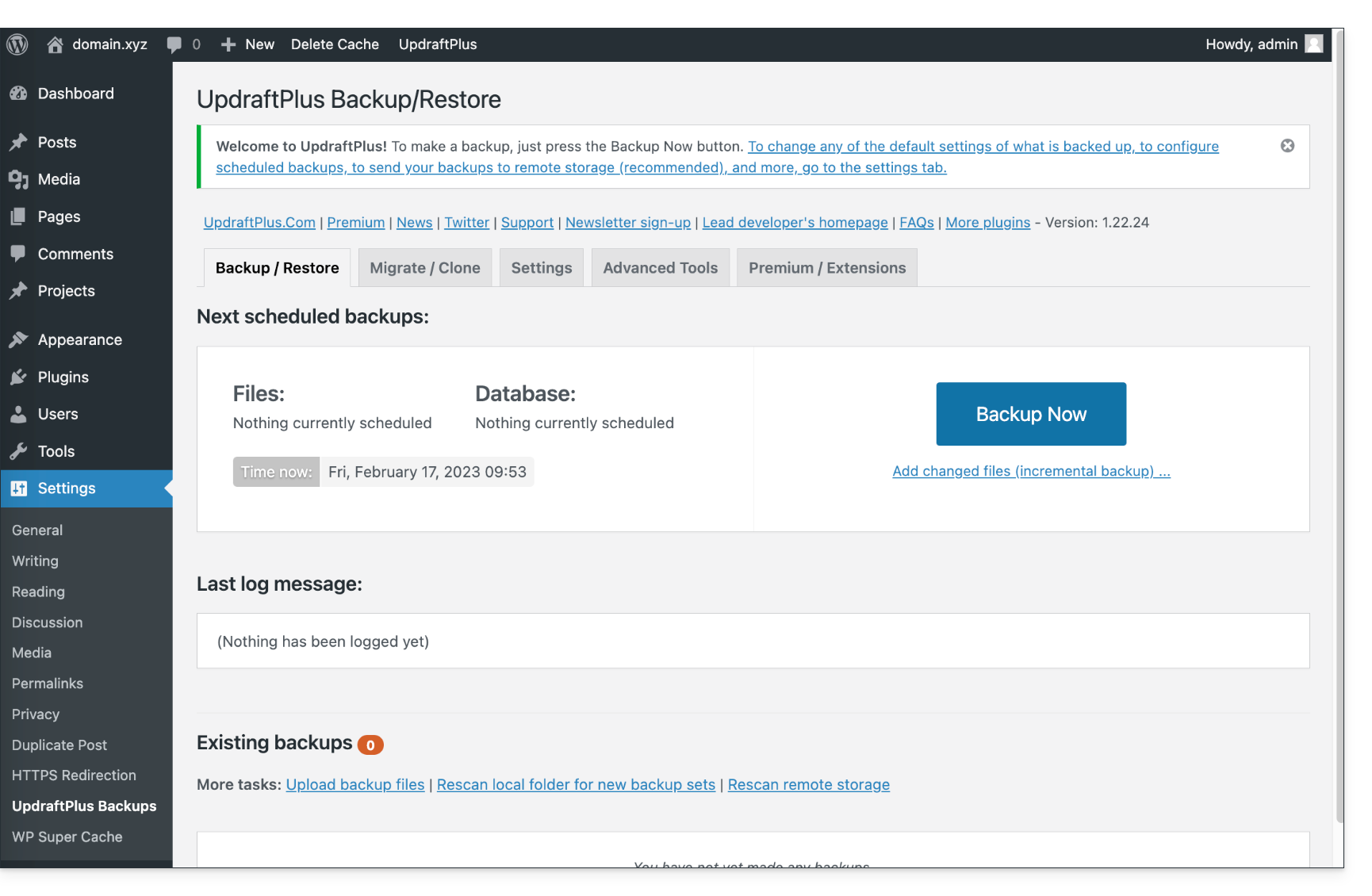
- Click on Settings then UpdraftPlus Backups:
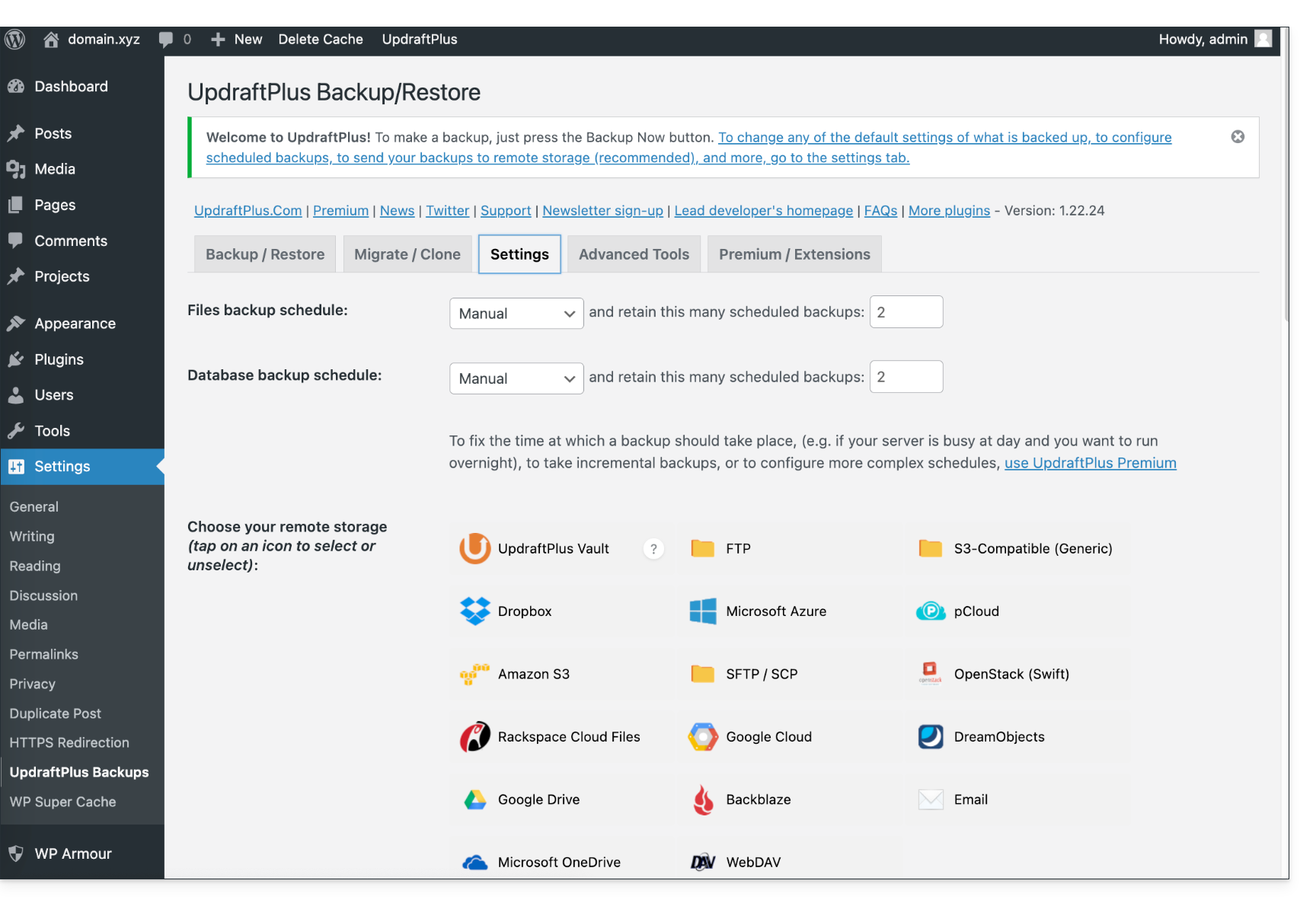
- Click on Settings then S3-Compatible (Generic):
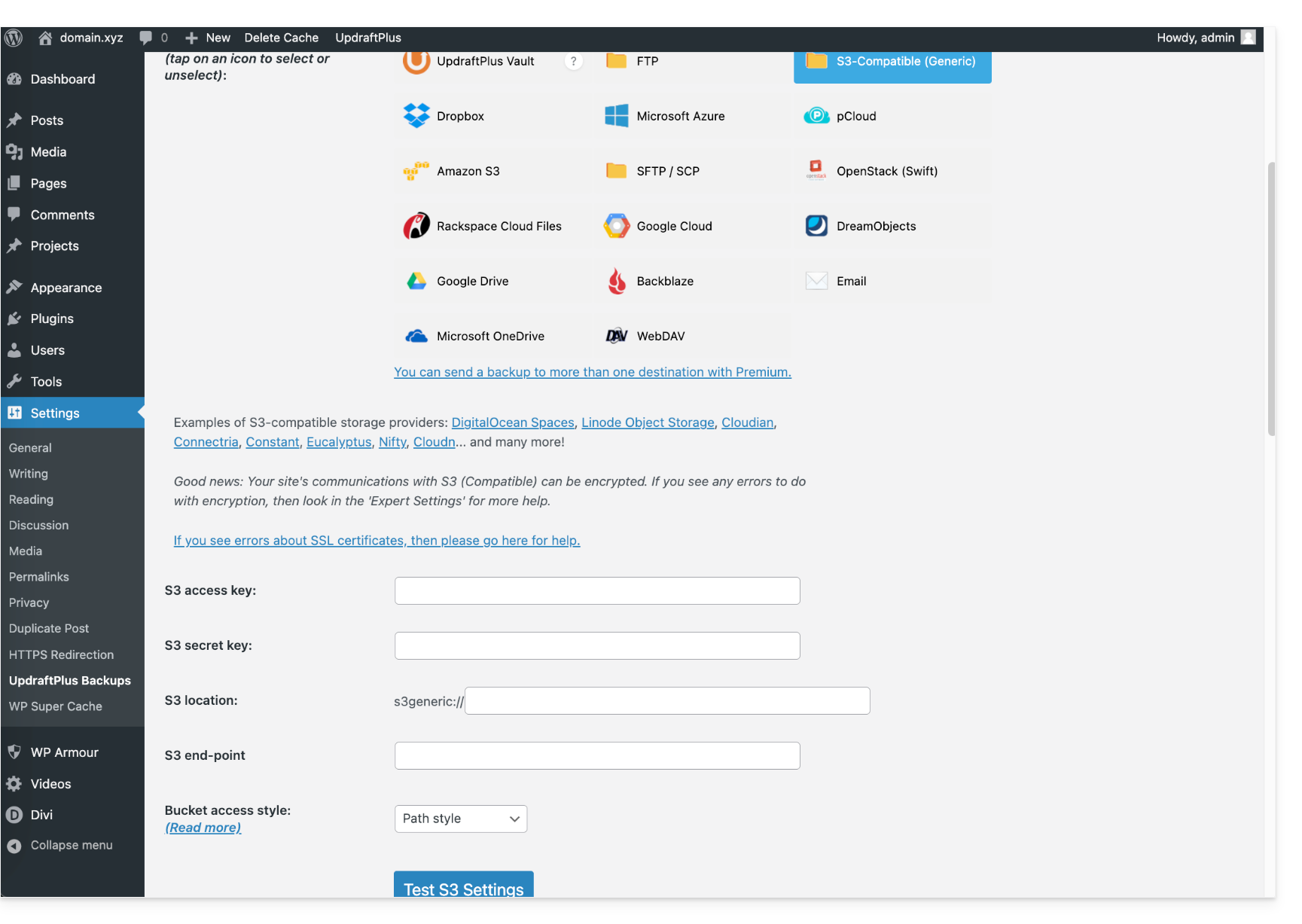
- Further down, fill in the fields according to the information specific to your device.
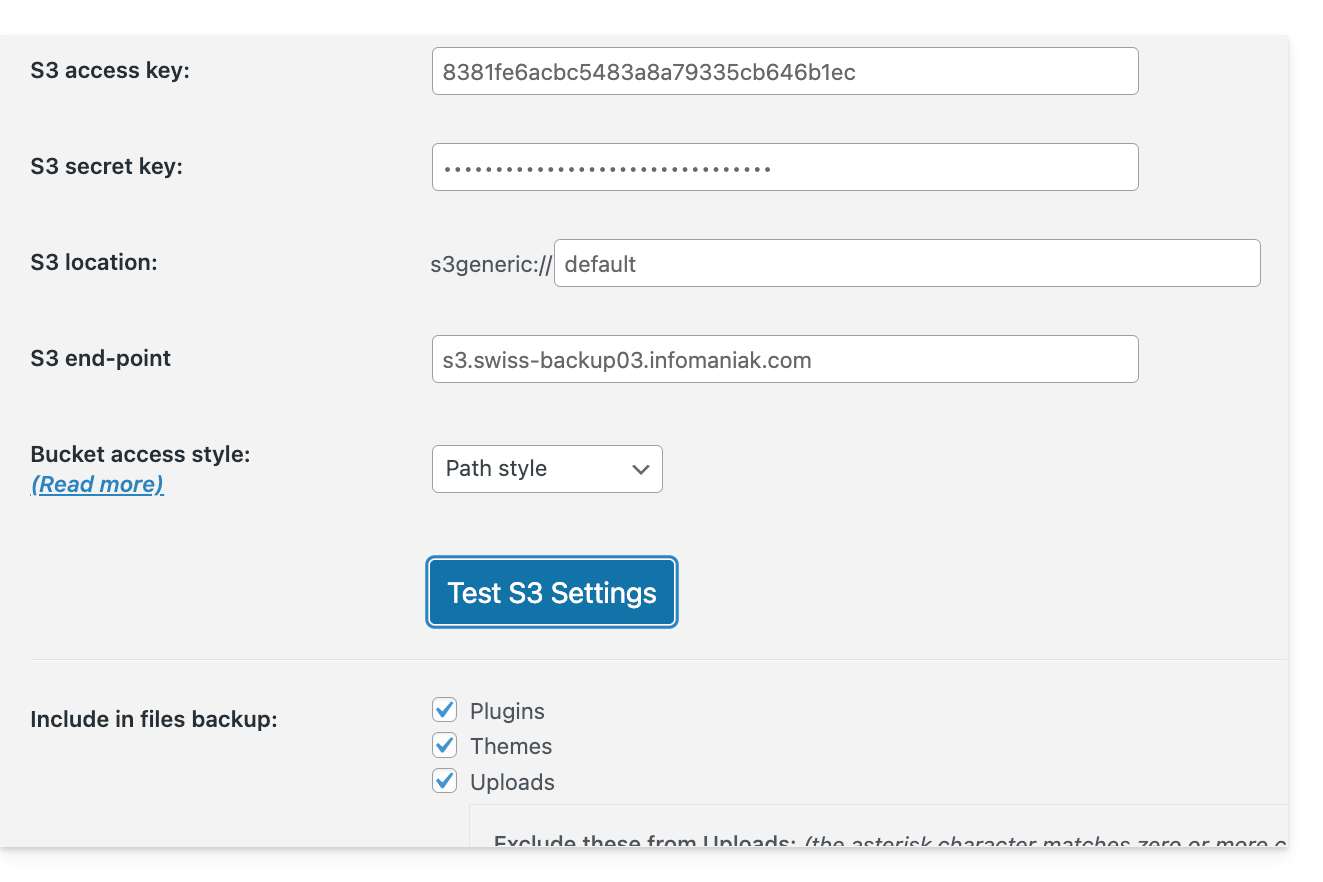
- Here is the type of information you need to have and that you must specify in the various fields to create the connection:
You can then schedule your backups at regular intervals.
Download the backup manually
Your backups made via UpdraftPlus - S3 can be retrieved using an S3-compatible client, such as Cyberduck.
Restore an UpdraftPlus backup
Please refer to this official guide in English.
Link to this FAQ: https://faq.infomaniak.com/2767
Has this FAQ been helpful?