Knowledge base
1000 FAQs, 500 tutorials and instructional videos. Here, there are only solutions!
Manage the Favicon with Site Creator
This guide explains how to set up the icon displayed in the favorites bar of a web browser, the favicon, within Infomaniak's Site Creator.
Introduction
- Microsoft recommends the following formats for its browsers:
16 x 16,32 x 32and48 x 48. - Apple, on the other hand, recommends that the favicon size be
180 x 180.
Define the Site Creator favicon
Prerequisites
- Access Site Creator:
- Click here to access the management interface for your product in the Infomaniak Manager (need help?).
- Click directly on the name assigned to the Site Creator in question.
- Click on the Edit my site button to launch the editor:
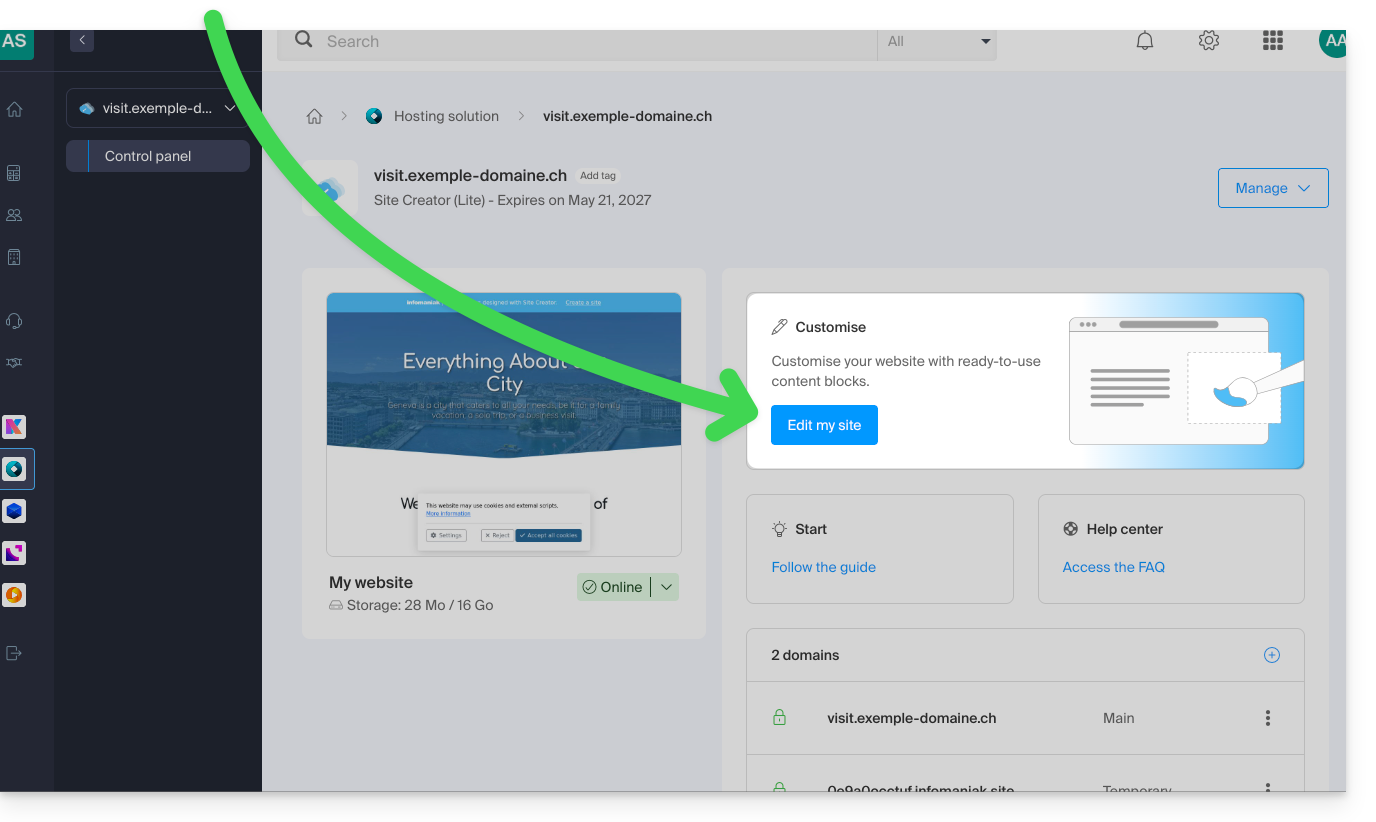
To define a new favicon:
- Click on the Settings button in the left-hand menu.
- Click on General Settings:
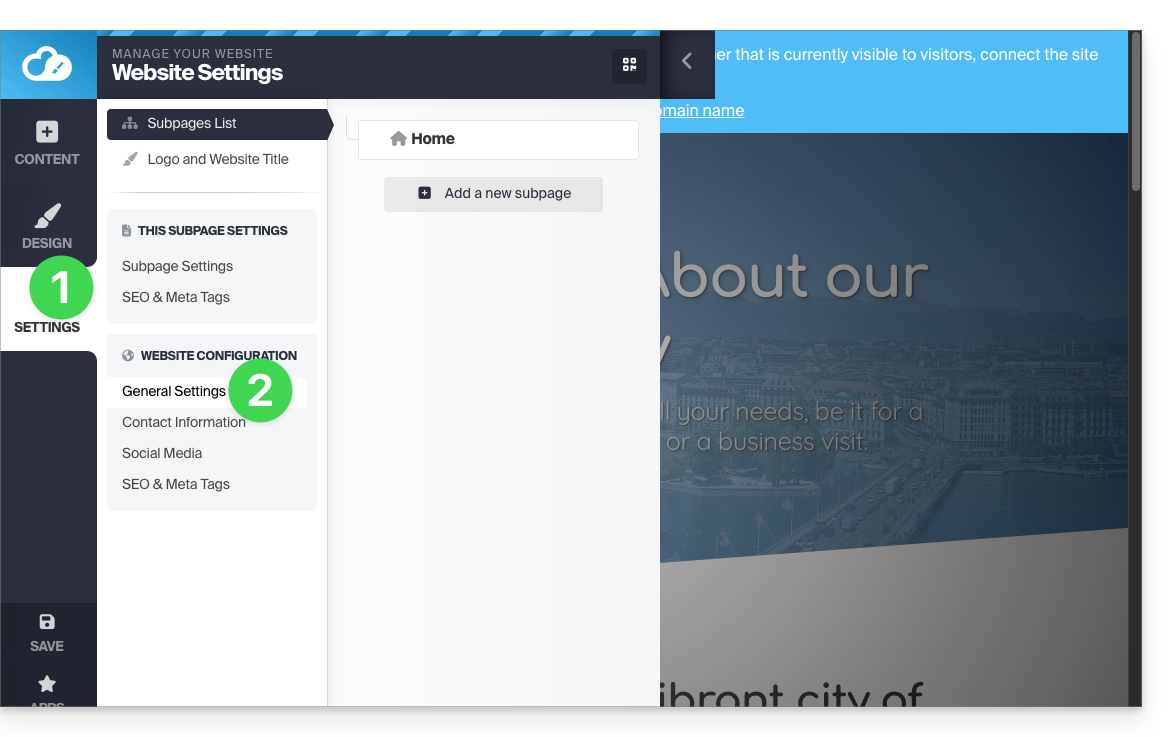
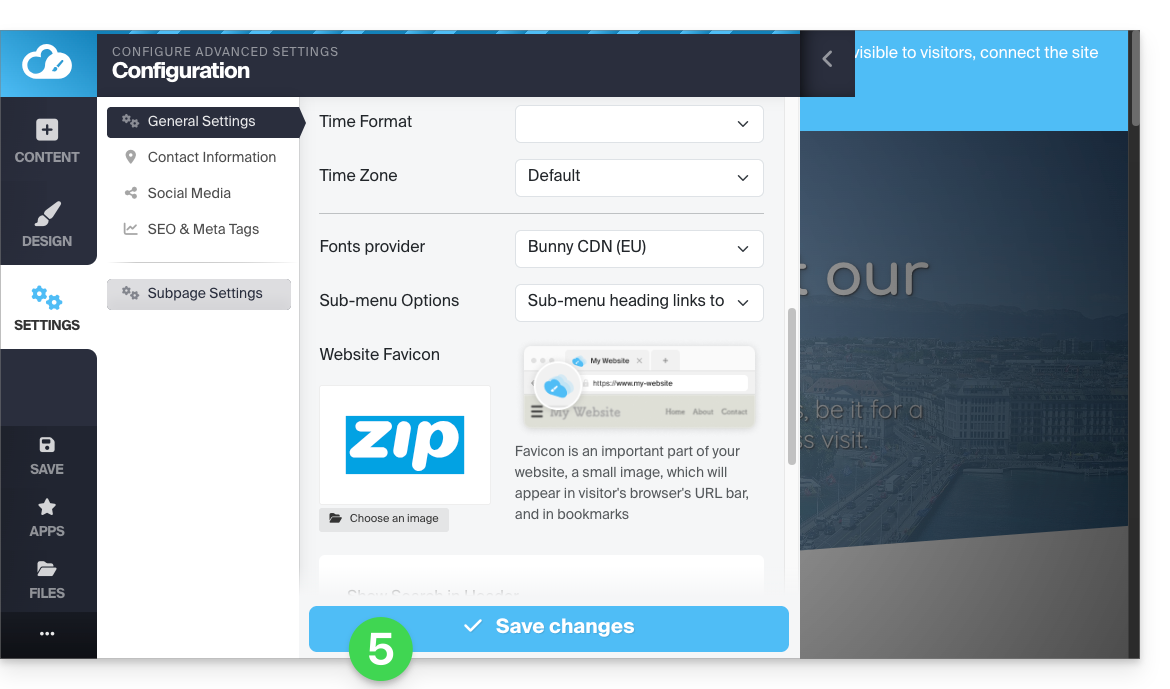
- Scroll down to the Favicon section and click to choose an image:
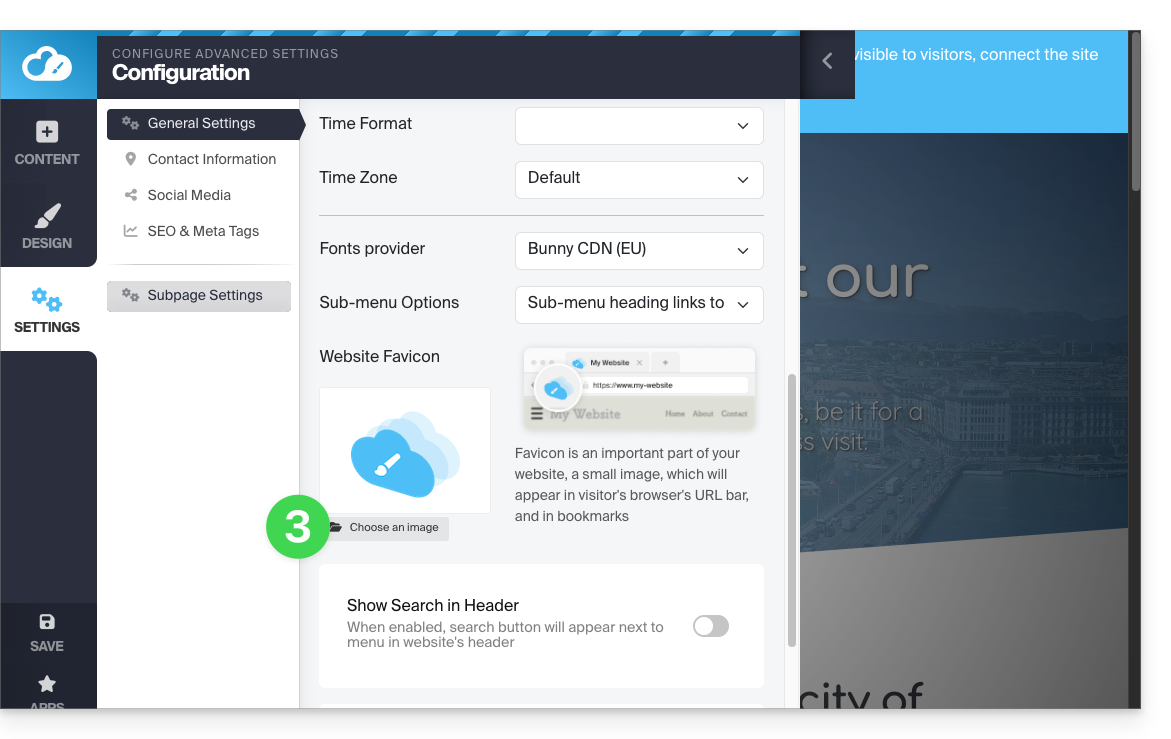
- Import/select the favicon from your hard drive:
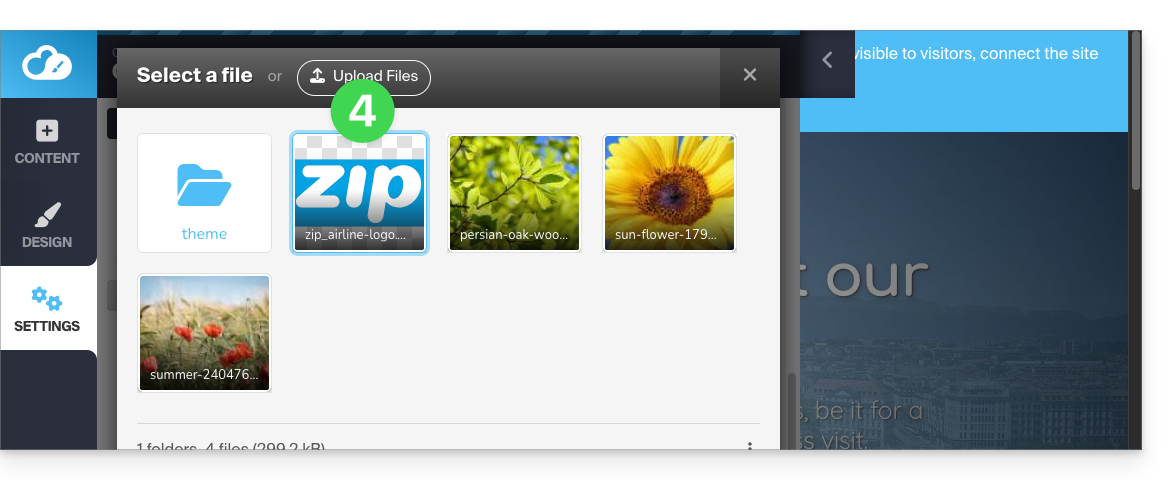
- Save the changes at the bottom of the page:
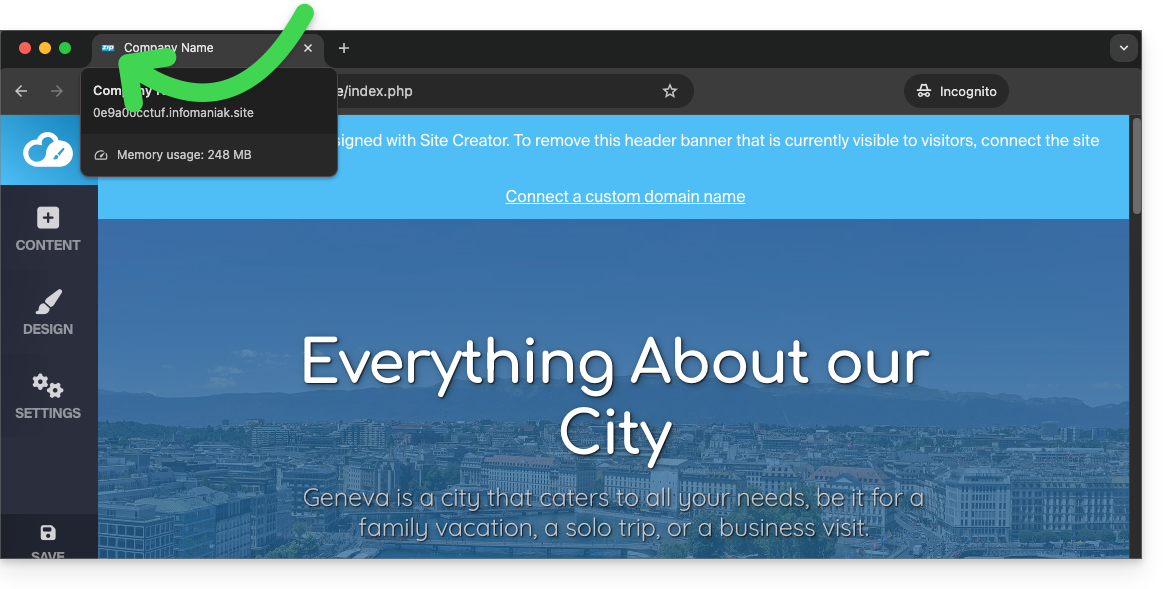
- Preview the result in your browser (if necessary, in a new private browsing window, for example):
Link to this FAQ: https://faq.infomaniak.com/2723
Has this FAQ been helpful?