Knowledge base
1000 FAQs, 500 tutorials and instructional videos. Here, there are only solutions!
Manage the Favicon with Site Creator
This guide explains how to set up the icon displayed in the favorites bar of a browser such as Brave, Chrome, Edge, Firefox, Opera, Safari, etc., within Site Creator Infomaniak. This icon is called the favicon.
Introduction
- Microsoft recommends the following formats for its browsers:
16 x 16,32 x 32, and48 x 48. - Apple, on the other hand, recommends that the favicon size be
180 x 180.
Define the Site Creator favicon
Start by logging into the Infomaniak Manager with your credentials (user account with the necessary rights for the relevant product):
- Click here to access the hosting & site management section (filtered to display only Site Creator).
- If nothing is displayed, you may not be in the Organization to which your site is linked (❓: help).
- Click on the name of the Site Creator in question:
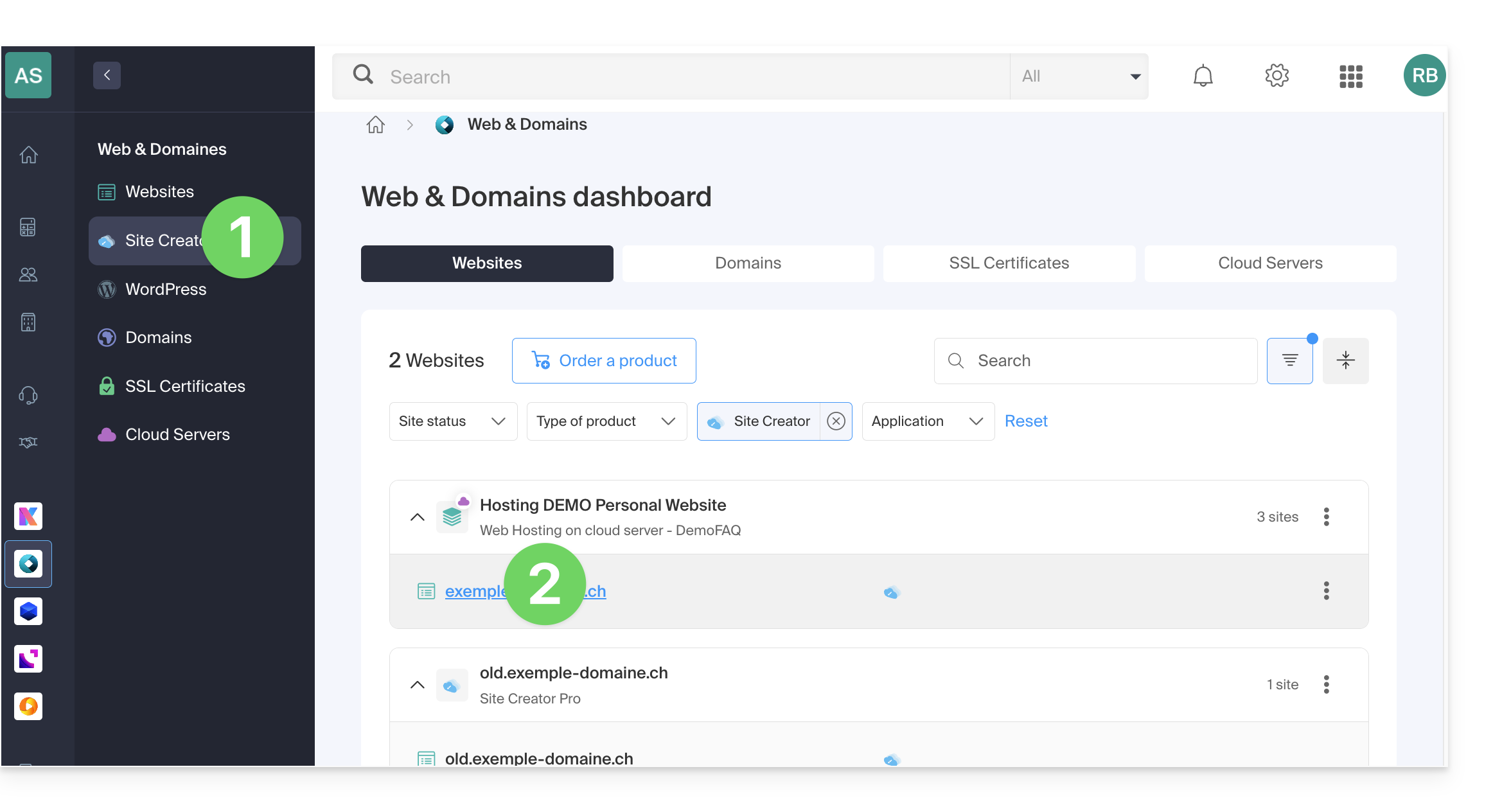
- Click on the button to edit your website:
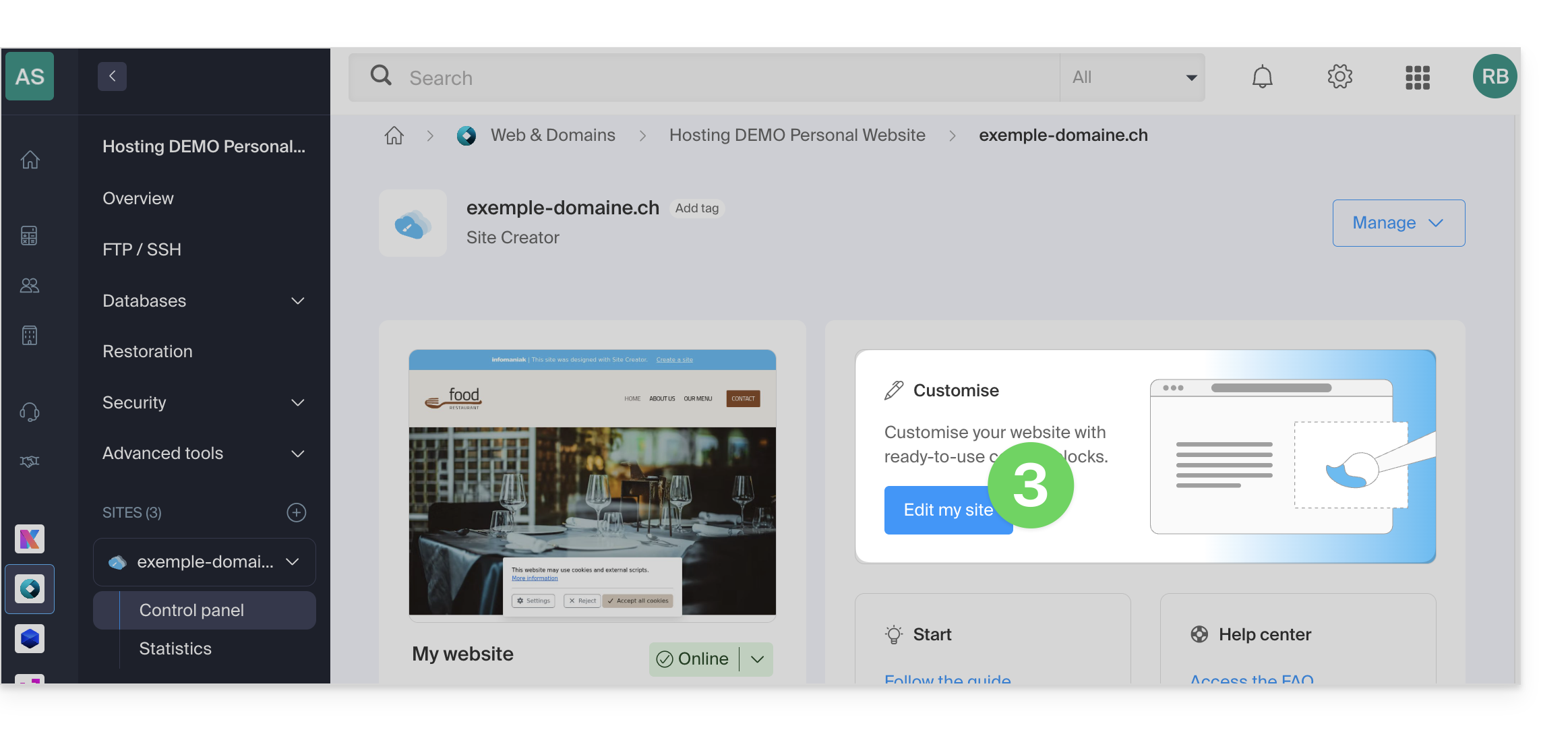
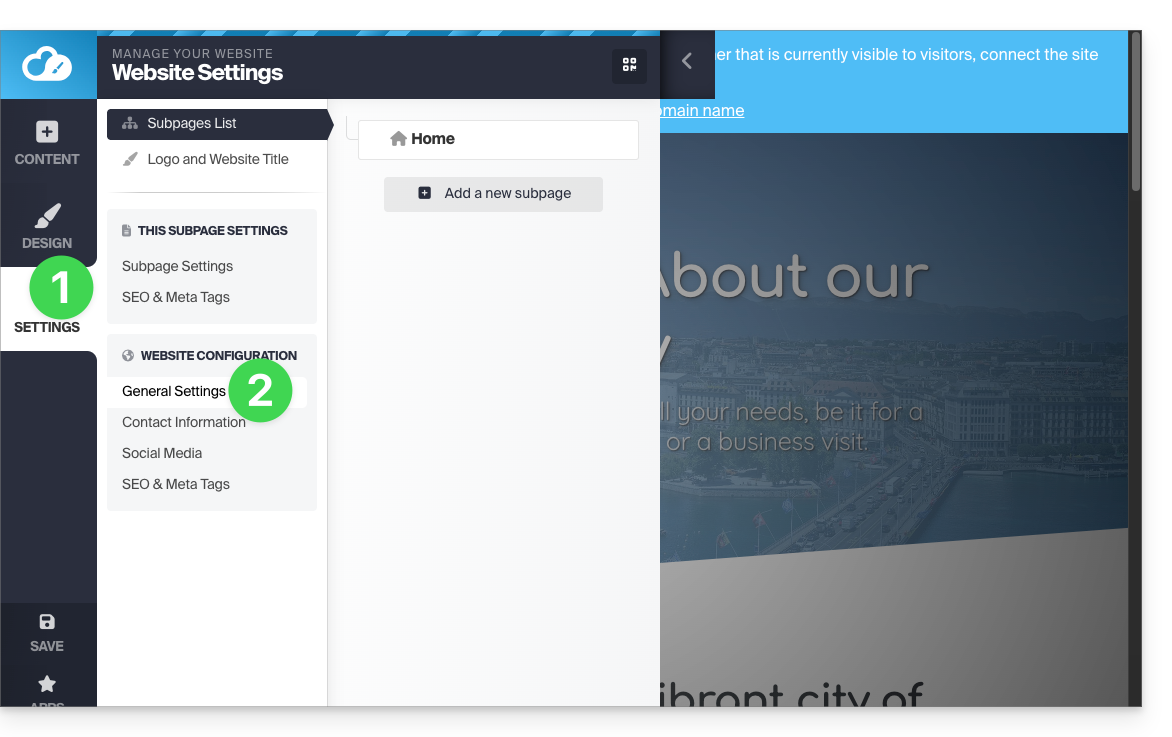
Once in Site Creator, to define a new favicon:
- Click on the Settings button in the left-hand menu.
- Click on General Settings:
- Scroll down to the Favicon section and click to choose an image:
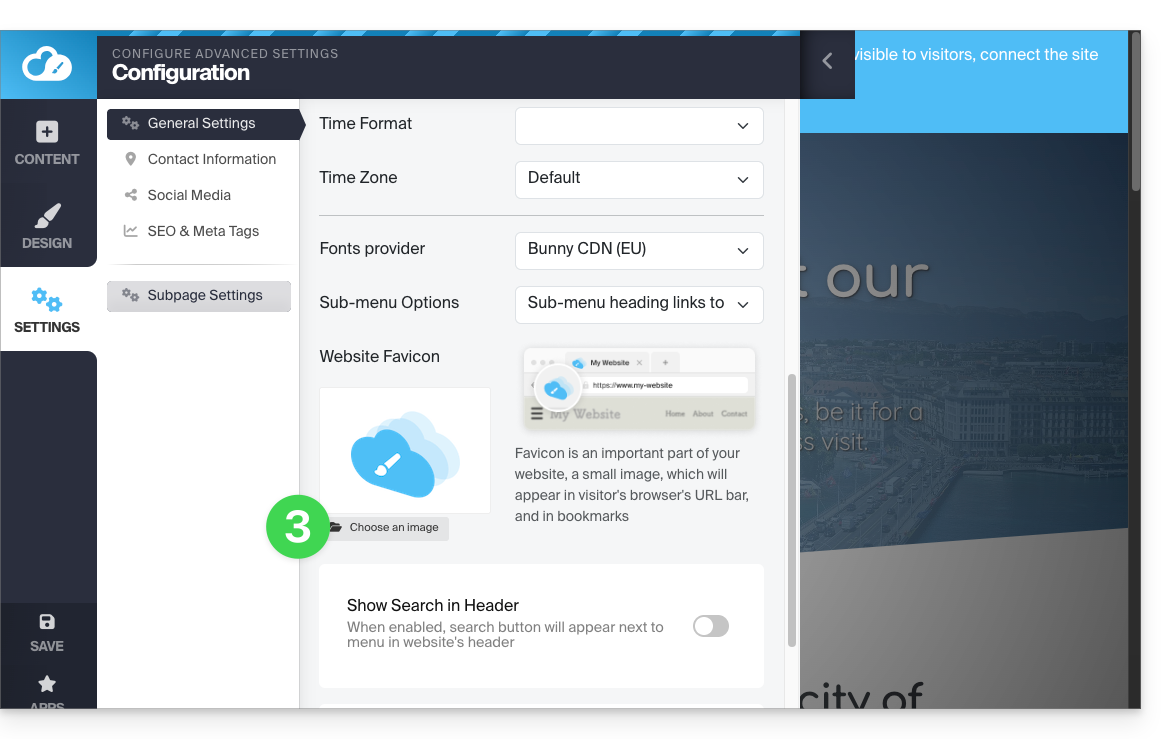
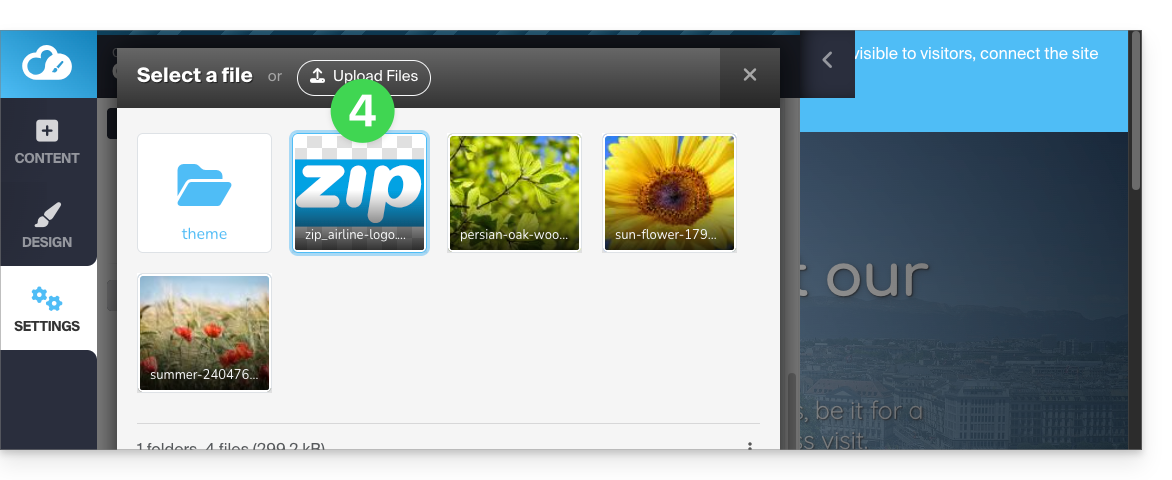
- Import/select the favicon from your hard drive:
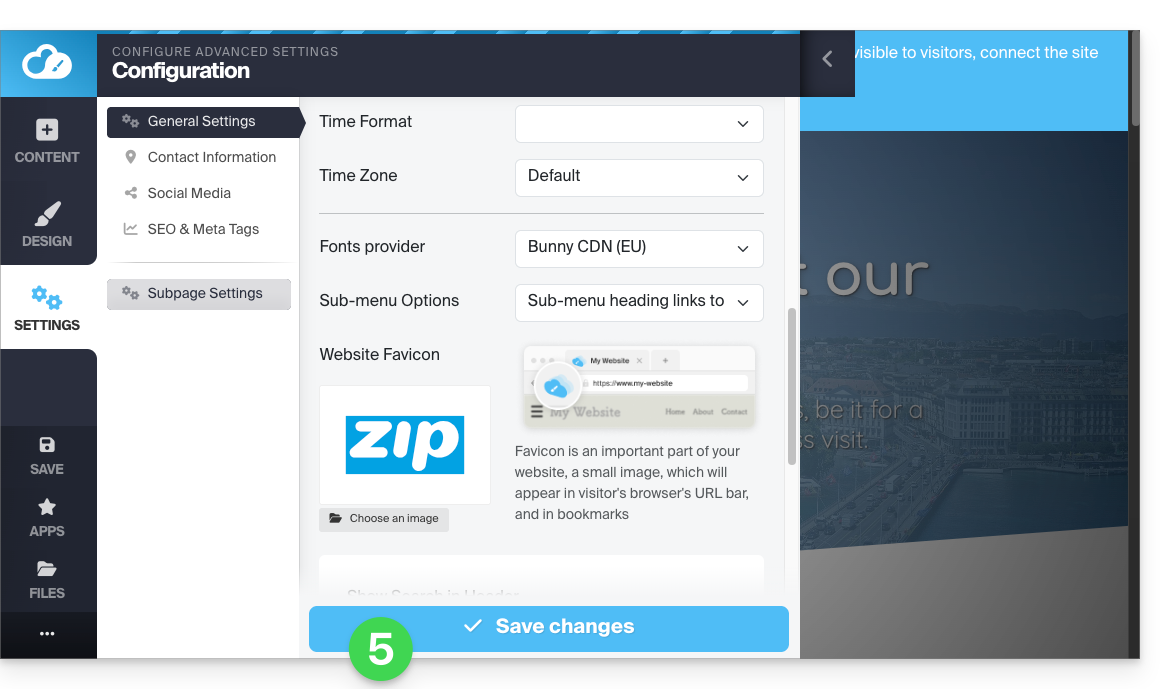
- Save the changes at the bottom of the page:
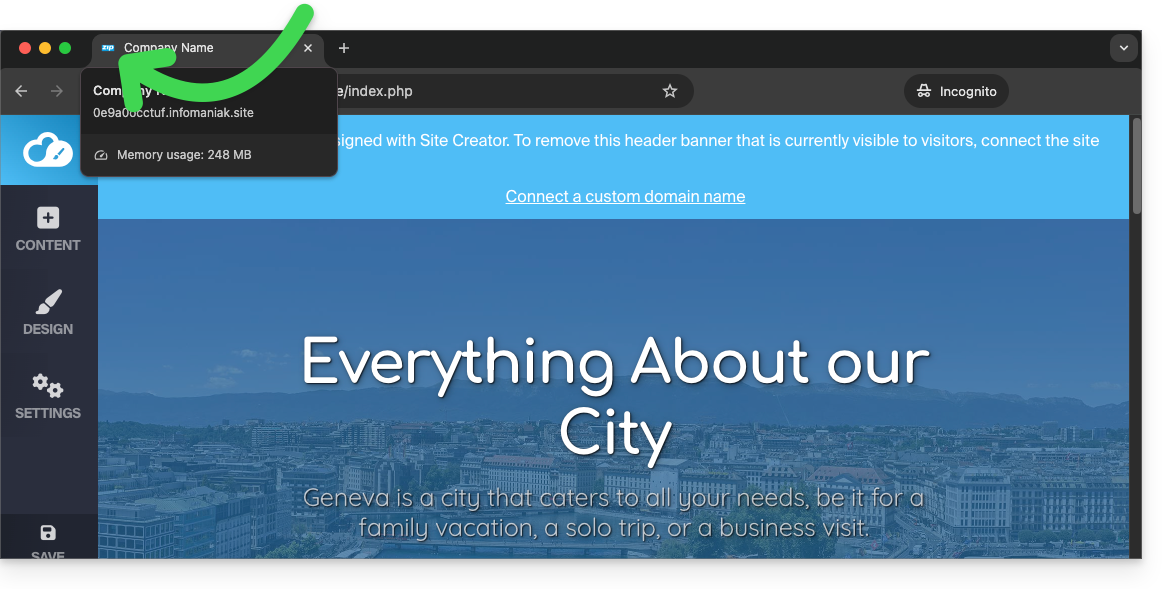
- Preview the result in your browser (if necessary, in a new private browsing window, for example):
Link to this FAQ: https://faq.infomaniak.com/2723
Has this FAQ been helpful?