Knowledge base
1000 FAQs, 500 tutorials and instructional videos. Here, there are only solutions!
Create a responsive website with Site Creator
This guide details how Site Creator from Infomaniak and the website created with it behave with different screen formats and resolutions.
View the site on different devices
Websites created with Site Creator are automatically adapted to all browsers, regardless of the device (computer, mobile device, tablet, large and small screens, etc.). However, they may behave differently depending on certain settings that you can adjust.
Start by logging into the Infomaniak Manager with your credentials (user with the necessary rights for the product in question):
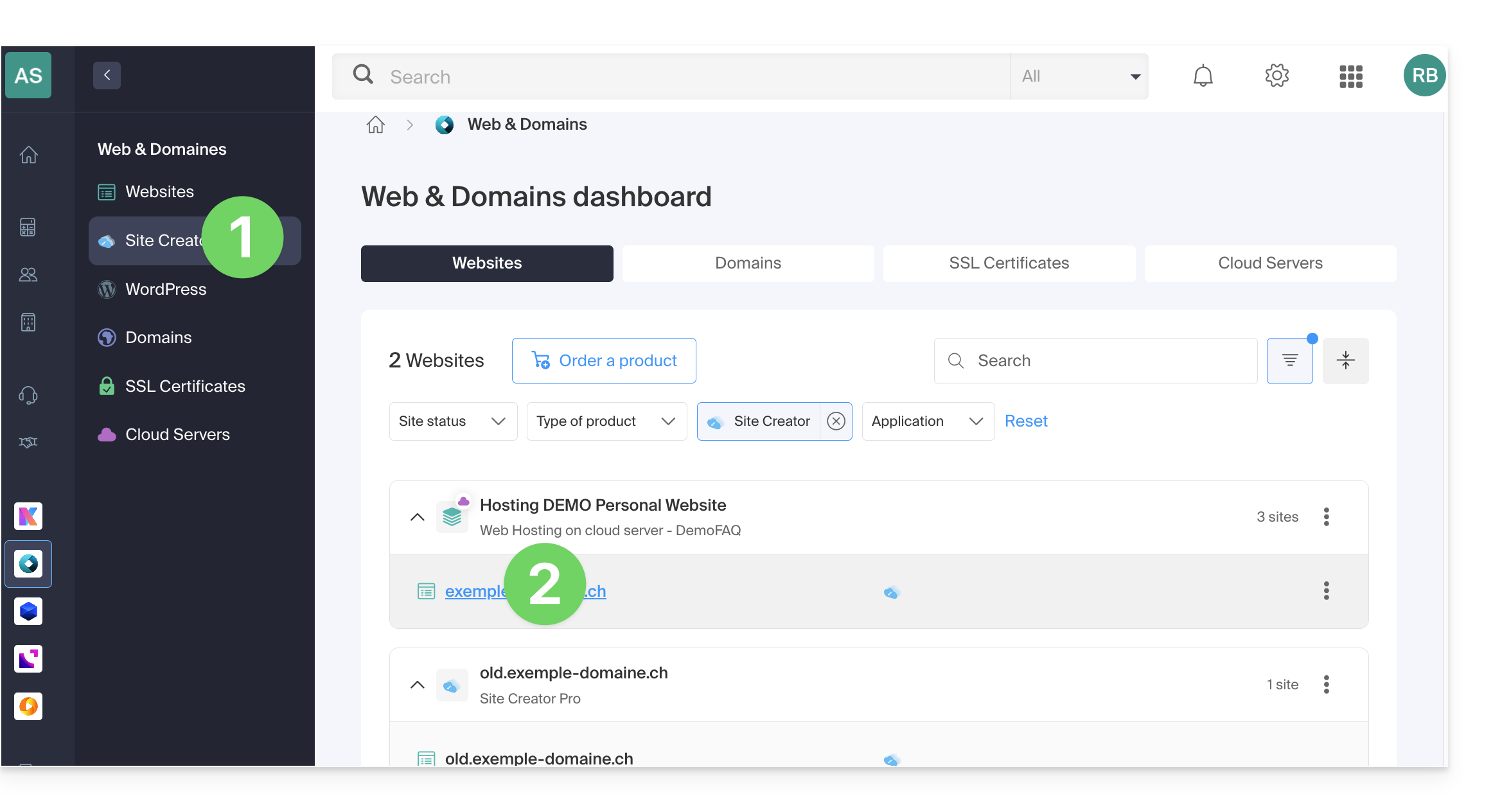
- Click here to access the hosting & site management section (filtered to display only Site Creator).
- If nothing is displayed, you may not be in the Organization to which your site is linked (❓: help).
- Click on the name of the Site Creator in question:
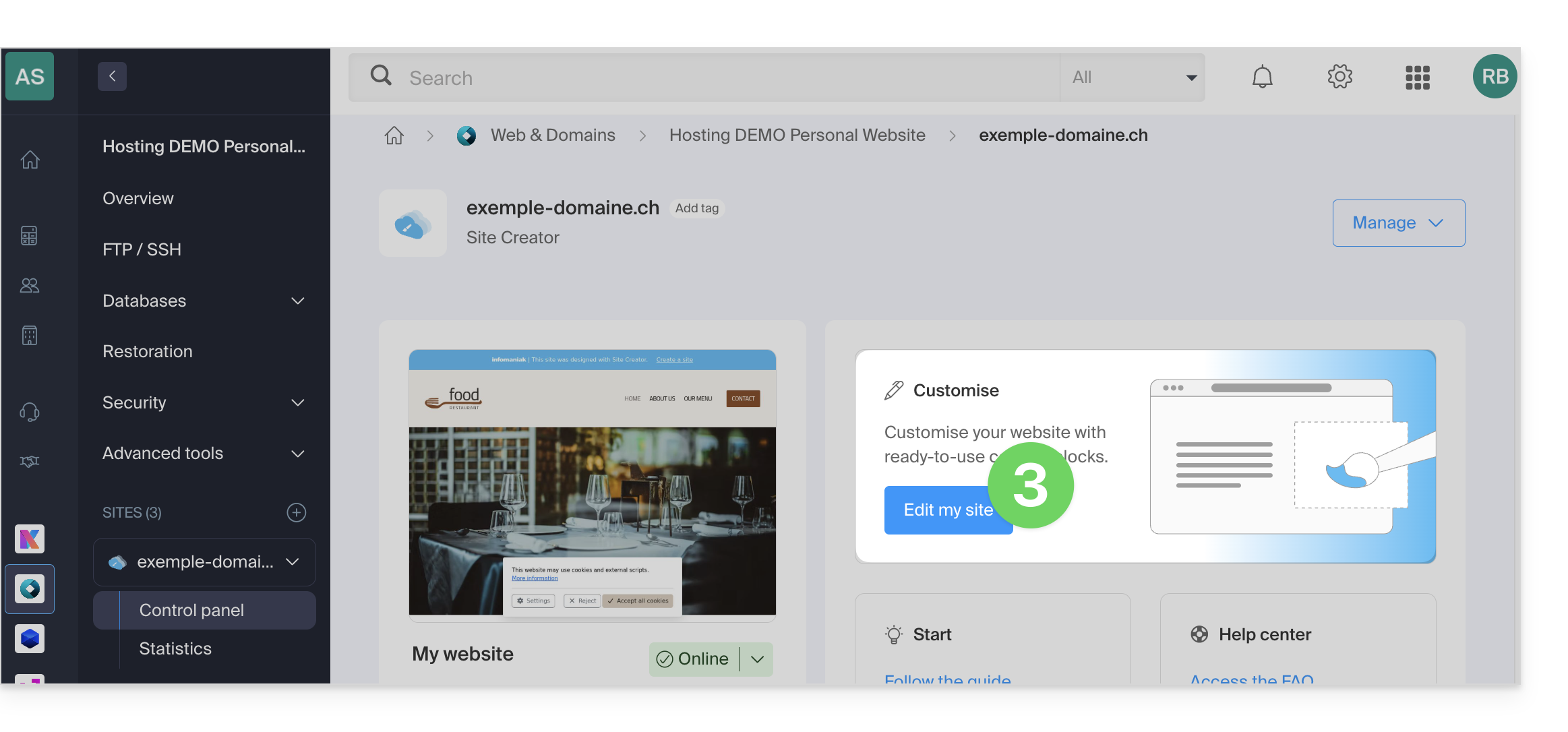
- Click on the button to edit your website:
Once in Site Creator, to preview the website version based on the display device:
- Click on the ••• button at the very bottom of the left-hand menu to expand the publishing and preview options:

- Click on Preview:
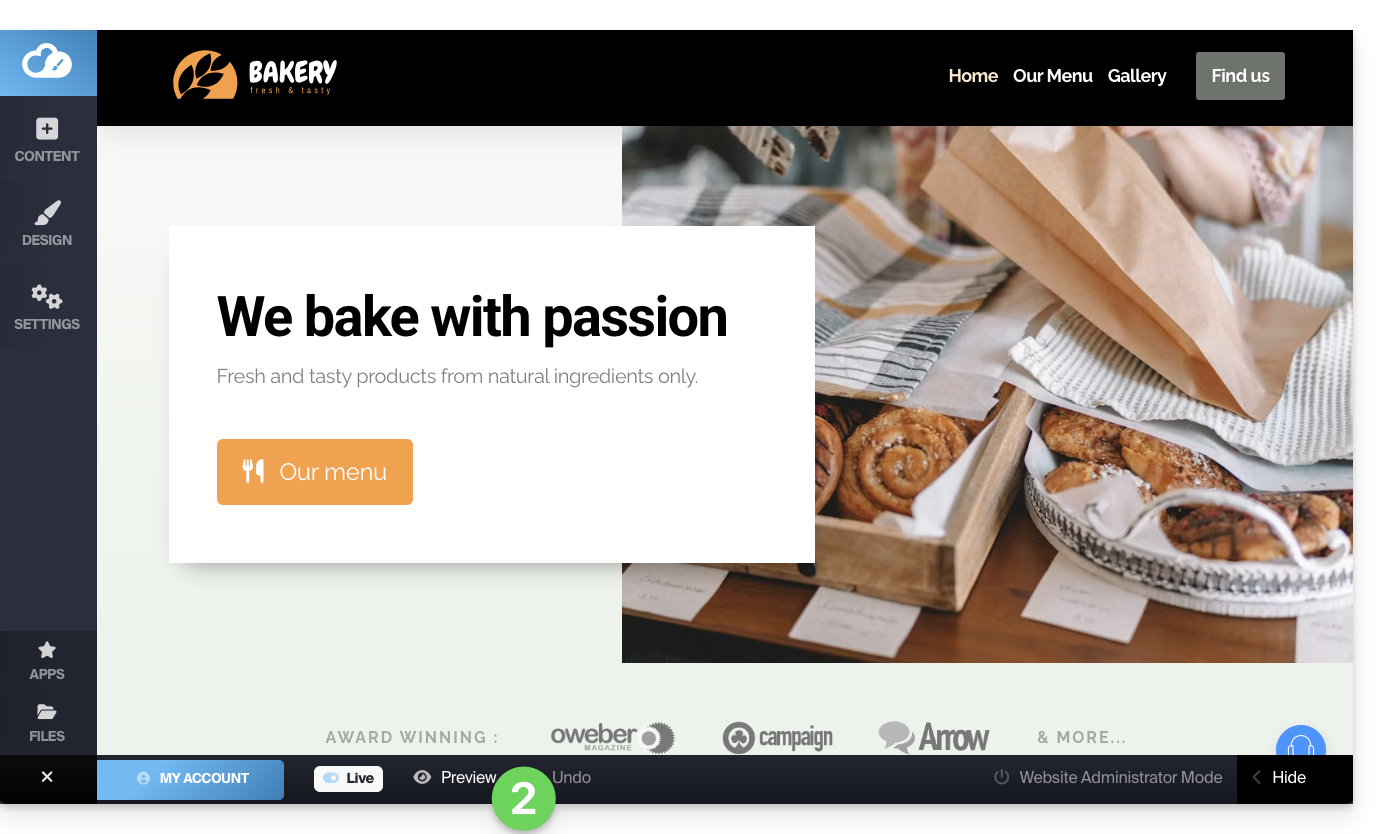
- At the top of the page, click on the action menu ⋮ to the right of Preview to change the type of device used for viewing.
- Click on the different device icons to simulate the different viewing formats (mobile, vertical, horizontal, etc.):

Display your site in a reduced width
You can reduce the width of your site within a "container" or "box". This special display will only be visible on large screens, such as desktop computers:
- Click on the Design button in the left-hand menu.
- Click on More settings.
- Activate the toggle switch for the Container display:
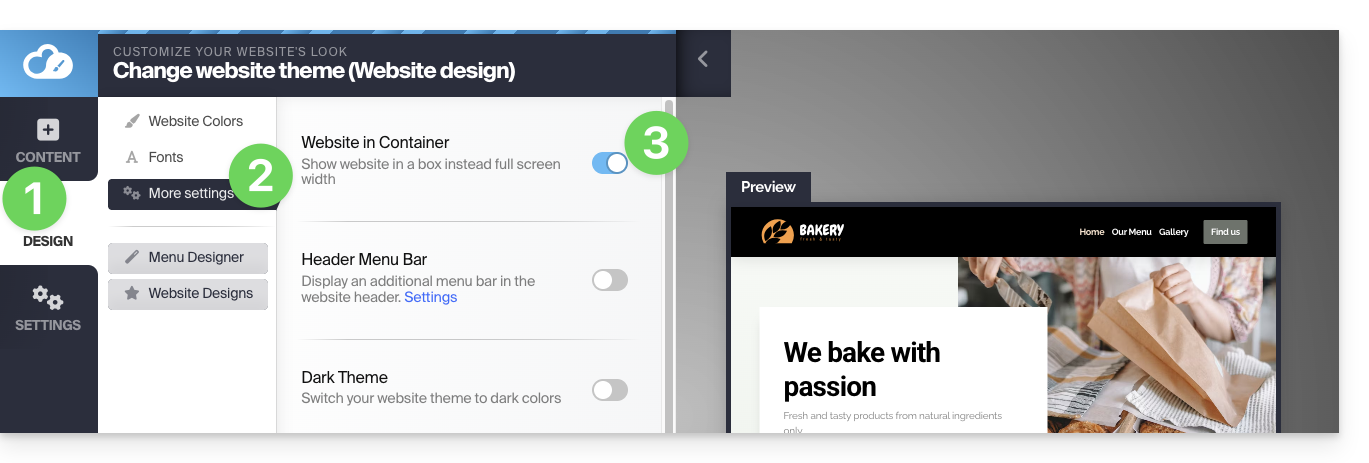
- Save the changes at the bottom of the page.
Hide a content block based on the device type
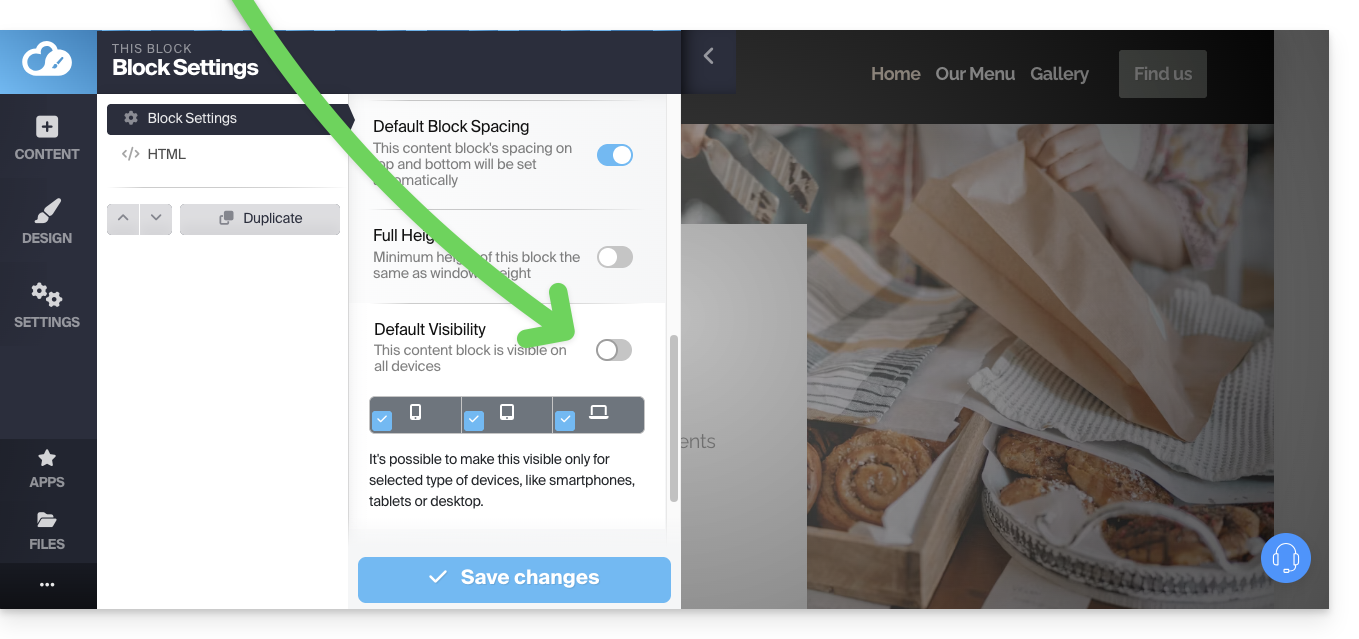
In the options for a content block, by disabling the default visibility, you can then define that it should only be displayed on certain types of devices (e.g., mobile devices):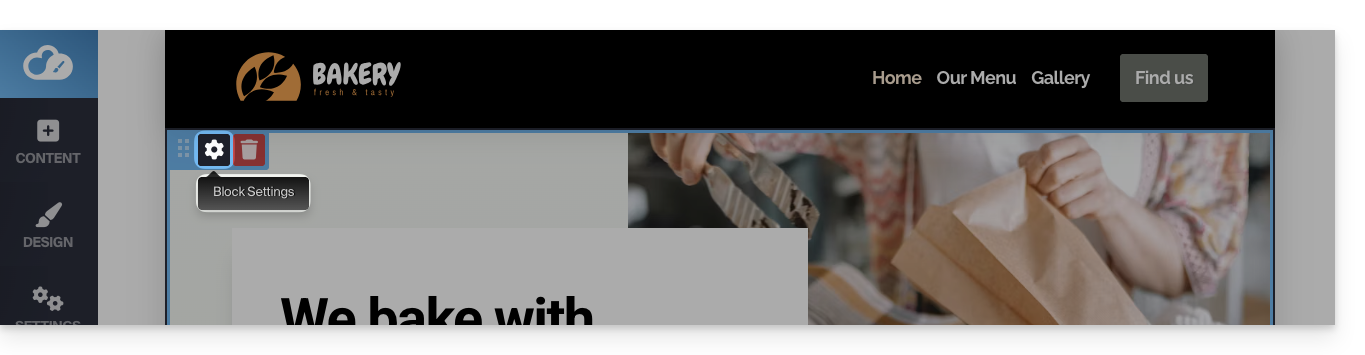
Link to this FAQ: https://faq.infomaniak.com/2707
Has this FAQ been helpful?