Knowledge base
1000 FAQs, 500 tutorials and instructional videos. Here, there are only solutions!
Ticketing: Using the API
This guide for developers and advanced users explains how to create an API key (as part of the Infomaniak ticketing system) so that you can use it to integrate it directly into your website.
Create an API key
To do this:
- Click here to access the management interface for your product in the Infomaniak Manager (need help?).
- Click directly on the name of the relevant ticketing system:
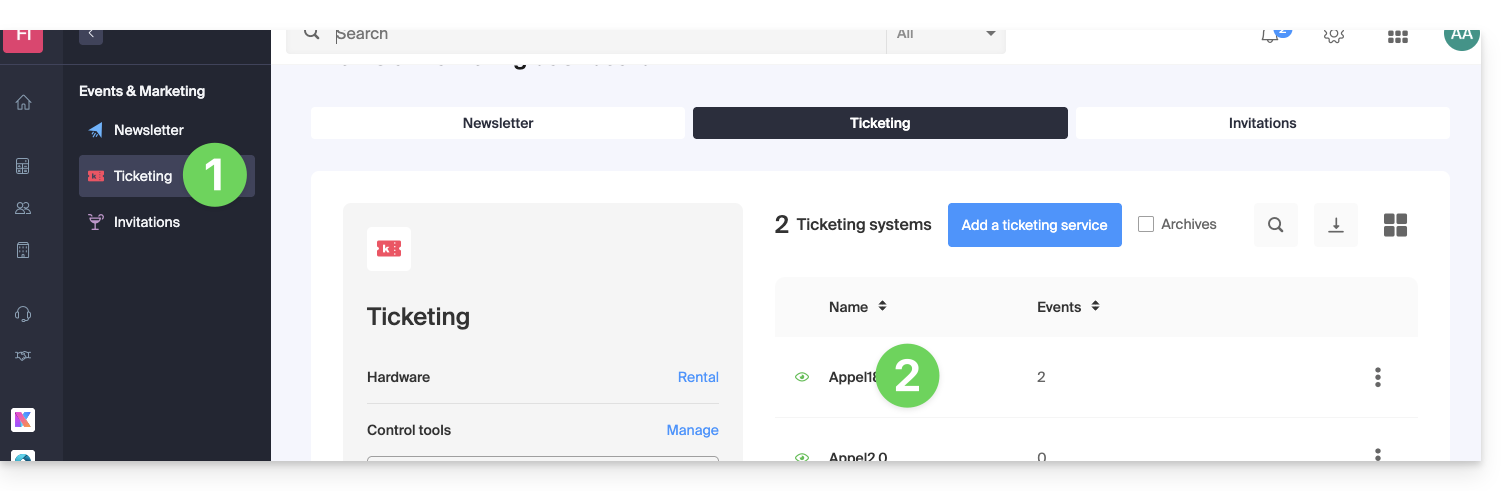
- Click on Shop / Online in the left-hand menu.
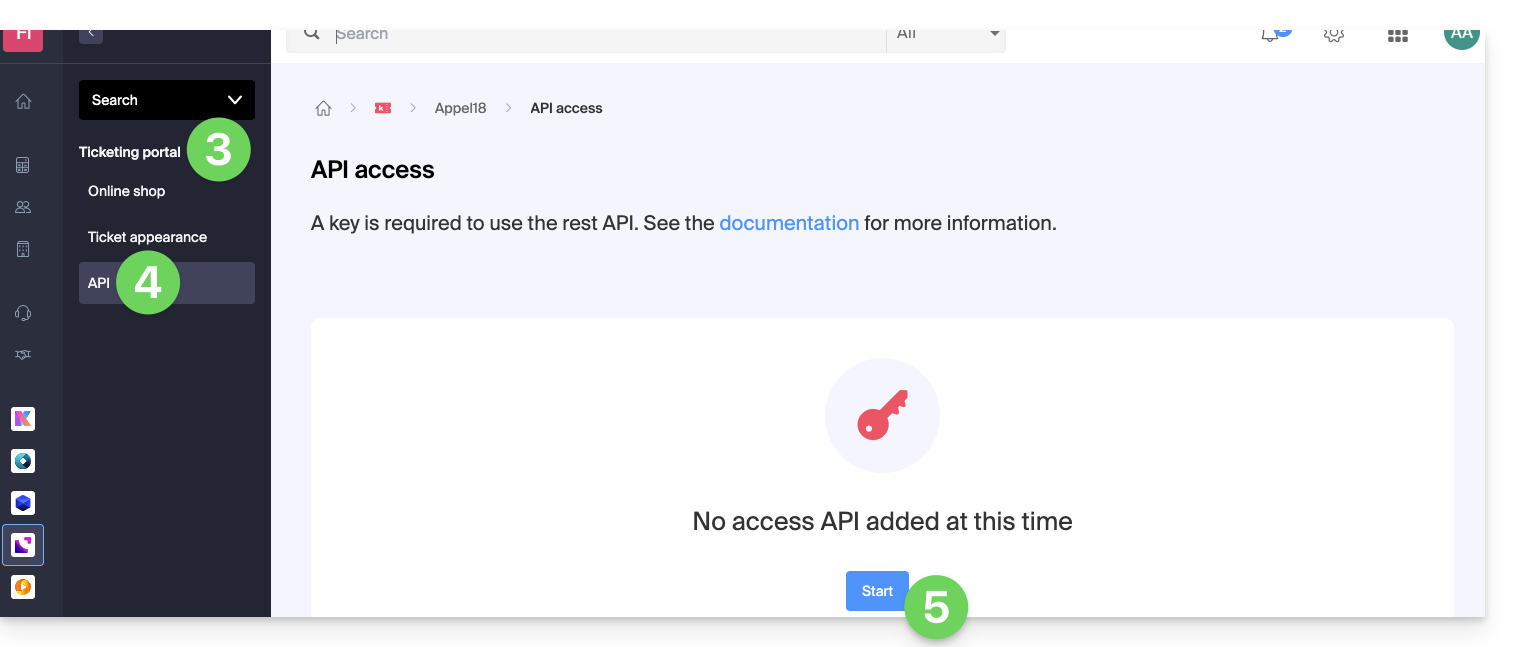
- Click on API Access in the left-hand menu.
- Click on the blue Add button:
- When creating the key, specify the IP addresses to block (optional).
- Indicate whether this API key will be allowed to sell tickets or not:
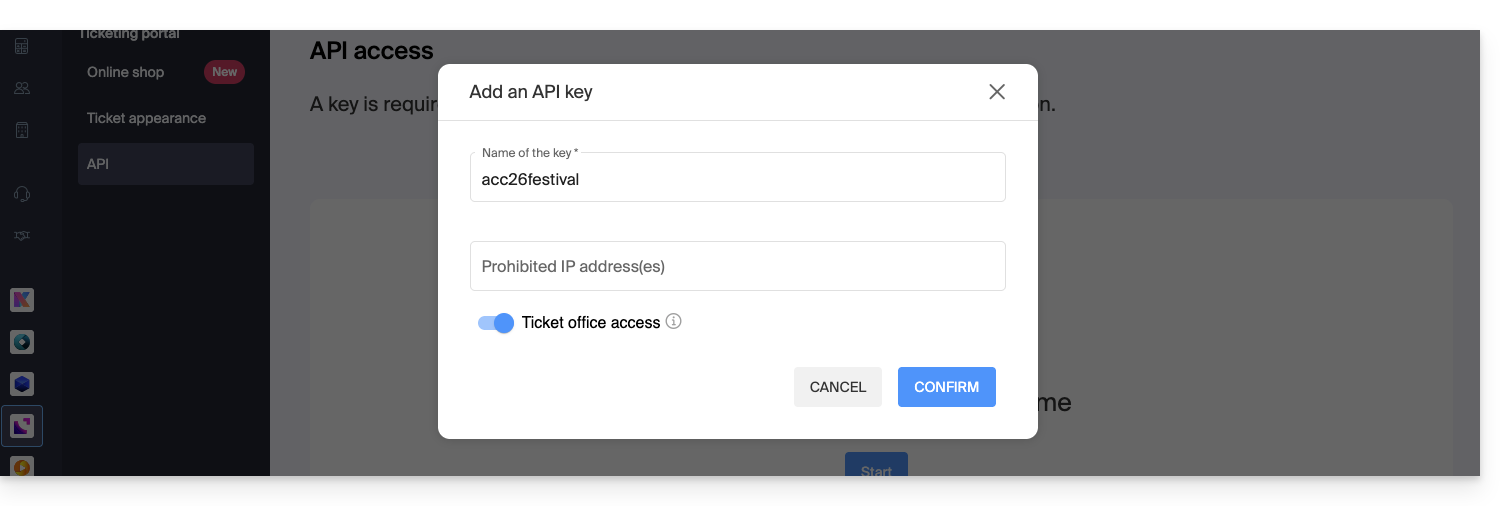
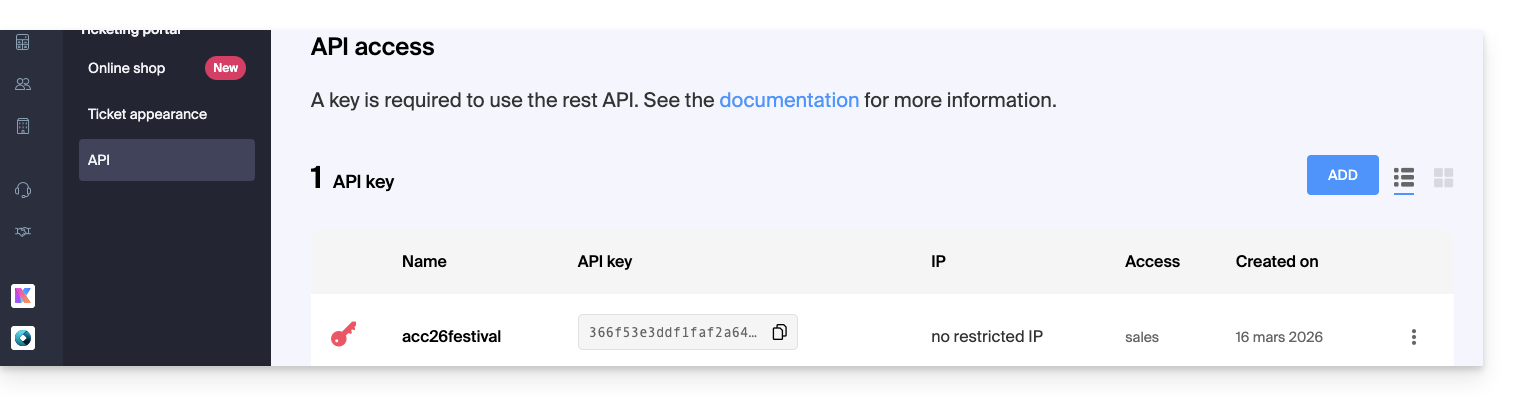
- Confirm the operation and then obtain the key generated for using the REST API:
Refer to the documentation for the API commands.
Link to this FAQ: https://faq.infomaniak.com/2661
Has this FAQ been helpful?