Knowledge base
1000 FAQs, 500 tutorials and instructional videos. Here, there are only solutions!
Ticketing: Install the 4G terminal
Update 10/06/2026
This guide explains how to set up and use the 4G terminal to connect your sales package or your scanners linked to the Infomaniak ticketing system.
Introduction
- The 4G hotspot acts as an access point for your on-site vending machines and scanners.
- It connects to a mobile network and creates a network to which tablets, printers, and scanners will connect.
- It is not necessary to use the RJ45 Ethernet connection to use the 4G hotspot.
Setting up the 4G hotspot
Prerequisites
- Ensure sufficient mobile network coverage for the 4G hotspot to function.
Operating the terminal
To do this:
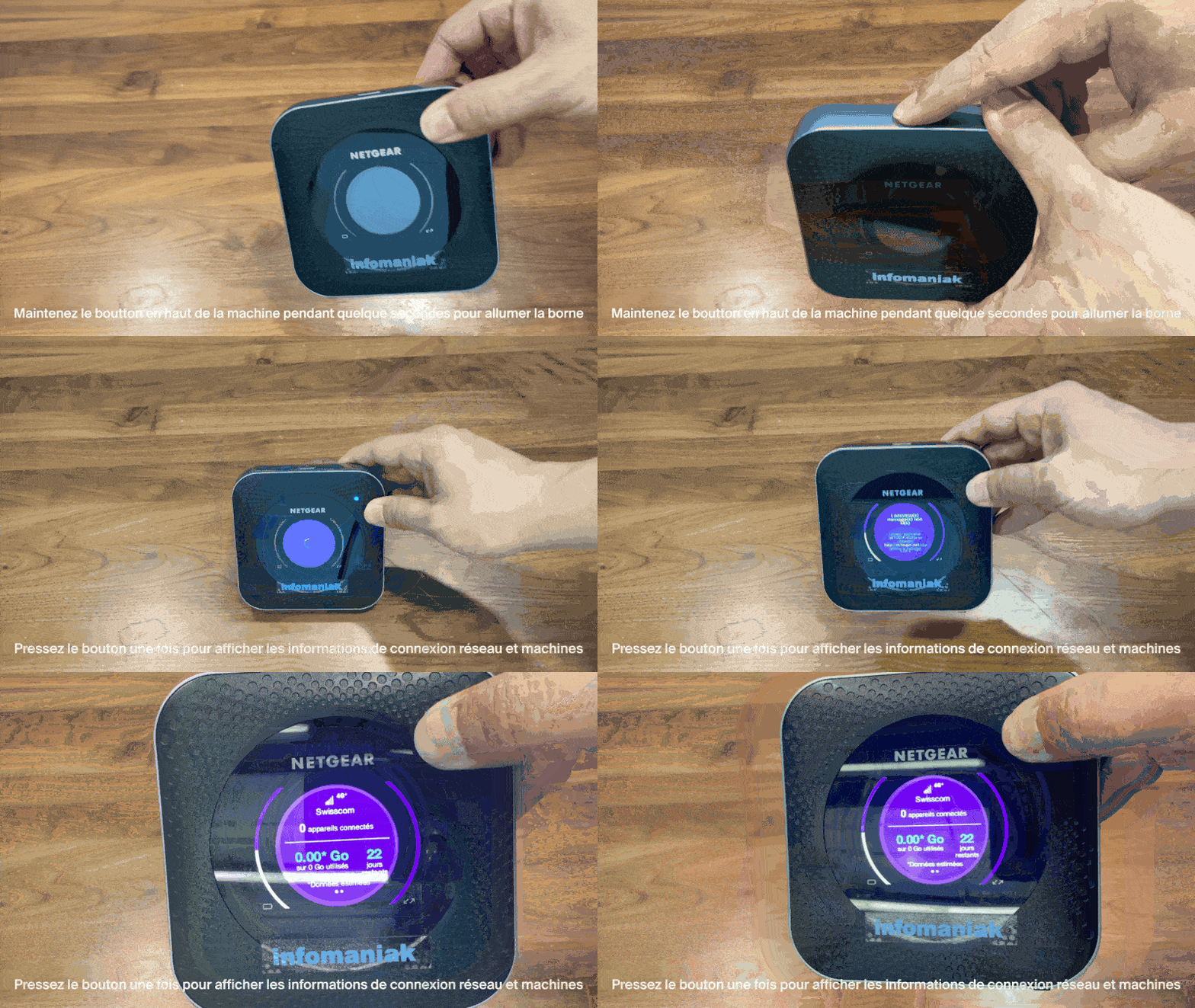
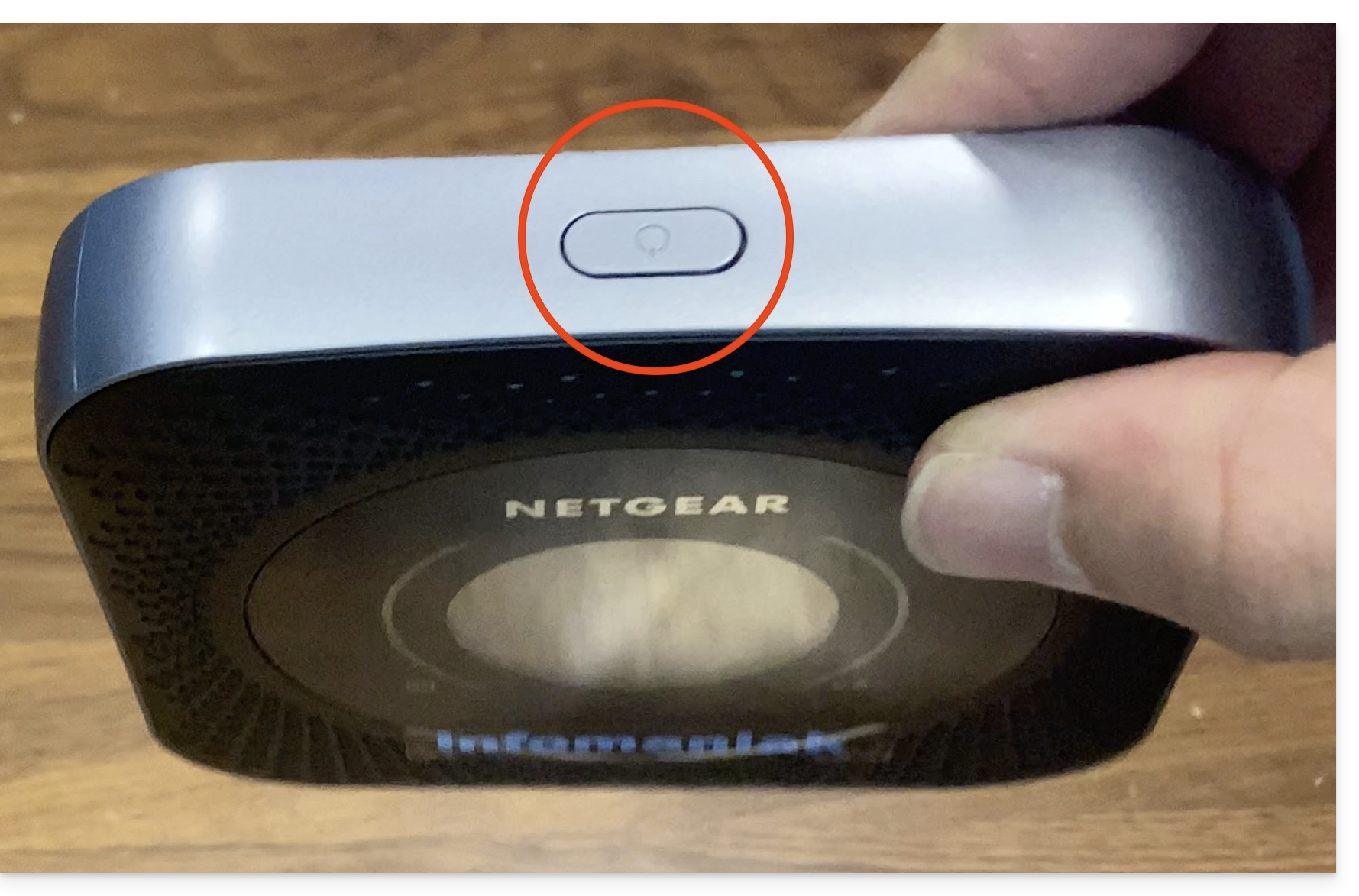
- Press the button on the top of the device for about 4 seconds:
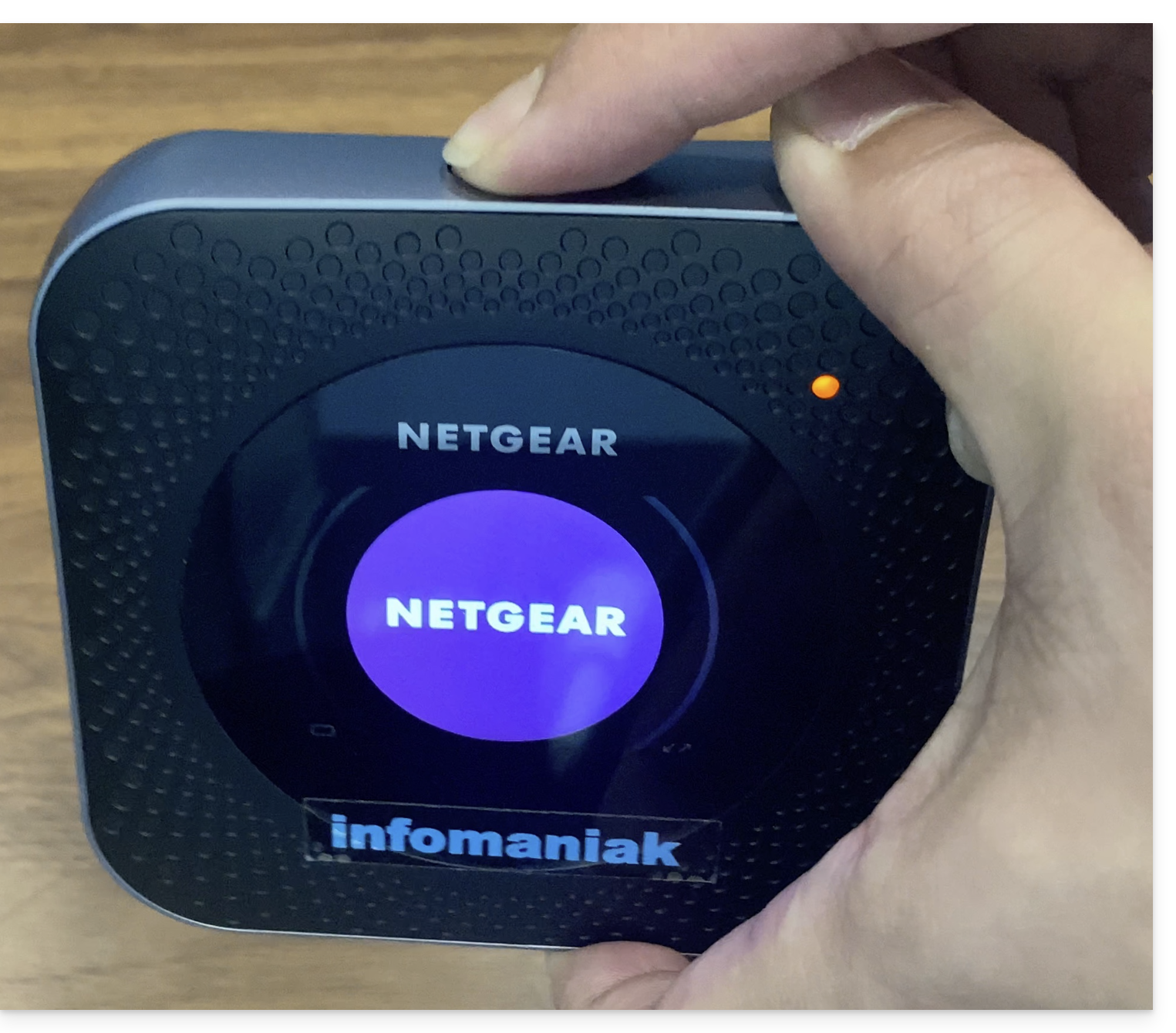
- The screen will turn on:
- The device automatically connects to the Swisscom network and is ready for use:
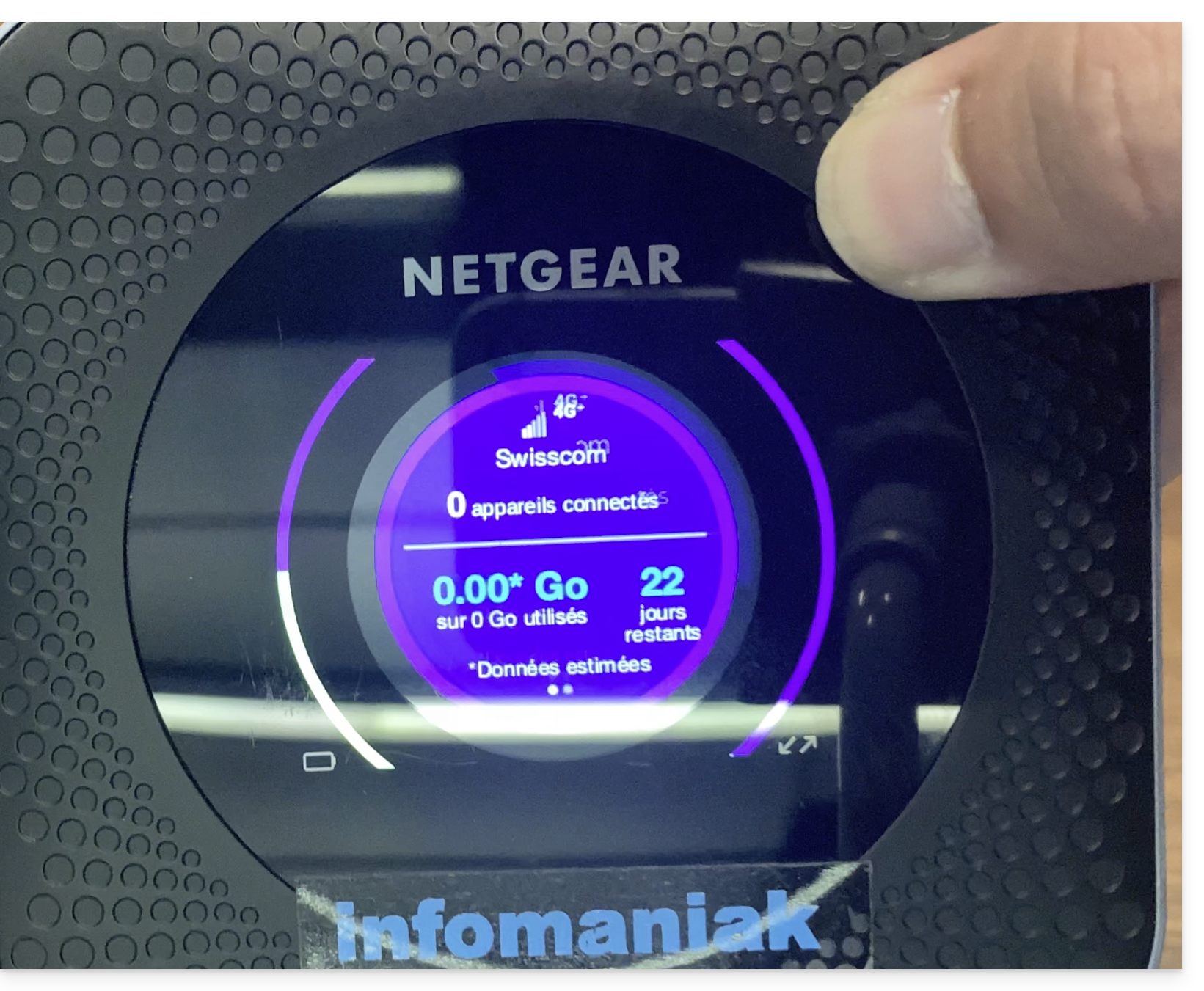
- The number of connected devices can be checked with a simple button press.
- The number of remaining days is a countdown to the end of the month and has no impact on the device's usage.
- Once the device is turned on and connected to the 4G network, it will create a network named Infomaniak.
- Infomaniak printers, tablets, and scanners will automatically connect to this network.
Link to this FAQ: https://faq.infomaniak.com/2647
Has this FAQ been helpful?