Knowledge base
1000 FAQs, 500 tutorials and instructional videos. Here, there are only solutions!
Add and manage Infomaniak API tokens
This guide explains how to create and manage your authentication tokens to interact with the Infomaniak API securely.
Preamble
- Token features:
- Number: no limit on creation
- Validity: unlimited by default (customizable upon creation)
- Inactivity: a token is automatically deactivated if it is not used for a year
- Usage example:
Manage API tokens
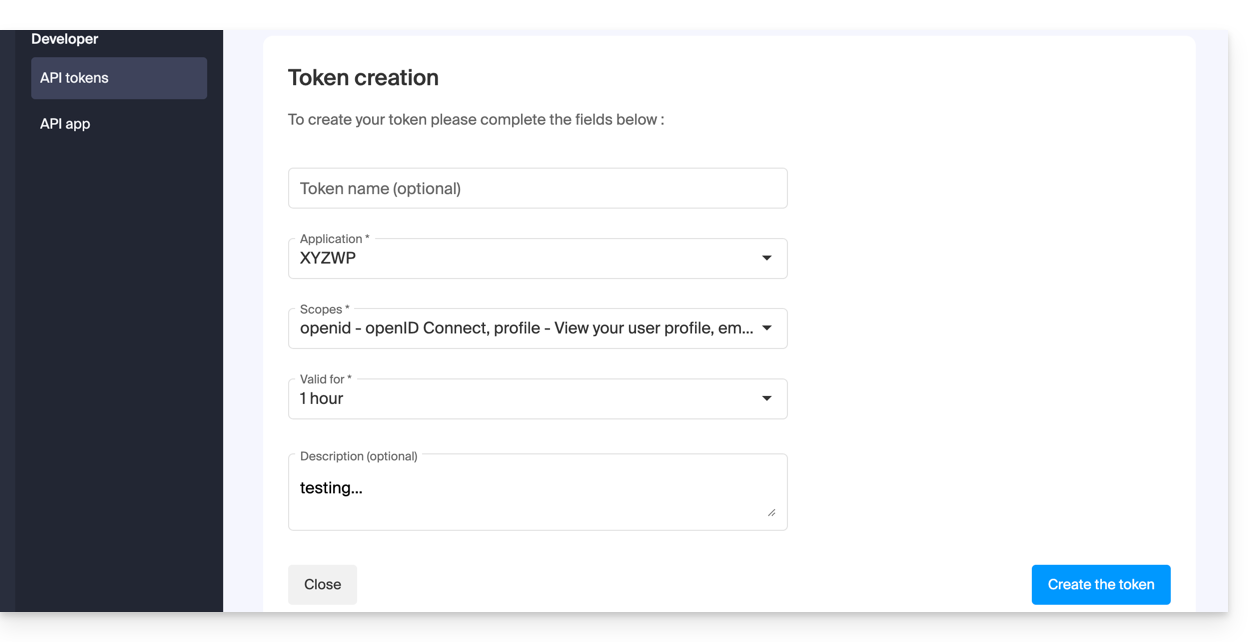
When creating, you must define the application and the access scope:
- Access token management on the Manager (need help?).
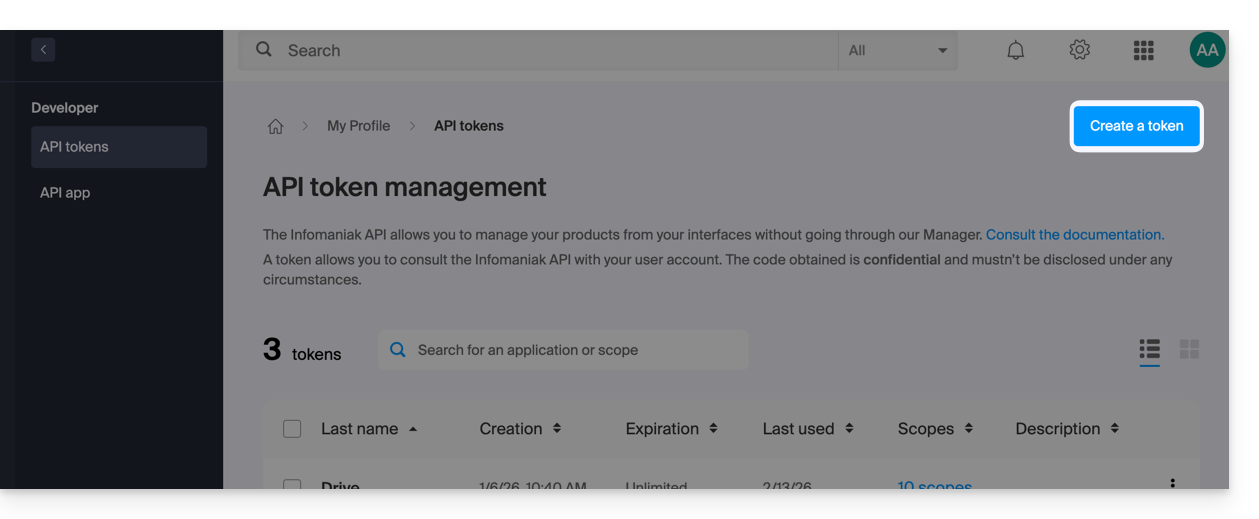
- Click on Create a token:
- Select the product/application and the validity period:
- Confirm the operation with your account password.
- Important: copy the token and keep it in a safe place; it will no longer be displayed afterwards.
To delete, select them and click on the revocation button that appears: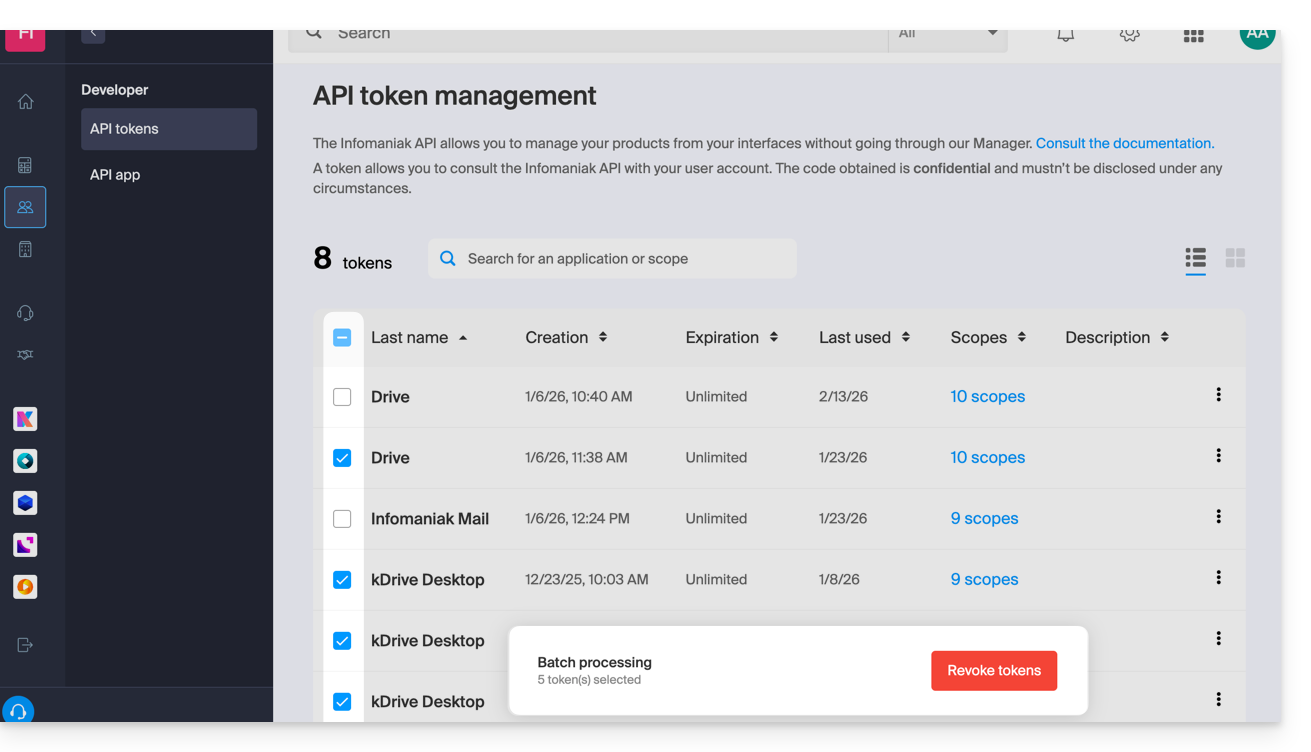
Link to this FAQ: https://faq.infomaniak.com/2582
Has this FAQ been helpful?