Knowledge base
1000 FAQs, 500 tutorials and instructional videos. Here, there are only solutions!
Use the "Calendar" and "Calendly" apps in Site Creator
This guide presents the Calendar and Calendly modules for Infomaniak's Site Creator.
Calendar Module
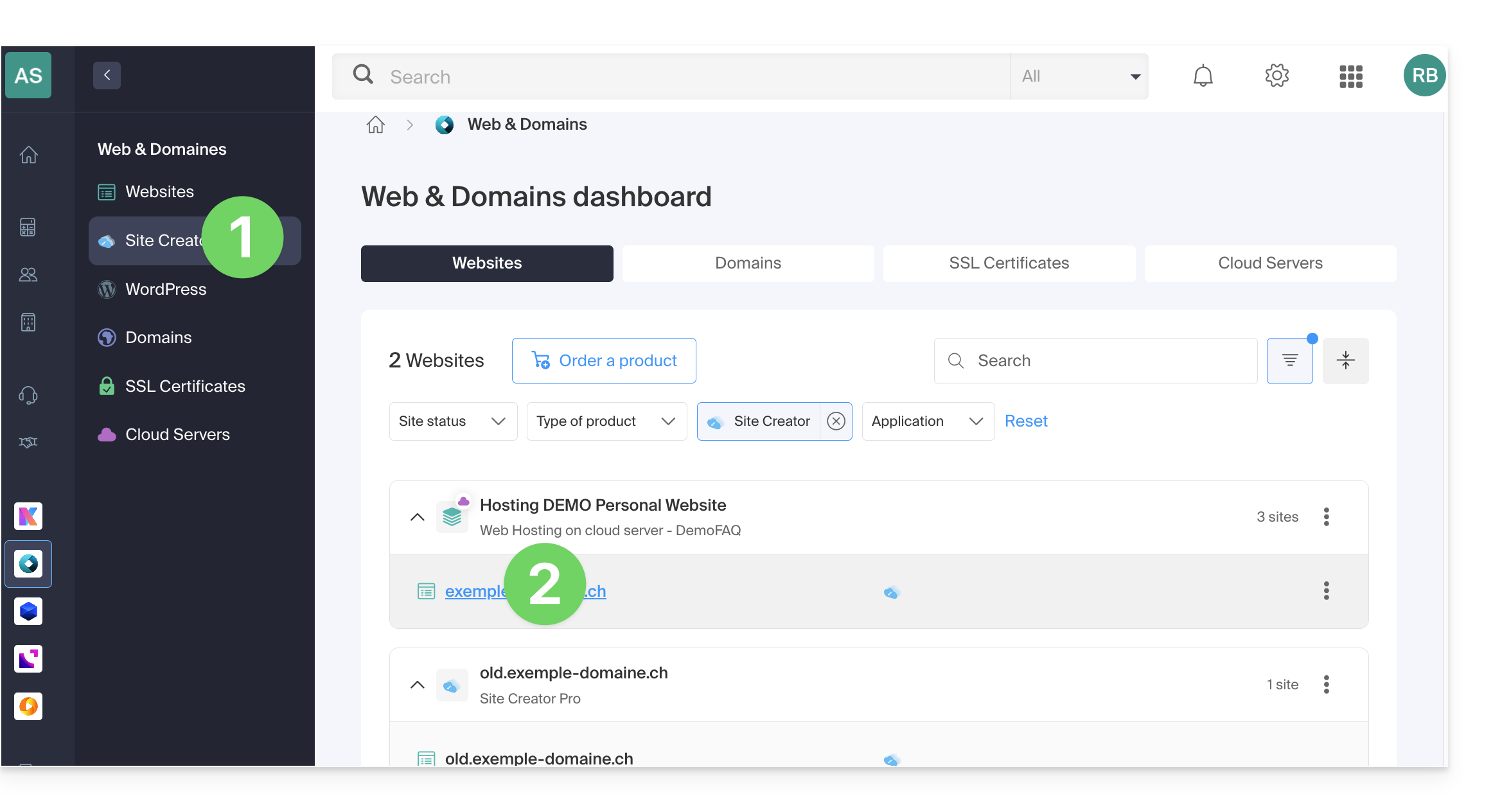
Start by logging in to the Infomaniak Manager with your credentials (user with the necessary rights for the product in question):
- Click here to access the hosting & site management section (filtered to display only Site Creator).
- If nothing is displayed, you may not be in the Organization to which your site is linked (❓: help).
- Click on the name of the Site Creator in question:
- Click on the button to edit your site:
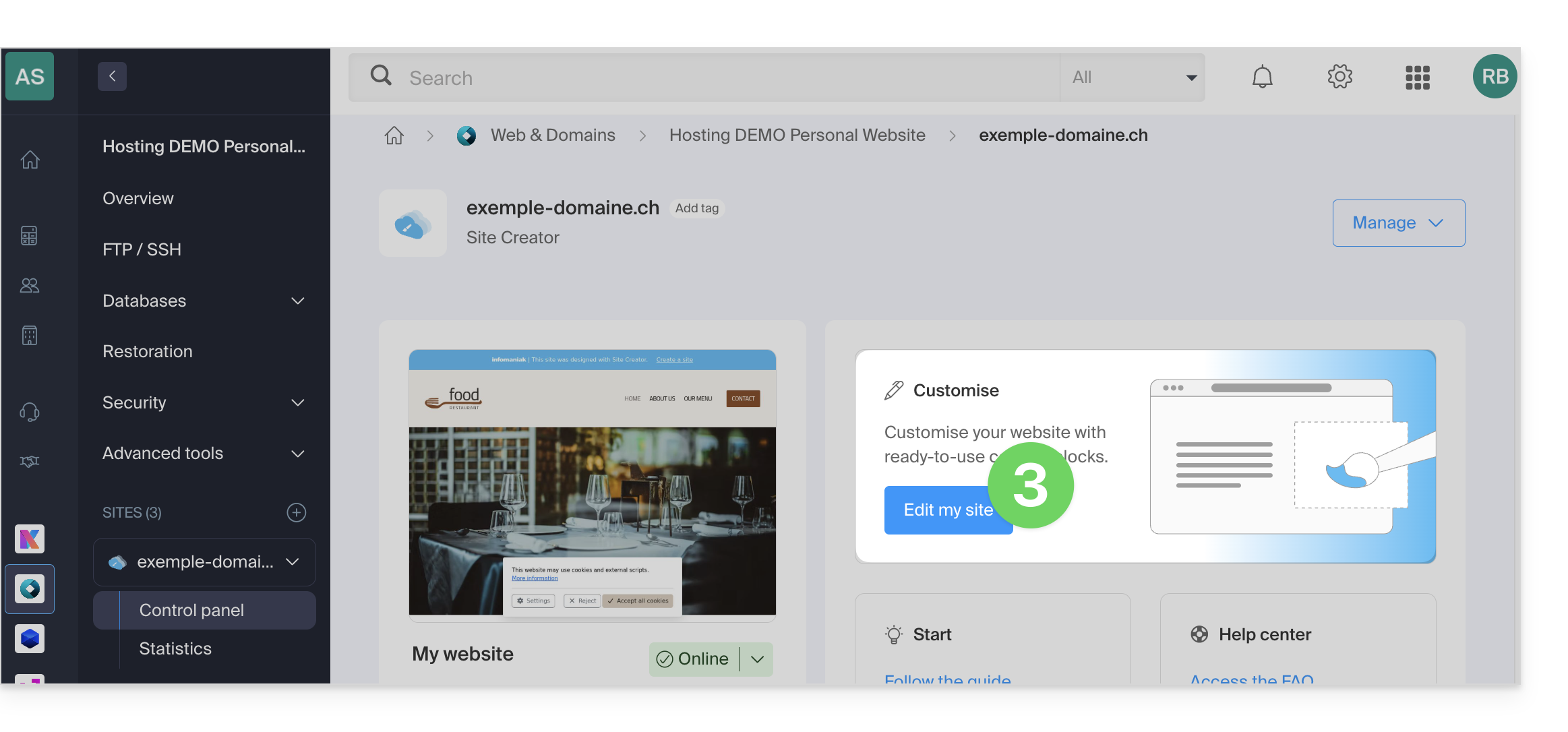
Once in Site Creator:
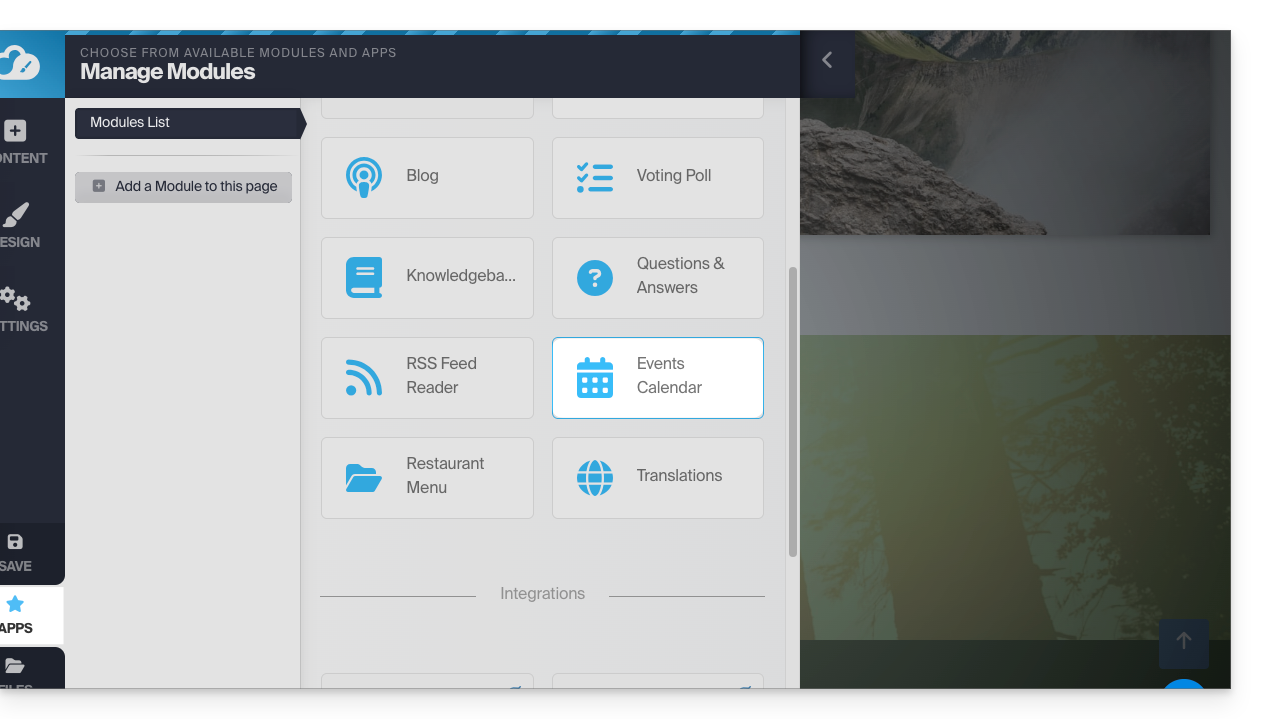
- Click on the Applications button in the left-hand menu.
- Click on Calendar:
Add events related to your activity that you want to display on your website in a dynamic way: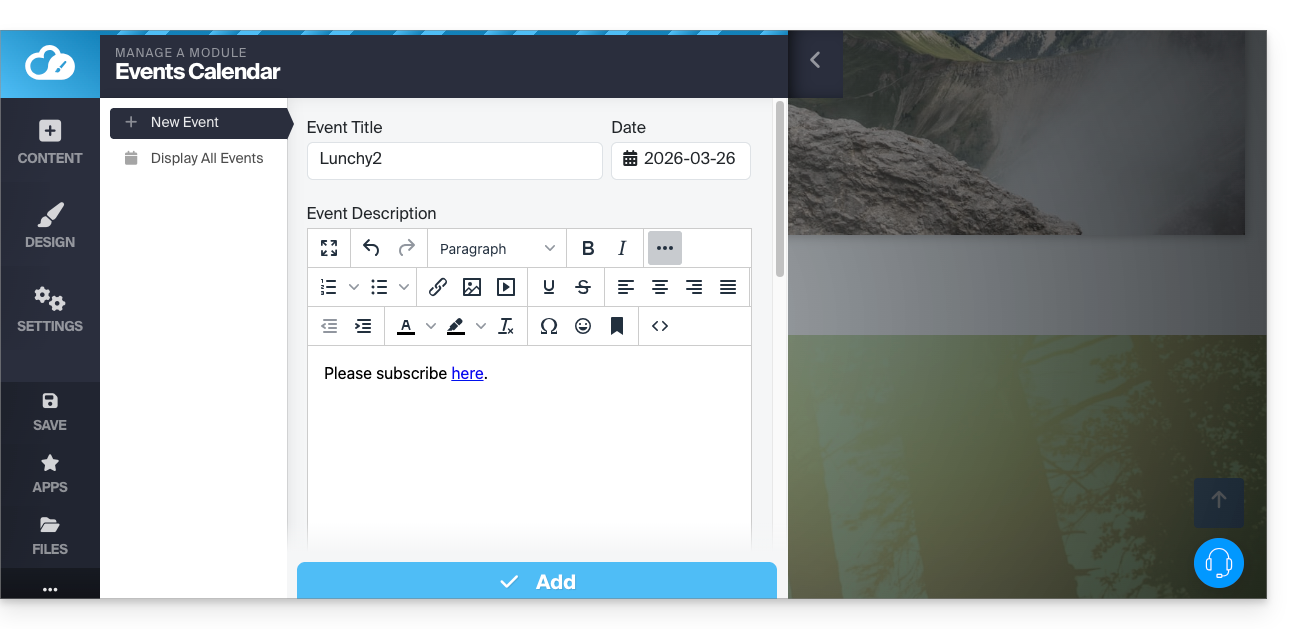
Once you have added a few events, you can view them on the calendar in the same place: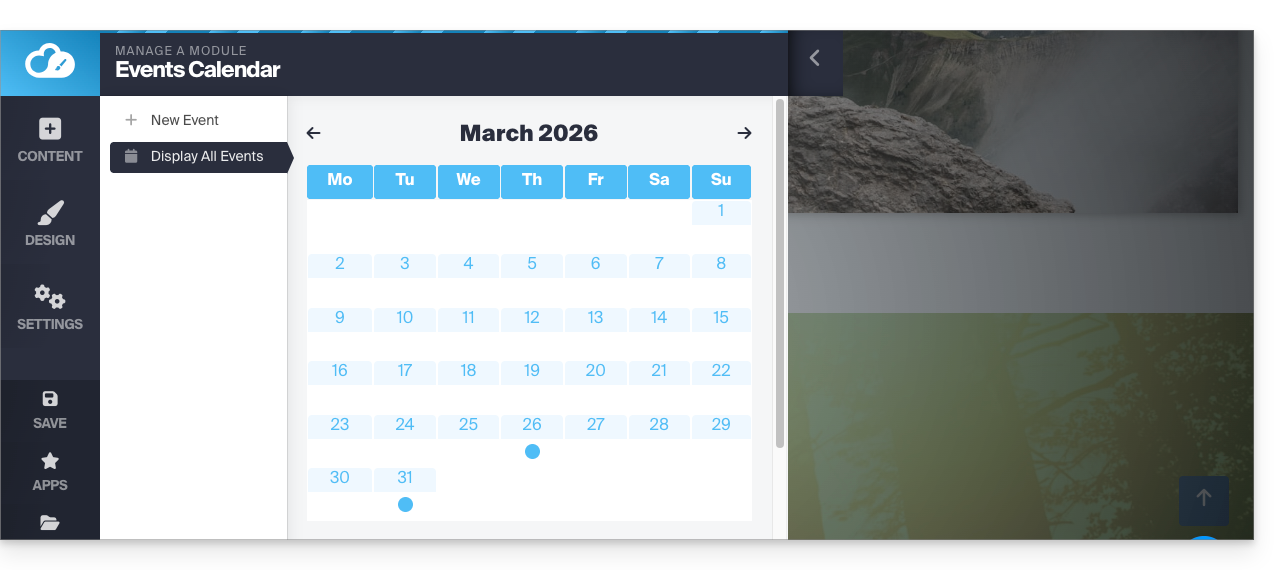
Then, insert the Calendar module in the desired location on your site: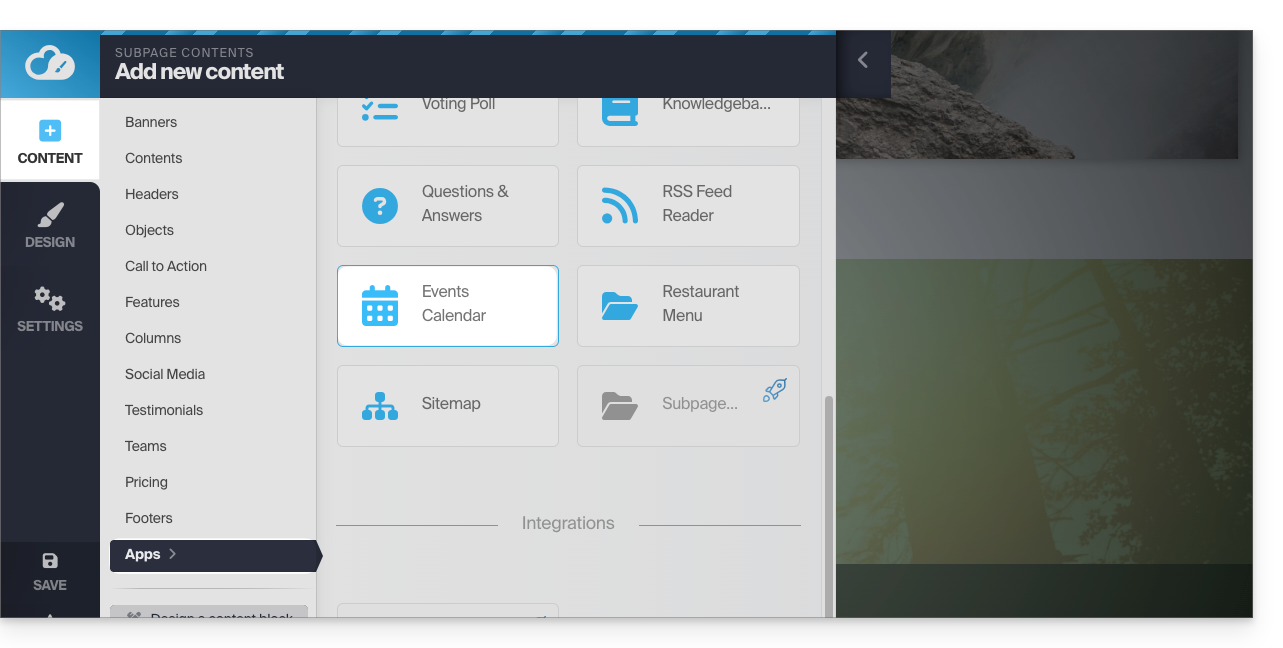
Your visitors will be able to see the scheduled events, including when you modify them in your calendar: 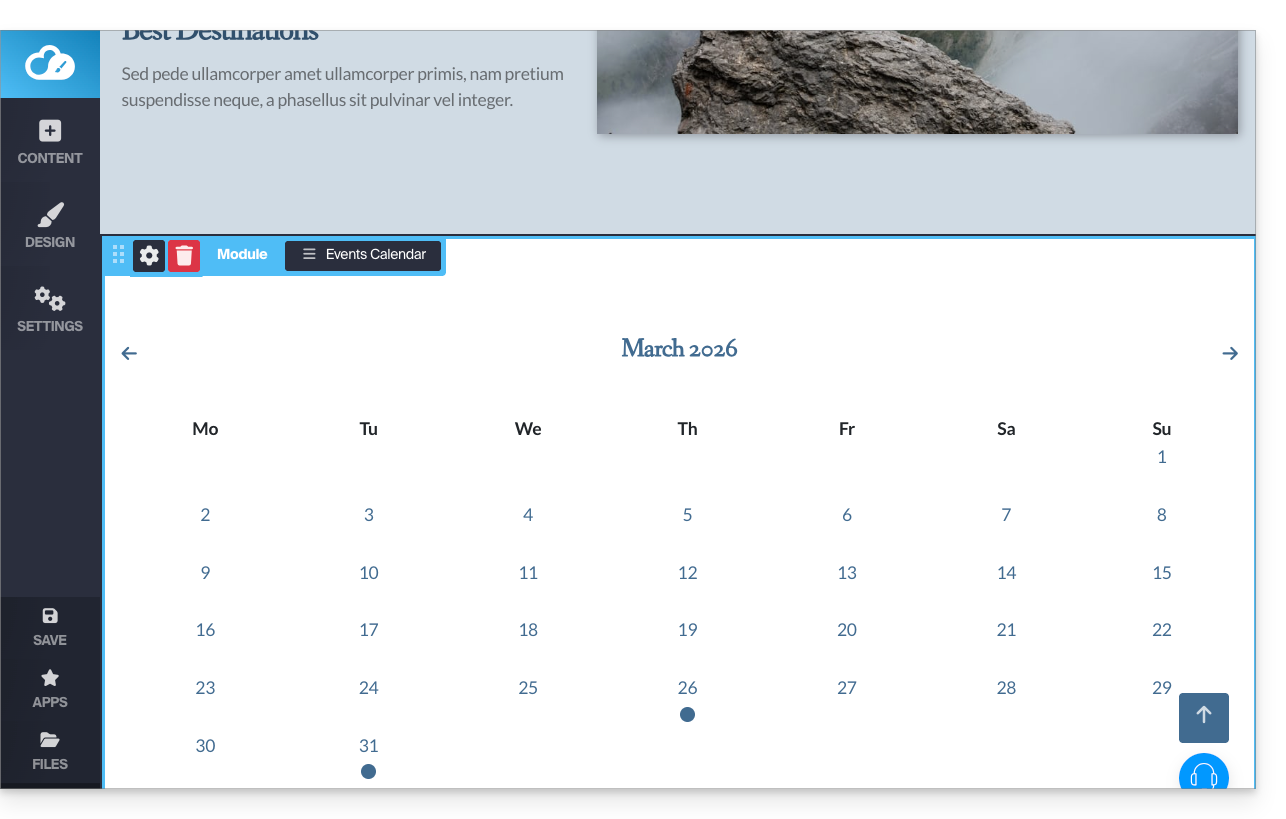
Calendly Module
✘ UNAVAILABLE with
Site Creator Free / Lite
This integration is possible if you have an account on the external Calendly service.
From Site Creator:
- Click on the Content button in the left-hand menu.
- Click on Apps in the left-hand menu.
- Click on Calendly to insert the module:
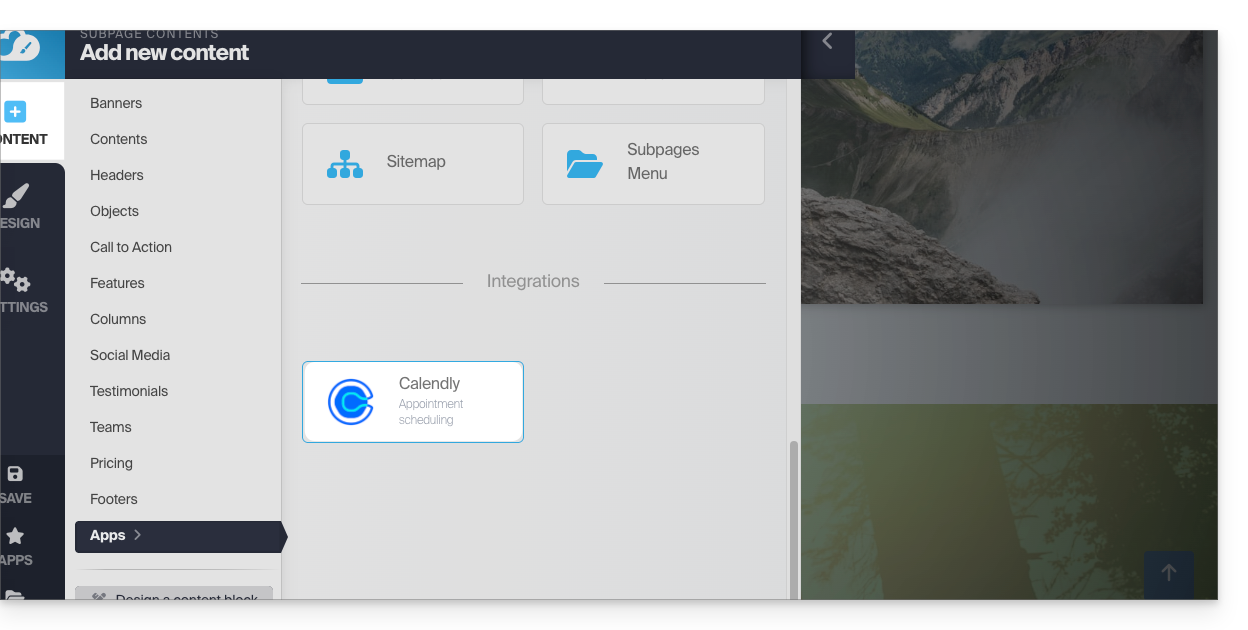
- Click to configure the application with the information related to your Calendly account:
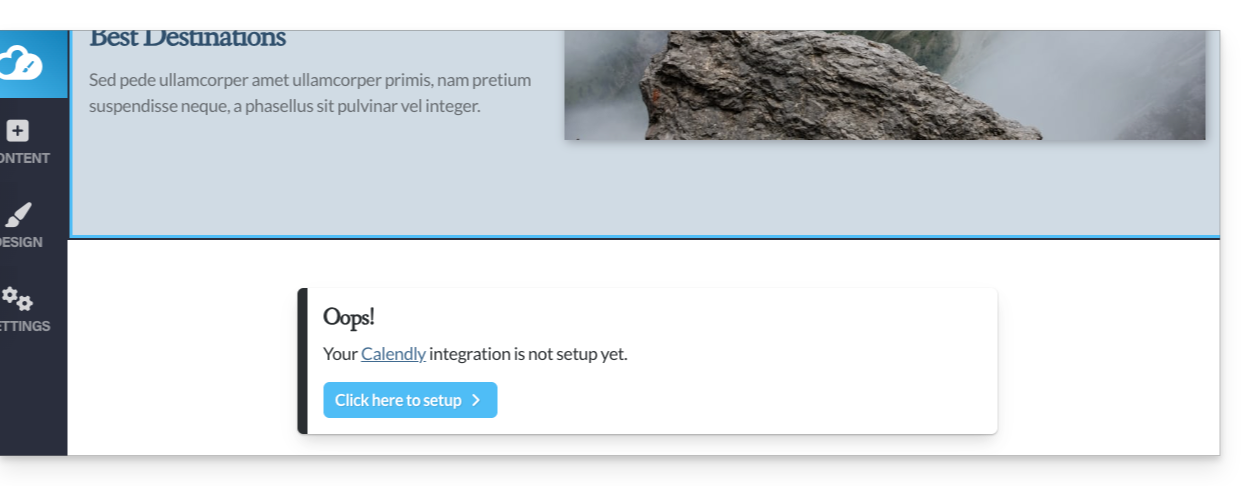
Then, insert the Calendly module in the desired location on your site to access your Calendly information: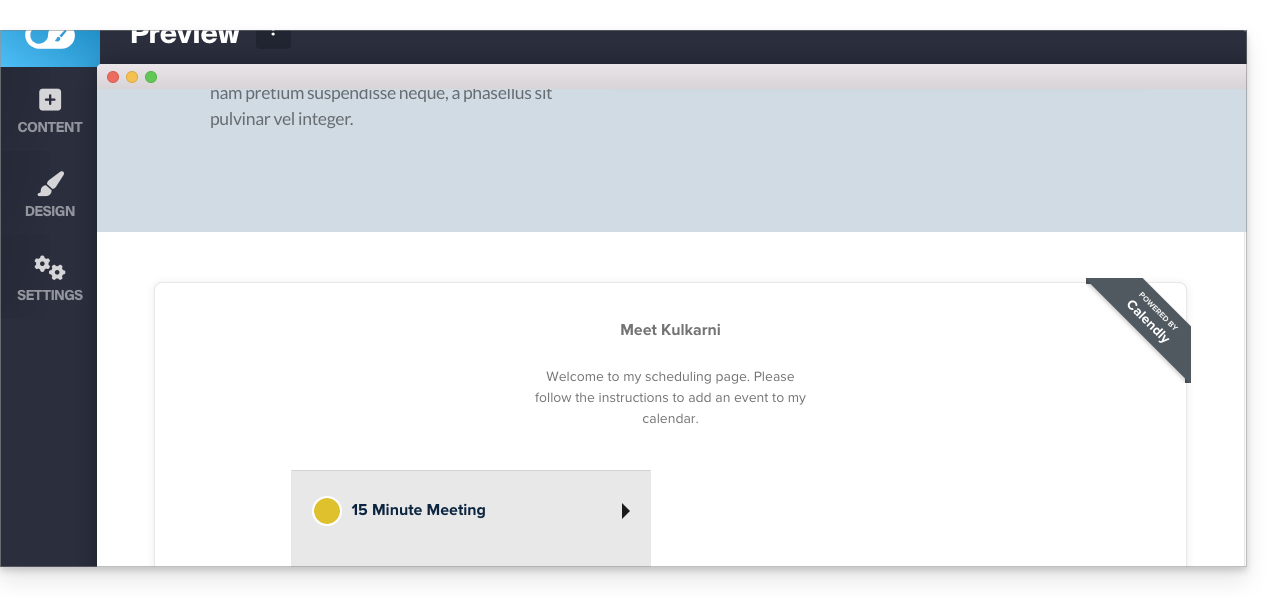
Link to this FAQ: https://faq.infomaniak.com/2578
Has this FAQ been helpful?