Knowledge base
1000 FAQs, 500 tutorials and instructional videos. Here, there are only solutions!
Upgrade a VPS Lite to a VPS Cloud
This guide explains how to migrate from a VPS Lite to a VPS Cloud while keeping all your data and without having to reconfigure your installation.
It is not possible to cancel this change or to revert. Switching from a VPS Cloud to a VPS Lite is not possible.
Perform a migration from VPS Lite to VPS Cloud
To start the operation, access your VPS Lite:
- Click here to access the management of your product on the Infomaniak Manager (need help?).
- Click directly on the name assigned to the product concerned.
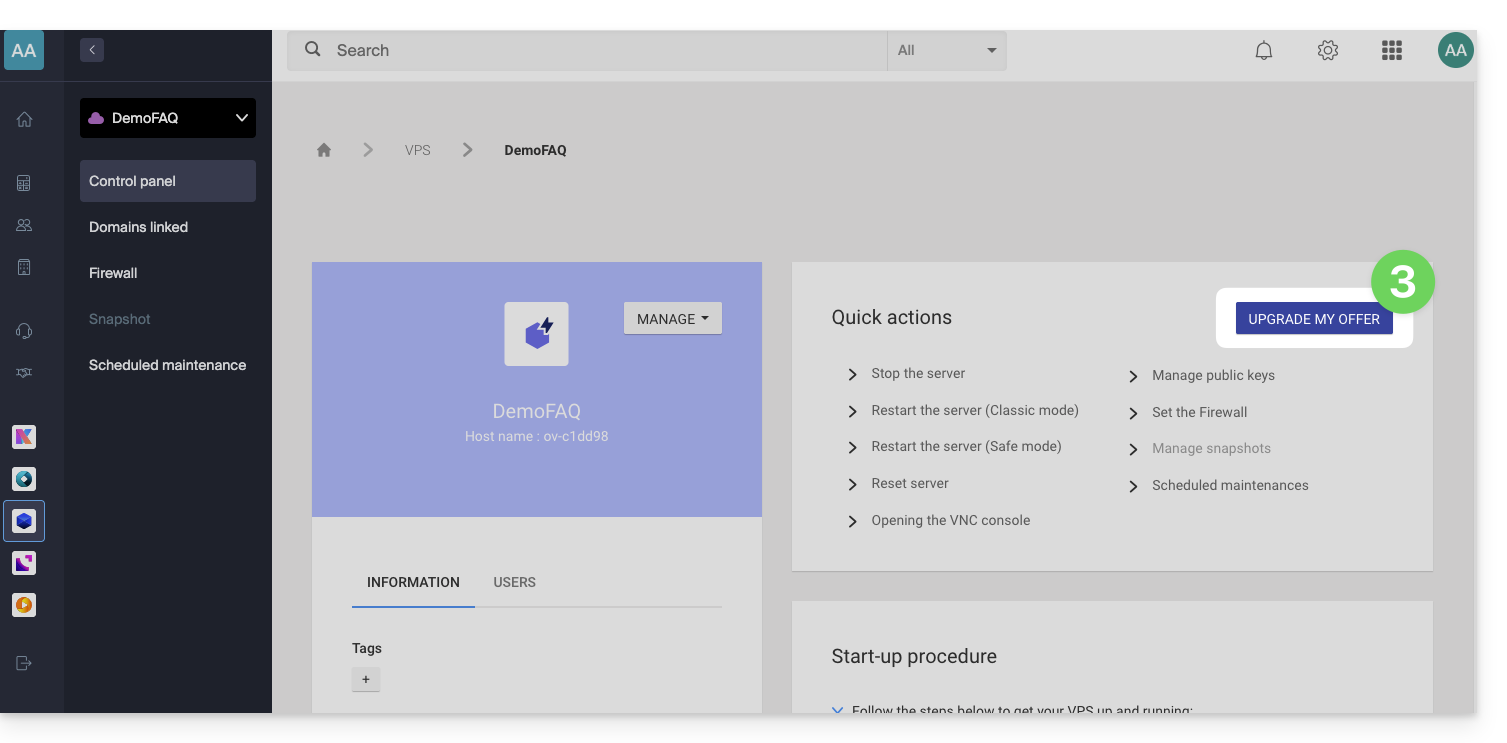
- Click on Upgrade my offer:
- Click on the Upgrade button on the modal that appears.
- Complete the order to upgrade your VPS Lite.
- Wait during the migration, a service interruption will be felt during the process.
Link to this FAQ: https://faq.infomaniak.com/2349
Has this FAQ been helpful?