Knowledge base
1000 FAQs, 500 tutorials and instructional videos. Here, there are only solutions!
Search for data on kDrive
This guide explains how to find information within the data stored on kDrive Infomaniak, among the files and folders accessible to the logged-in user.
An indexing process may be taking place on your kDrive, as indicated by an information message at the top of the page.: in this case, the data search is temporarily incomplete during its update. Some files may not appear in the results, but remain accessible from your folders.
Simple search in the kDrive web app
The search bar is always located at the top of the screen:
- Click here to access the Infomaniak kDrive web app (online service ksuite.infomaniak.com/kdrive).
- When searching for a file using the field at the top of the screen, the search will, by default, be performed in the folder you are currently in.
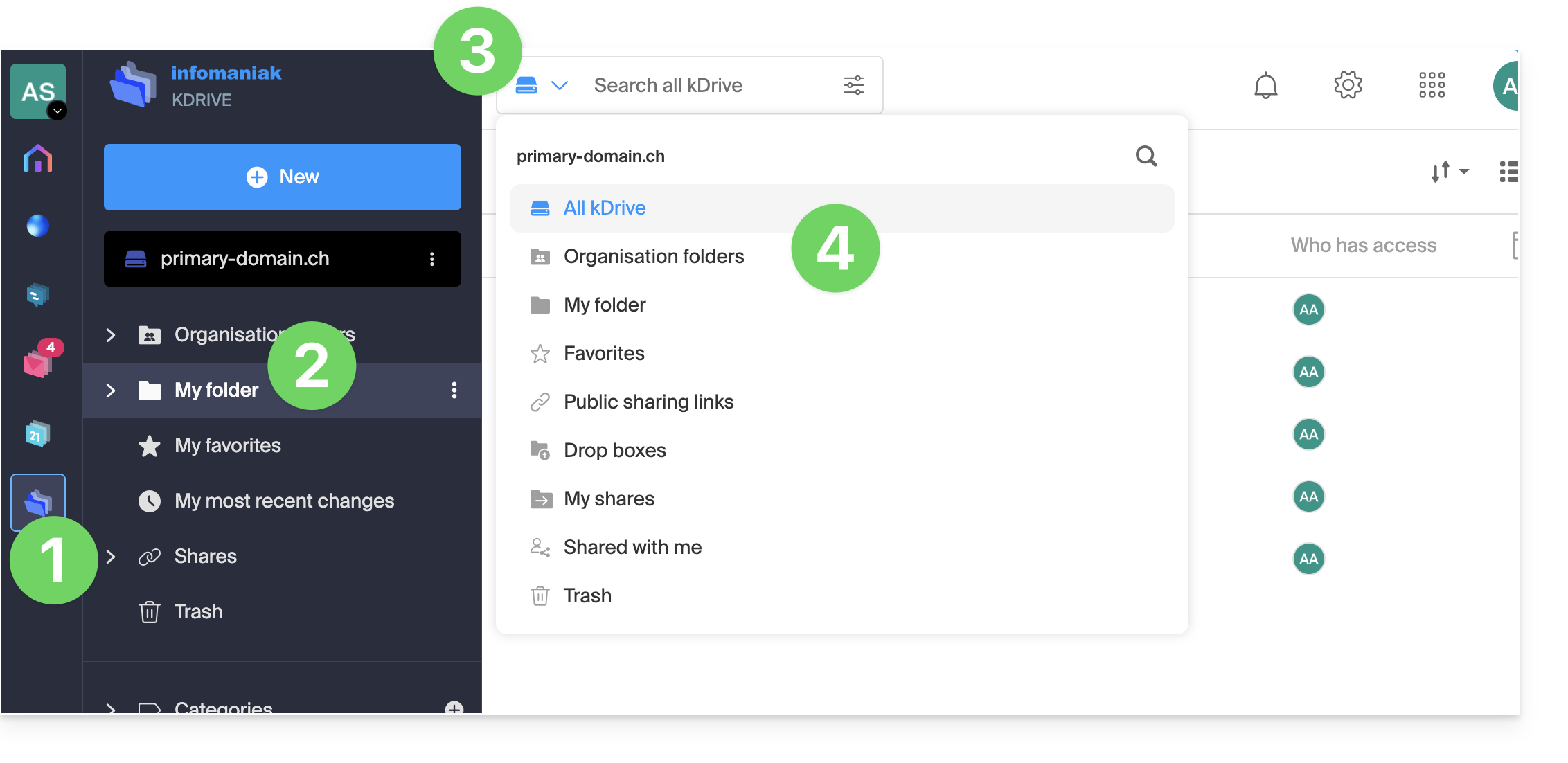
- To change the folder(s) in which to search, click to the left of the search field.
- Next, choose the location where you want to search:
- The keyboard shortcut
CMD-ForCTRL-Fallows you to quickly place the focus in the field to enter the text you want to find.
- The keyboard shortcut
- Enter the search terms:
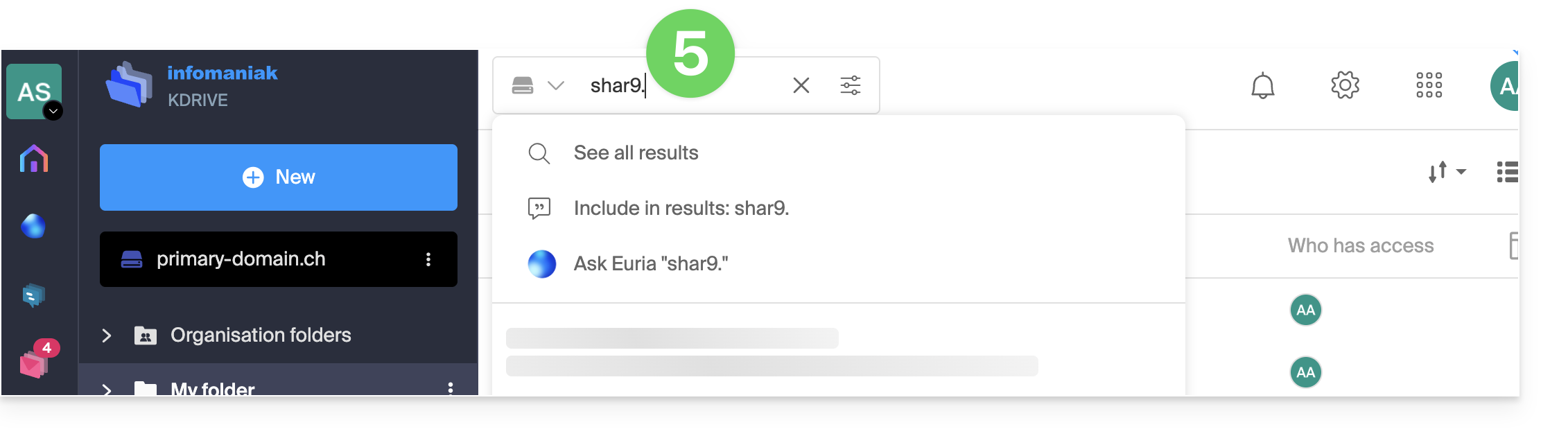
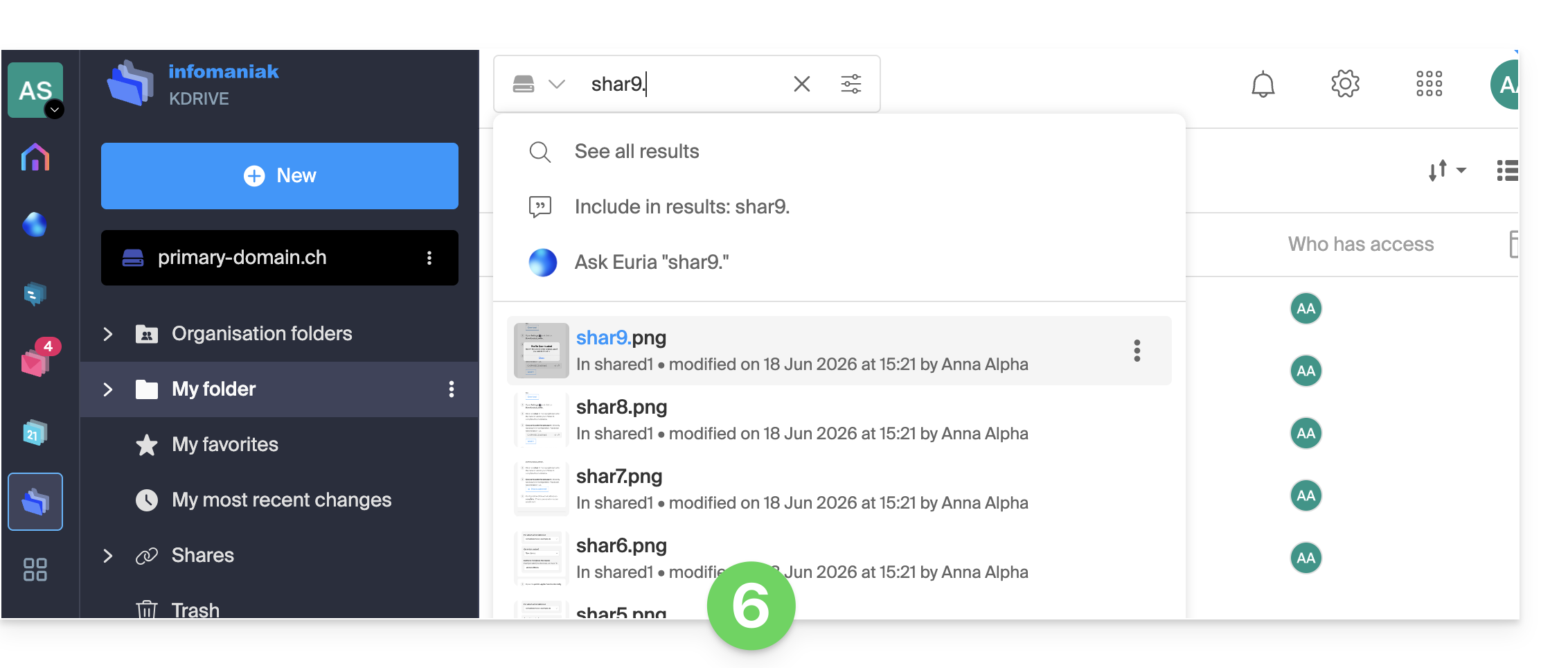
- Exact or approximate results are displayed in real time below the search field:
- You can also press the ENTER key to display the results directly on the page and filter them by type, date, location, etc.:
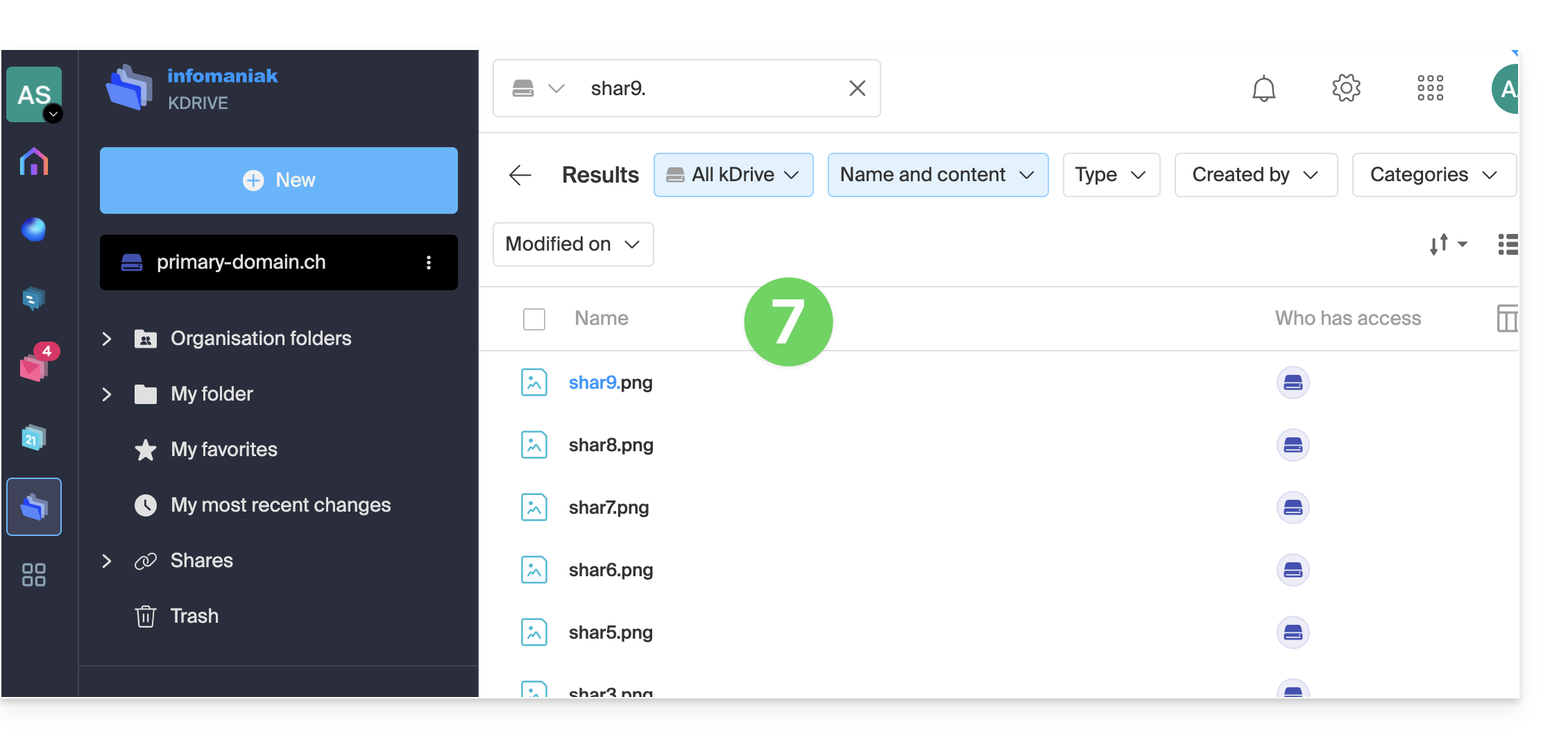
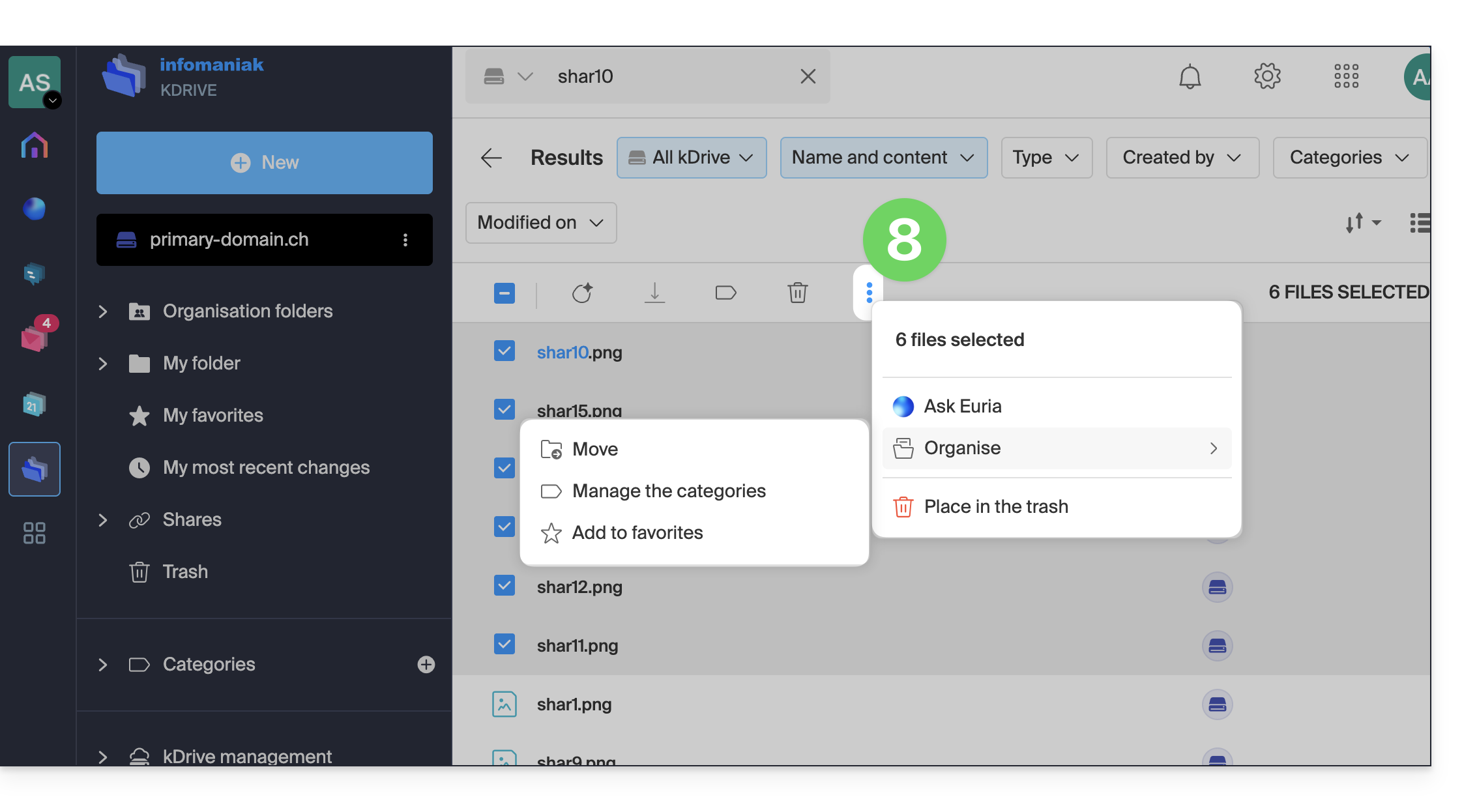
- Once the results are displayed, select them to perform certain actions, such as moving them:
Simple search in the kDrive mobile app
The principle is as follows:
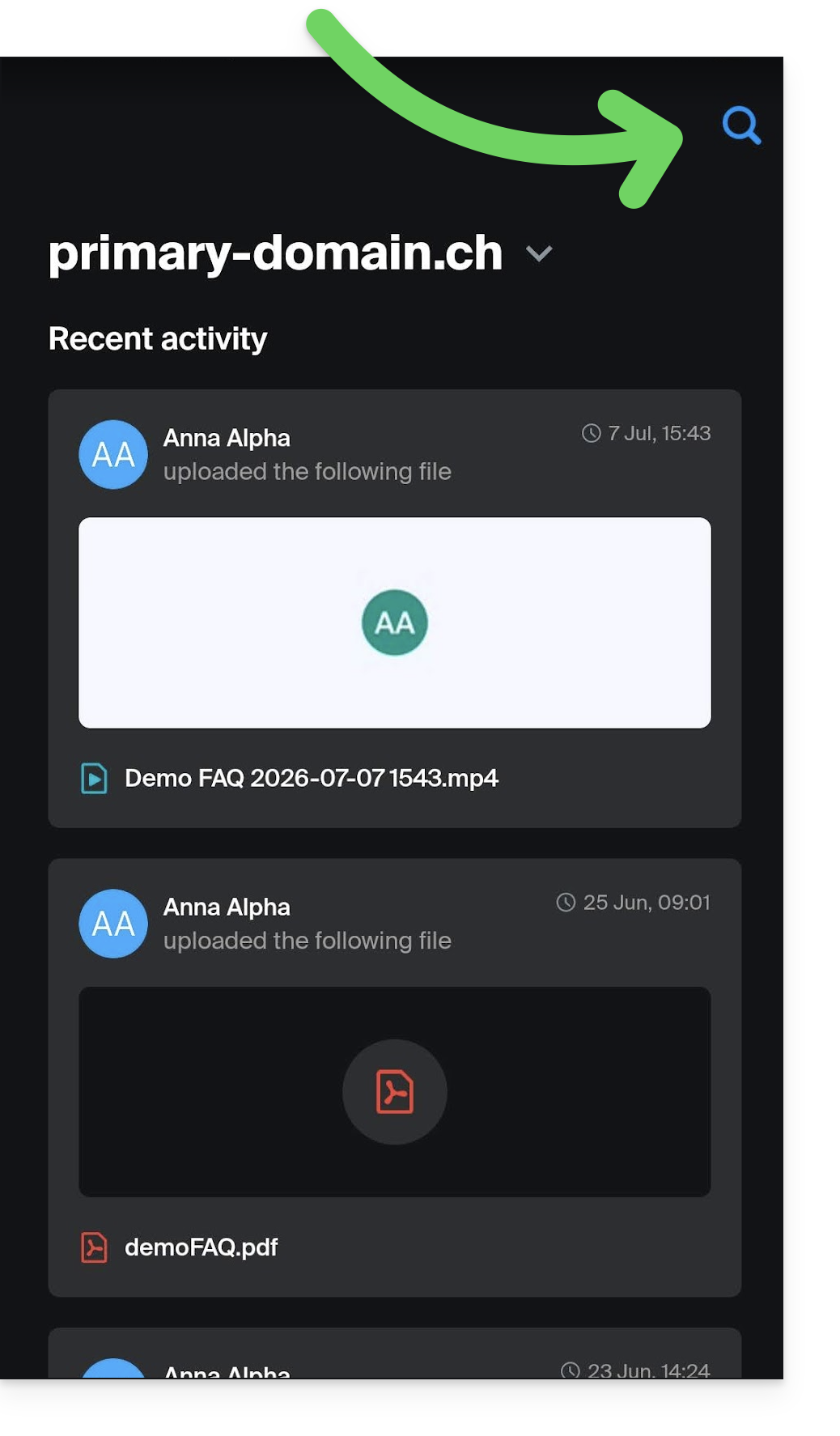
- The search function is accessible via the magnifying glass visible in the top right corner of the app:
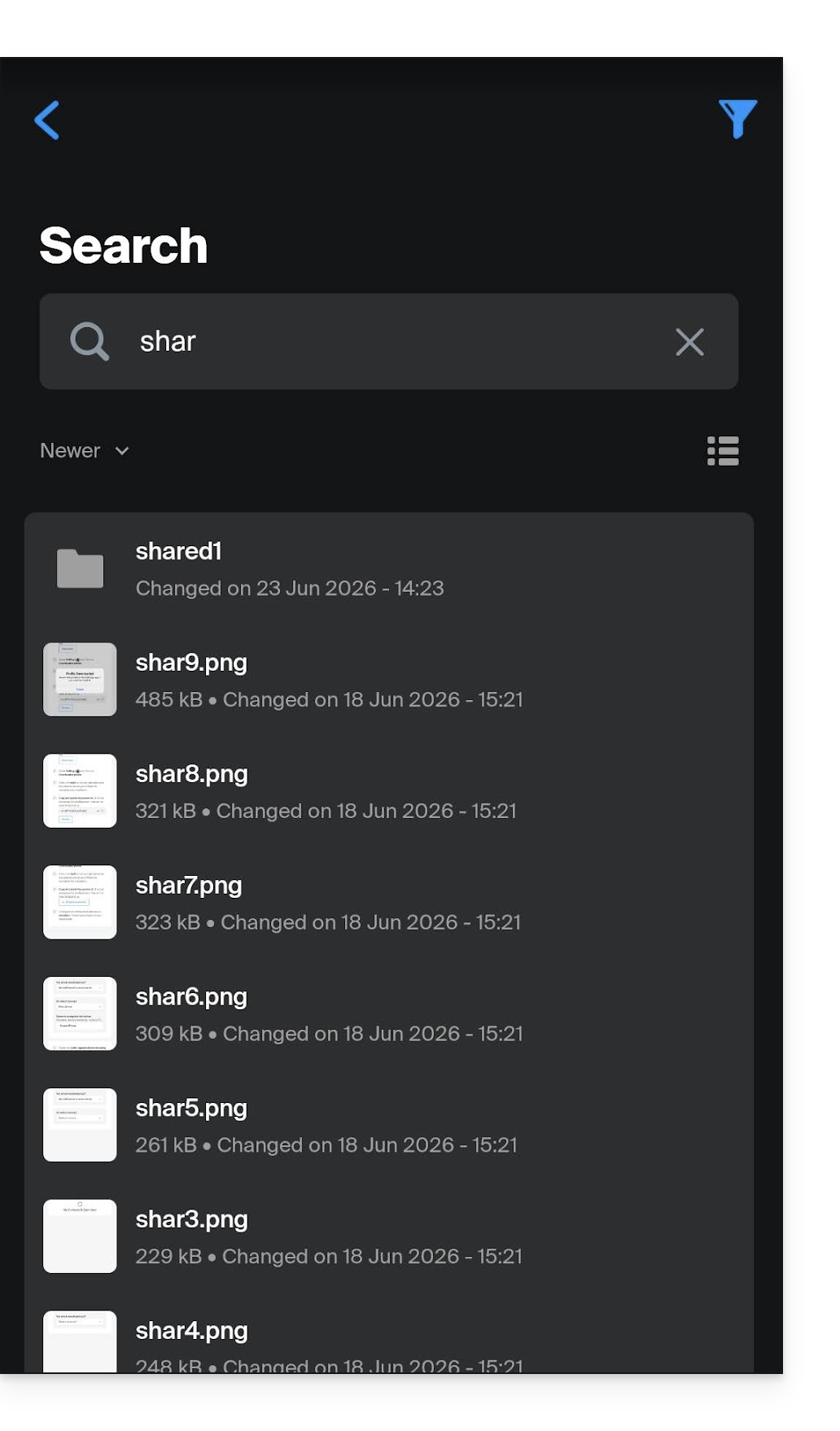
- The search is performed in the same way as on the web app, and the results are displayed below:
Advanced search (content, RAG)
✘ UNAVAILABLE with
kSuite Free / kSuite Standard
my kSuite / my kSuite+ (ik.me, etik.com, ikmail.com)
kDrive Solo / kDrive Team
To enable this intelligent search feature, please refer to this other guide. To work with Euria on your documents, please refer to this other guide.
Link to this FAQ: https://faq.infomaniak.com/2320
Has this FAQ been helpful?