Knowledge base
1000 FAQs, 500 tutorials and instructional videos. Here, there are only solutions!
Edit a photo in the kDrive web app
Update 10/13/2026
This guide explains how to edit an image file on the kDrive web app (online service ksuite.infomaniak.com/kdrive).
Introduction
- The kDrive web app natively integrates an editor that allows you to edit an image online.
- Your files are never analyzed and are exclusively stored in Switzerland (❓: help).
- Refer to this other guide if you are looking for information on editing other file formats.
Edit an image
To access kDrive and modify files:
- Click here to access the kDrive web app (online service ksuite.infomaniak.com/kdrive).
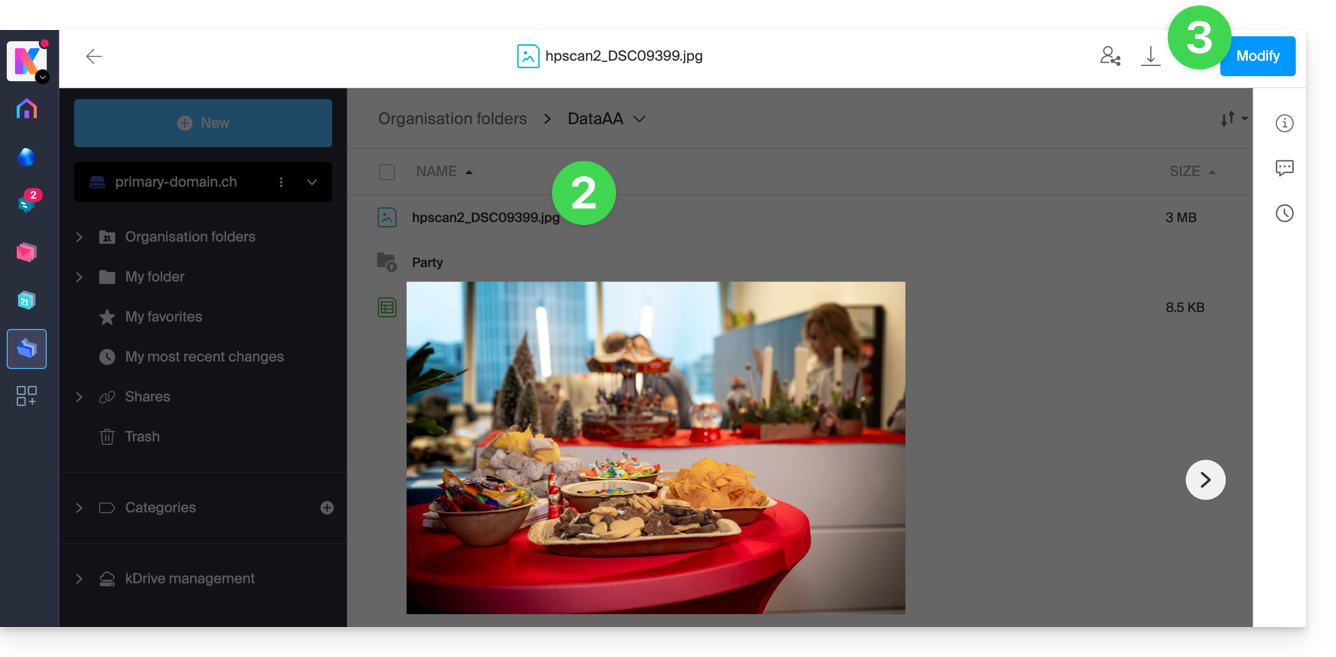
- Open the relevant image file.
- Click on the Edit button at the top of the document to access the file editor:
- The editor allows you to, among other things:
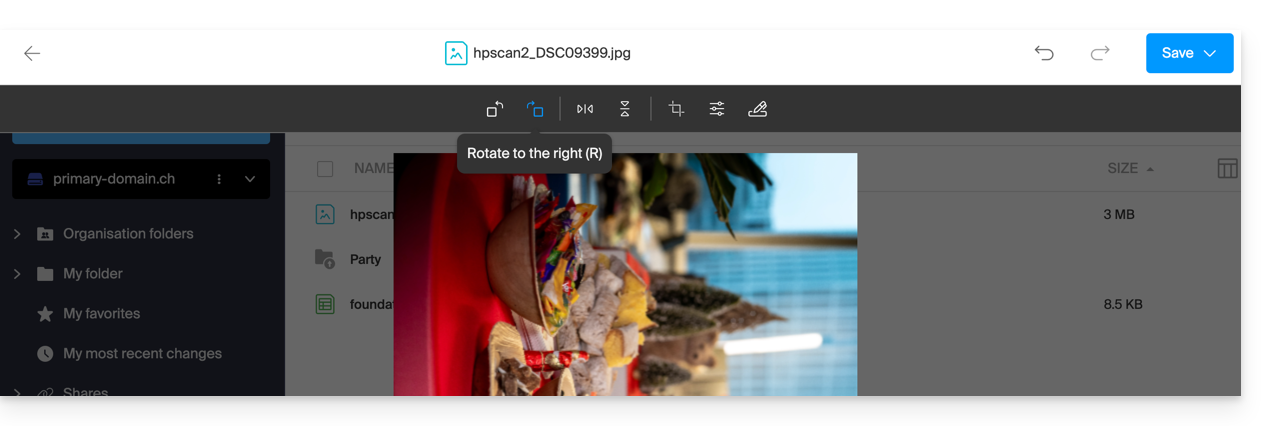
- … rotate the image 90° to the right or left:
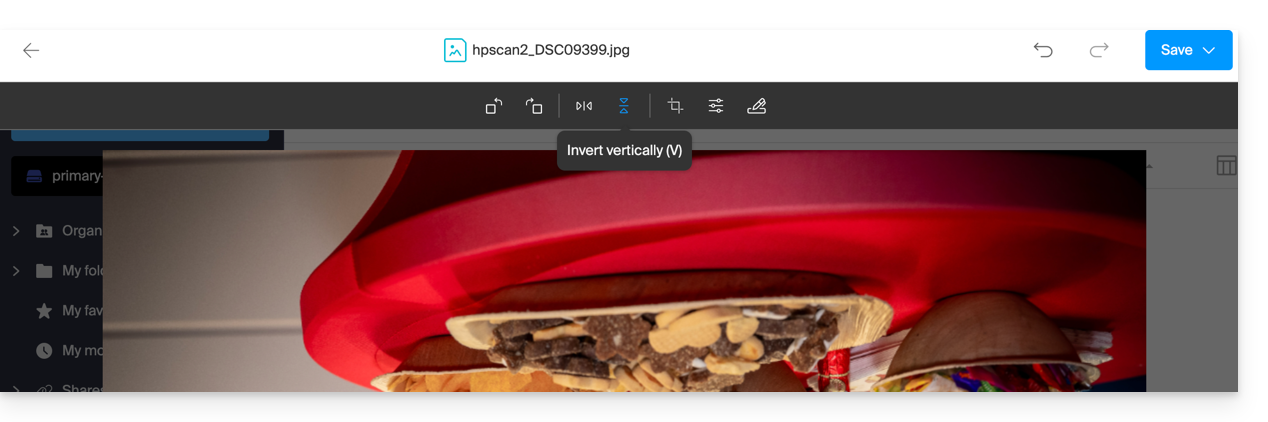
- … flip (mirror) / invert the image horizontally or vertically:
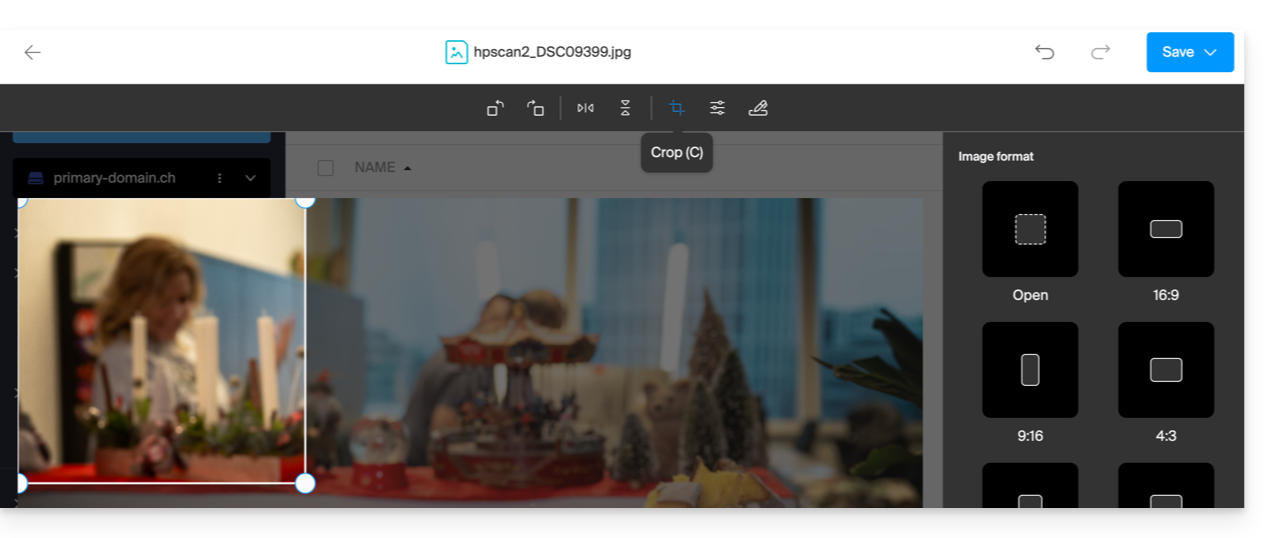
- … crop your image:
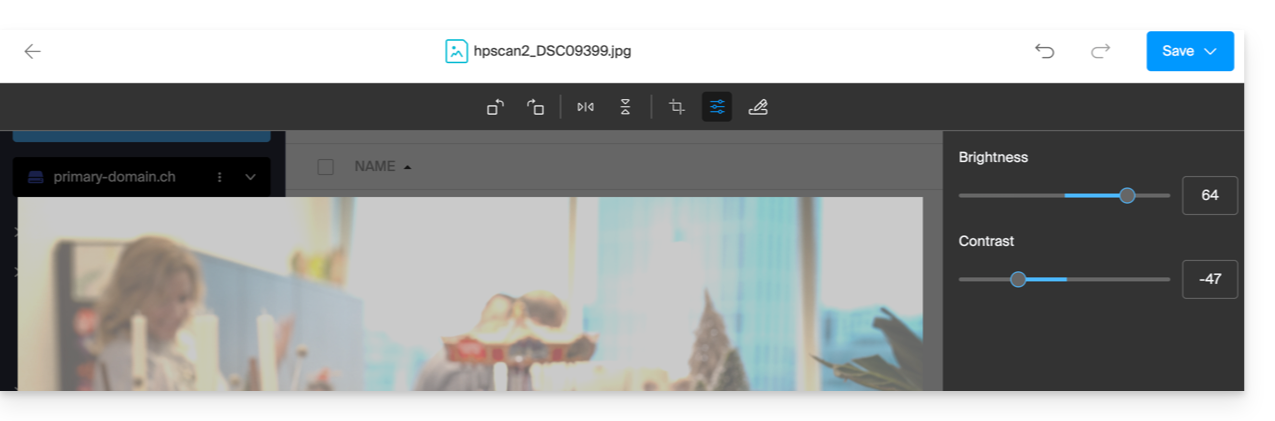
- … adjust the brightness and contrast of the image:
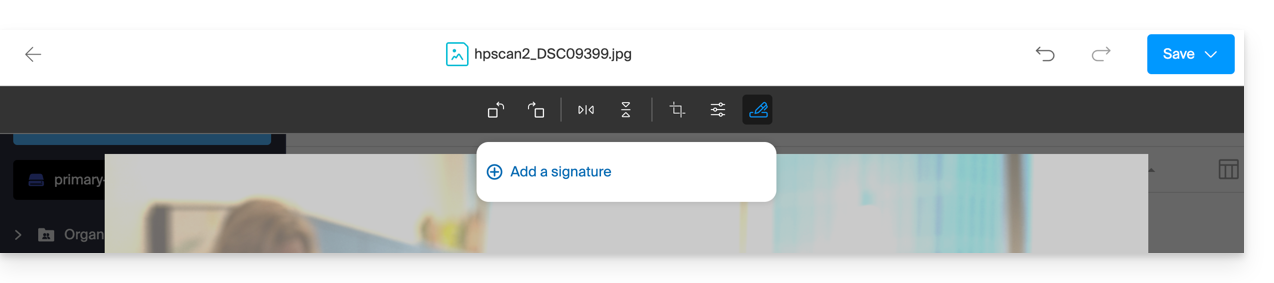
- … create a signature (only available with paid kDrive plans) and then apply it to the image (see this other guide for more information):
- … rotate the image 90° to the right or left:
- Once finished, save the changes and choose whether to create a copy of the modified document or overwrite the existing file.
Link to this FAQ: https://faq.infomaniak.com/219
Has this FAQ been helpful?