Knowledge base
1000 FAQs, 500 tutorials and instructional videos. Here, there are only solutions!
Order web hosting from Infomaniak
Update 10/13/2026
This guide details how to order a Web Hosting plan from Infomaniak.
You already have a hosting plan as a customer
Order additional hosting
- Click here to access the hosting & website management section in your Infomaniak Manager (❓: help).
- Click the button to Order:
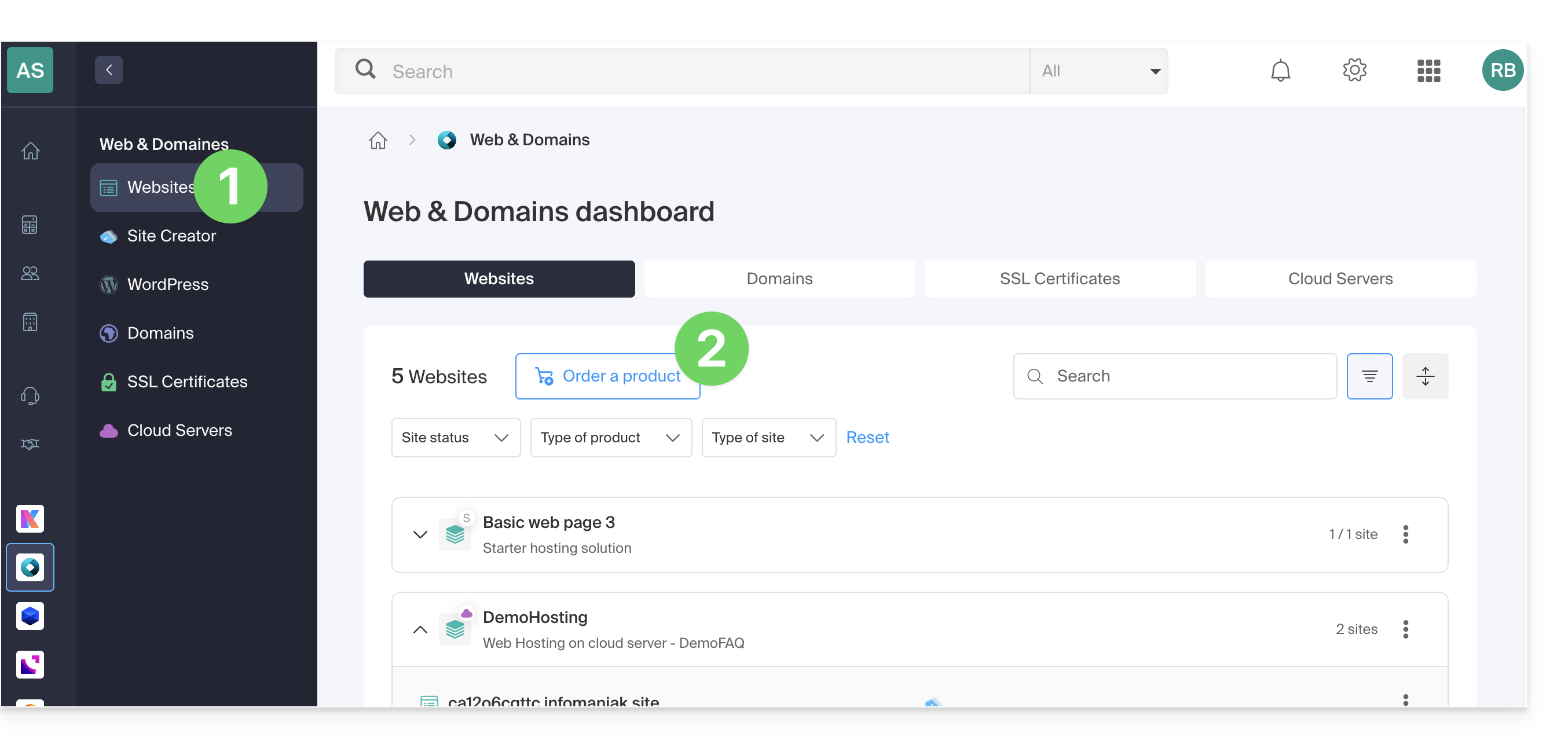
If you already have web hosting, you can also add a site to an existing hosting account (❓: help) without ordering or paying for new hosting (multi-site/multi-domain management).
No hosting yet
Order your first hosting plan
- If necessary, create a user account (❓: help).
- Click here to access your Infomaniak Manager.
- Click on Websites (Web & Domains section):
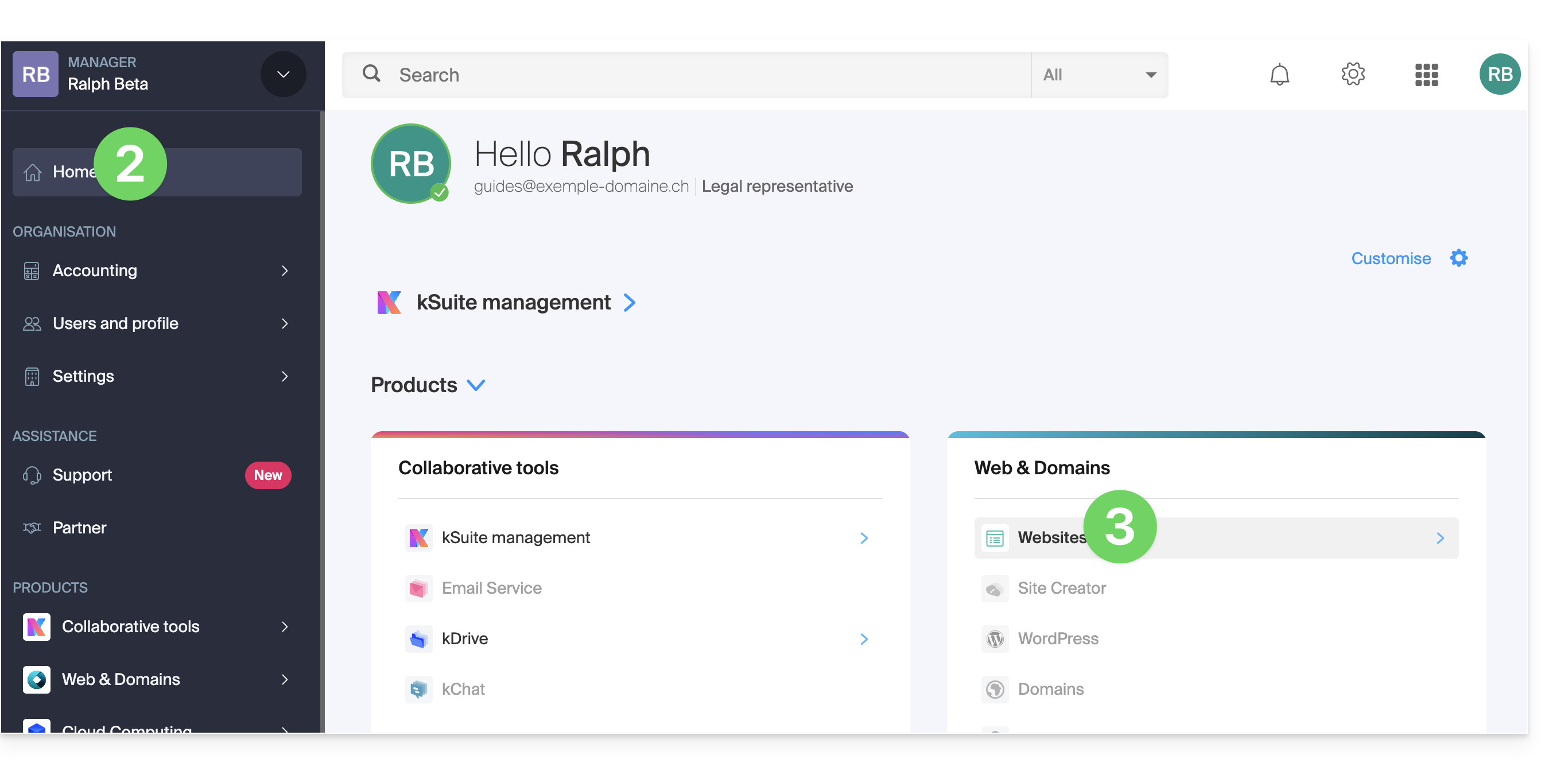
- Click to order a new hosting plan.
- Once in the store, make sure you are ordering within the desired Organization (select a different one from the list if necessary, or create a new one in step 6 below):
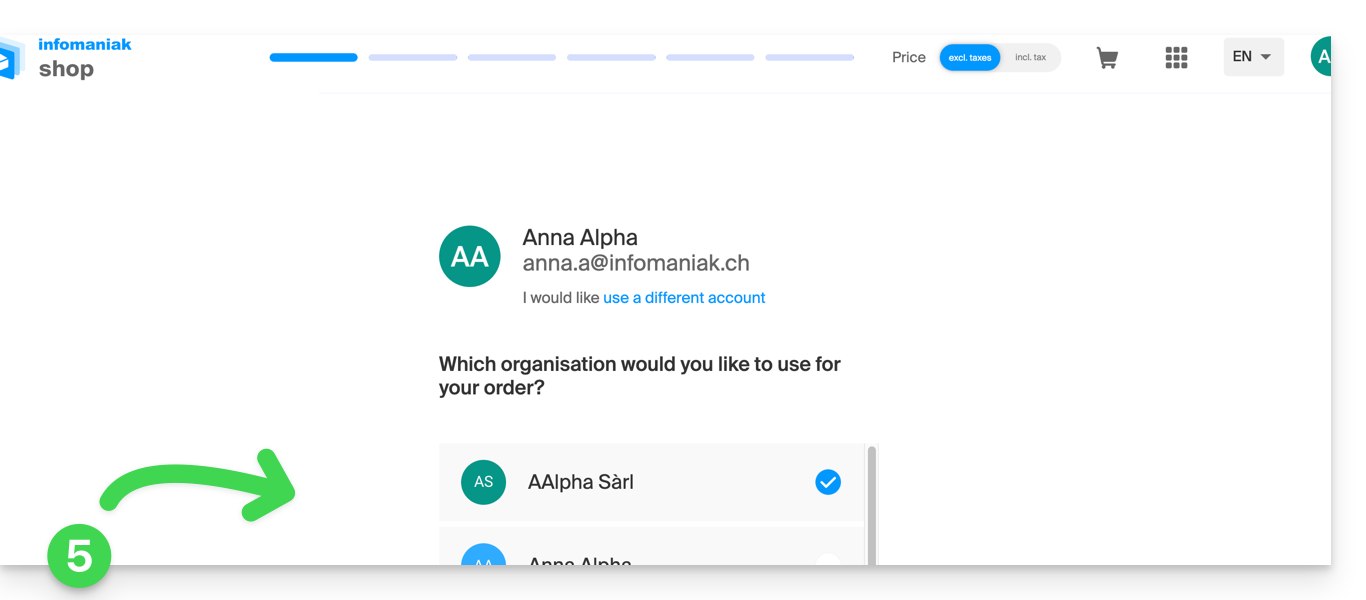
- Confirm your choice by clicking the blue button at the bottom of the page (or create a new Organization first if necessary, using the dedicated blue link):

- At the top, enter the domain name for your hosting and click Search (even if you already manage it with another registrar):
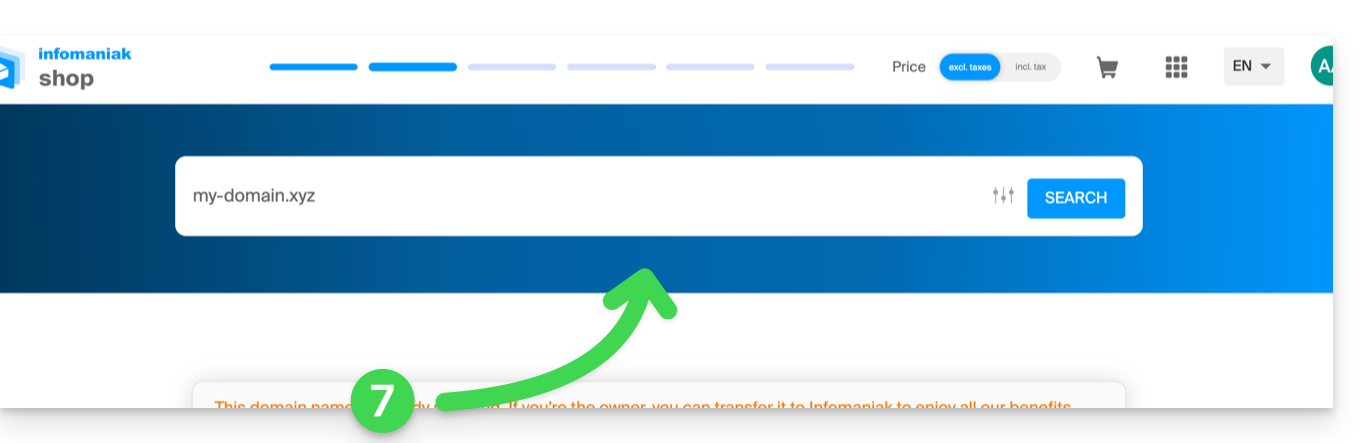
- Two scenarios are then possible:
- You do not yet own the domain name: check the information and options on the screen, then click the Next button:
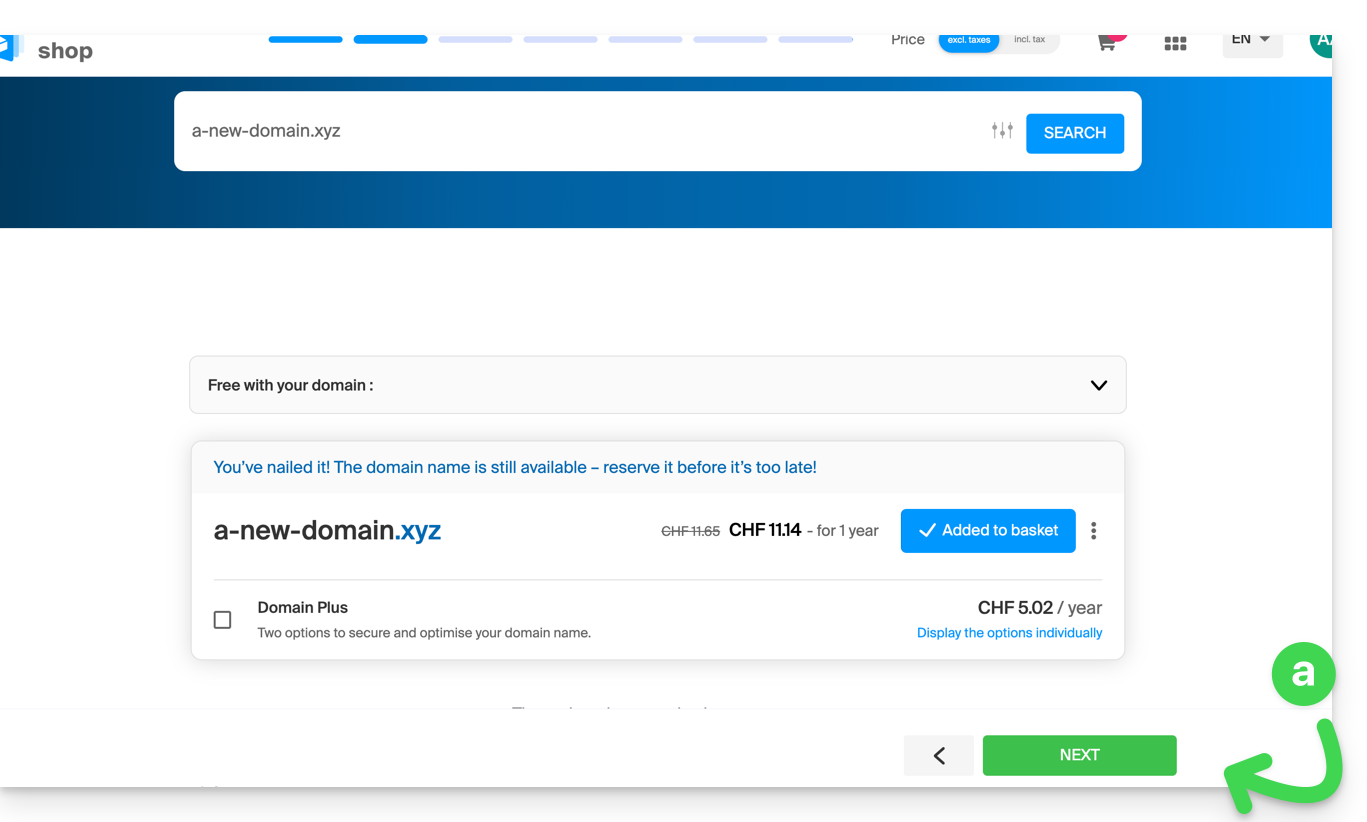
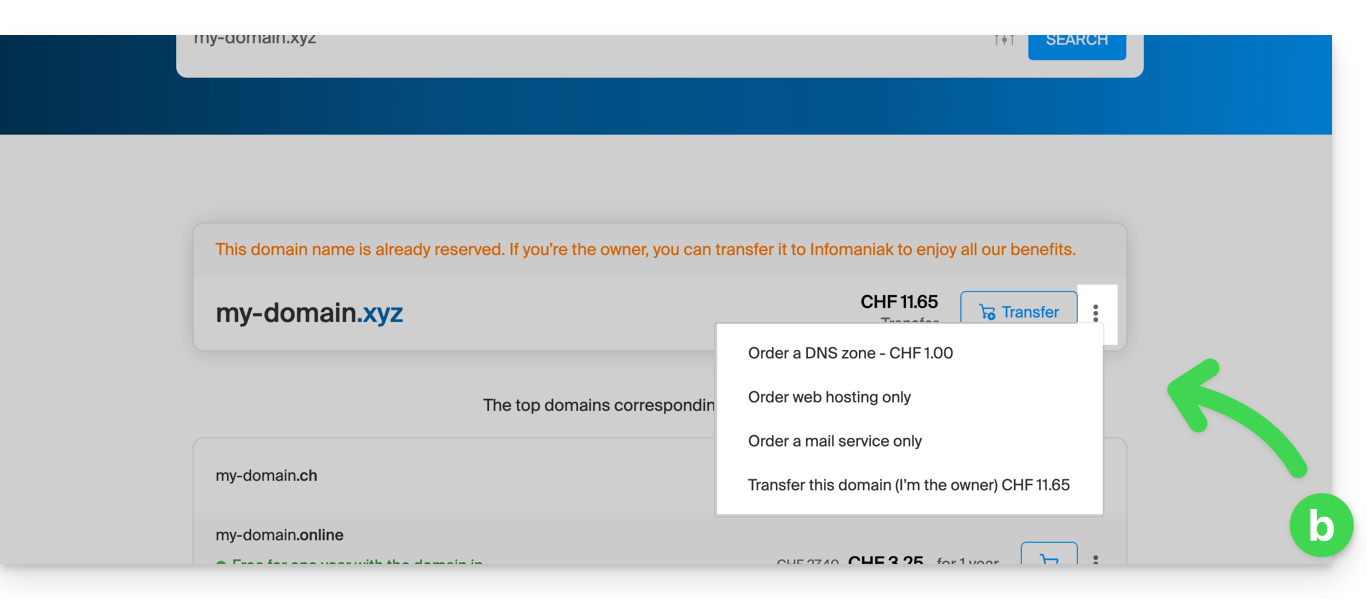
- You own and manage your domain names with another registrar: click the action menu ⋮ to the right of the domain name to Order hosting only:
- You do not yet own the domain name: check the information and options on the screen, then click the Next button:
- Choose the hosting that suits you.
- Click on Next.
- Complete the order.
Link to this FAQ: https://faq.infomaniak.com/2154
Has this FAQ been helpful?