Knowledge base
1000 FAQs, 500 tutorials and instructional videos. Here, there are only solutions!
Order a Starter product (Mail Service / Web Hosting)
Update 10/05/2026
This guide explains how to obtain a Mail service + web hosting free of charge after purchasing a domain name from Infomaniak.
Introduction
- For each domain name registered or transferred to Infomaniak, you can benefit from the following free services:
- a mail address that gives you access to the Mail Infomaniak app
- and 10 MB of web space for a basic page.
- It is also possible to have a free Mail service while having a paid Web offer, or vice versa.
- Instead of a Starter Mail service, there is also kSuite.
Activate the Starter Mail + Web offer
Prerequisites
- You must own a domain name with Infomaniak (a DNS zone is not sufficient).
- Depending on the type (Mail or Web) desired, ensure that no corresponding product is already associated with the domain nameand this within any existing Infomaniak organization.
To order a Mail Starter service and a Web Hosting Starter included with each domain:
- Click here to access the domain management section in your Infomaniak Manager (❓: help).
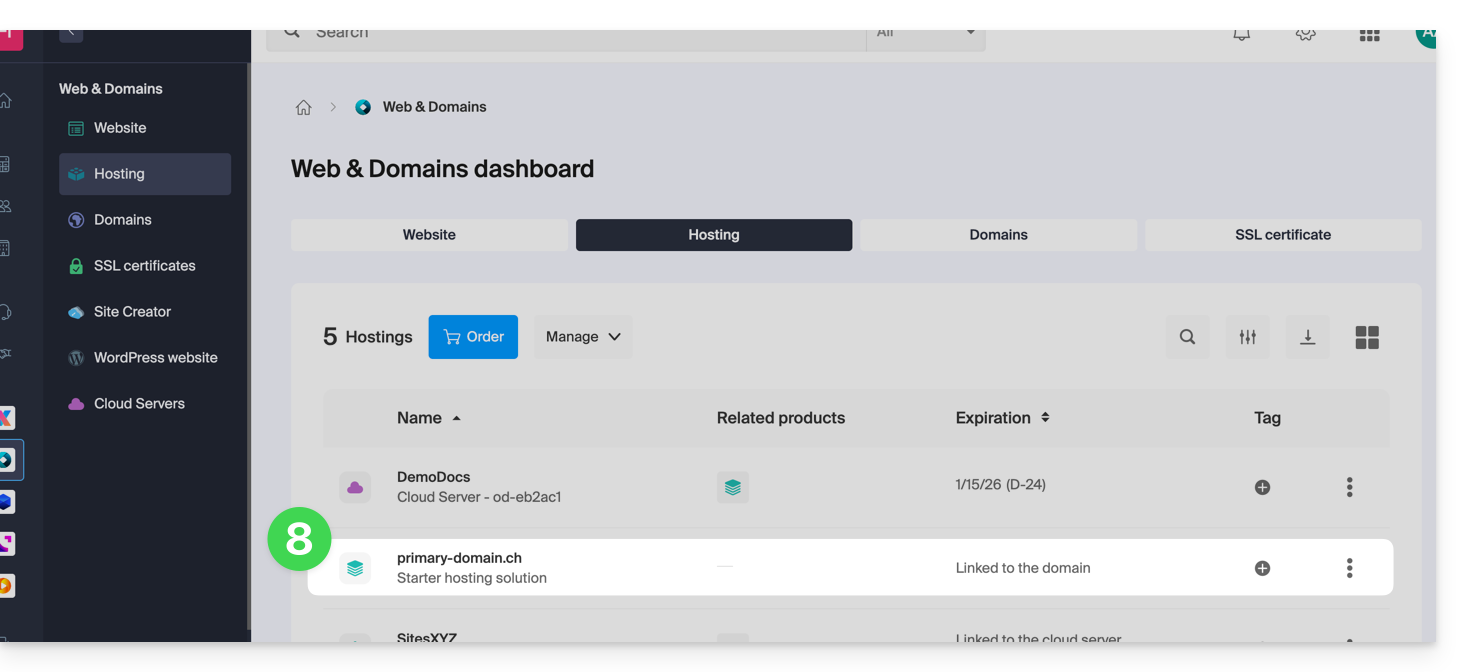
- Click on the name of the domain in question:
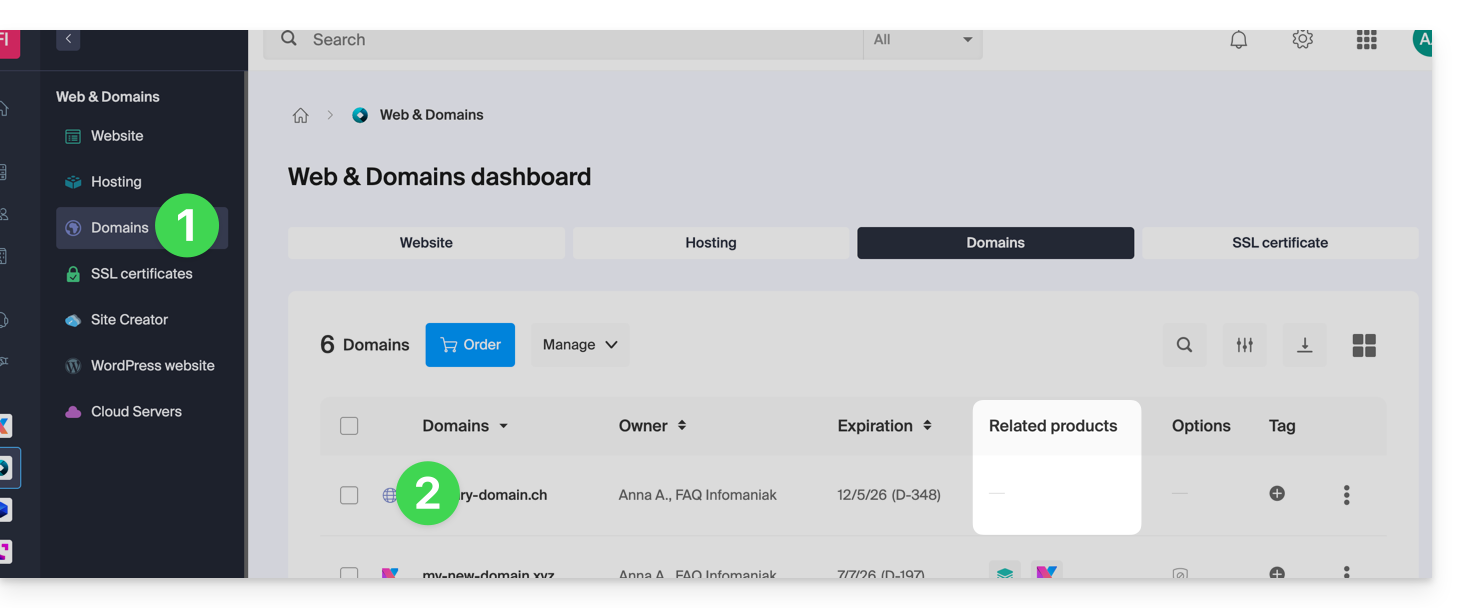
- No product should be linked to the domain at this time (visible in the linked products column).
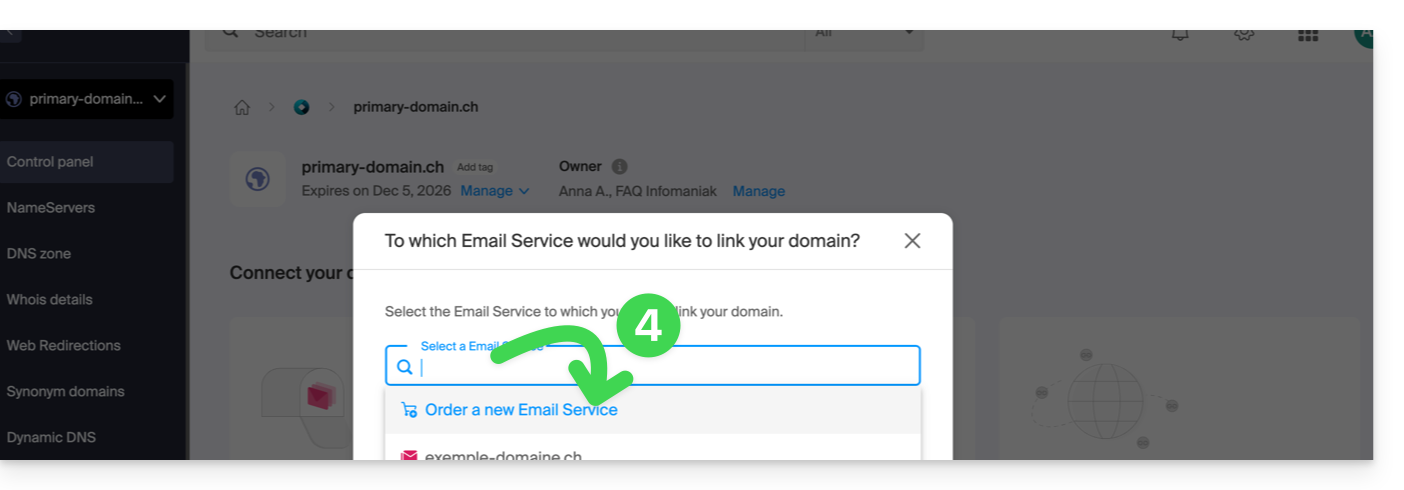
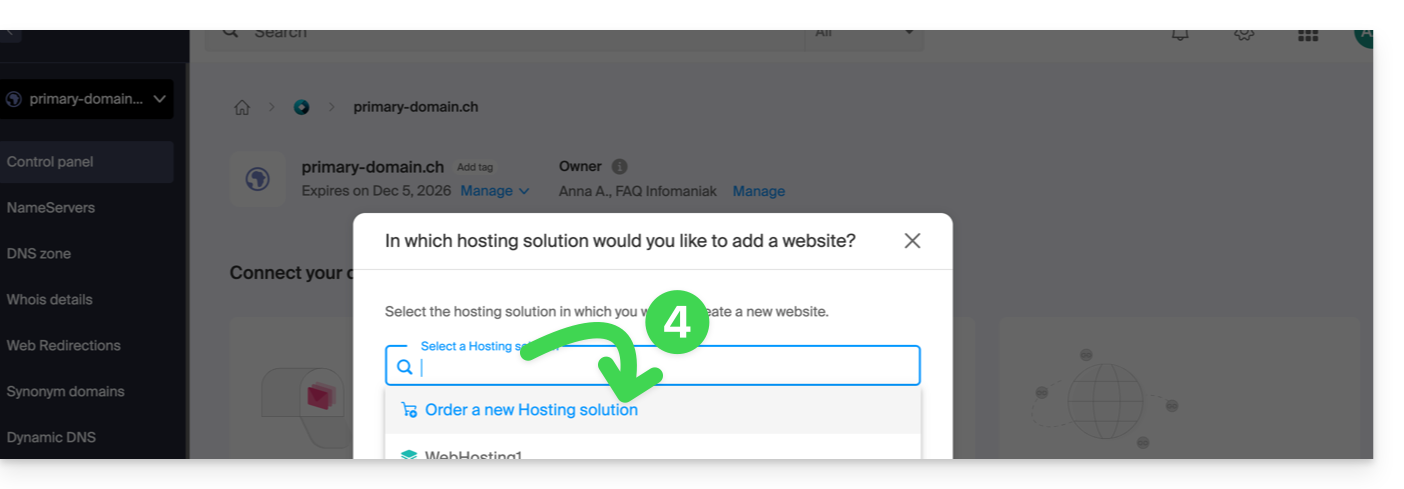
- Click on one of the shortcuts to Connect a service (mail or web):
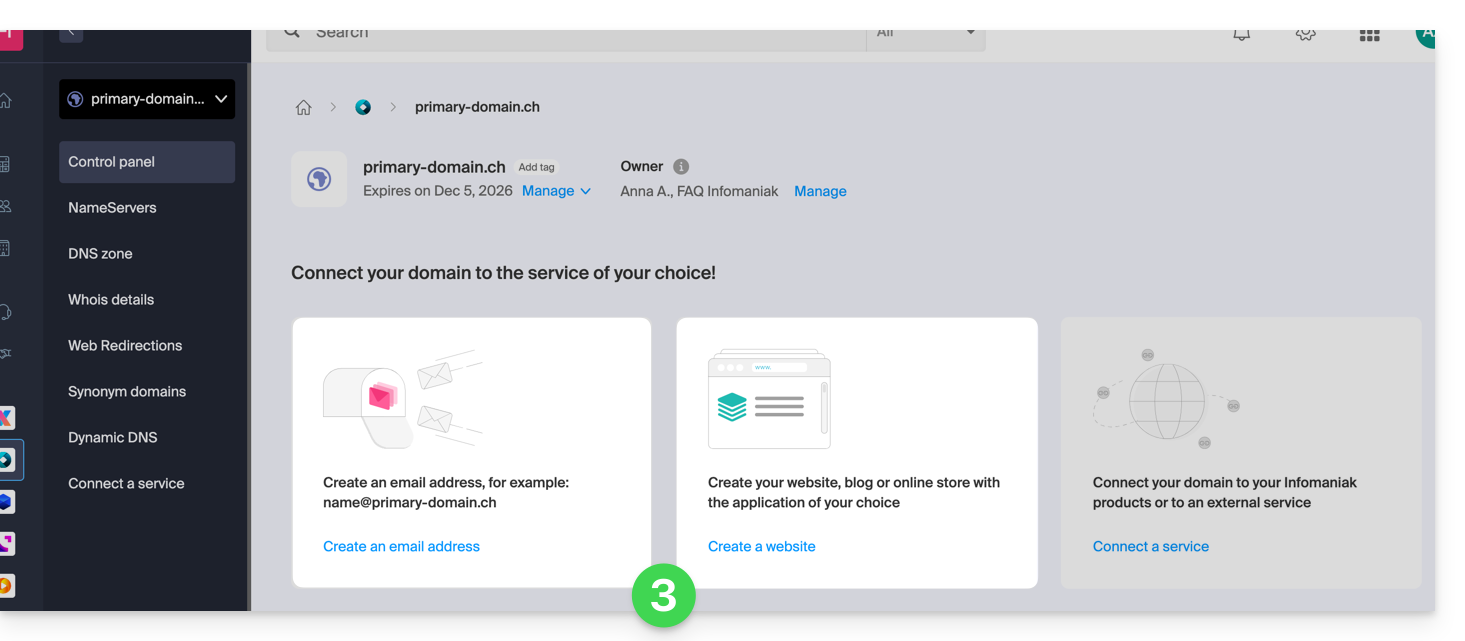
- In both cases, click on Order…:
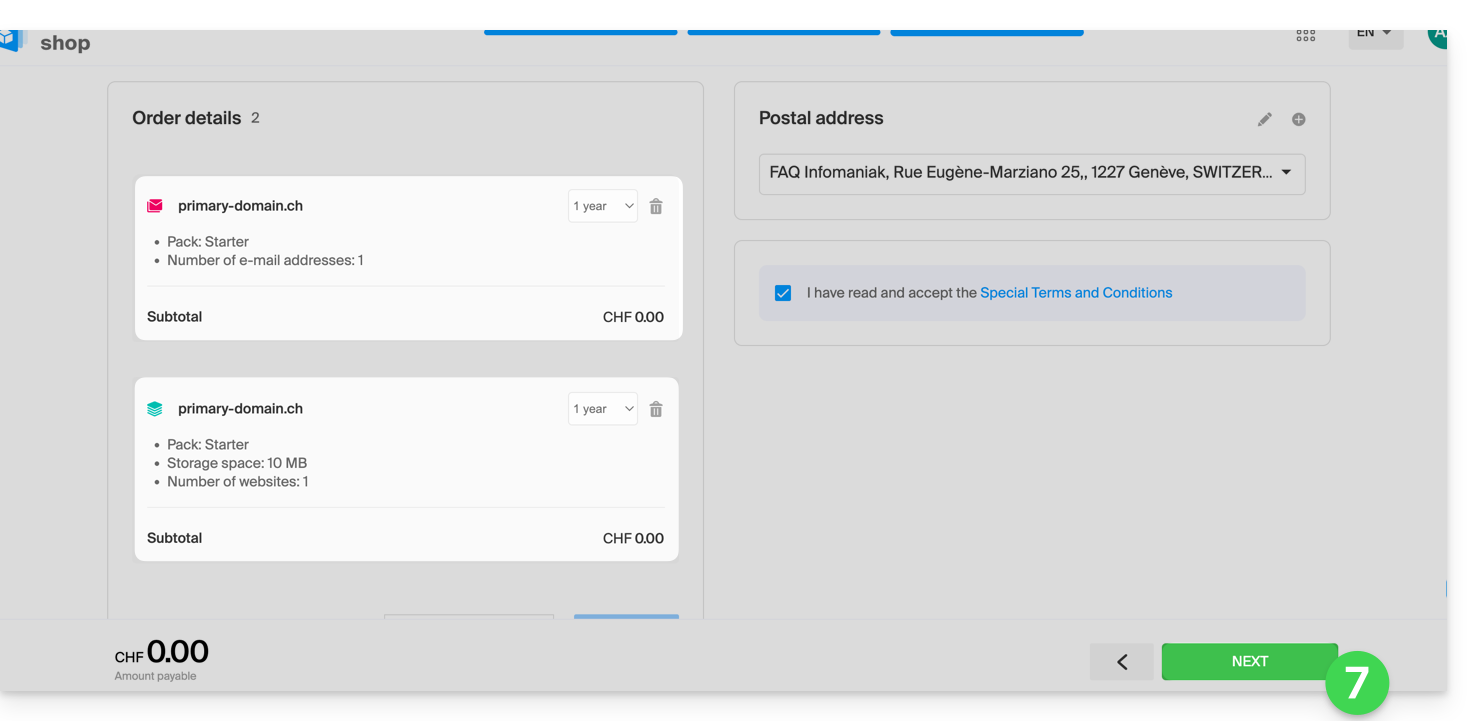
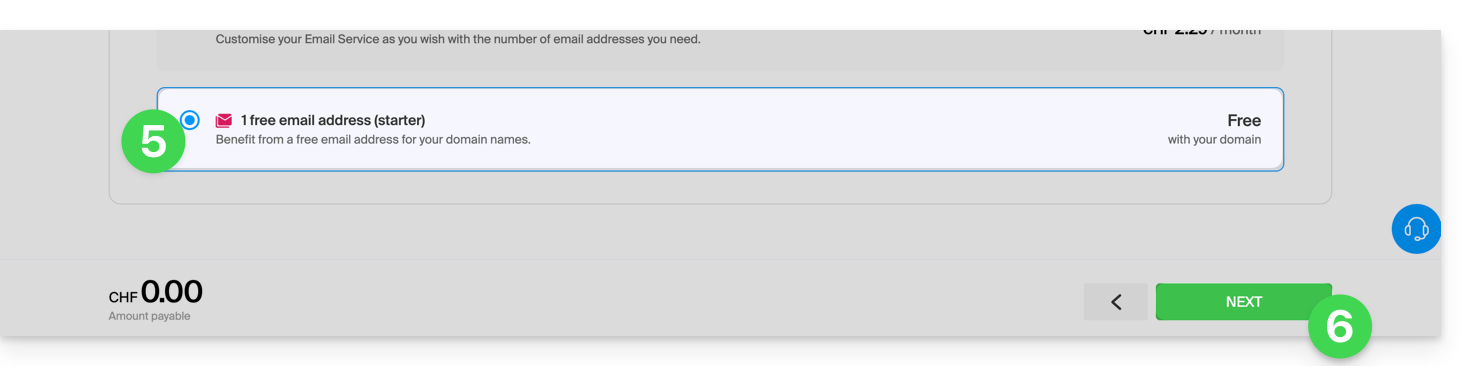
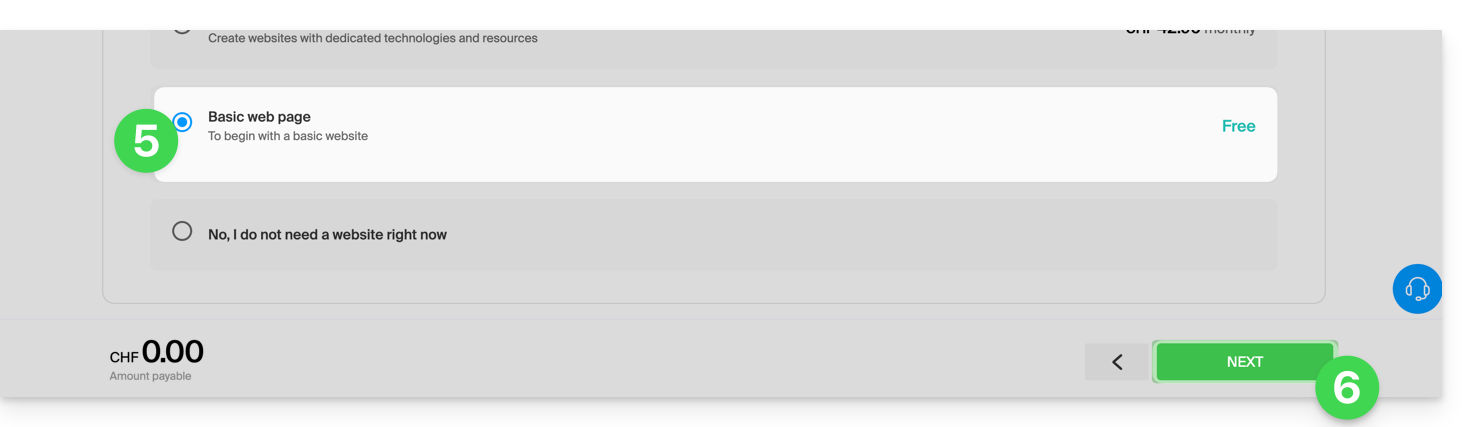
- You can choose the corresponding free service (mail or web), and the next step will allow you to choose the other one (mail or web) if desired.
- Click at the bottom of the page to continue:
- Complete the order:
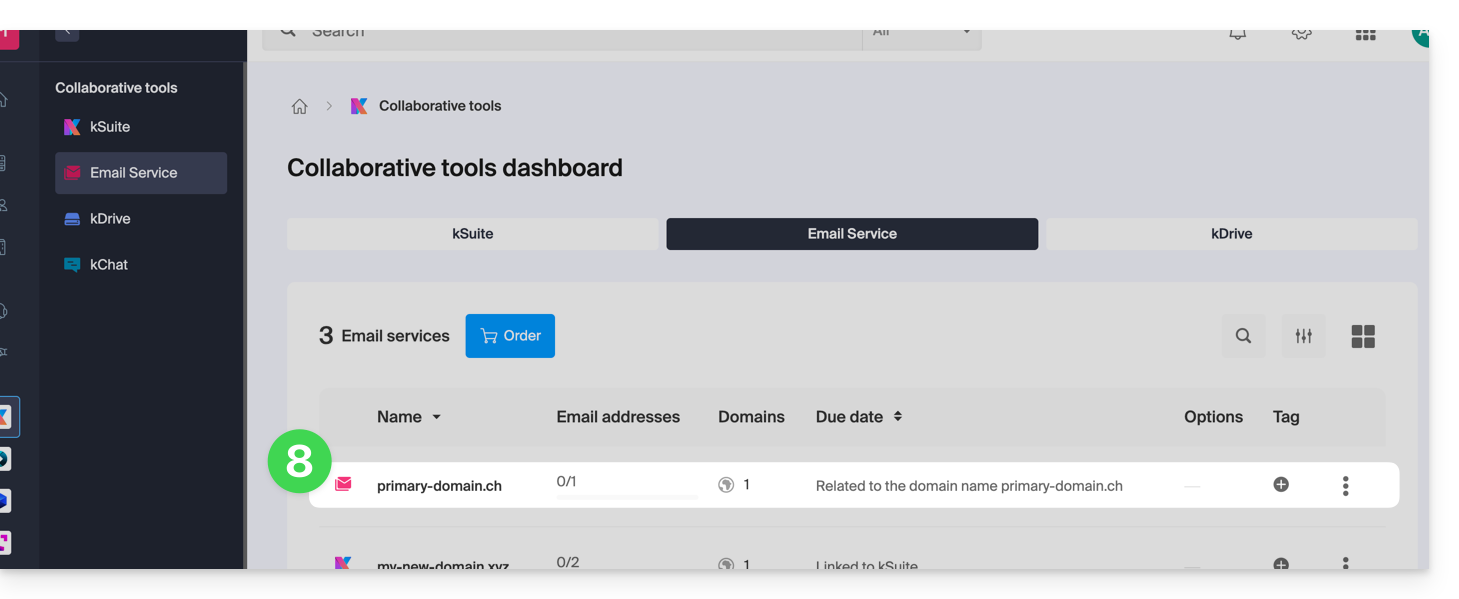
- Go back to your Infomaniak Manager to discover and use your new products:
Using your Starter products
- Create the email address you want on your Mail Starter service.
- To use the 10 MB of web space and create a basic web page on your Web Hosting Starter, use:
- the page editor
- or the Web FTP in the Manager to manage your HTML pages
- or any software/FTP client with the classic FTP protocol
Upgrading a Starter plan
- Modify a Mail plan (click here).
- Modify a Web plan (click here).
In case of a problem with a Starter hosting plan
A Starter web hosting plan does not offer IPv6. Therefore, be careful with AAAA records in the DNS zone of the domain in question, as they may prevent you from activating SSL; also, please refer to this other guide.
Link to this FAQ: https://faq.infomaniak.com/2002
Has this FAQ been helpful?