Knowledge base
1000 FAQs, 500 tutorials and instructional videos. Here, there are only solutions!
Unlink a domain name linked to the Mail Service
This guide explains how to remove additional designations from an existing Service Mail (everything that comes after the @ sign in your email address), by detaching its linked domain names.
Preamble
- Once removed, the domain name is again available to order a new Service Mail or to be attached to another existing Service Mail.
- It should also be noted that you can rename your product in the Infomaniak Manager, but changing the name of a Service Mail has strictly no impact on its addresses; you need to act on the domain name.
Remove the linked domain
Prerequisites
- Have dissociated the synonym domain name from the main domain name if there was an association previously.
- Have defined the domain name to be detached as a secondary domain (instead of a main) — this reversal can be done by following this other guide in the chapter named "a" from point 3 onwards.
To detach a domain name from your Service Mail:
- Click here to access the management of your product on the Infomaniak Manager (need help?).
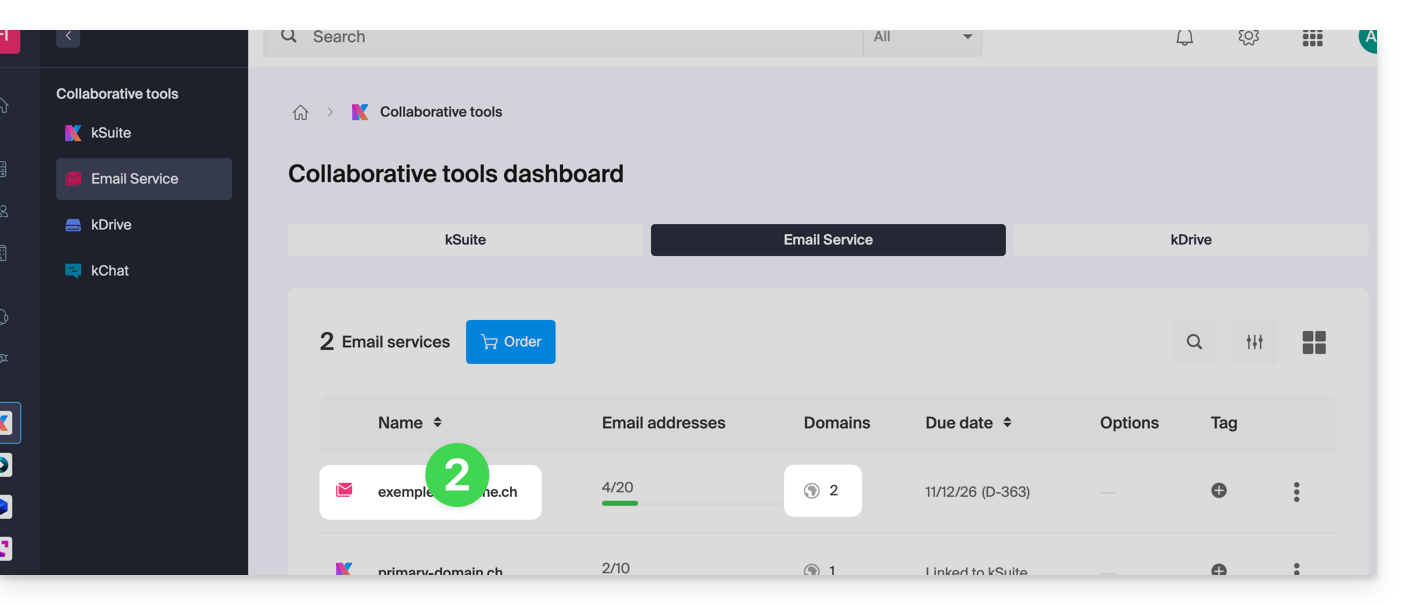
- Click directly on the name assigned to the product concerned:
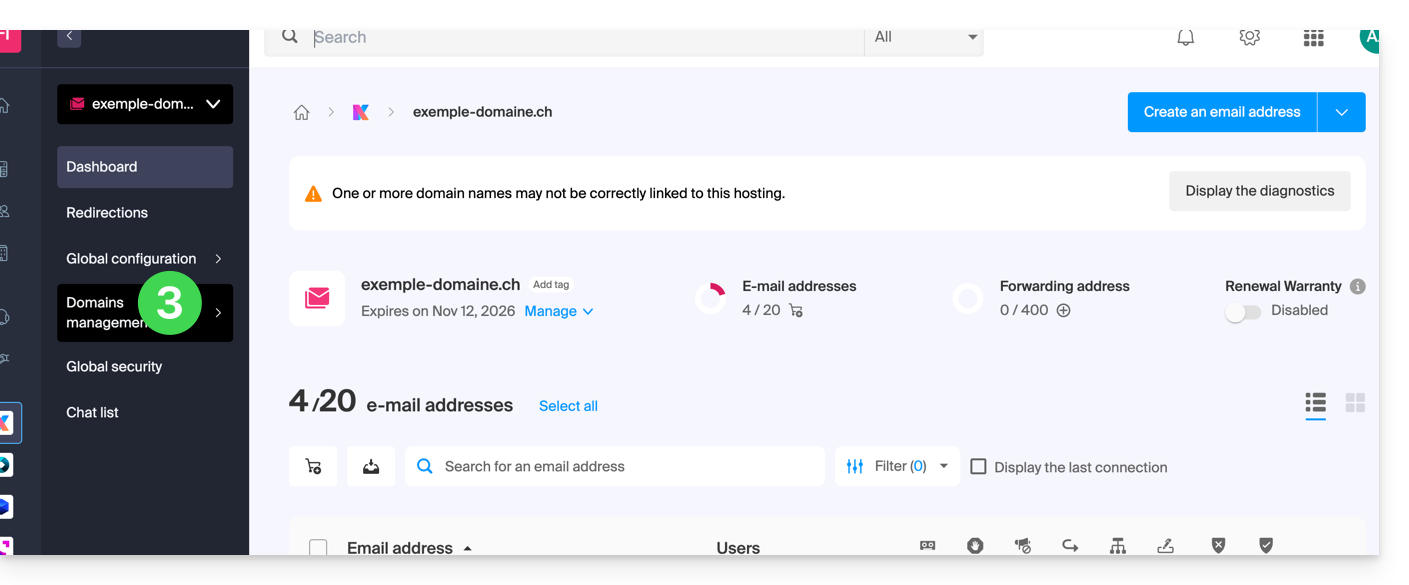
- Click on Domain Management in the left sidebar:
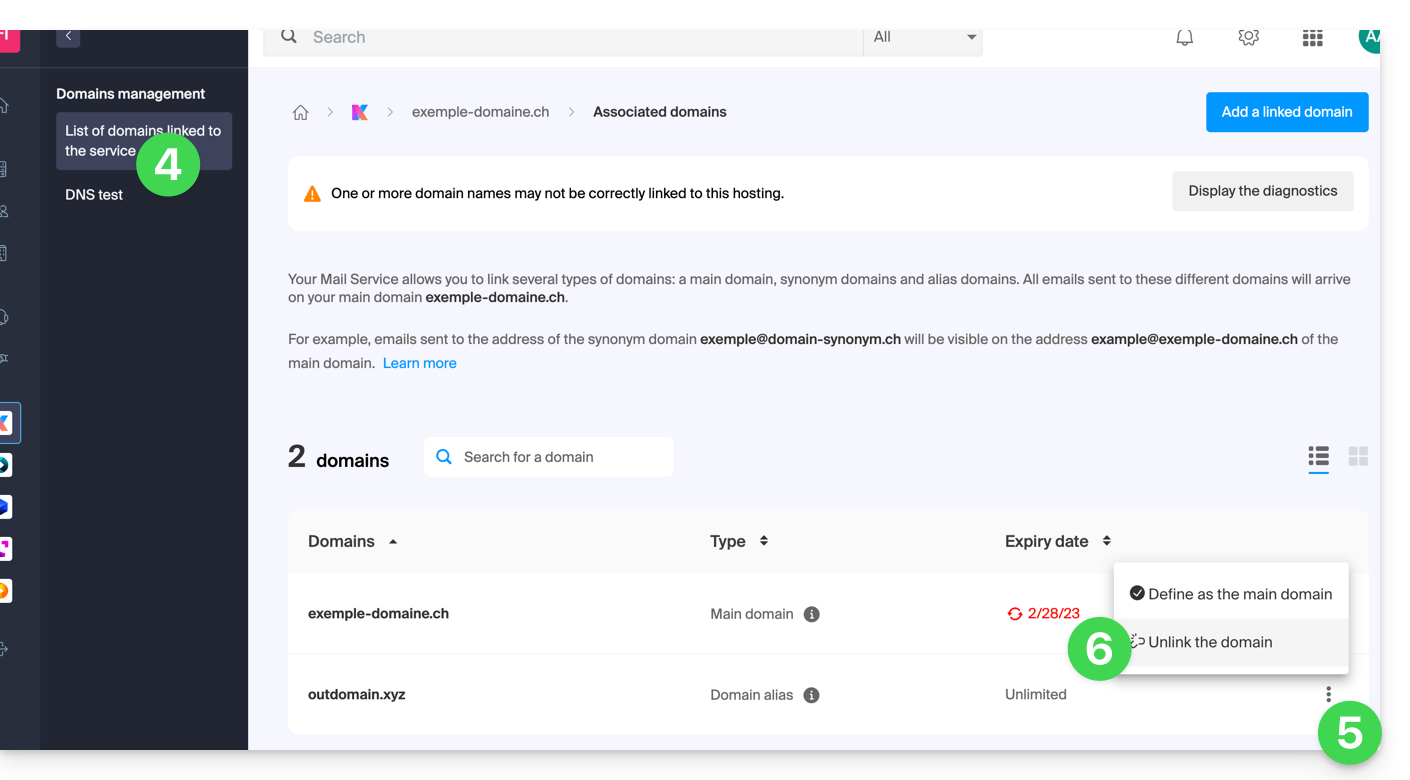
- Click on List of Domains Linked to the Service in the left sidebar.
- Click on the icon ⋮ to the right of the domain name to be detached.
- Click on Detach the Domain (see prerequisites above if the item is not offered):
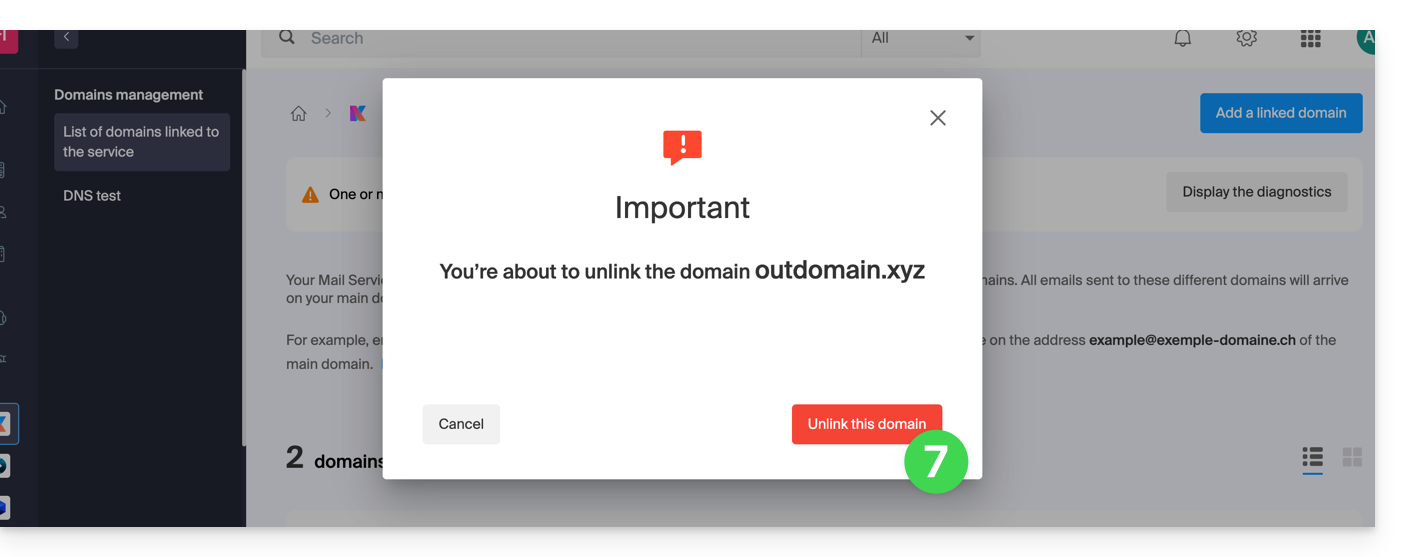
- Confirm the detachment:
Link to this FAQ: https://faq.infomaniak.com/1996
Has this FAQ been helpful?