Knowledge base
1000 FAQs, 500 tutorials and instructional videos. Here, there are only solutions!
Register a domain name with Infomaniak
Update 10/13/2026
This guide explains how to register a domain name with Infomaniak.
Introduction
- With a new domain name or an additional domain name, many possibilities open up to you, including access to free services, such as:
- You can also:
Order your first domain name
To do this:
- If necessary, create an Infomaniak account (❓: help).
- Click here to access the domain management section in your Infomaniak Manager.
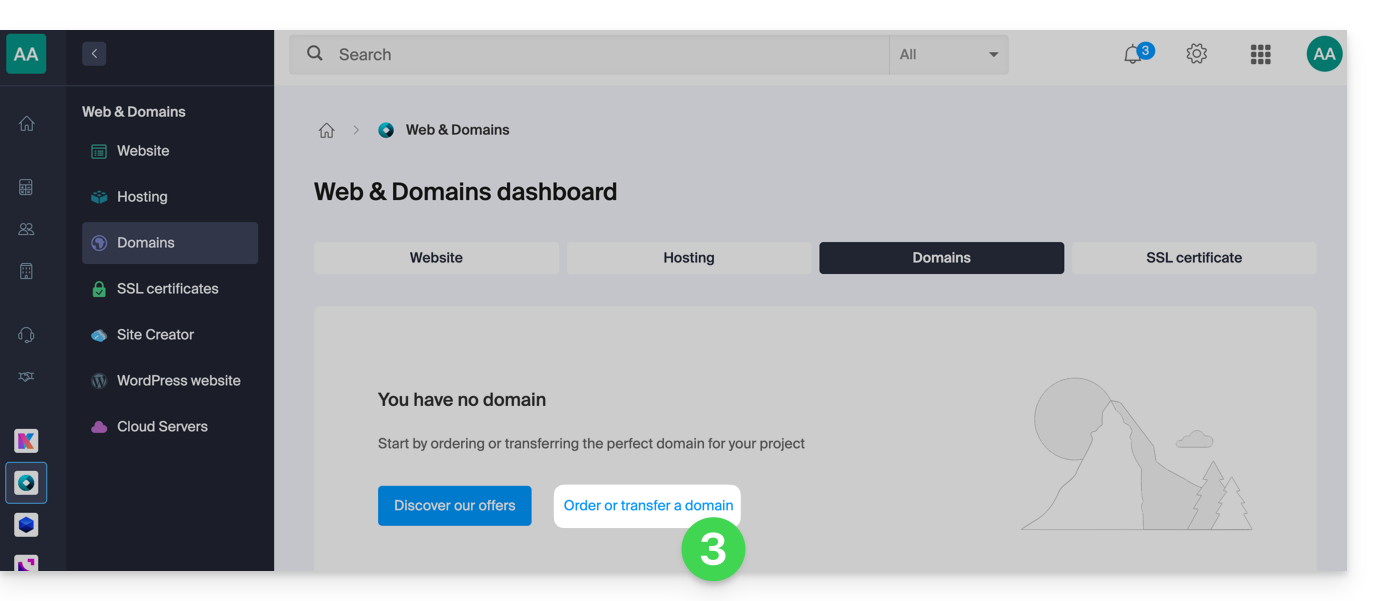
- Click to open the Shop:
- If applicable, select the Organization in which to order your domain:
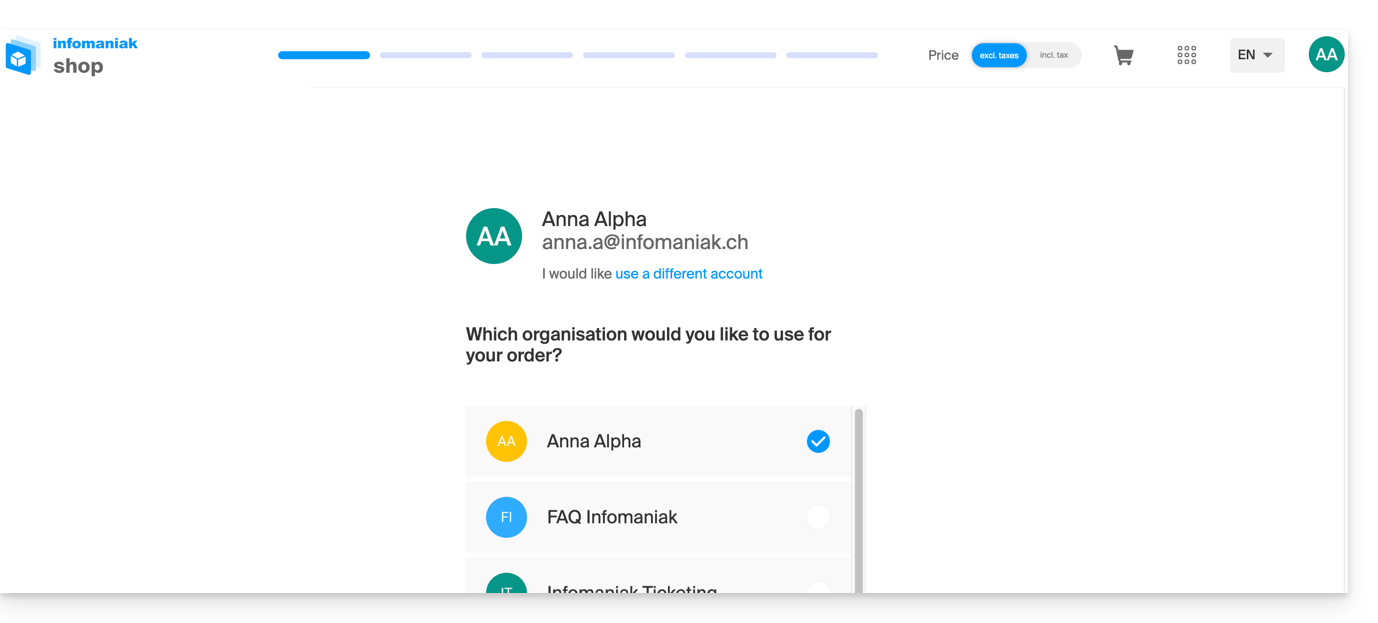
- If applicable, select the Organization in which to order your domain:
- Once in the Shop, enter the domain name to register and search for it:
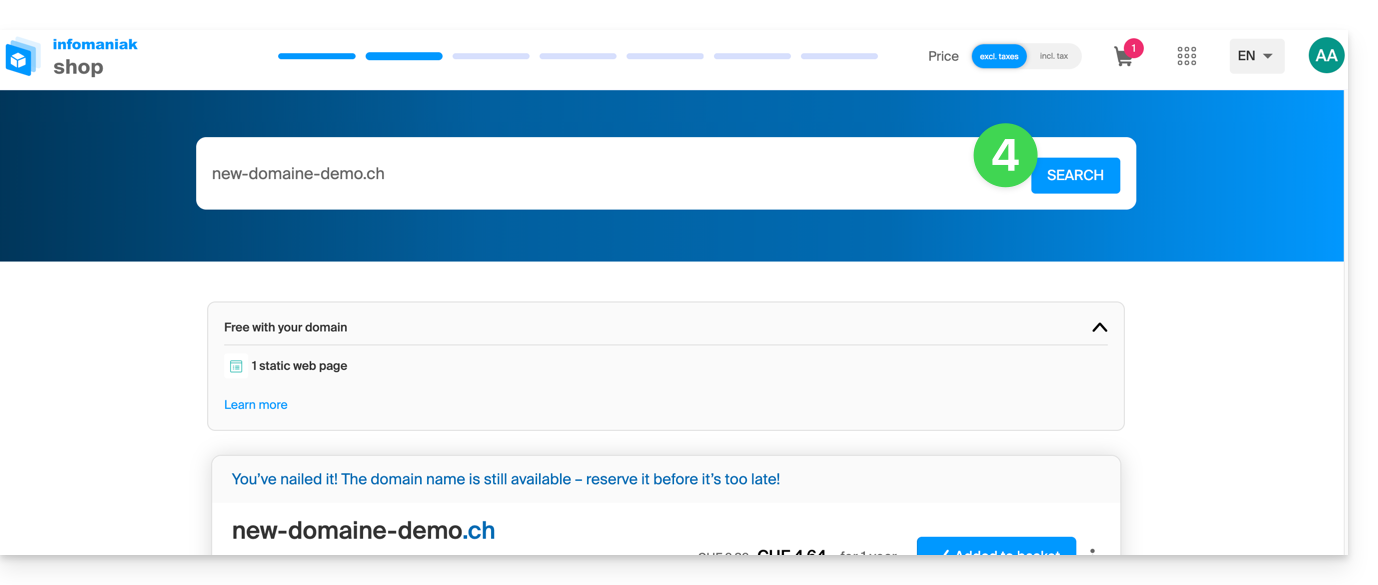
- Check or uncheck the additional options and extensions offered, and click Next to proceed.
- Choose the desired options on each page, such as the Mail service associated with the domain name:
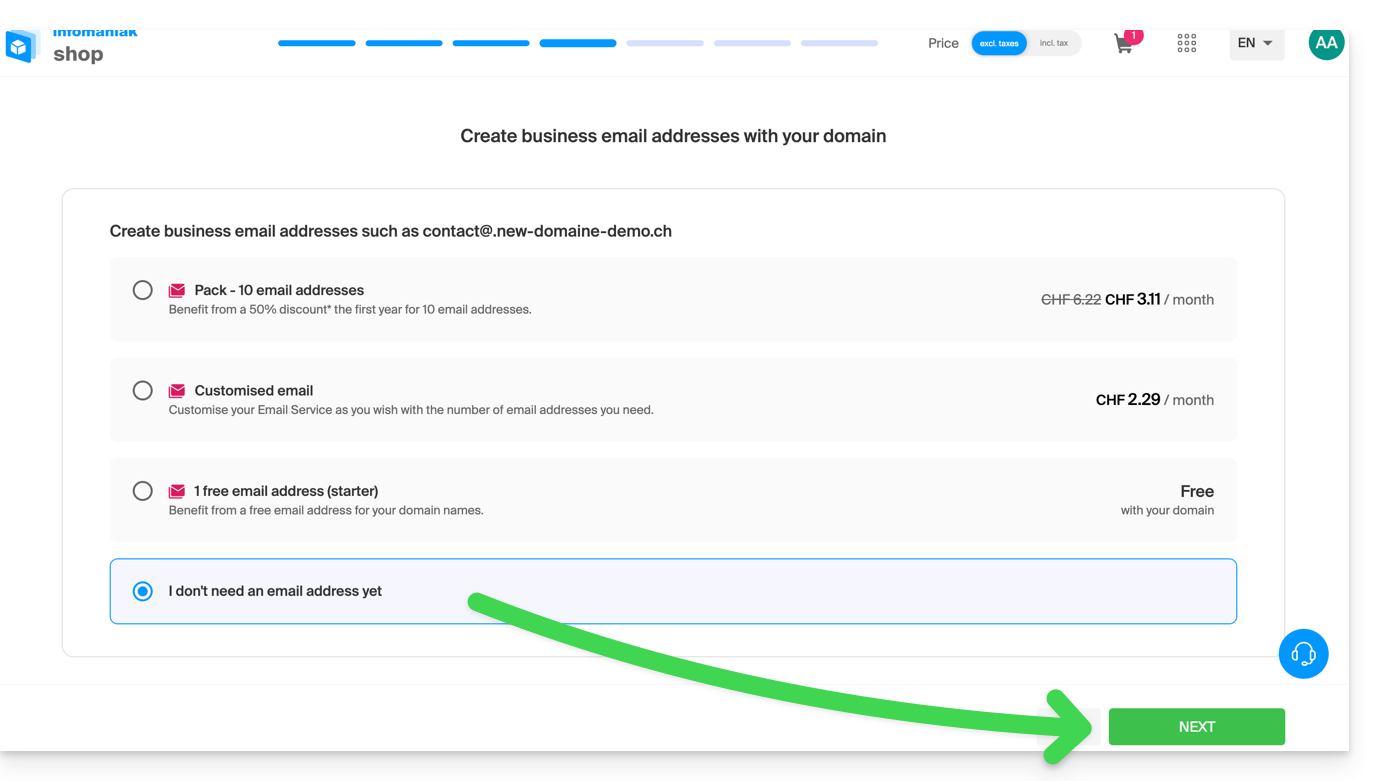
- Choose the desired options on the following pages, such as the web hosting associated with the domain name:
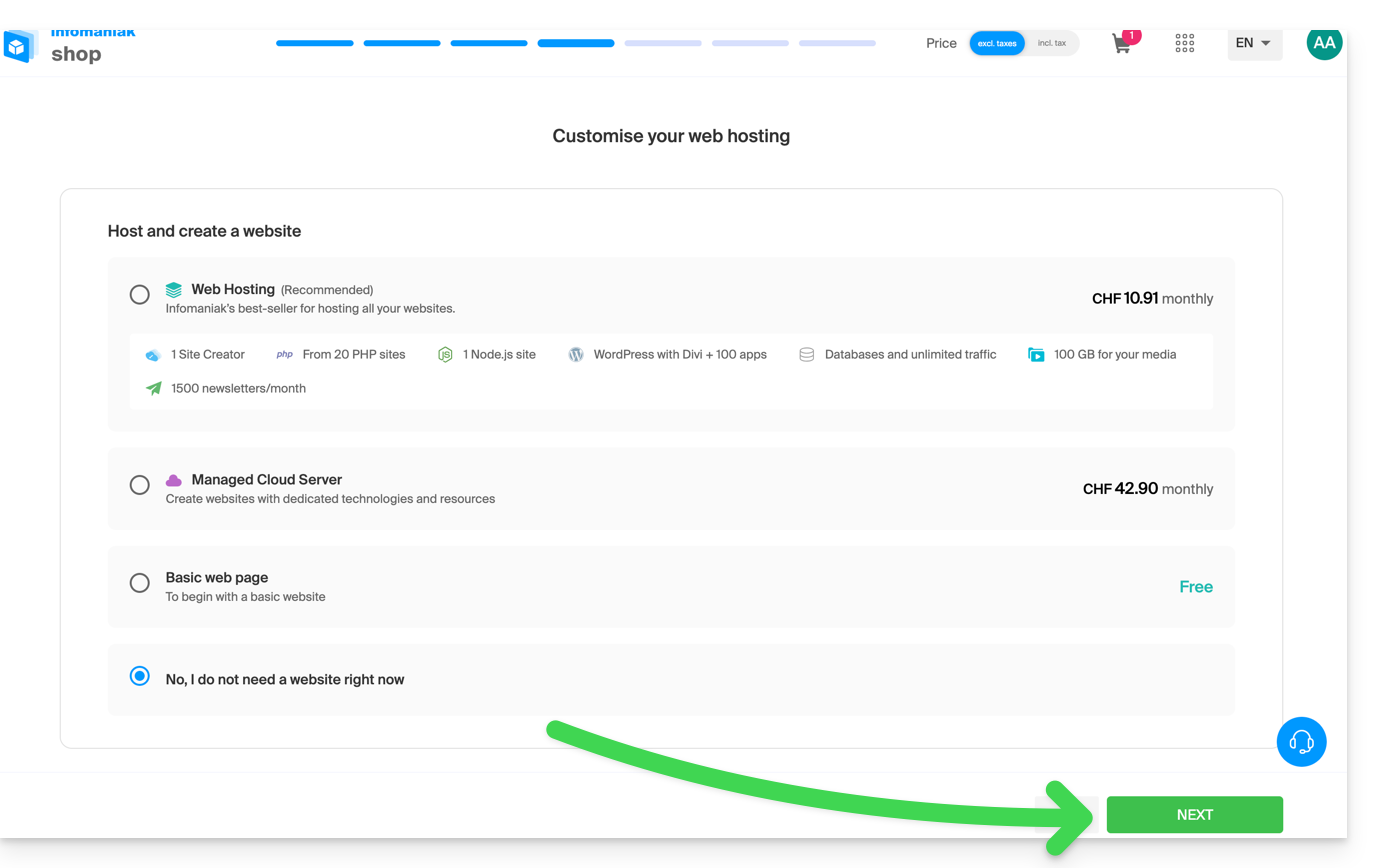
- Enter the contact details related to the domain name.
- Complete the purchase, remembering to read and accept the Terms and Conditions (you may need to scroll down the page first):
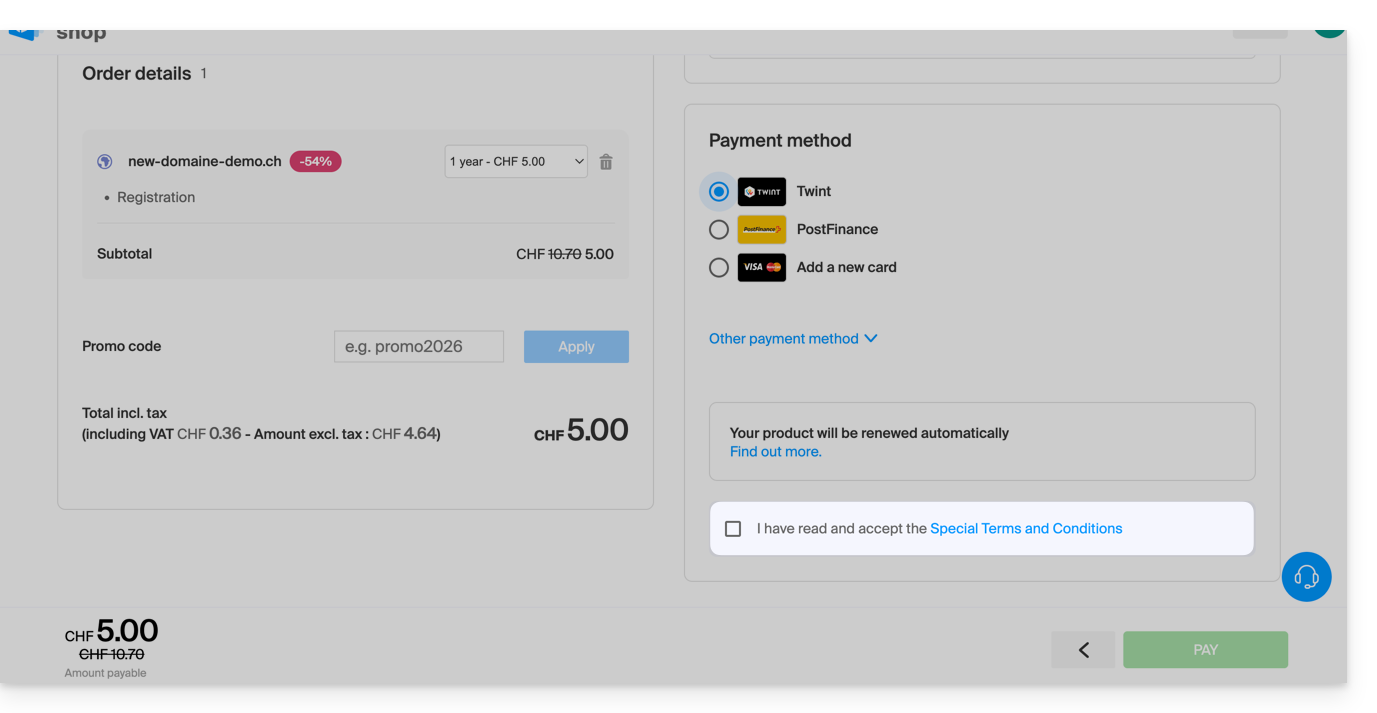
Once ordered, please wait a few hours for the setup to complete.; any DNS addition/modification may take up to 48 hours to propagate (❓: help).
Order an additional domain name
To do this:
- Click here to access the domain management section in your Infomaniak Manager (❓: help).
- Click on the button to Order an additional domain:
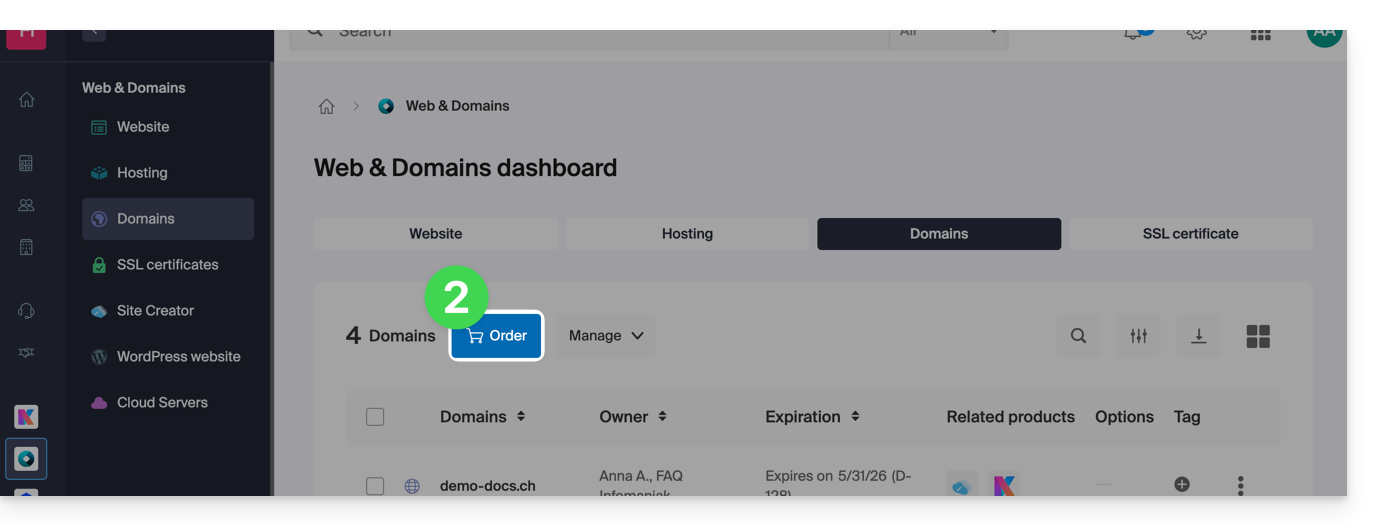
- Follow the first guide above, starting from step 4.
Check the availability of a domain name
See this other page which allows you to quickly check if a domain is available for registration or not.
At least 3 main indications can be identified:
- Available — in this case, it's good, you can book it.
- Transferable — you must own it with another provider in order to transfer it to Infomaniak (❓: help).
- Unavailable – unfortunately, it will not be possible to order it until it is released by its current owner.
Link to this FAQ: https://faq.infomaniak.com/1987
Has this FAQ been helpful?