Knowledge base
1000 FAQs, 500 tutorials and instructional videos. Here, there are only solutions!
Order a domain name from Infomaniak
This guide explains how to register a domain name with Infomaniak.
Preamble
- With a new domain name or additional domain name, many possibilities open up to you, including access to free services, such as:
- You will also be able to:
- use your existing Mail Service or Website but with different spelling,
- host a website here or with a third-party host,
- etc.
Order a first domain name
To do this:
- If necessary, create an Infomaniak account.
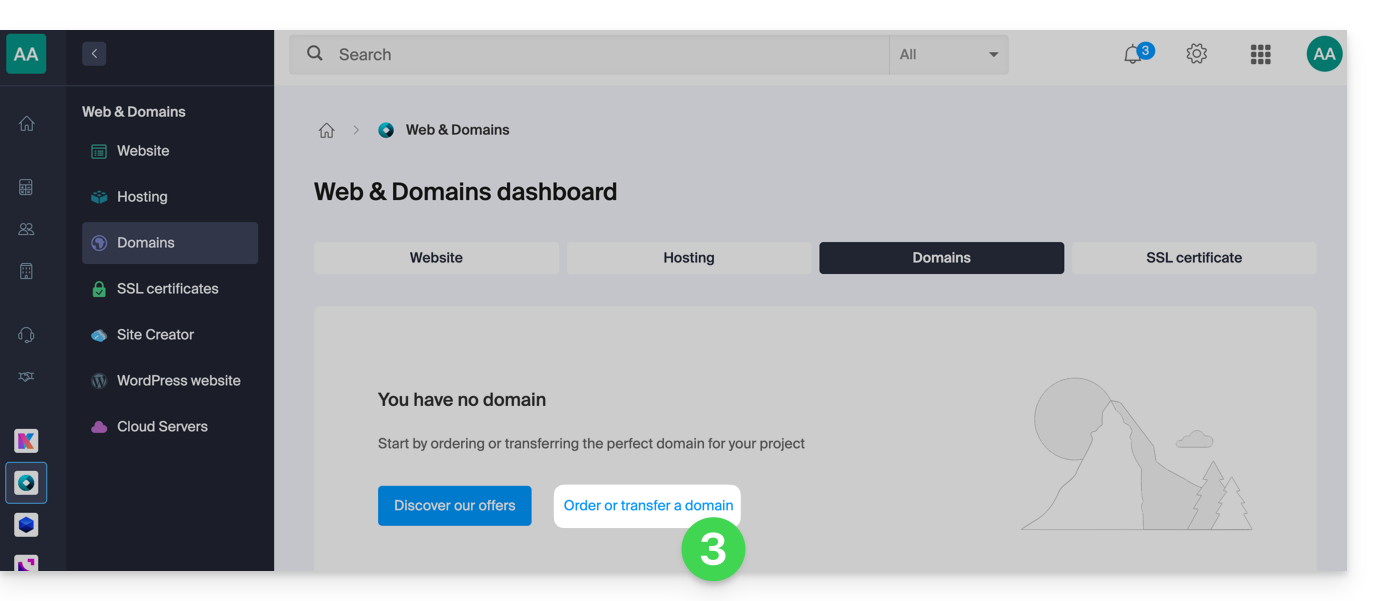
- Click here to access domain management on the Infomaniak Manager.
- Click to open the Shop:
- If the case arises, select the Organization in which to order your domain:
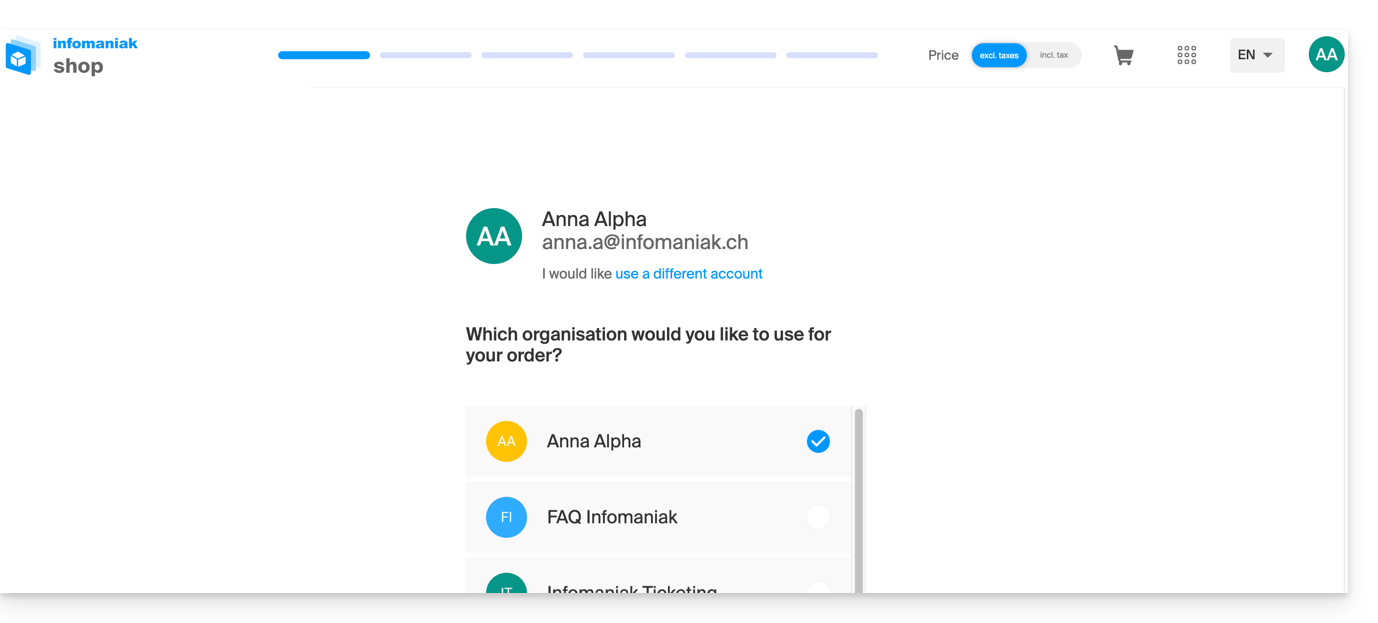
- If the case arises, select the Organization in which to order your domain:
- Once in the Shop, enter the domain name to be registered and search for it:
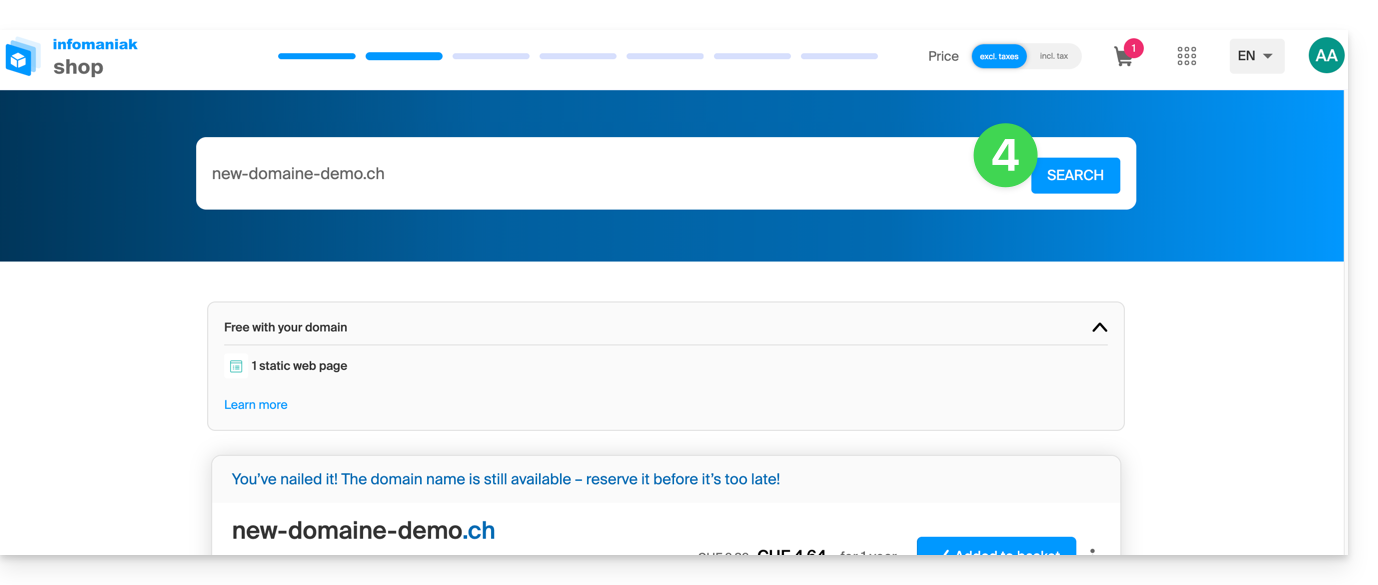
- Check or uncheck the additional options and extensions offered and click on Next to proceed.
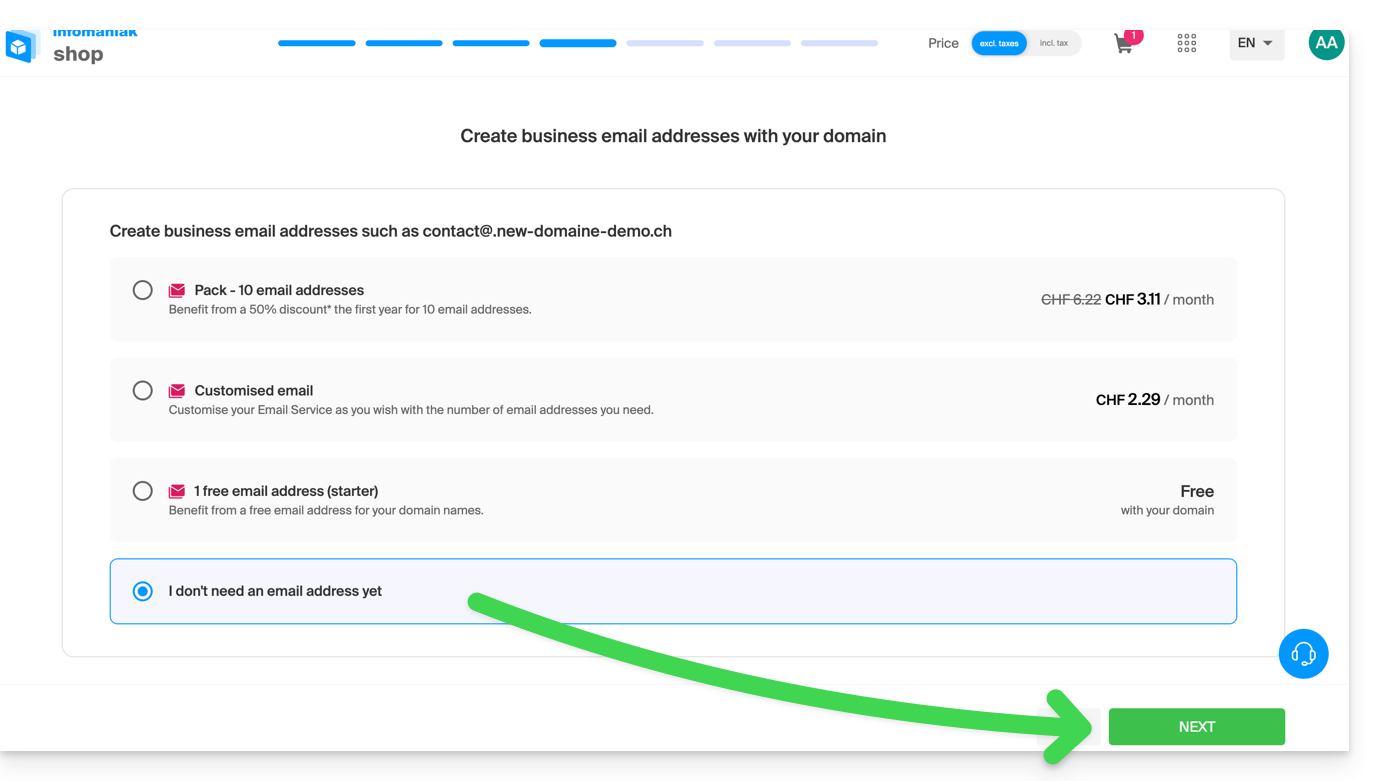
- Choose the desired options as you go through the pages, such as the possible Mail Service associated with the domain name:
- Choose the desired options as you go through the pages, such as the possible Web hosting associated with the domain name:
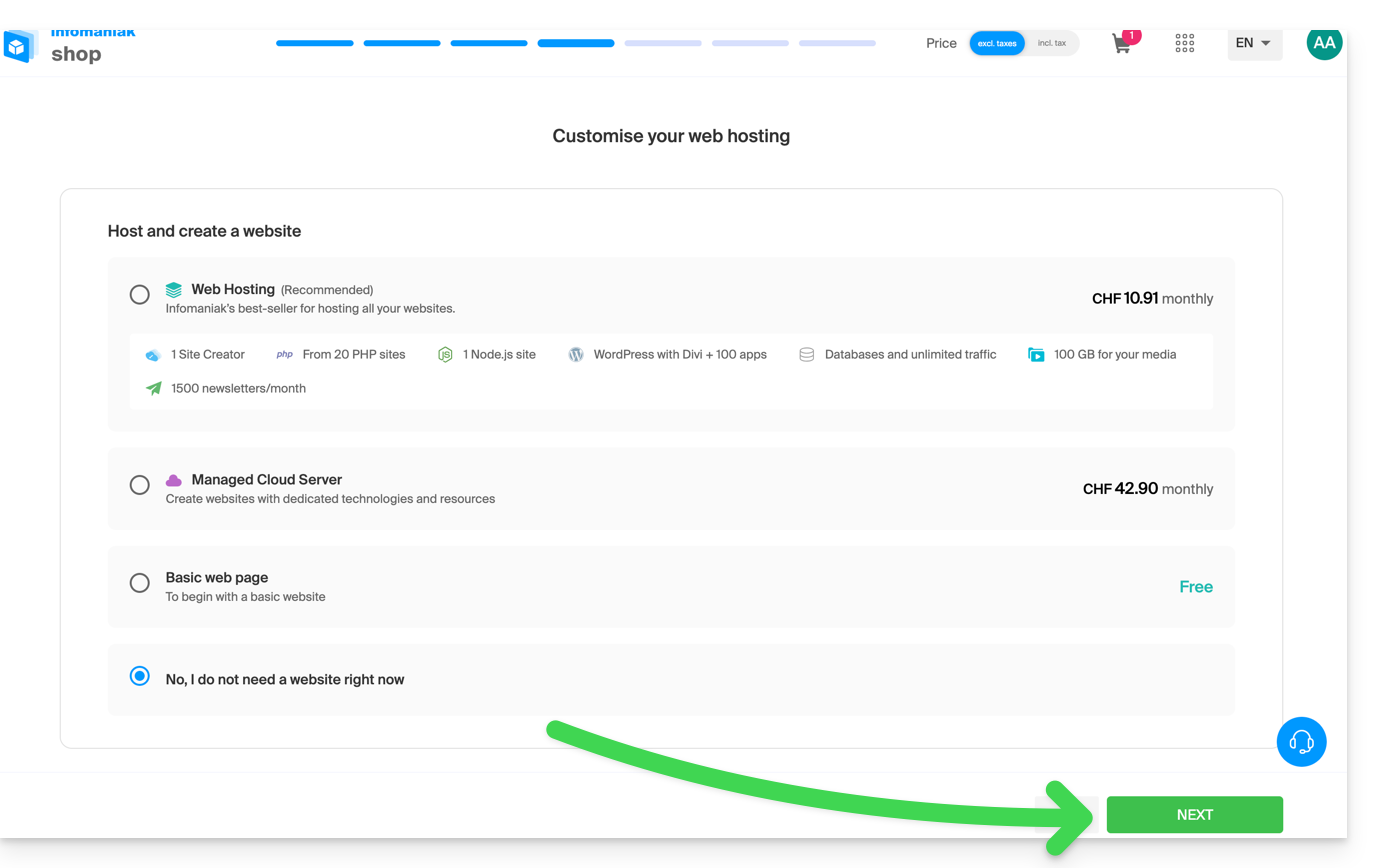
- Enter the details related to the domain name.
- Complete the purchase without forgetting to read and accept the Terms (the box may require scrolling down the page first):
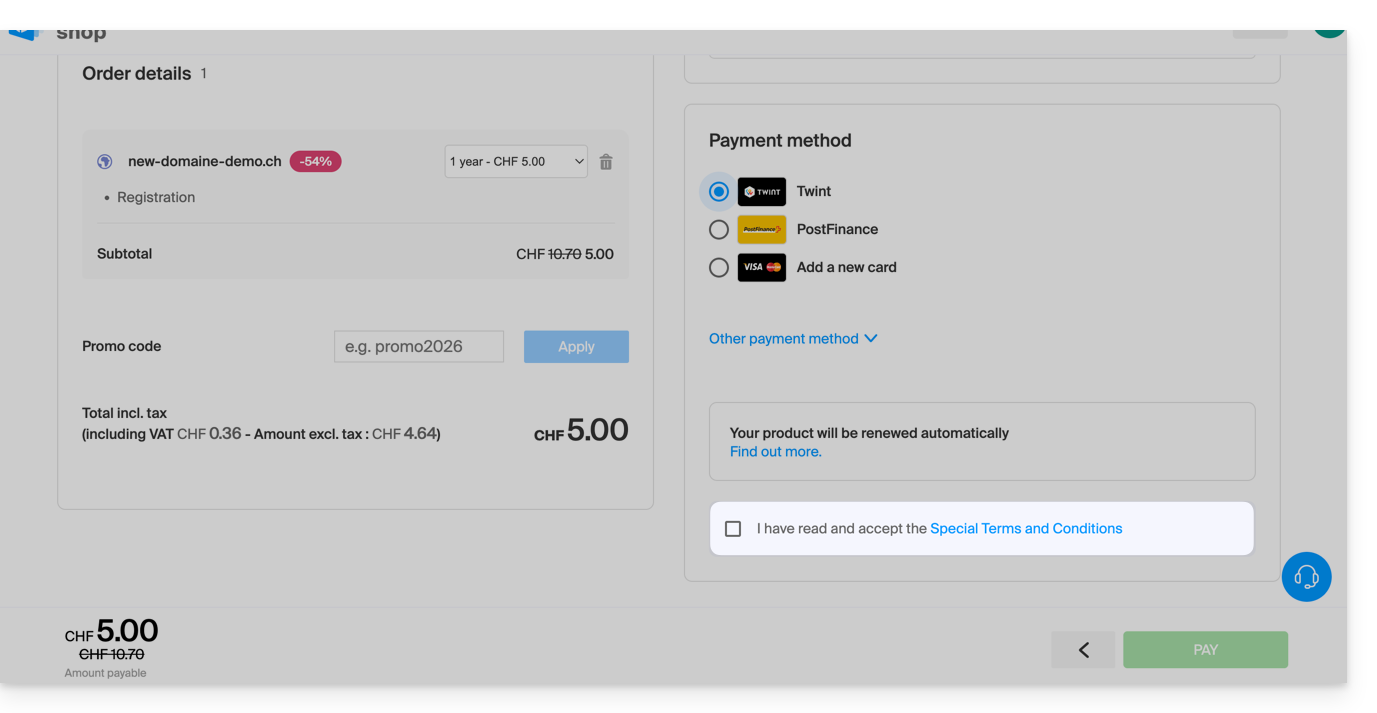
Once ordered, wait a few hours for the setup (and schematically the propagation of your domain name with Internet Service Providers (ISPs) around the world).
Order an additional domain name
To do this:
- Click here to access the management of your product on the Infomaniak Manager (need help?).
- Click on the button to Order an additional domain:
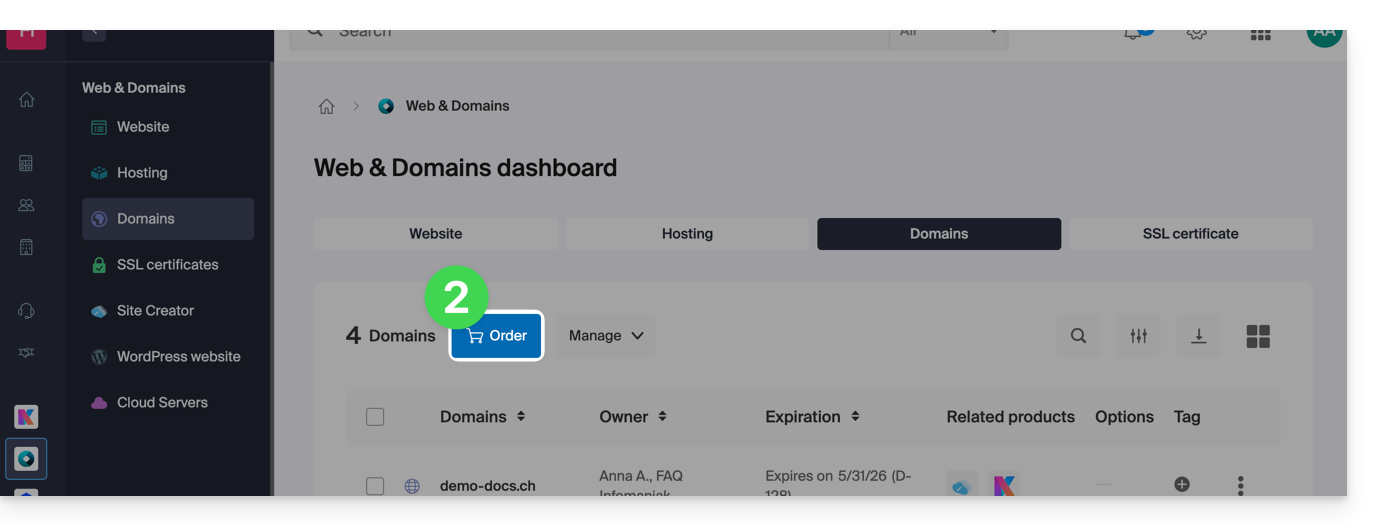
- Follow the first guide above starting from step 4.
Check the availability of a domain name
Refer to this other page which allows you to quickly check if a domain is available for registration or not.
There are at least 3 main indications:
- Available — in this case, it's good, you can reserve it.
- Transferable — you must own it with another provider to transfer it to Infomaniak.
- Unavailable — it will unfortunately not be possible to order it as long as it is not abandoned by its current owner.
Link to this FAQ: https://faq.infomaniak.com/1987
Has this FAQ been helpful?