Knowledge base
1000 FAQs, 500 tutorials and instructional videos. Here, there are only solutions!
Register a domain name with Infomaniak
This guide explains how to register a domain name with Infomaniak.
Introduction
- With a new domain name or an additional domain name, many possibilities open up to you, including access to free services, such as:
- You can also:
- use your existing Mail Service or website but with a different spelling,
- host a website here or with a third-party hosting provider,
- etc.
Order your first domain name
To do this:
- If necessary, create an Infomaniak account.
- Click here to access domain management in the Infomaniak Manager.
- Click to open the Shop:
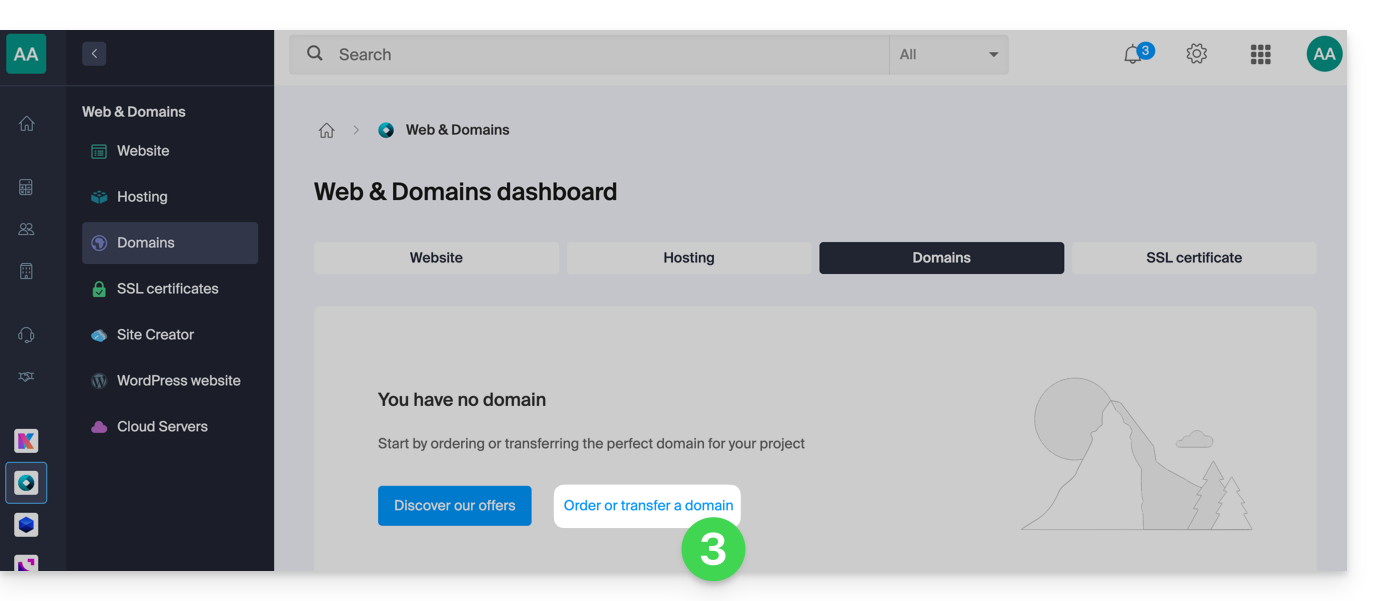
- If applicable, select the Organization in which to order your domain:
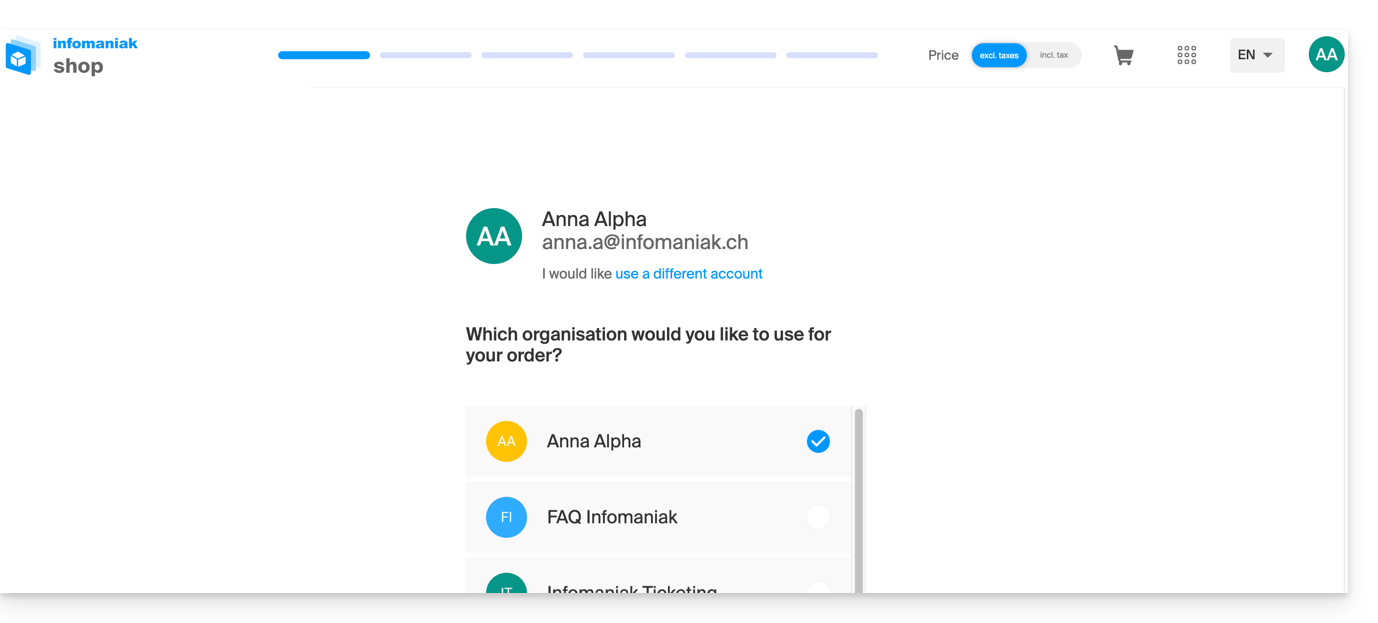
- If applicable, select the Organization in which to order your domain:
- Once in the Shop, enter the domain name to register and search for it:
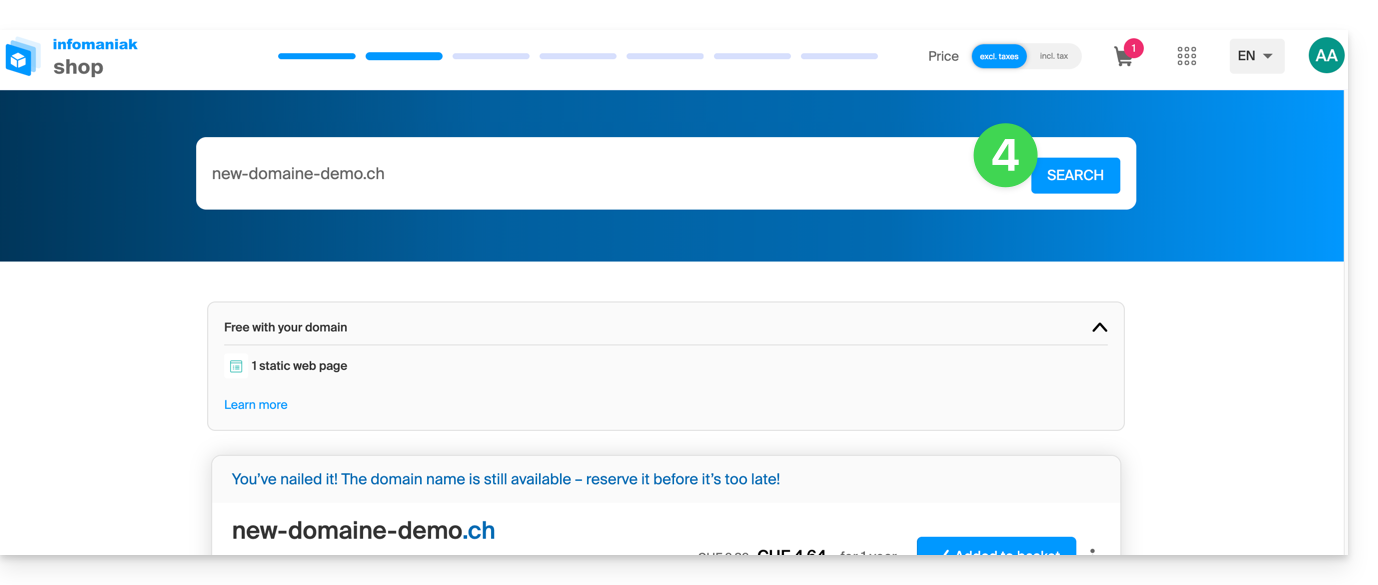
- Check or uncheck the additional options and extensions offered, and click Next to proceed.
- Choose the desired options on each page, such as the Mail service associated with the domain name:
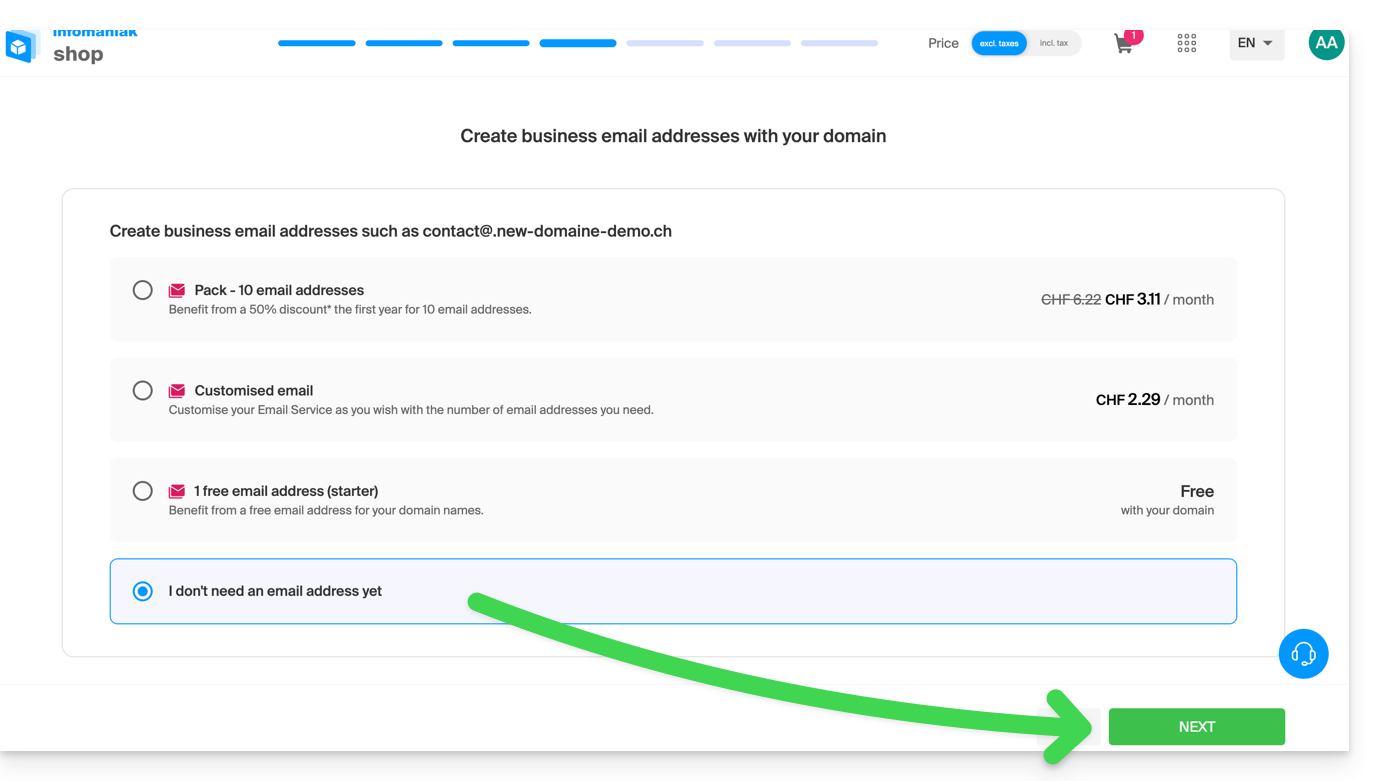
- Choose the desired options on the following pages, such as the web hosting associated with the domain name:
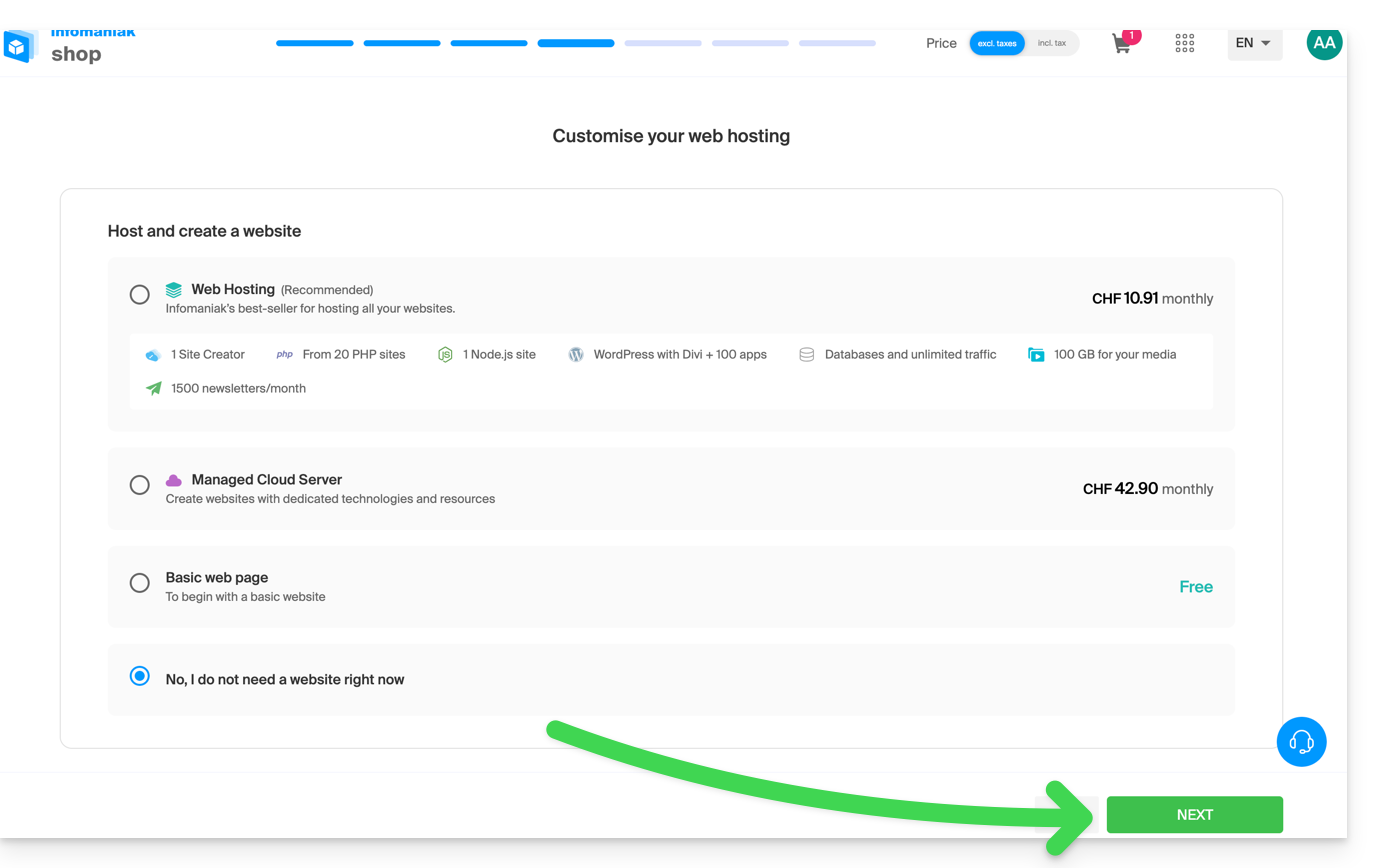
- Enter the contact information related to the domain name.
- Complete the purchase, remembering to read and accept the Terms and Conditions (you may need to scroll down the page first):
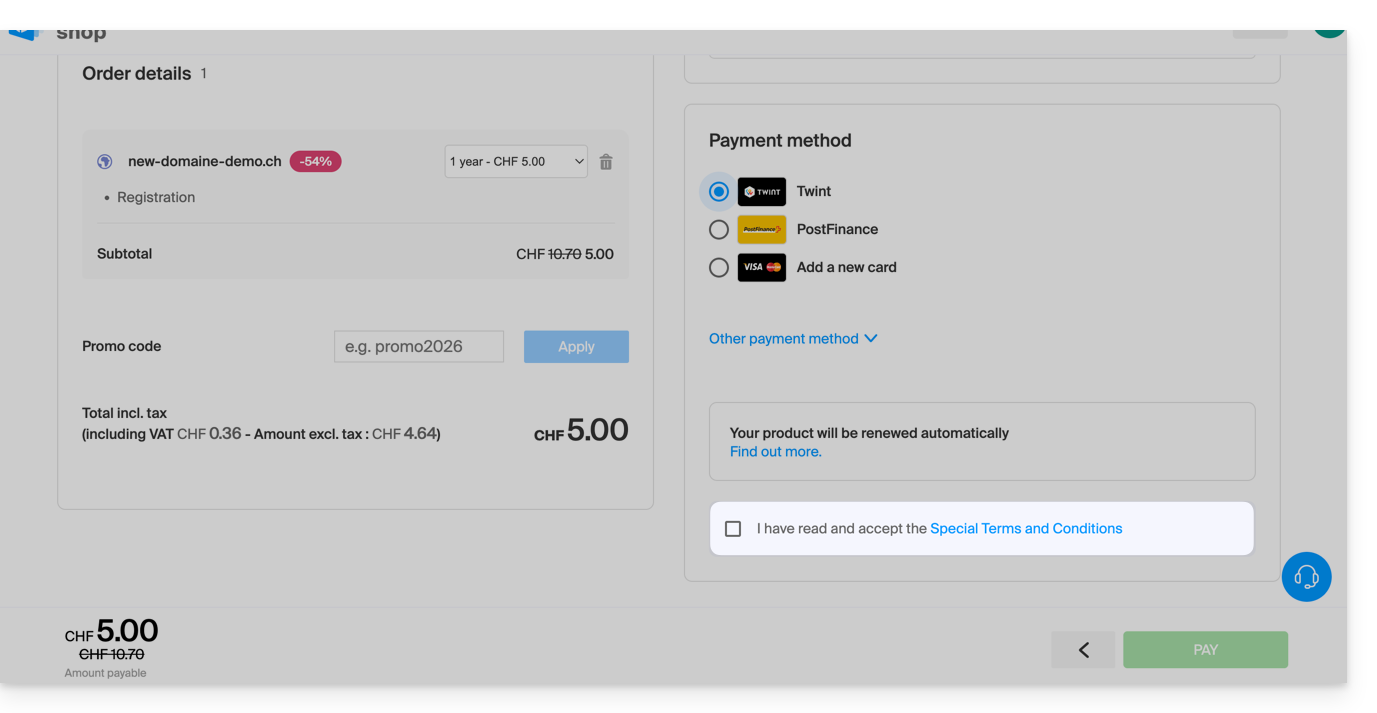
Once ordered, please wait a few hours for the setup to be completed (and schematically, for the propagation of your domain name to Internet Service Providers (ISPs) worldwide.
Order an additional domain name
To do this:
- Click here to access your product management interface in the Infomaniak Manager (need help?).
- Click the button to Order an additional domain:
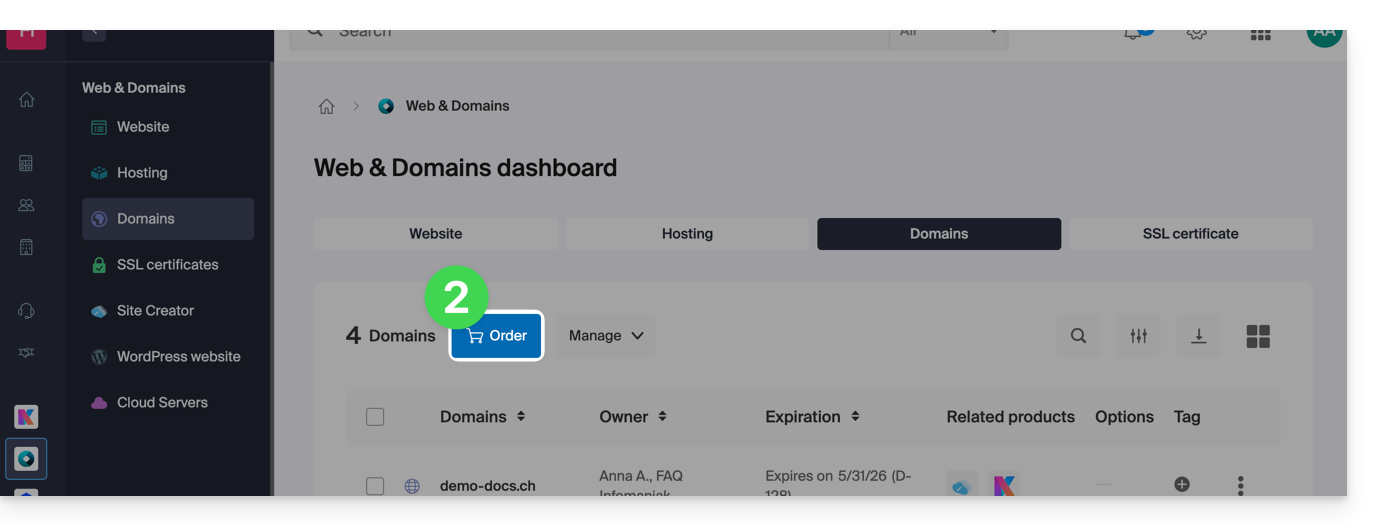
- Follow the first guide above, starting from step 4.
Check the availability of a domain name
Please refer to this other page, which allows you to quickly check whether a domain is available for registration.
At least 3 main indicators can be identified:
- Available — in this case, it's good, you can book it.
- Transferable — you must own it with another provider in order to transfer to Infomaniak.
- Unavailable — unfortunately, it will not be possible to order it until it is released by its current owner.
Link to this FAQ: https://faq.infomaniak.com/1987
Has this FAQ been helpful?