Knowledge base
1000 FAQs, 500 tutorials and instructional videos. Here, there are only solutions!
Link a domain name to the Mail Service
This guide explains how to link a domain name to an Infomaniak Mail Service
If the domain name is…
… with Infomaniak, same Organization
If your domain name is registered with Infomaniak and is in the same user account or Organization as the mailbox, then there is nothing to do.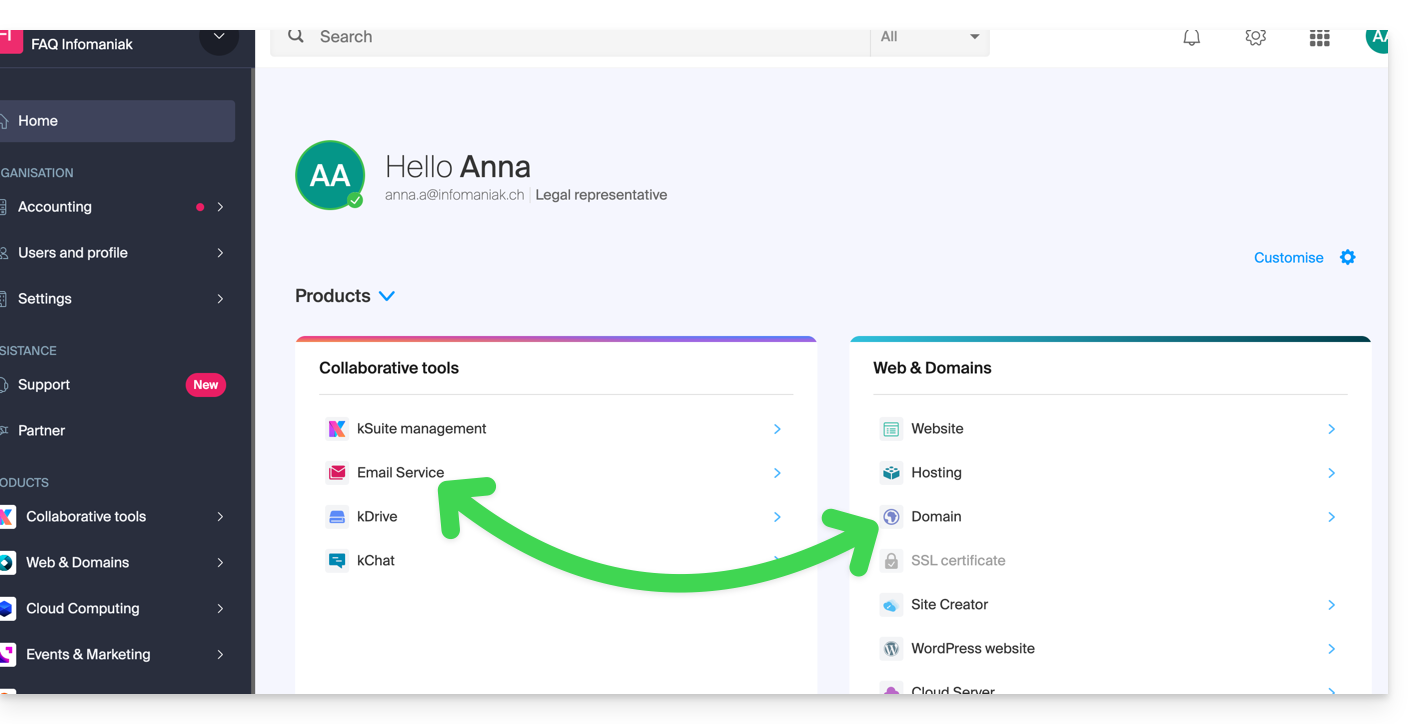
- Refer to this other guide to check and correct any potential configuration errors.
… with Infomaniak, different Organization
If your domain name is registered with Infomaniak but in a different user account or Organization, then:
- Edit its DNS zone by specifying Infomaniak's MX (+ SPF & DKIM).
- Any DNS addition/modification can take up to 48 hours to propagate.
OR
- Move it within the same Organization.
… with Infomaniak with external DNS
If your domain name has DNS that are not Infomaniak's, then:
- Edit the current DNS zone where it is located (if necessary, consult the help of the relevant provider) by specifying Infomaniak's MX (+ SPF & DKIM).
- Any DNS addition/modification can take up to 48 hours to propagate.
OR
- Change the current DNS and select the use of Infomaniak DNS.
- Any DNS addition/modification can take up to 48 hours to propagate.
- Refer to this other guide to check and correct any potential configuration errors.
… elsewhere with external DNS
If your domain name has DNS that are not Infomaniak's, then:
- Edit the current DNS zone where it is located (if necessary, refer to the help of the relevant provider) by specifying Infomaniak's MX (+ SPF & DKIM).
- Any DNS addition/modification can take up to 48 hours to propagate.
OR
- Change the current DNS (if necessary, refer to the help of the relevant provider) by specifying Infomaniak's (this implies having a DNS zone with Infomaniak.
- Any DNS addition/modification can take up to 48 hours to propagate.
- This DNS zone with Infomaniak will be configured correctly but refer to this other guide to check and correct any potential configuration errors.
… elsewhere but you are bringing it back
If your domain name is registered with another registrar and you want to transfer it to the same place as your Infomaniak mailbox, then:
- Transfer the domain name to Infomaniak (it will be configured correctly but refer to this other guide to check and correct any possible configuration errors).
Otherwise, consider ordering a new domain name if necessary.
Link to this FAQ: https://faq.infomaniak.com/1979
Has this FAQ been helpful?