Knowledge base
1000 FAQs, 500 tutorials and instructional videos. Here, there are only solutions!
Import a VOD/AOD media file
This guide explains how to upload new media to an Infomaniak VOD/AOD space. Refer to this other guide if you want to replace media that has already been imported.
Add and encode new media
To upload a media file for encoding and streaming from your VOD space:
- Click here to access the management interface for your product in the Infomaniak Manager (need help?).
- Click on the name of the product in question:
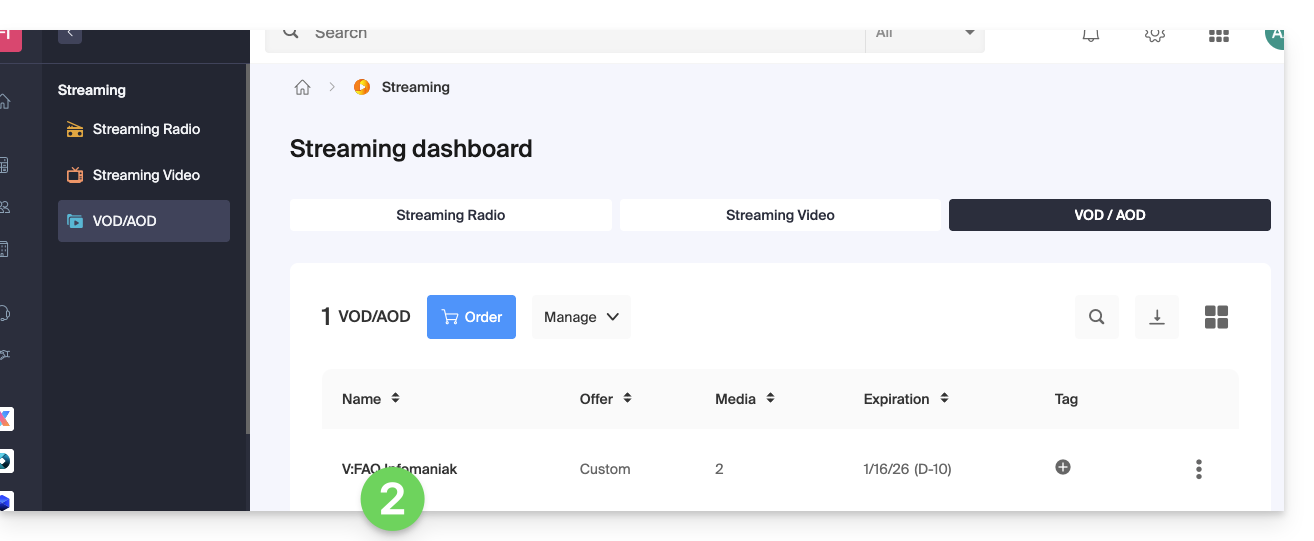
There are then several ways to import your media:
- From the home page (dashboard of the VOD/AOD space):
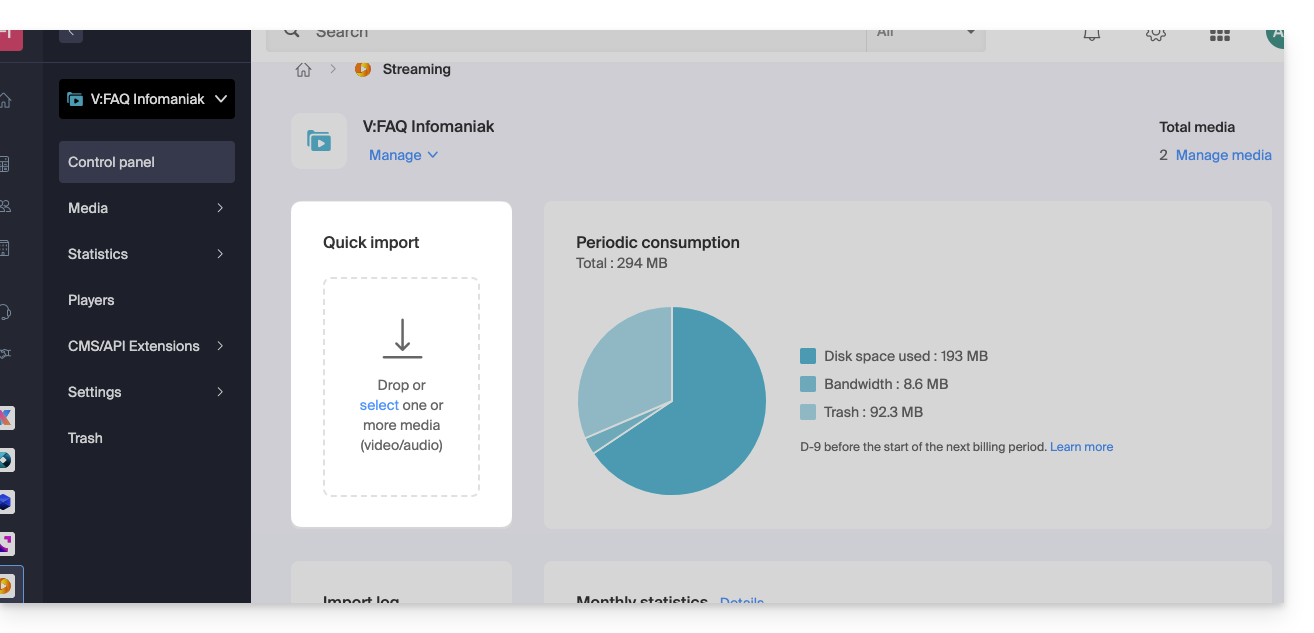
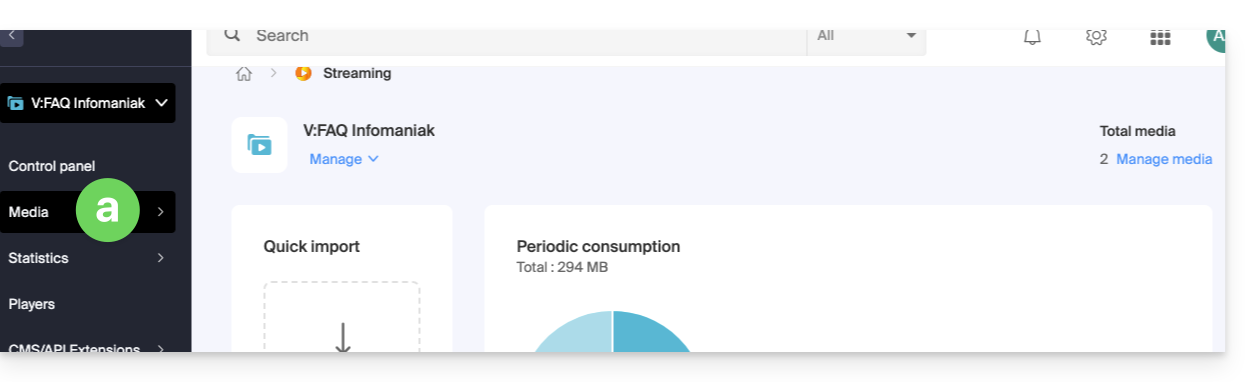
- From the Media page:
- Click on Media in the left-hand menu:
- Click on Media Management in the menu.
- Create or access an import folder if necessary:
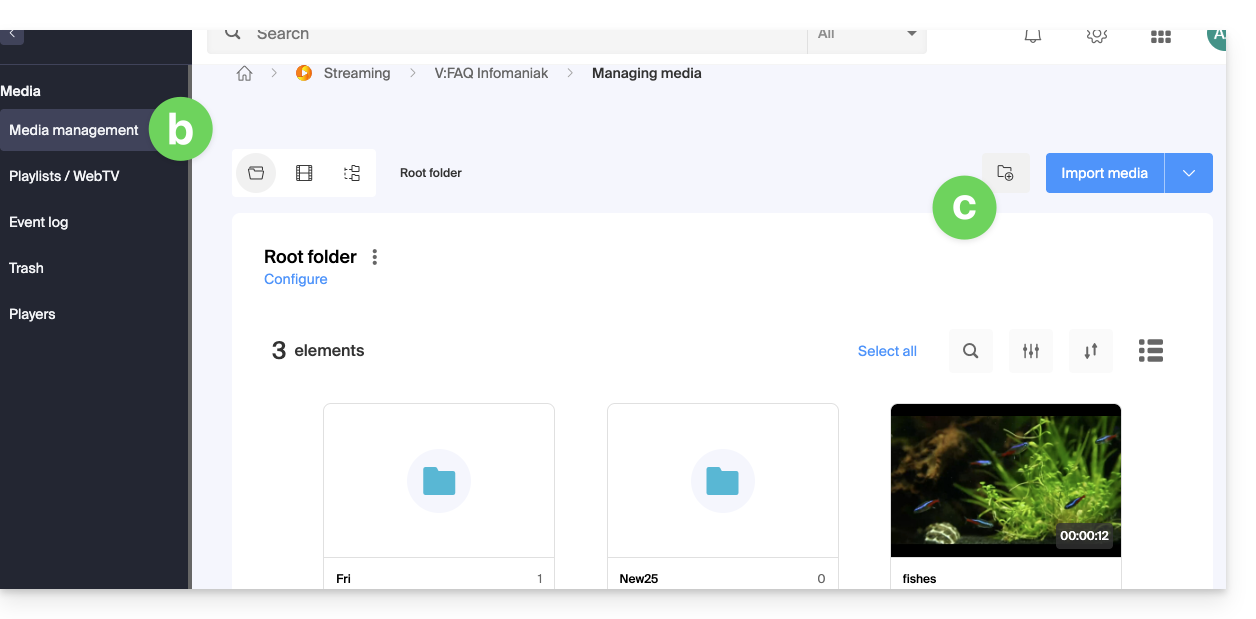
- Click on Media in the left-hand menu:
From this page, you have several options:
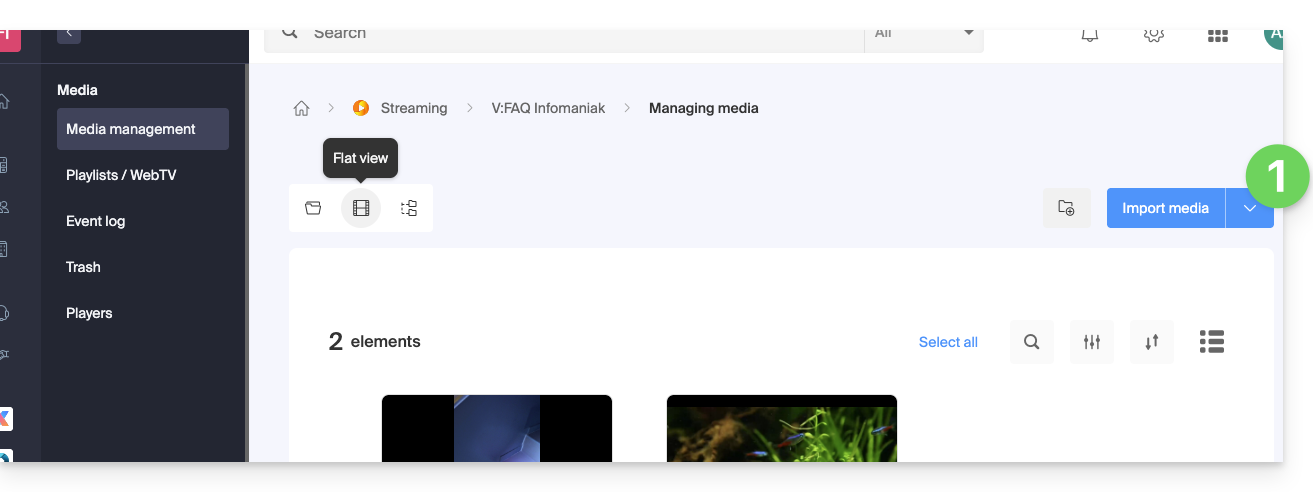
- Click on the blue Import media button:
- Choose an upload method:
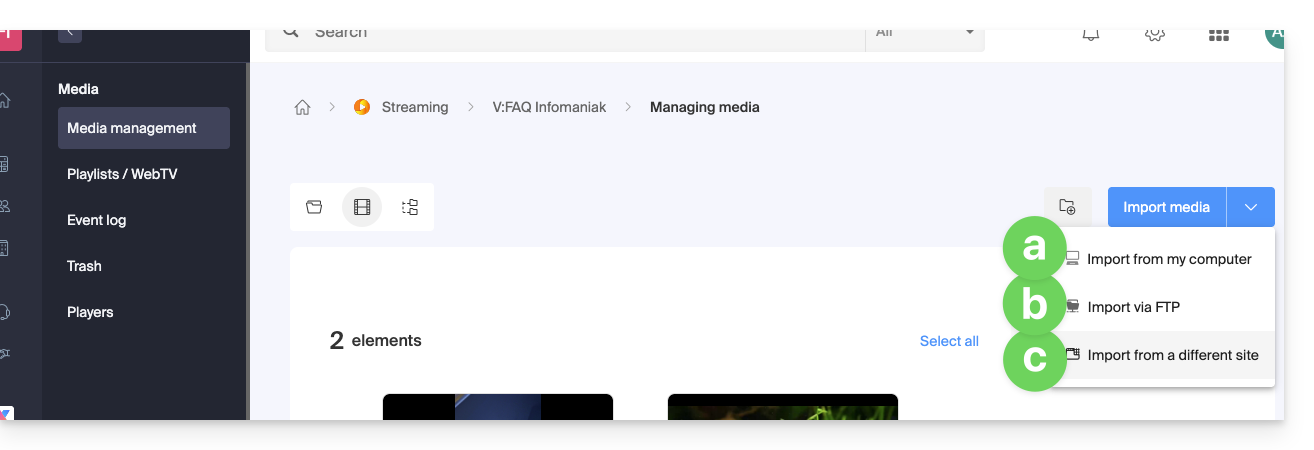
- Upload from device (maximum file size:
50 GB)
Allows you to select a file from your hard drive or external storage: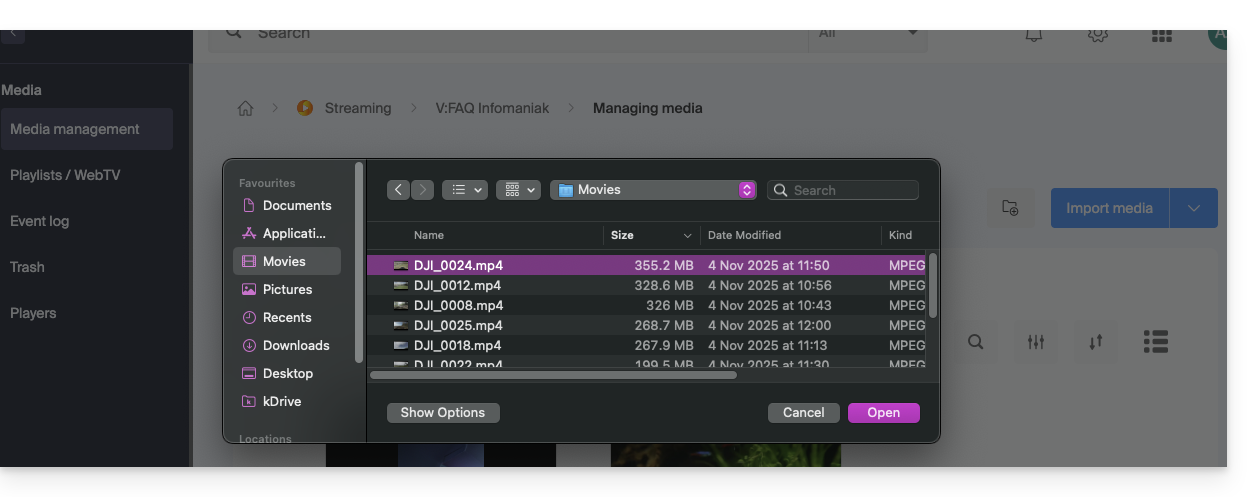
- Upload via FTP (no size limit, but depends on available disk space)
Enable TLS mode in your FTP software. The settings and FTP user management can be customized from the following page: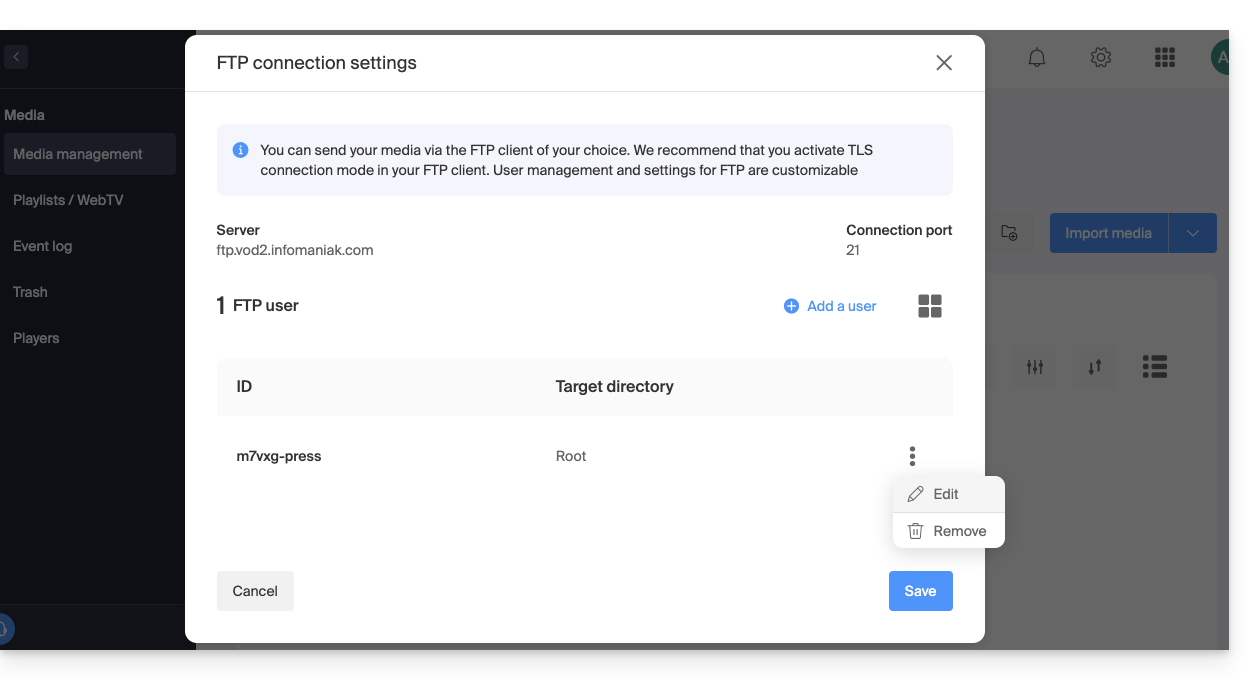
If you are using video editing software that supports FTP publishing (such as Adobe Premiere), you can export directly to the VOD space. Encoding will start automatically. Otherwise, use an FTP client such as FileZilla. - From an external site (maximum file size:
40 GB)
Allows you to enter the URL of a media file hosted online, including those protected by a password: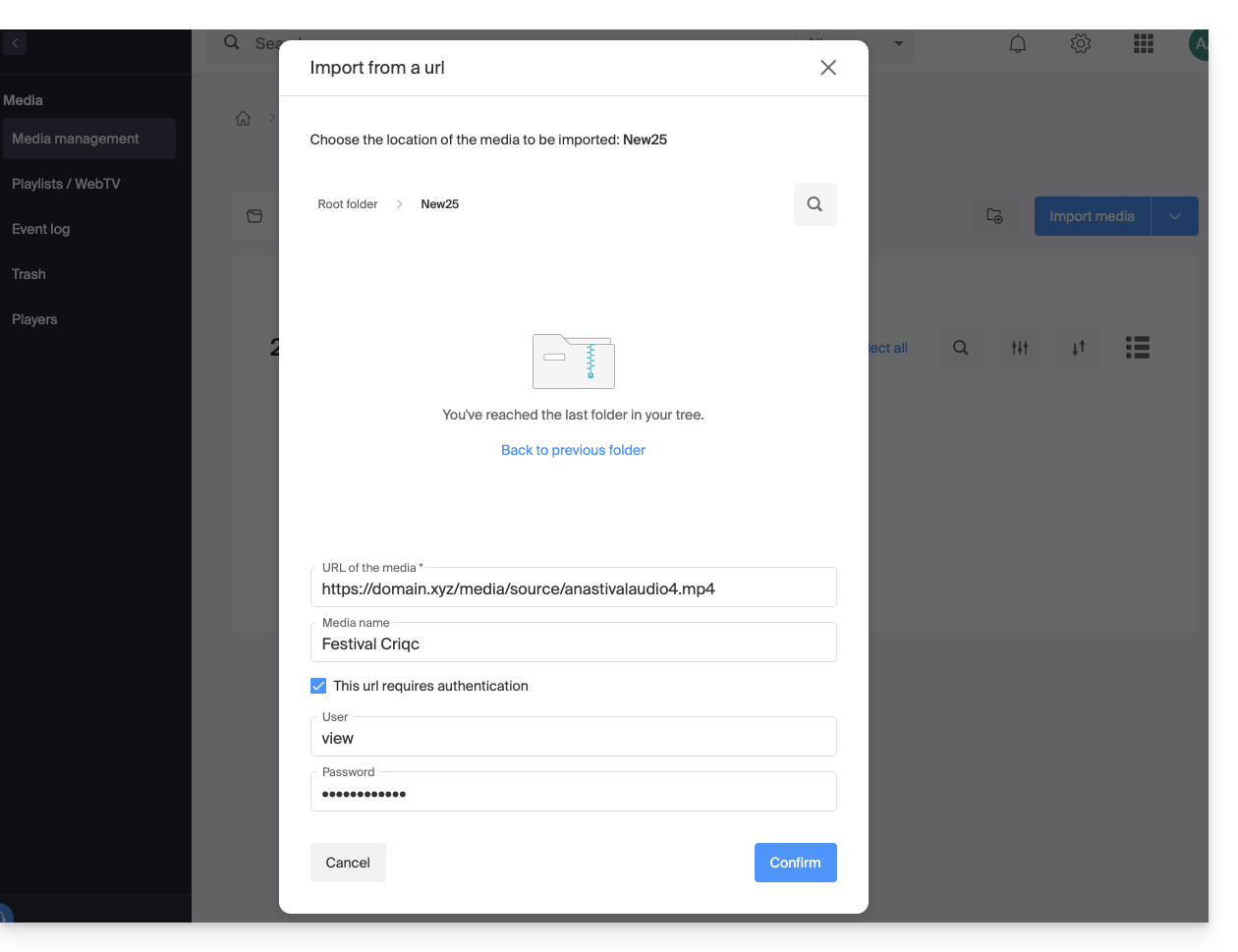
- Upload from device (maximum file size:
Another method is to use the Infomaniak API (maximum limit per file: 40 GB). The documentation is available in the left-hand menu, under API: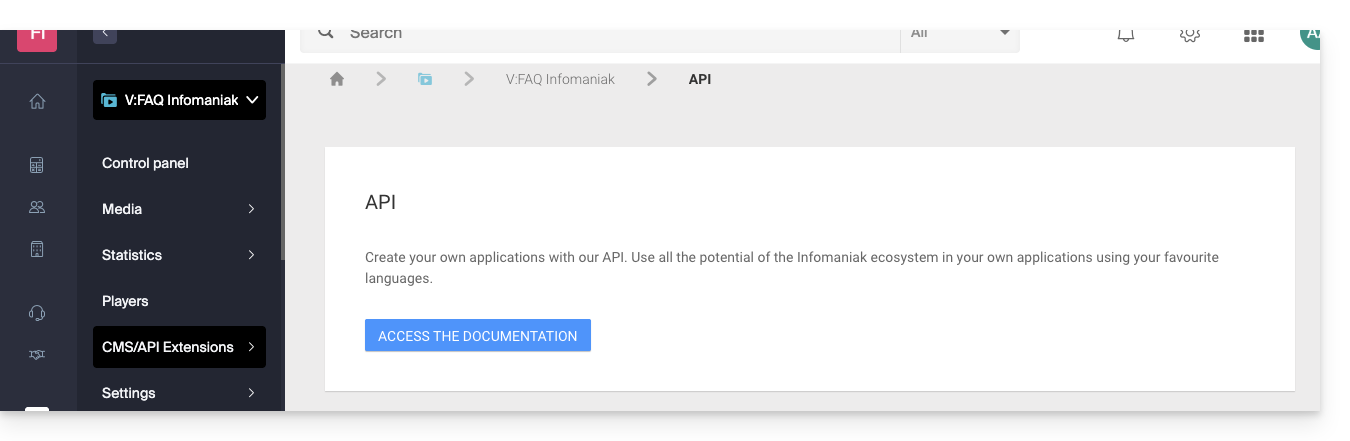
Supported formats
Supported file types:
- Video:
3gp,asf,avi,f4v,flv,m2ts,m2v,m4v,mkv,mov,mp4,mpeg,mpg,rm,ts,webm,wmv - Audio:
aac,flac,m4a,mp2,mp3,ogg,tta,vob,wav,wma
Link to this FAQ: https://faq.infomaniak.com/1884
Has this FAQ been helpful?