Knowledge base
1000 FAQs, 500 tutorials and instructional videos. Here, there are only solutions!
Manage media sharing from a VOD/AOD Player
This guide explains how to integrate a button overlay on the video in the VOD/AOD Player, which is used to stream your video. Viewers can click this button to easily share the video link (or embed the video itself).
Preamble
- Automatic sharing is available for Facebook, X (formerly Twitter), LinkedIn, WhatsApp, but it is also possible to provide an HTML code to embed the Player at the desired location by the visitor.
- A share can also be initiated within the media library itself.
Add a share link to the Player
To access the VOD space:
- Click here to access the management of your product on the Infomaniak Manager (need help?).
- Click directly on the name assigned to the product concerned:
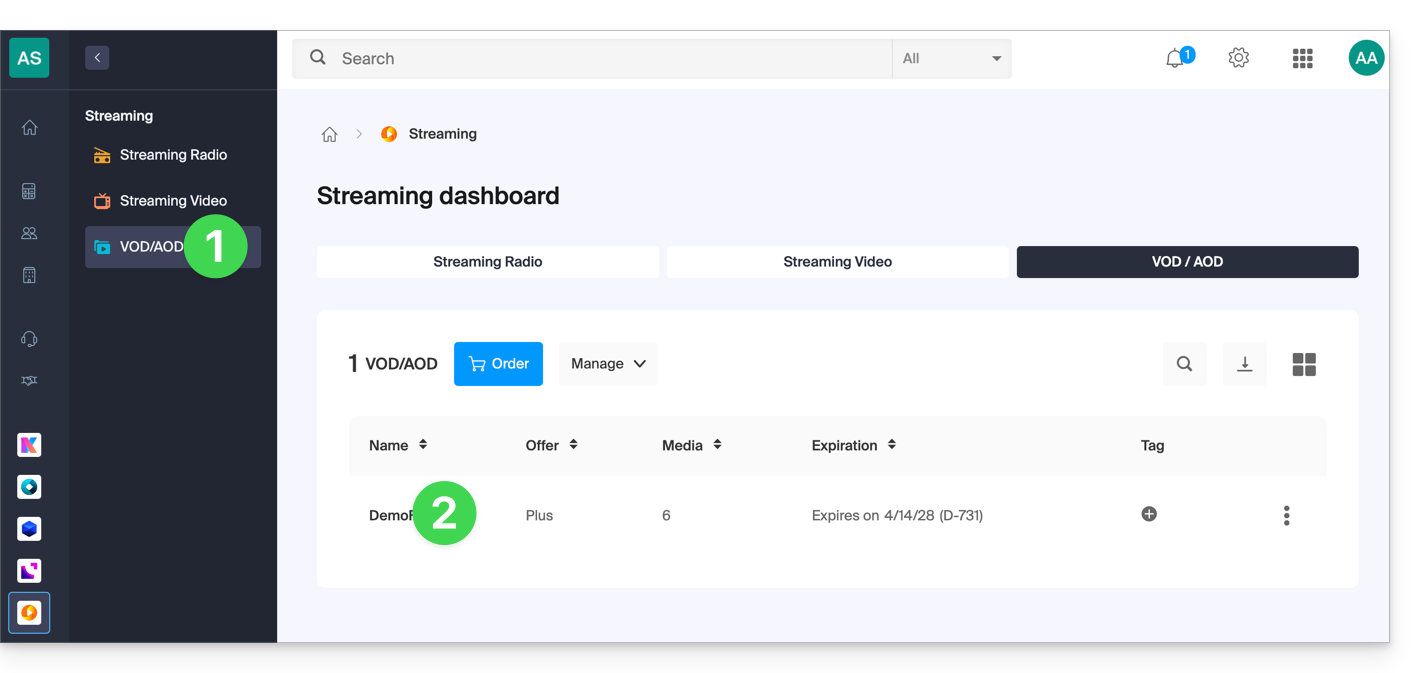
- Click on Players in the left sidebar menu.
- Click on the relevant item in the displayed table.
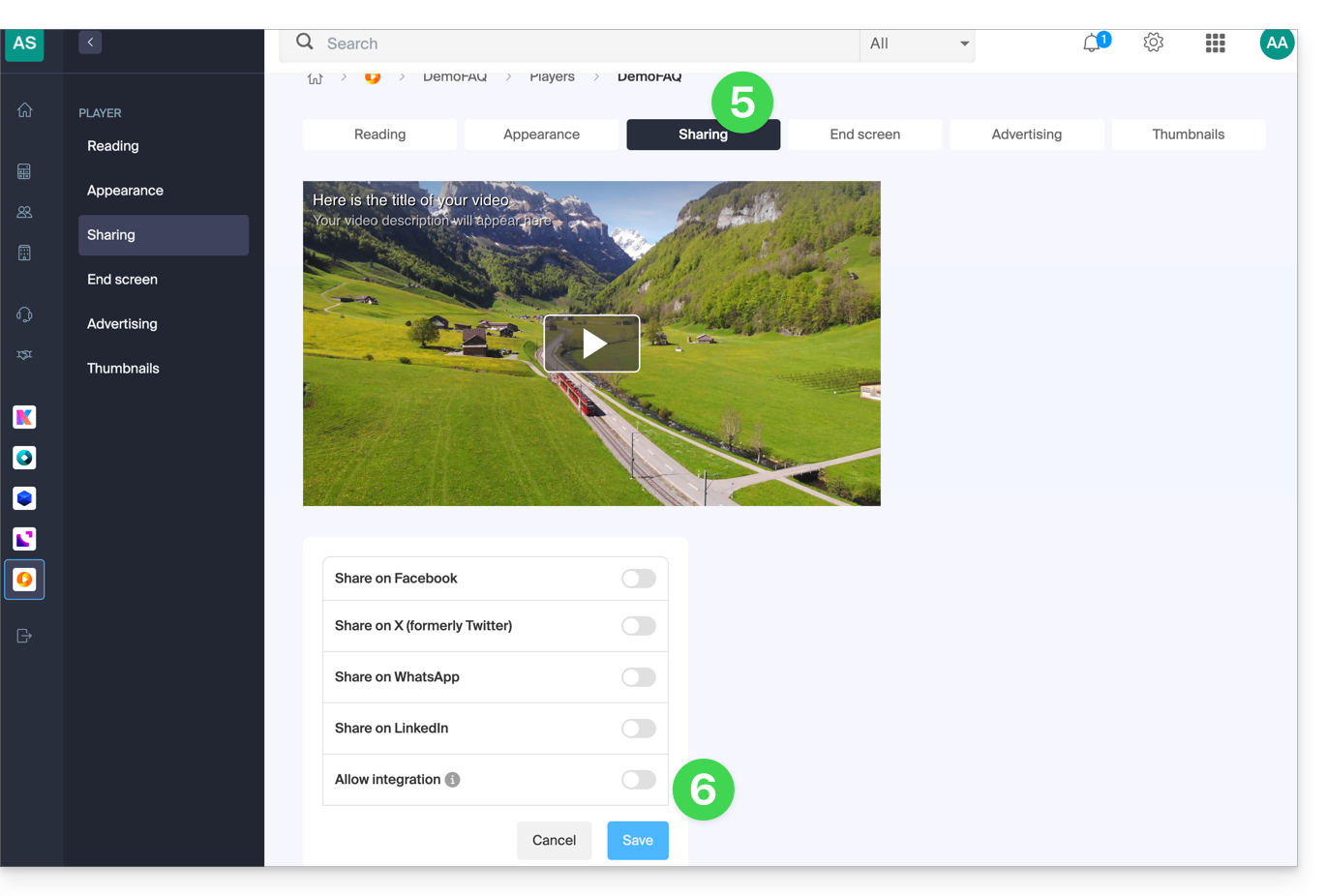
- Click on the Share tab.
- Enable one or the other of the shares with the desired parameters:
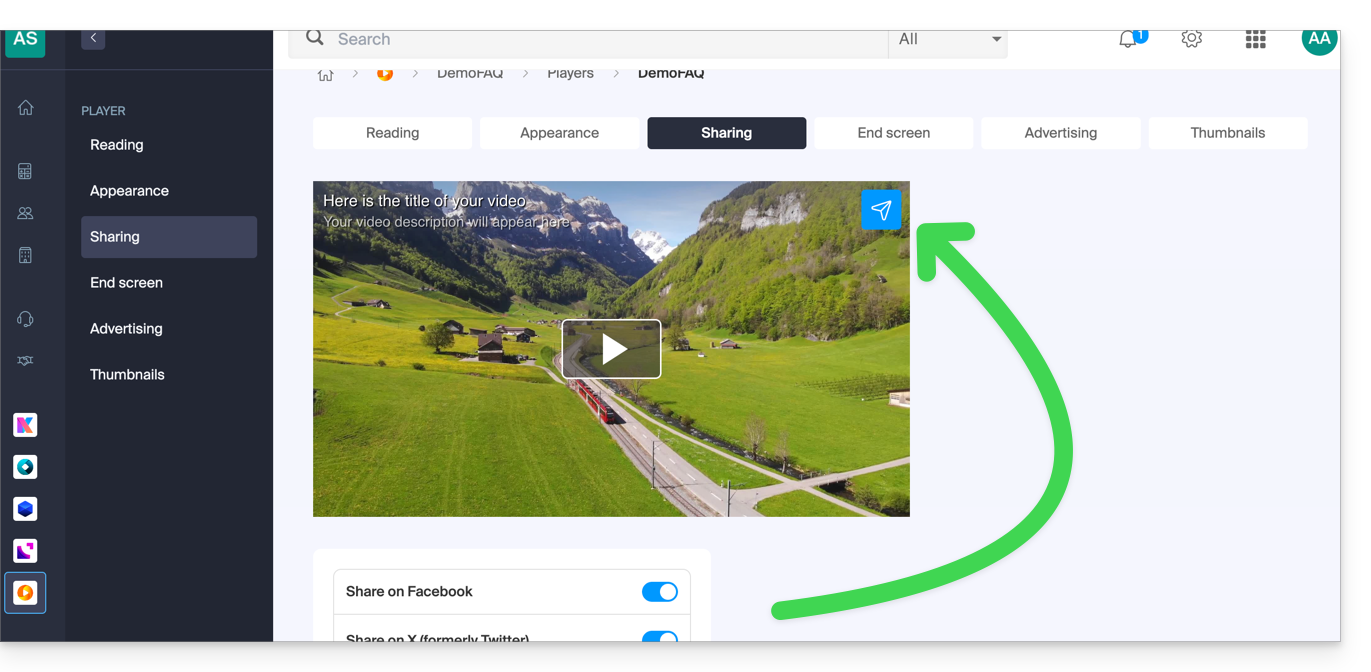
- An icon appears on the Player representing the sharing option for the user:
- Do not forget to save your changes if necessary.
Link to this FAQ: https://faq.infomaniak.com/1818
Has this FAQ been helpful?