Knowledge base
1000 FAQs, 500 tutorials and instructional videos. Here, there are only solutions!
Search for an email, an attachment, an event...
This guide details what can be searched on the Web app Mail Infomaniak (online service ksuite.infomaniak.com/mail) or other kSuite services. To search on kDrive refer to this other guide.
Search for an email
On ksuite.infomaniak.com/mail, type in the search bar at the top of the page the term to be found.
The search will be performed within the email address mentioned in the left sidebar (to search across multiple email addresses at once, use an IMAP email software / client to which you connect your different addresses):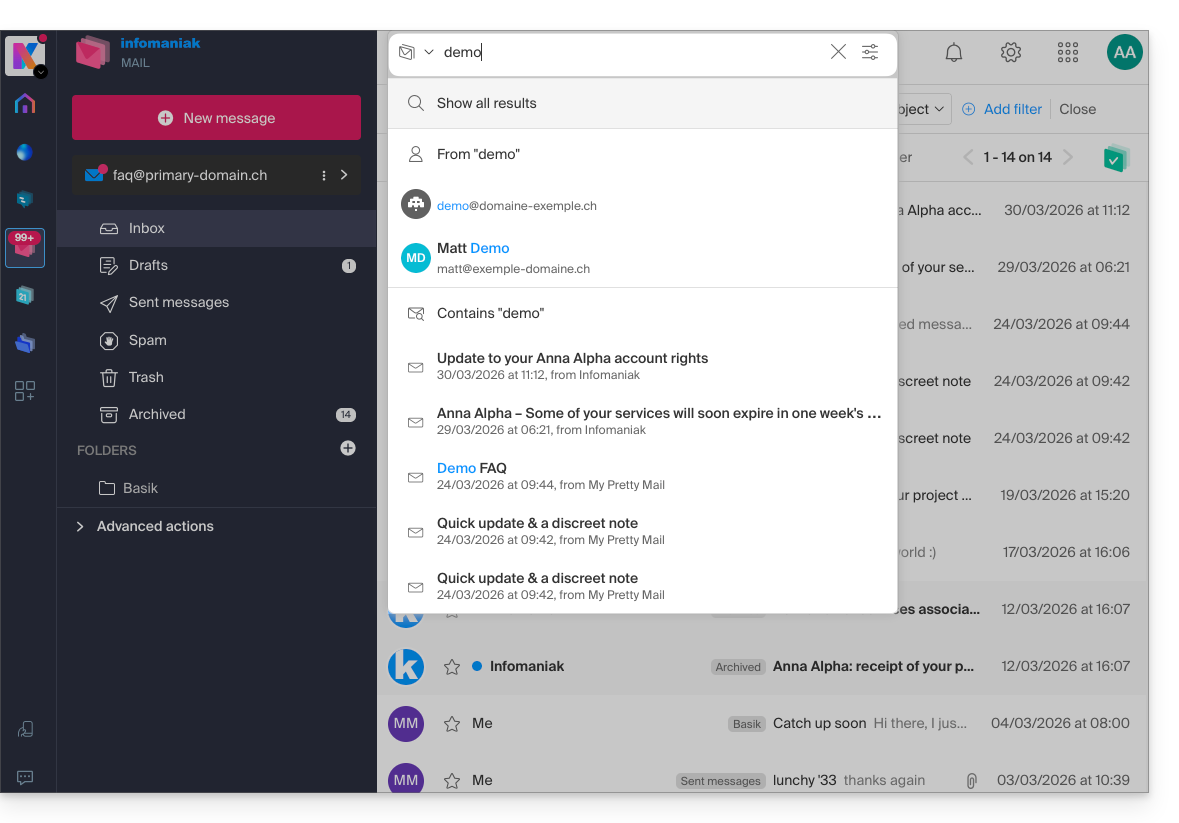
The advanced search is accessible to the right of the search field at the top of your Mail: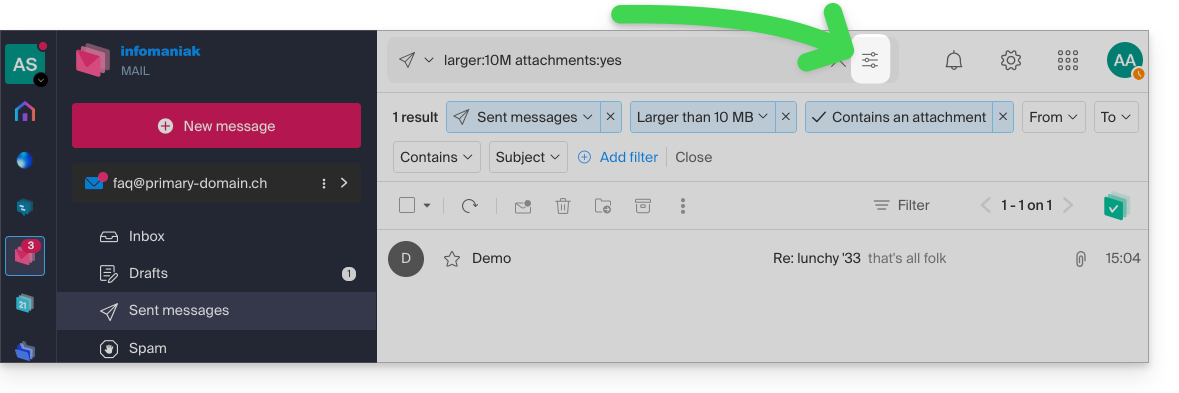
You can search for content…
- either in the body of the message,
- either in its subject,
- either among its senders/recipients…
You can also filter the search by message size and by presence of attachment or not.
Regarding the scope of searches:
- The content of encrypted emails is not indexed (except the subject of the email).
- The content of attachments, as well as their name, is not indexed: it is therefore not possible to find an email by searching for the name of the file that was associated with it.
- The mention "Search all emails" does not include the Trash, nor the Spam folder:
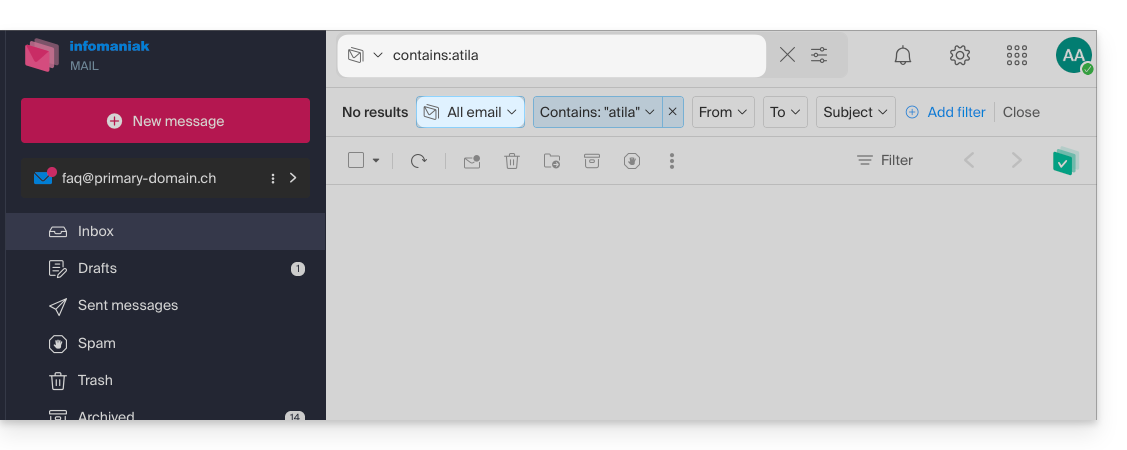
- If a global search yields no results, it is possible that the email is in one of these two folders.
- You will then need to go specifically to the Trash or Spam to perform the search there, or launch the search by selecting one of these 2 elements:
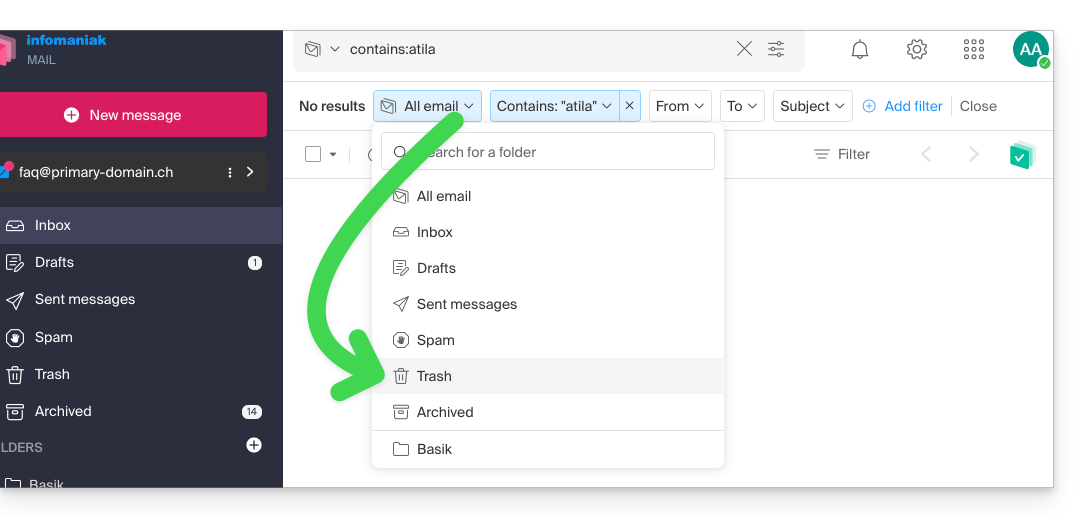
- The possible elements found will then be displayed:
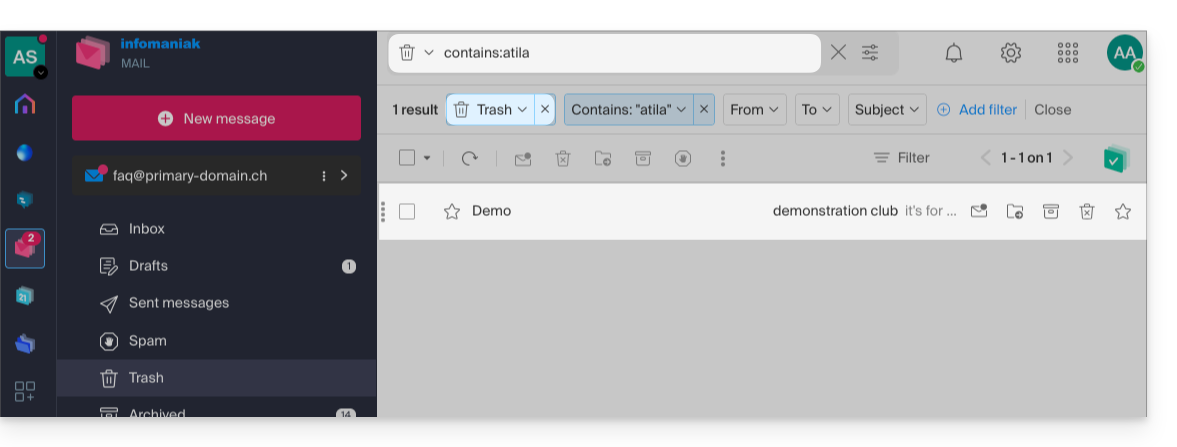
- Same when you want to find a message in a specific directory, it is better to first go there from the left sidebar menu, then launch a search.
To search for the trace of an email or know its activity, you can also search in the logs of an email address.
Email search with a software/messaging client
To know how your specific messaging application performs searches, consult its documentation. For example, desktop apps (desktop application) Thunderbird and Outlook can synchronize messages locally and perform local searches, while other applications may prefer to search on the IMAP server and in this case, the software/messaging client sends a search command to the server, which then searches through all messages stored on the server and returns the results to the software/messaging client.
Search for a contact
Searching for an item is done automatically among all your address books, groups, contacts, thanks to the search field at the top of the interface ksuite.infomaniak.com/contacts: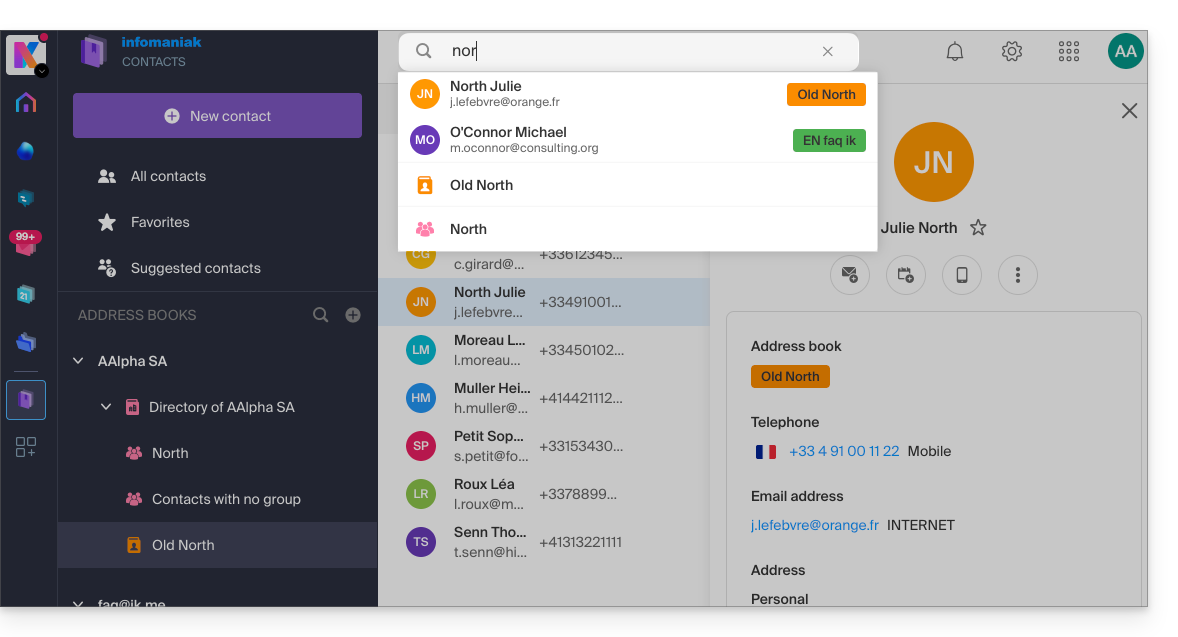
Search for an event
Searching for an item on ksuite.infomaniak.com/calendar is done automatically among all your calendars, events, rooms, including the description of these and the people associated with them (if you click on a contact, you get the events in common with this person):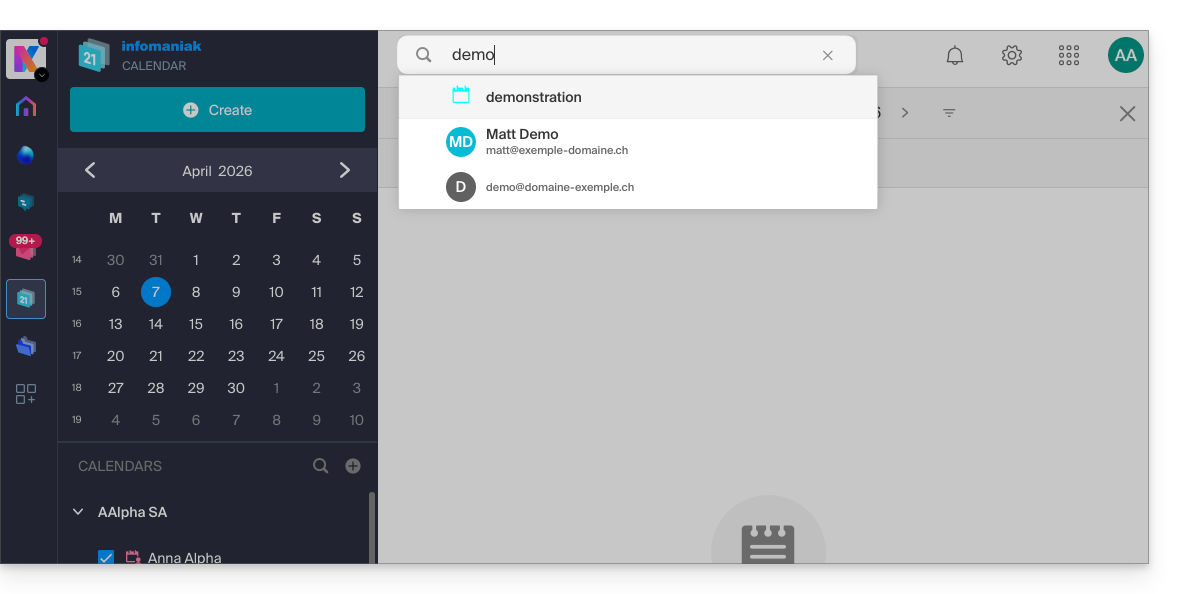
Link to this FAQ: https://faq.infomaniak.com/1733
Has this FAQ been helpful?