Knowledge base
1000 FAQs, 500 tutorials and instructional videos. Here, there are only solutions!
Manage advanced PHP functions of a Web hosting
This guide explains how to activate the following functions on Web Hosting (in italics, Cloud Server only):
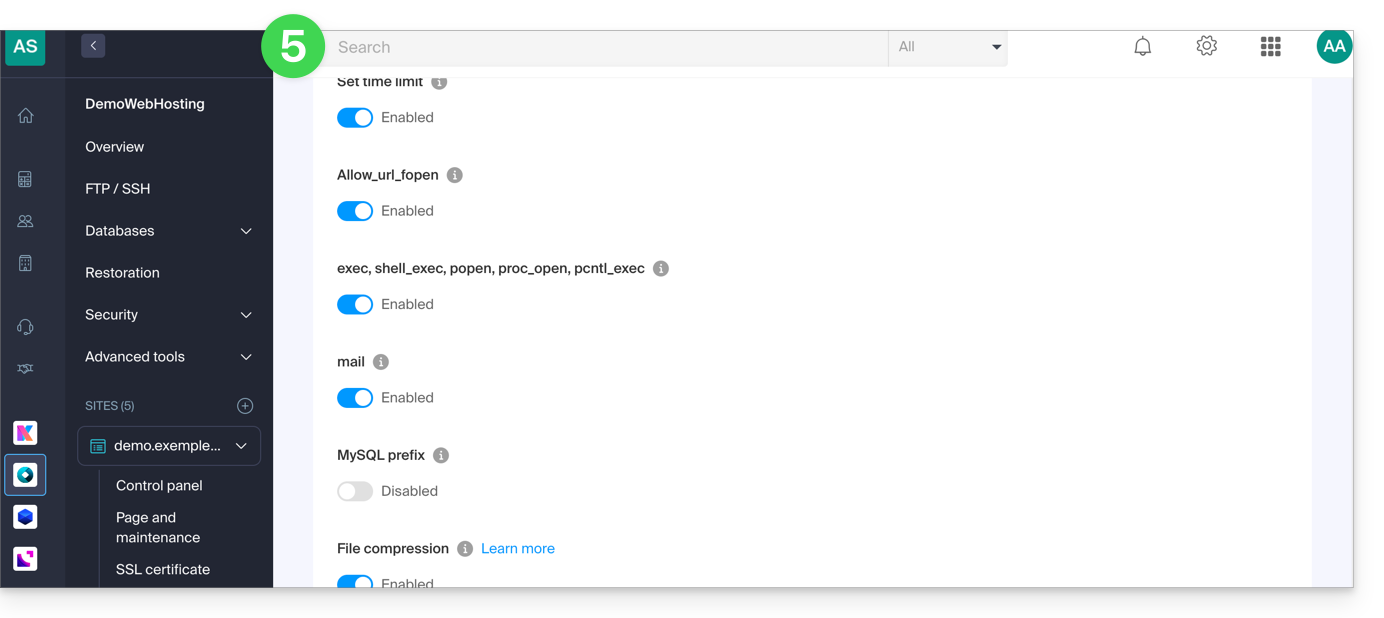
proc_openpopenexec()shell_exec()set_time_limitpassthrusystem
These functions are disabled by default as they pose a significant security risk in case of a website hack. Only activate them if there is a real need (for a script or CMS ImageMagick, Typo3, CraftCMS, etc.).
Enable PHP functions
To access website management:
- Click here to access your site management on the Infomaniak Manager (need help?).
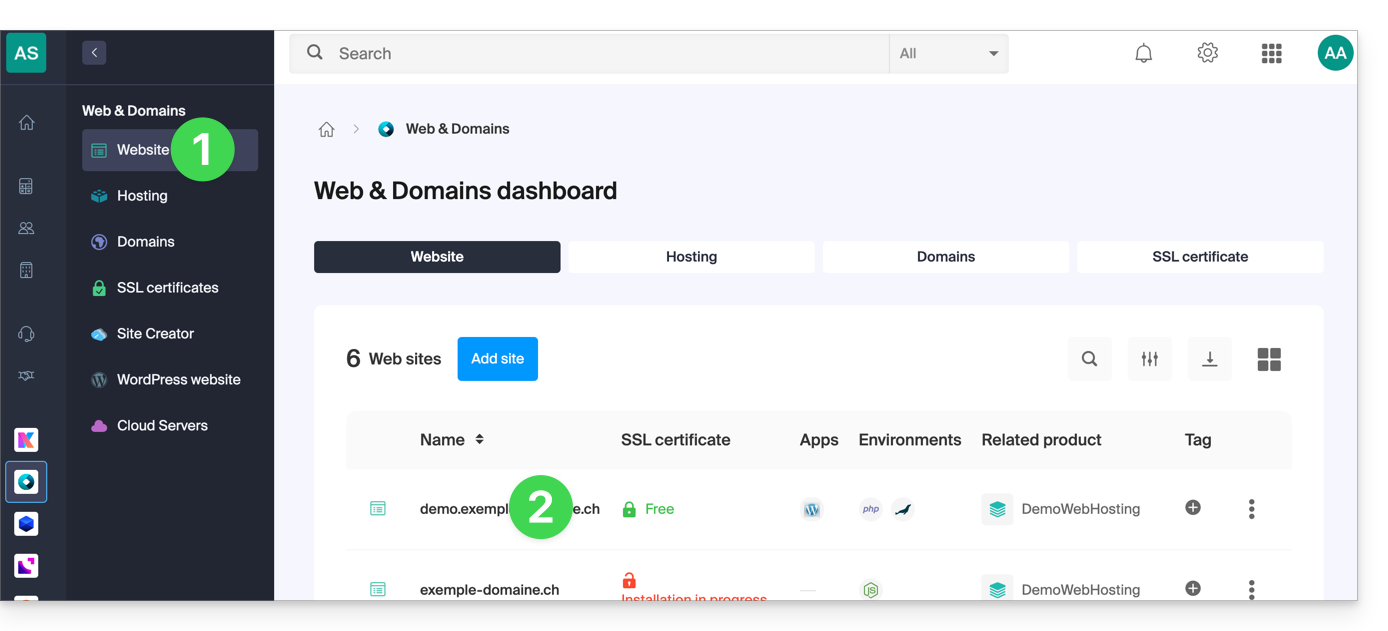
- Click directly on the name assigned to the site concerned:
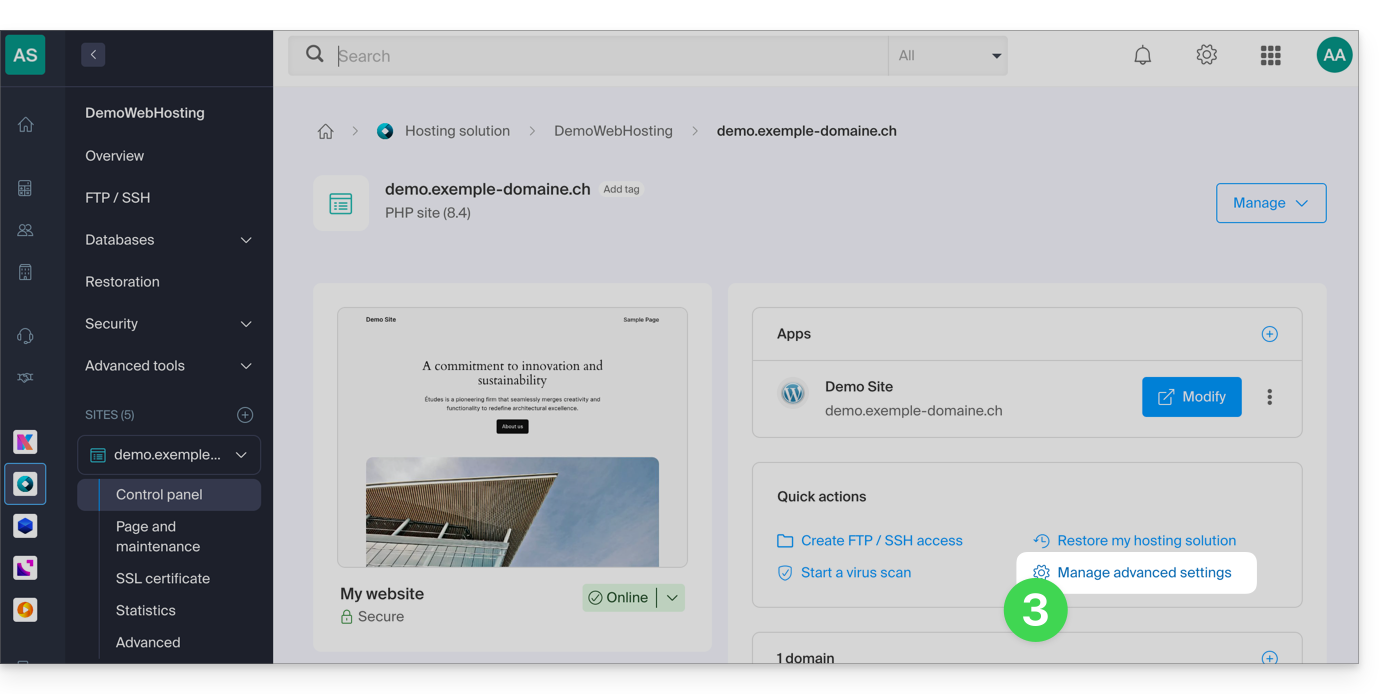
- Click on Manage advanced settings:
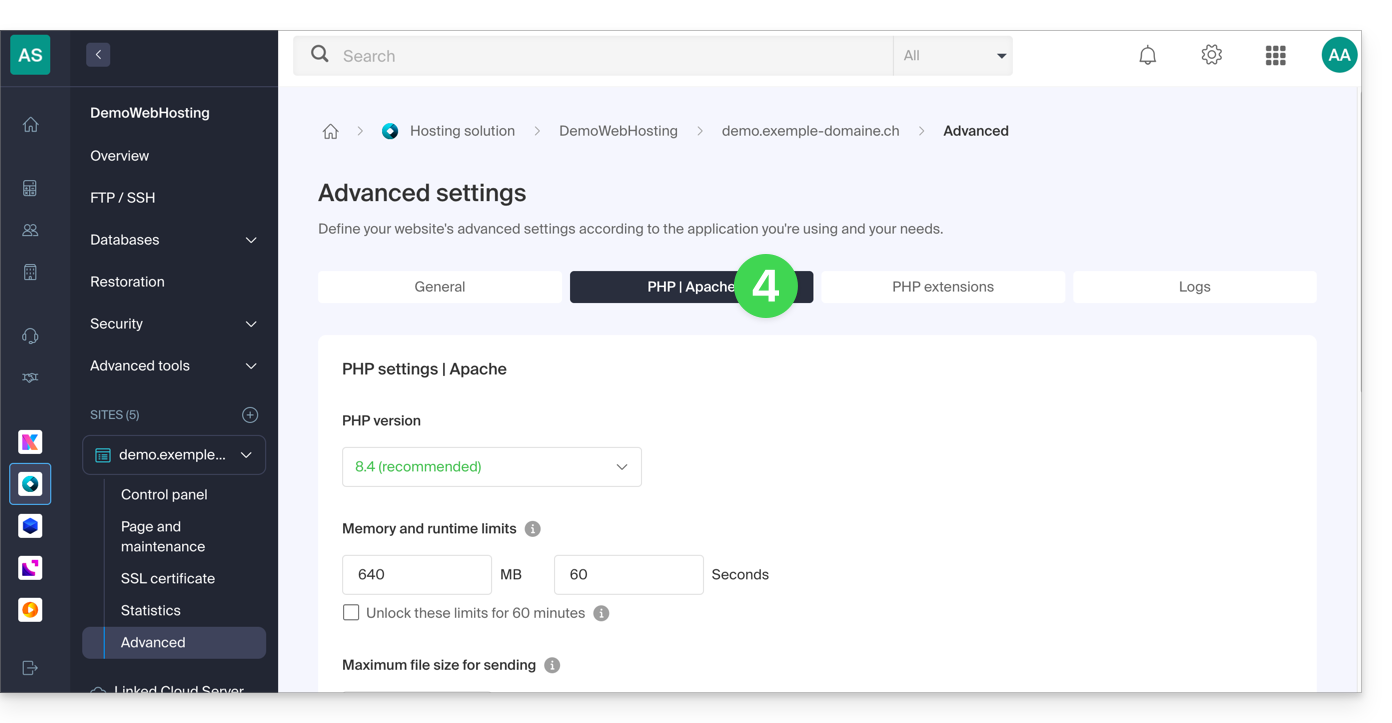
- Click on the PHP / Apache tab:
- Click on the toggle switch On/Off buttons as desired:
- Click on the Save button at the bottom of the page to validate the changes.
Link to this FAQ: https://faq.infomaniak.com/173
Has this FAQ been helpful?