Knowledge base
1000 FAQs, 500 tutorials and instructional videos. Here, there are only solutions!
Troubleshooting Streaming Radio Buffering Issues
This guide provides information about the audio bitrates for Infomaniak radio streaming.
Test the audio bitrate
The connection test available in your Manager evaluates the connection between your server (the one you use to encode your streams) and the Infomaniak facilities located in Geneva, Switzerland.
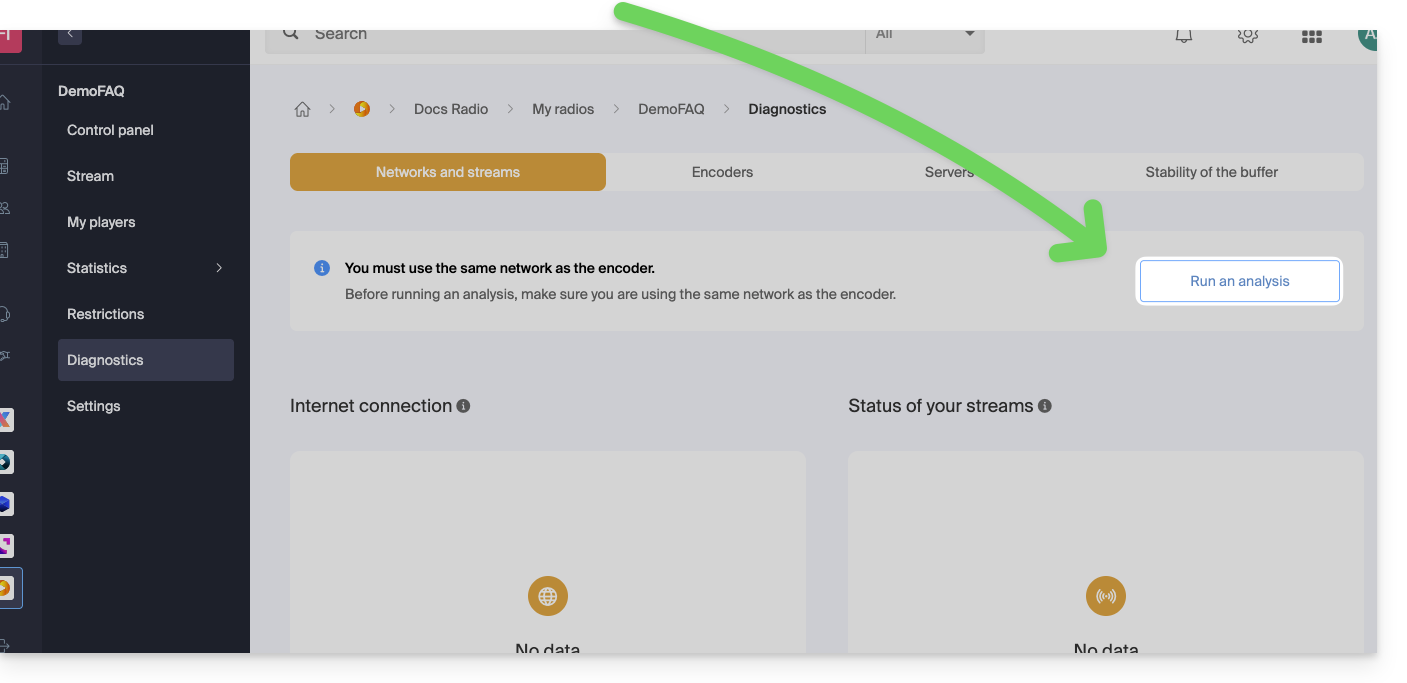
It measures the time required to send or receive data, as well as the response time. These measurements may fluctuate depending on network traffic. The test determines the required bandwidth, taking into account the available bandwidth. However, if other data transfers are in progress, the measured bandwidth may be lower than the theoretical bandwidth of your line.
If in doubt, note the test results at different times of the day, as well as the technical details of your connection and the number of computers sharing the line.
To stream a radio station without interruption, a quality Internet connection and sufficient bandwidth are necessary. The bandwidth should always guarantee a free bandwidth margin. If your connection is shared between the radio and other devices, the streaming quality may be affected.
A standard ADSL connection is usually sufficient, but for uninterrupted streaming, it is recommended to dedicate a connection to your radio and rent another for other uses. You can also ask your internet service provider to check the line quality and measure the actual bandwidth.
To detect any temporary congestion on your line, run a long-duration buffer test.
Link to this FAQ: https://faq.infomaniak.com/1694
Has this FAQ been helpful?