Knowledge base
1000 FAQs, 500 tutorials and instructional videos. Here, there are only solutions!
Modify an existing kDrive plan
This guide explains how to change your plan for kDrive, the collaborative storage solution on a 100% Swiss Made cloud.
Introduction
- kDrive is the name given to the file storage/sharing service offered by Infomaniak in Switzerland.
- kDrive is accessible free of charge or through a subscription, depending on whether you are the only user or if you want collaborators to also have access.
- kDrive is available as a standalone product, or as part of the kSuite & my kSuite / my kSuite+ suite.
- To help you identify the offer that best suits your needs, please refer to this other guide.
If you have been invited to view/collaborate on a file in a kDrive, you may not actually own the kDrive product; you only have access to a kDrive managed by someone else. Therefore, you cannot interact with the current offer.
Determine your current kDrive plan
From the kDrive web app
To find out which plan you currently have:
- Click here to access the Infomaniak kDrive web app (online service ksuite.infomaniak.com/kdrive).
- Click on Manage to go to the plan change page and view the current plan:
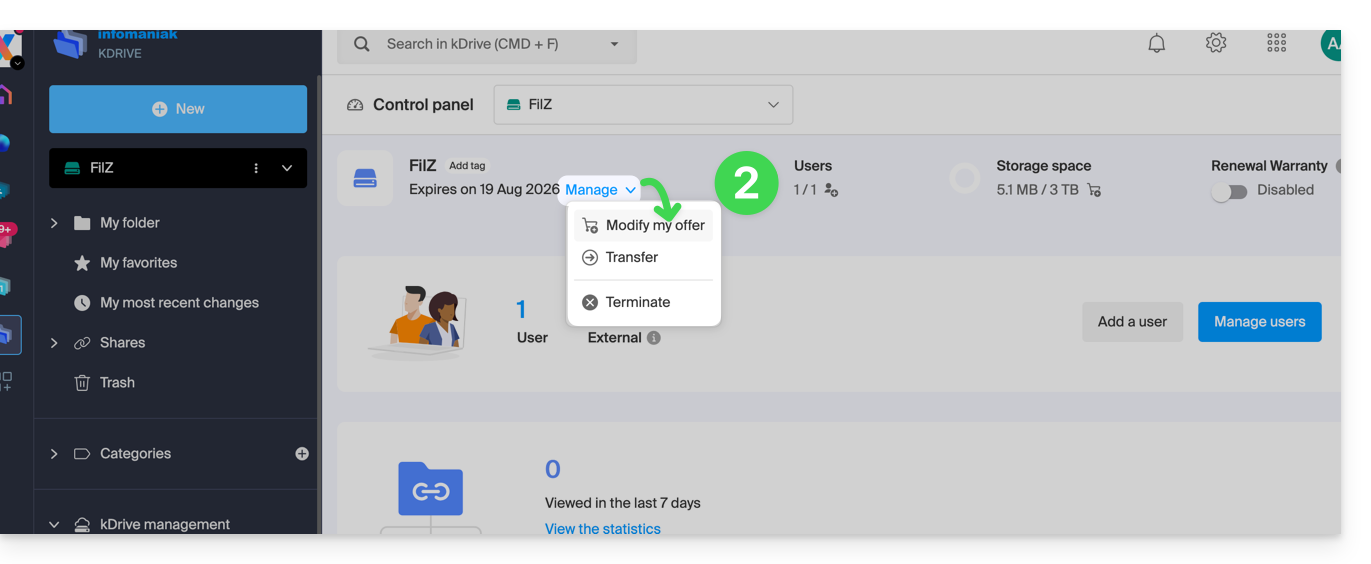
If no dashboard is accessible in the bottom left corner, you have limited features (e.g., the my kSuite plan) that can be unlocked by upgrading to a higher plan: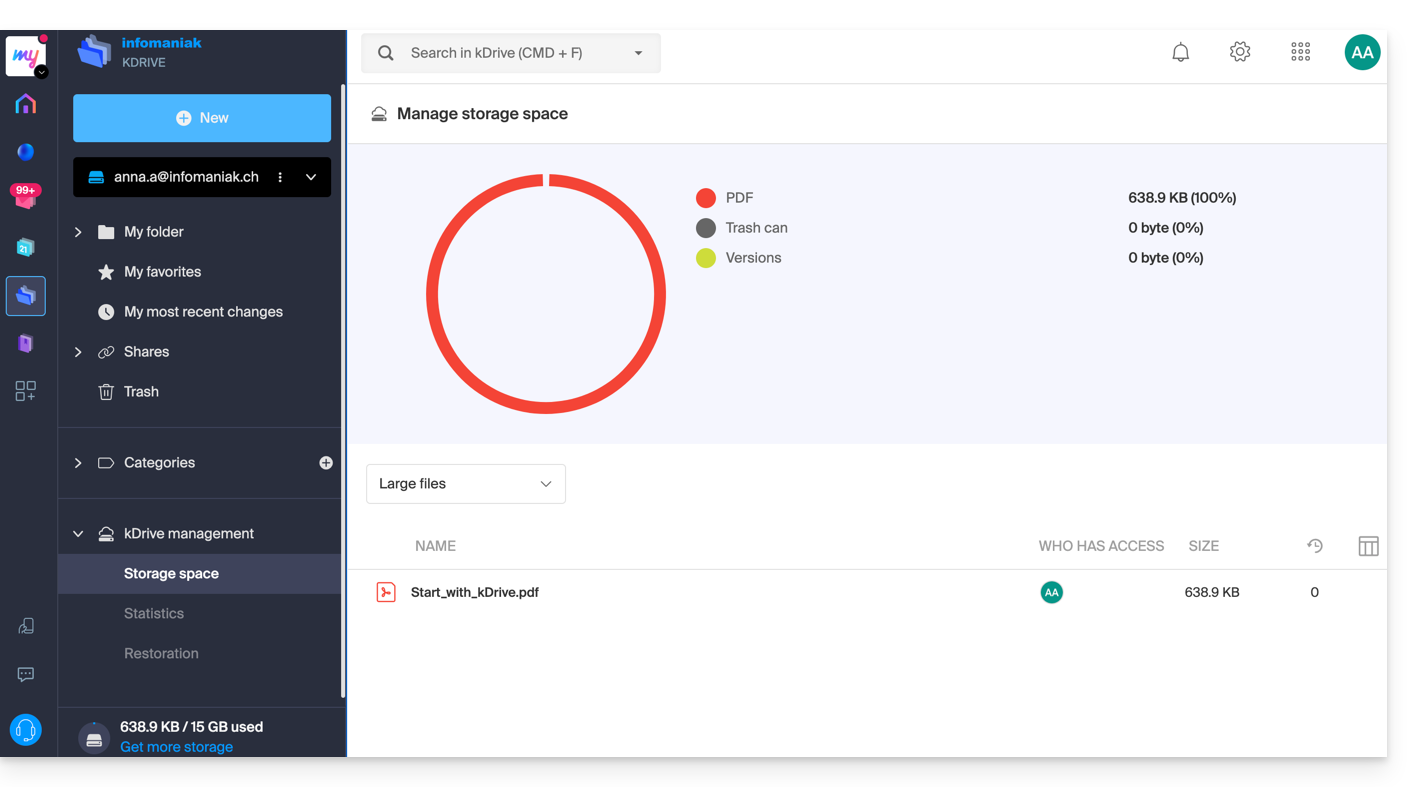
From the Infomaniak Manager
You can also find out about the current offer from the Manager, the dashboard for your products.
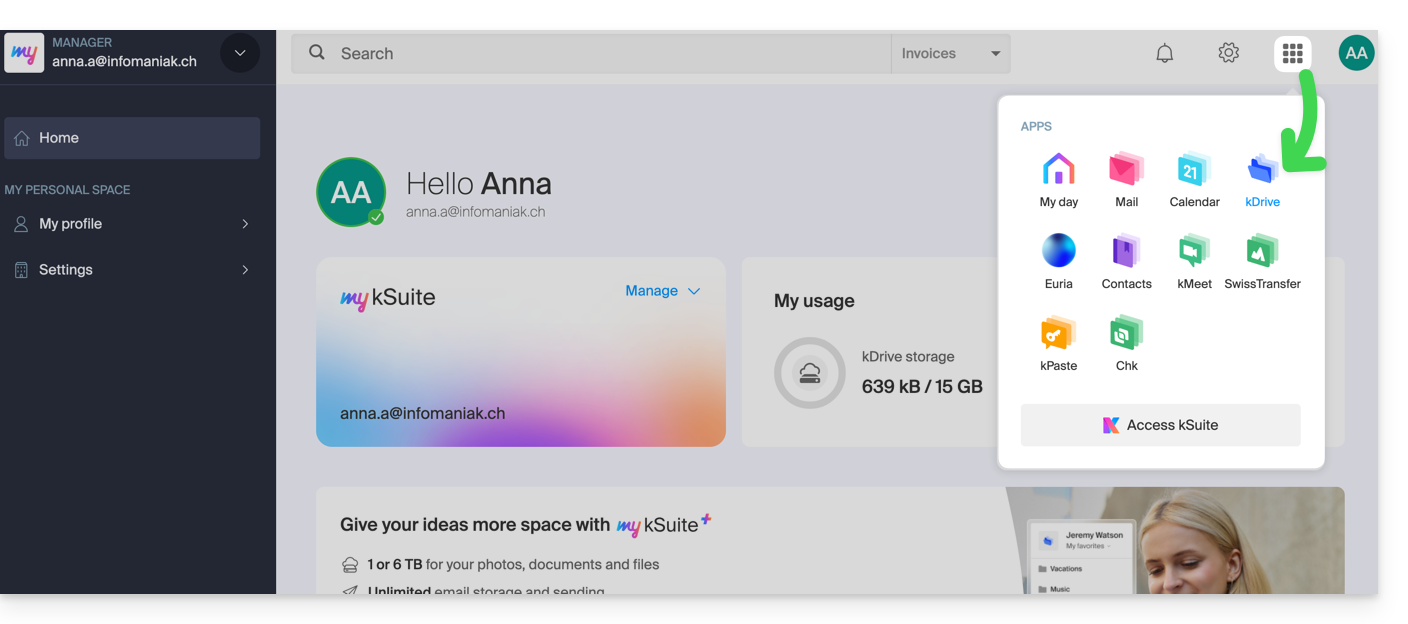
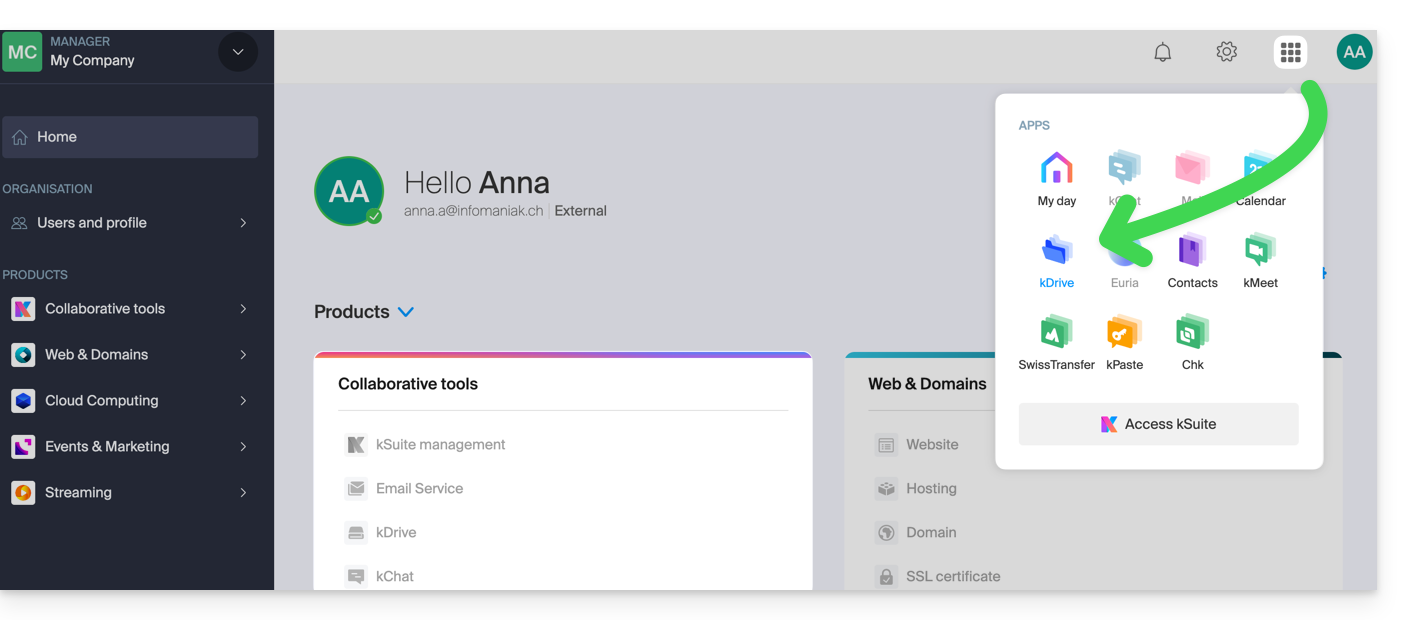
If no kDrive product is present in the Manager, the kDrive app is accessible only among the apps in the top right corner, because you have…
- either a my kSuite / my kSuite+ offer:
- either you were invited when a document was shared (in which case you are an external kDrive user):
Otherwise, find your kDrive among your collaboration tools: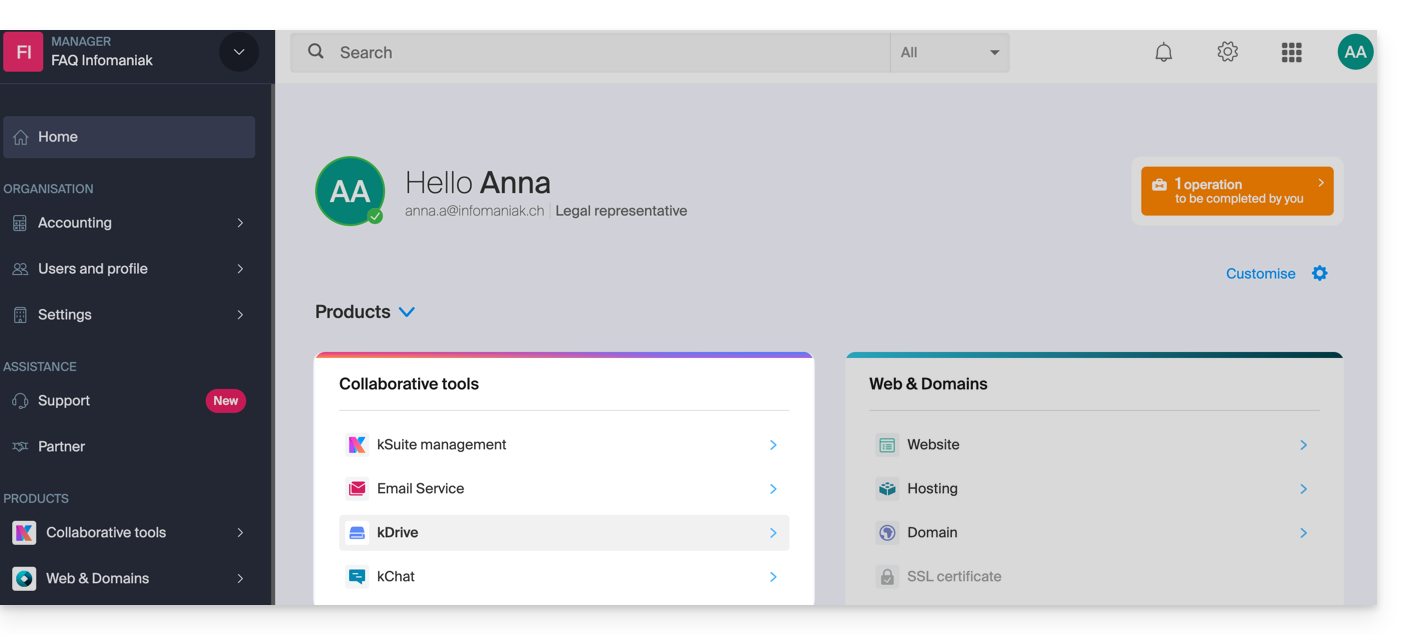
Change your current kDrive plan
Your kDrive can grow with you. As your needs expand – whether to accommodate new collaborators, integrate a family member, or store an increasing volume of data – easily increase its capacity to unlock its full potential.
Prerequisites
- You must have sufficient permissions within the Organization.
To change your current kDrive plan:
- Click here to access the Infomaniak kDrive web app (online service ksuite.infomaniak.com/kdrive).
- Click on Manage to go to the plan change page and view your current plan:
This will allow you to switch to a higher plan from the Infomaniak Shop: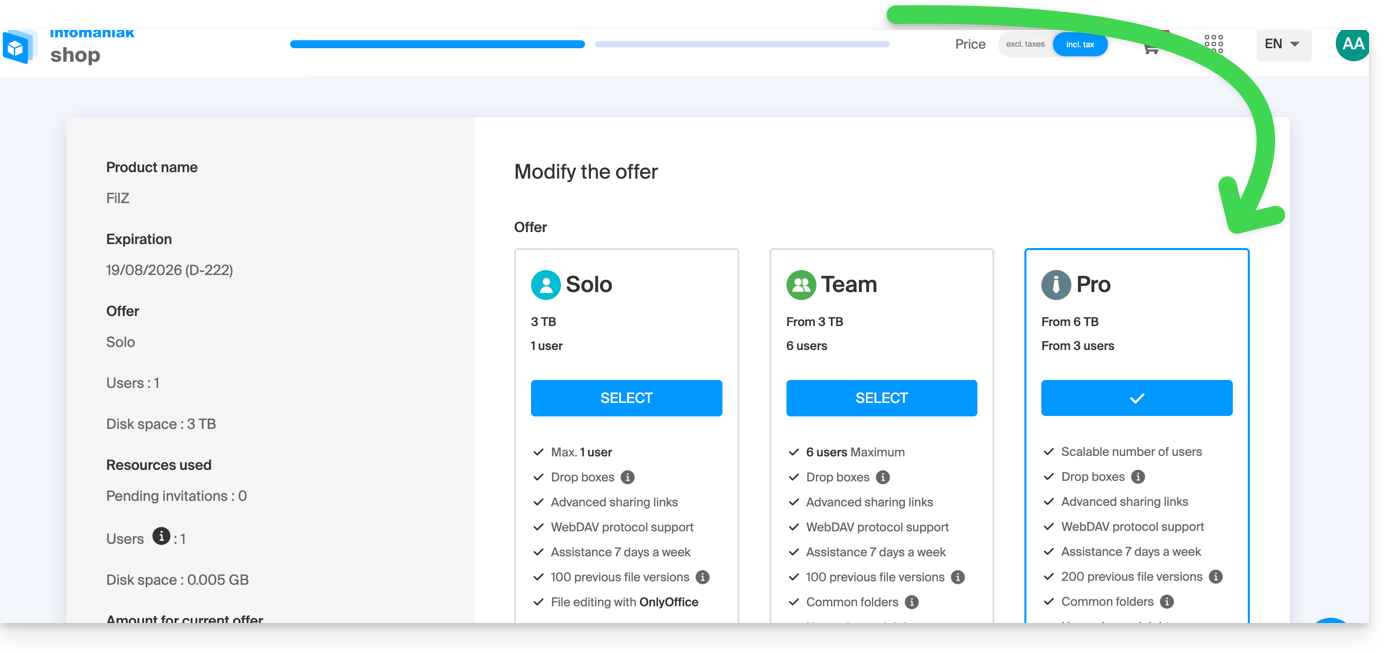
For example, if you increase the number of users who can be added to your kDrive by choosing a new plan, please refer to this other guide to invite them to join you.
Link to this FAQ: https://faq.infomaniak.com/1577
Has this FAQ been helpful?