Knowledge base
1000 FAQs, 500 tutorials and instructional videos. Here, there are only solutions!
Manage the preview image of a VOD media
Update 07/06/2026
This guide explains how to change the preview image (thumbnail) representing a video on a VOD service.
Introduction
- The use of animated GIFs is not possible.
- You can also manage the preview images used when restricting access.
Change the thumbnail (media preview)
To access a media file in the VOD space:
- Click here to access the management of your VOD/AOD on the Infomaniak Manager (need help?).
- Click directly on the name assigned to the product in question:
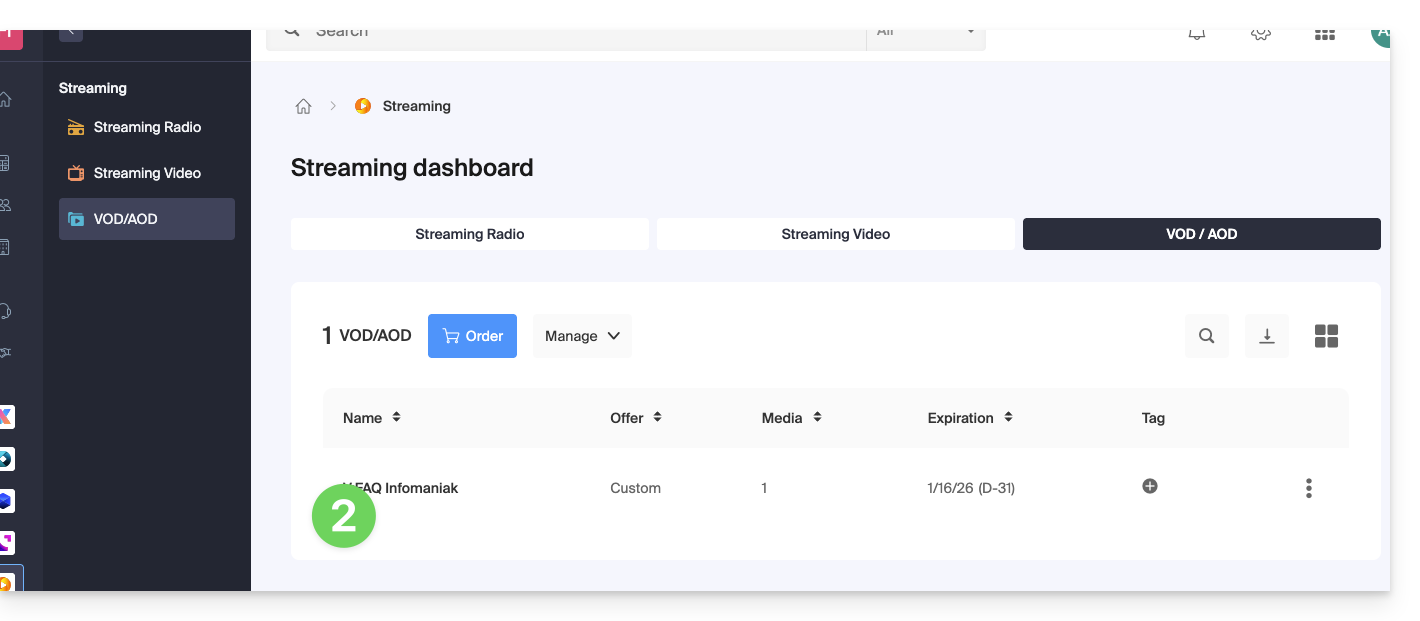
- Click on Media in the left-hand menu.
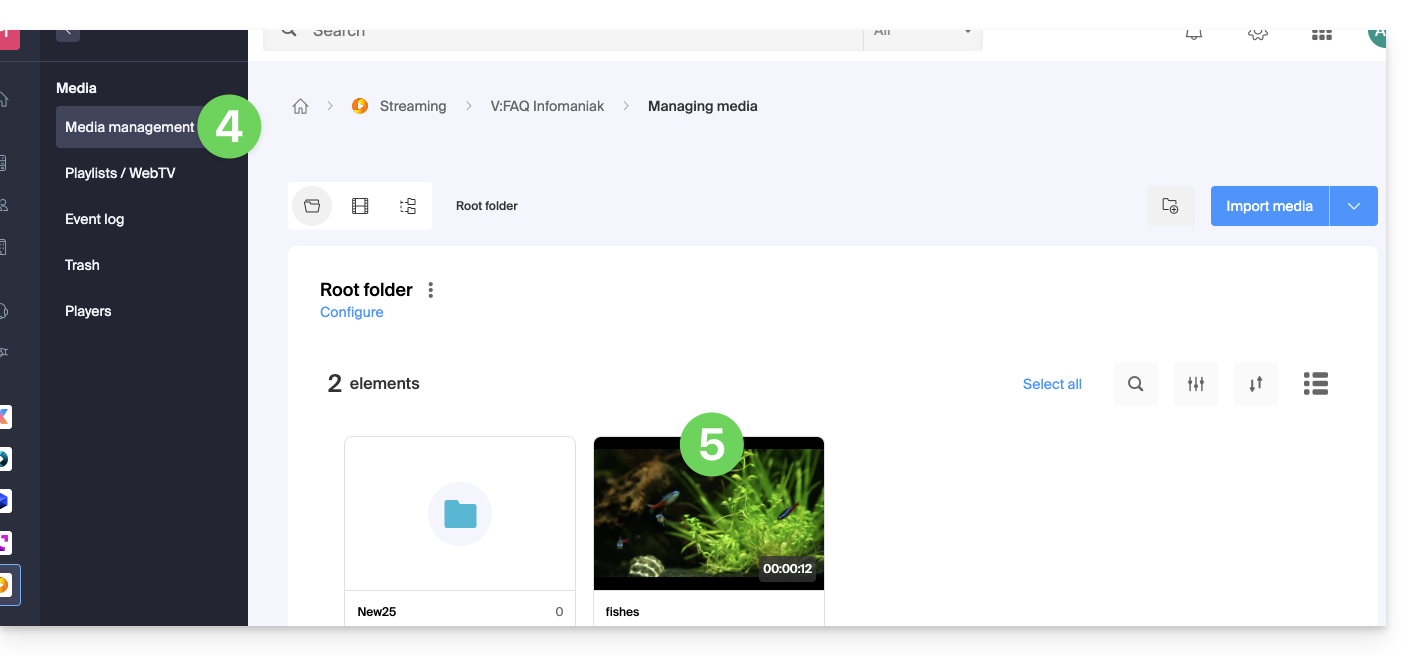
- Click on Media Management in the left-hand menu.
- Click on the media in question:
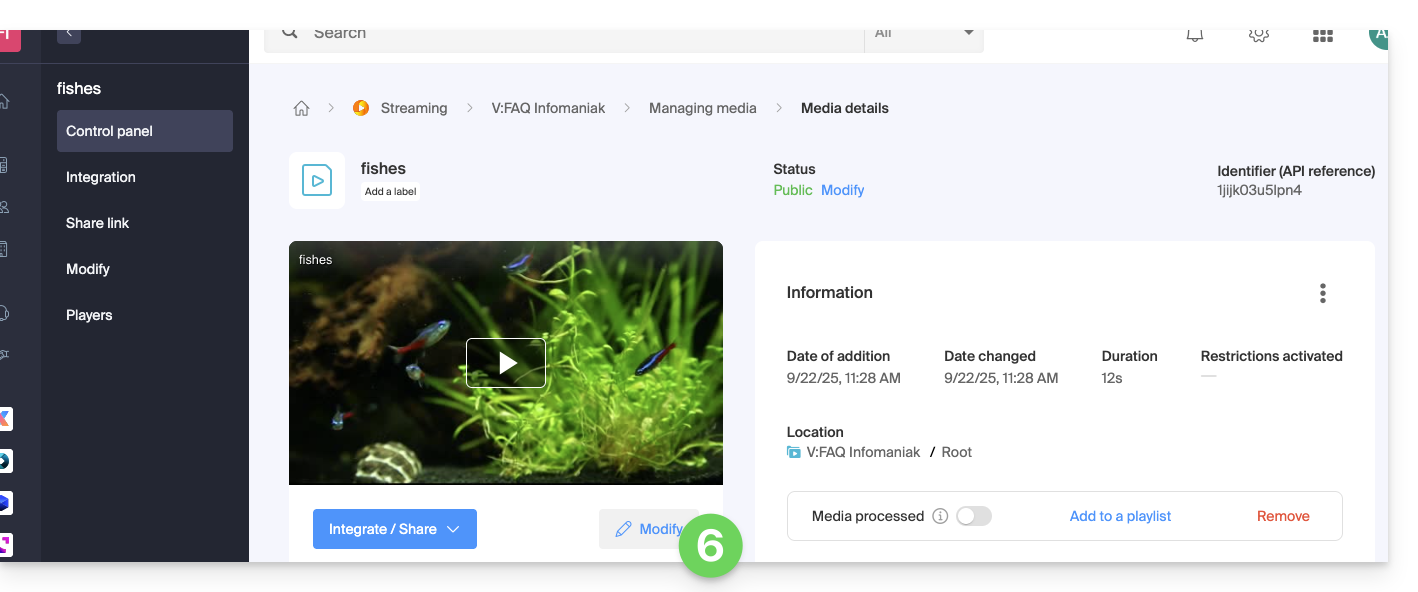
- Click on the Edit button:
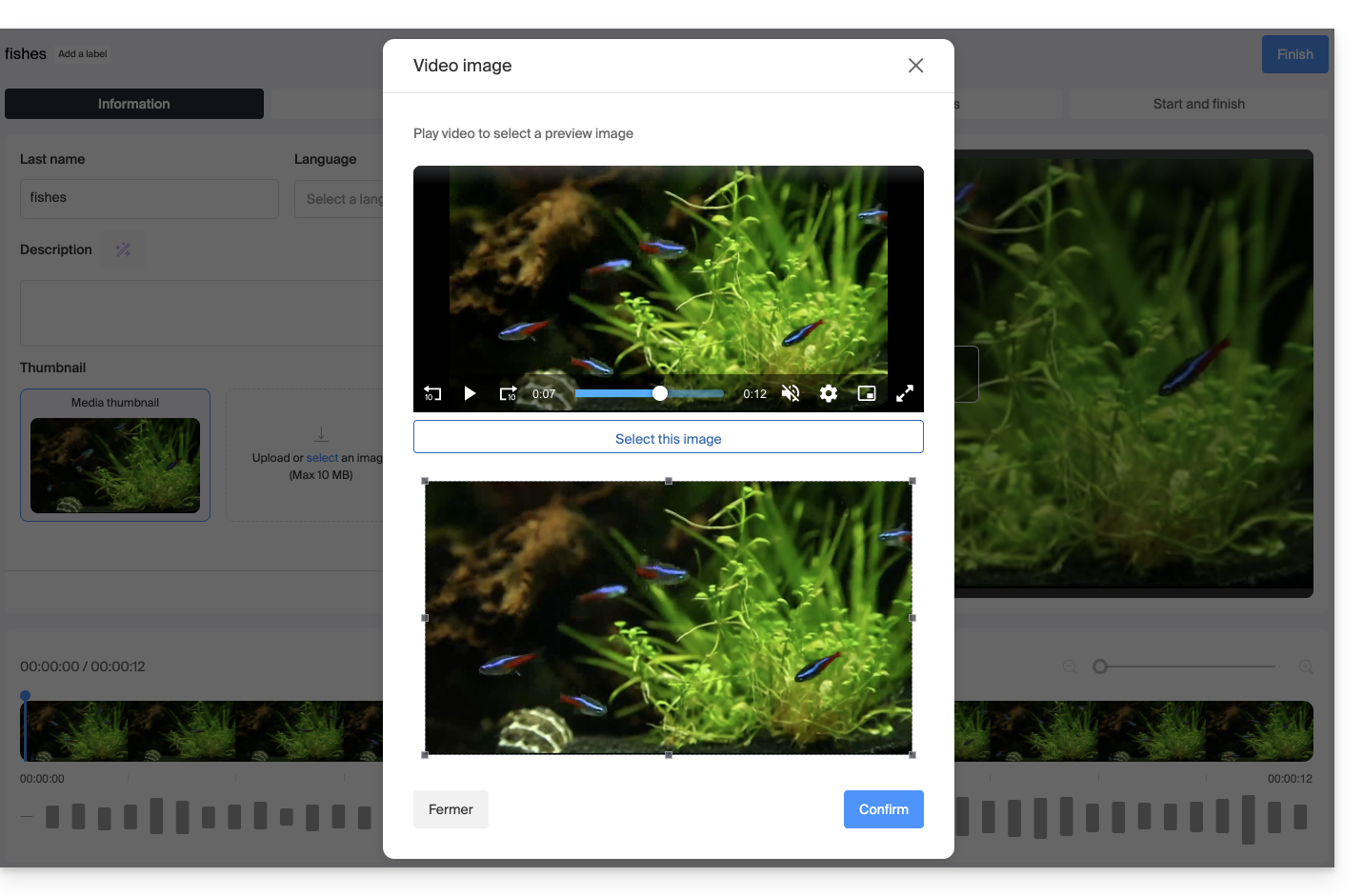
You have two options for replacing the default image of the video when it is paused: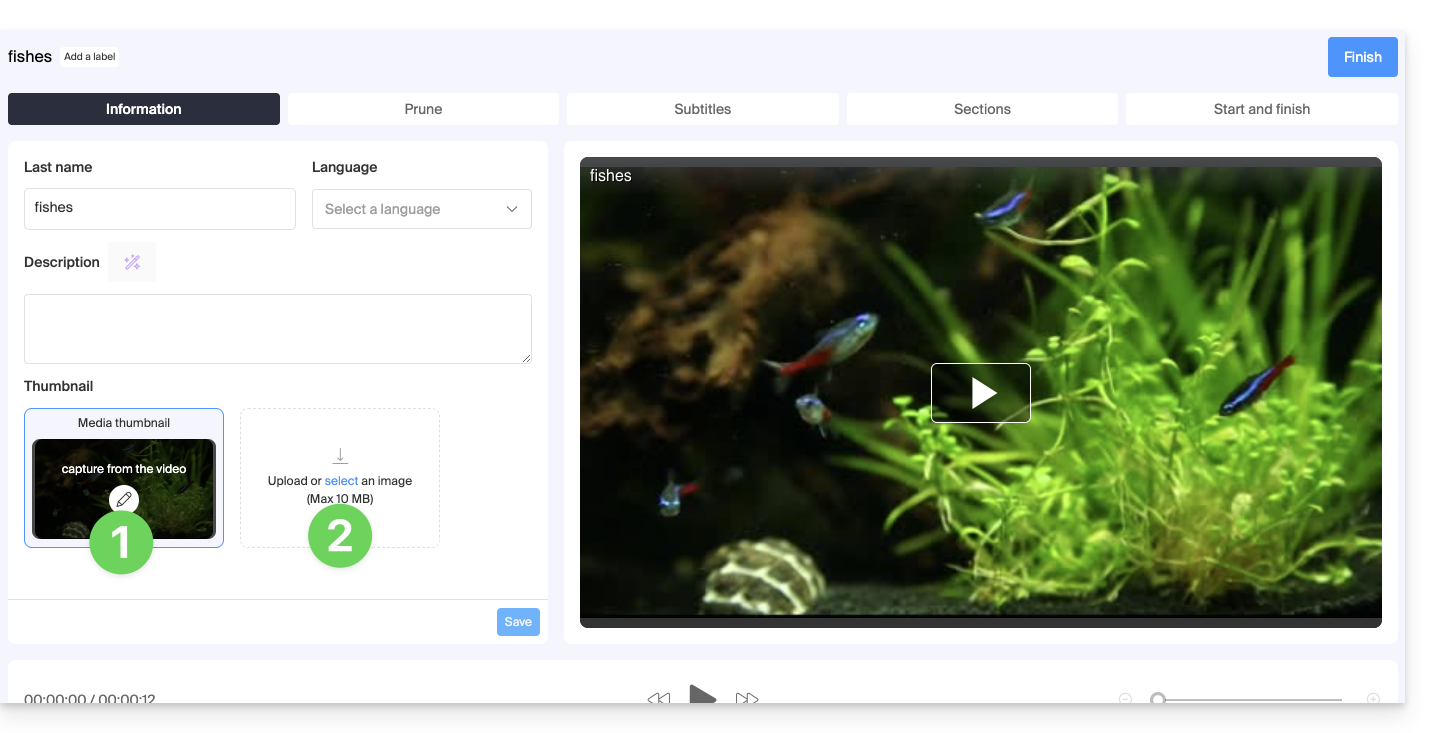
- Select an image within the video itself (click to scroll through the video and press the button to extract the image, which you can then crop/resize):
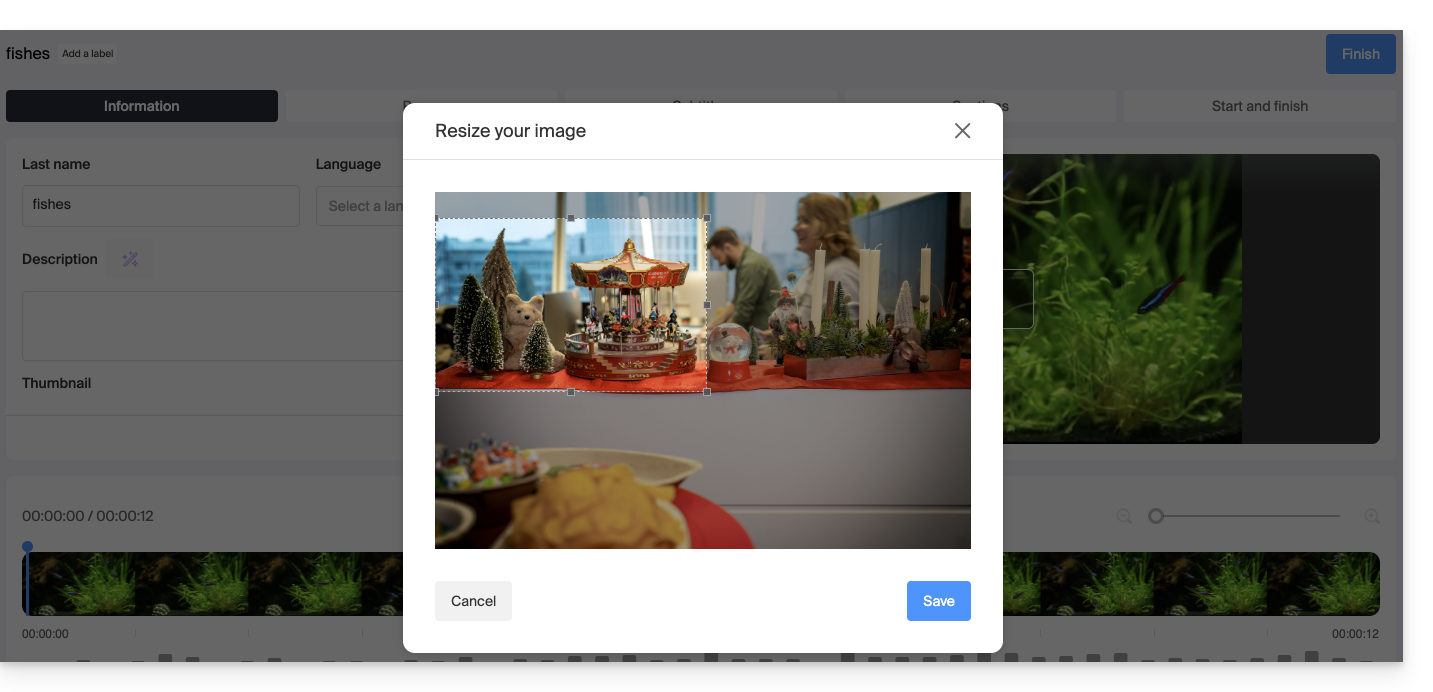
- Upload an image from your hard drive (10 MB max.) that you can then crop/resize:
Confirm by clicking the blue Save button: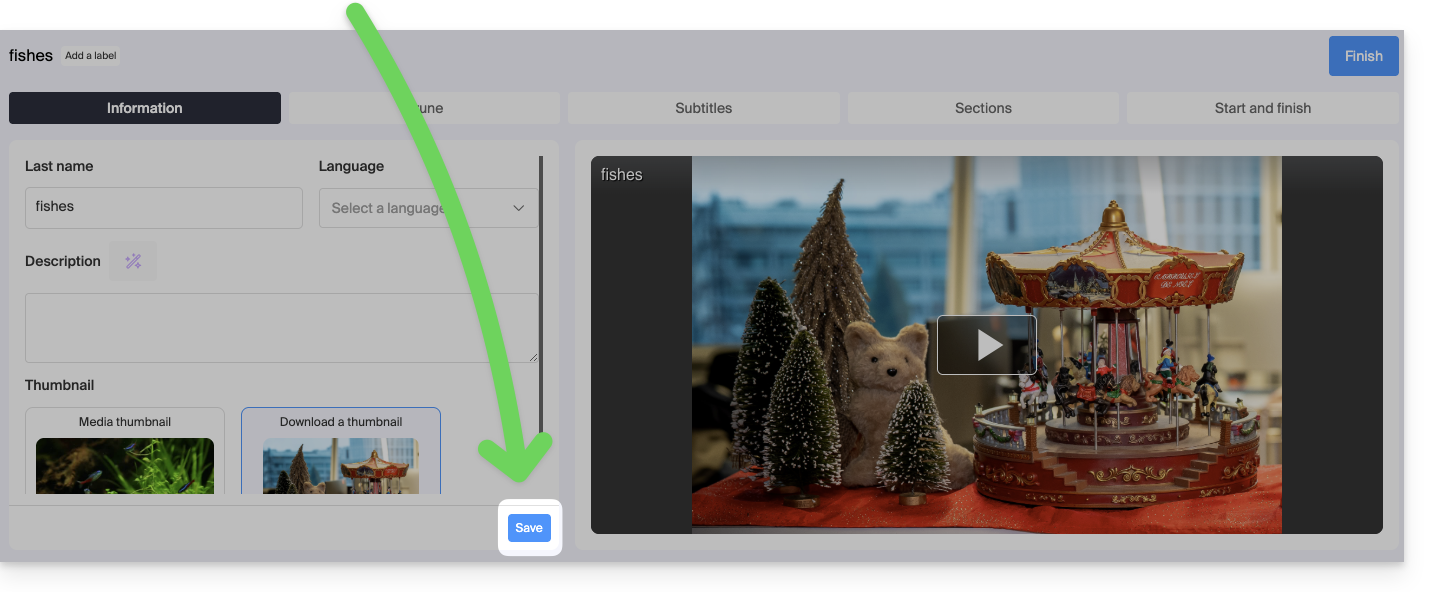
Link to this FAQ: https://faq.infomaniak.com/1555
Has this FAQ been helpful?