Knowledge base
1000 FAQs, 500 tutorials and instructional videos. Here, there are only solutions!
Change the domain name of a Joomla website
This guide explains how to change the URL of your website from the Joomla app installed on your Web Hosting Infomaniak (only if you installed Joomla using the dedicated tools provided by Infomaniak).
This allows you to assign a different domain name to your Joomla site.
Prerequisites
- The domain name you wish to use must first be added as an alias of the main domain on the relevant website.
Change the domain name of your Joomla site
To change the address of your Joomla site to a different domain name that is already in the same Organization:
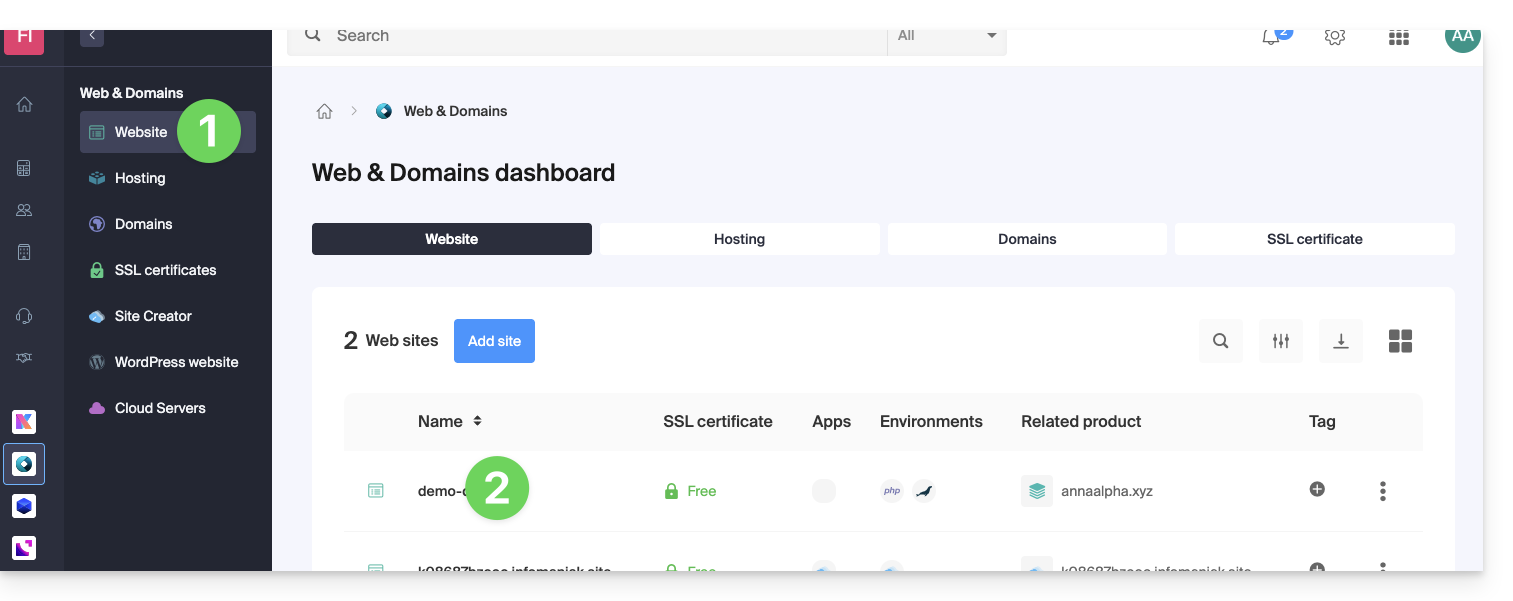
- Click here to access your website management in the Infomaniak Manager (need help?).
- Click directly on the name assigned to the product in question:
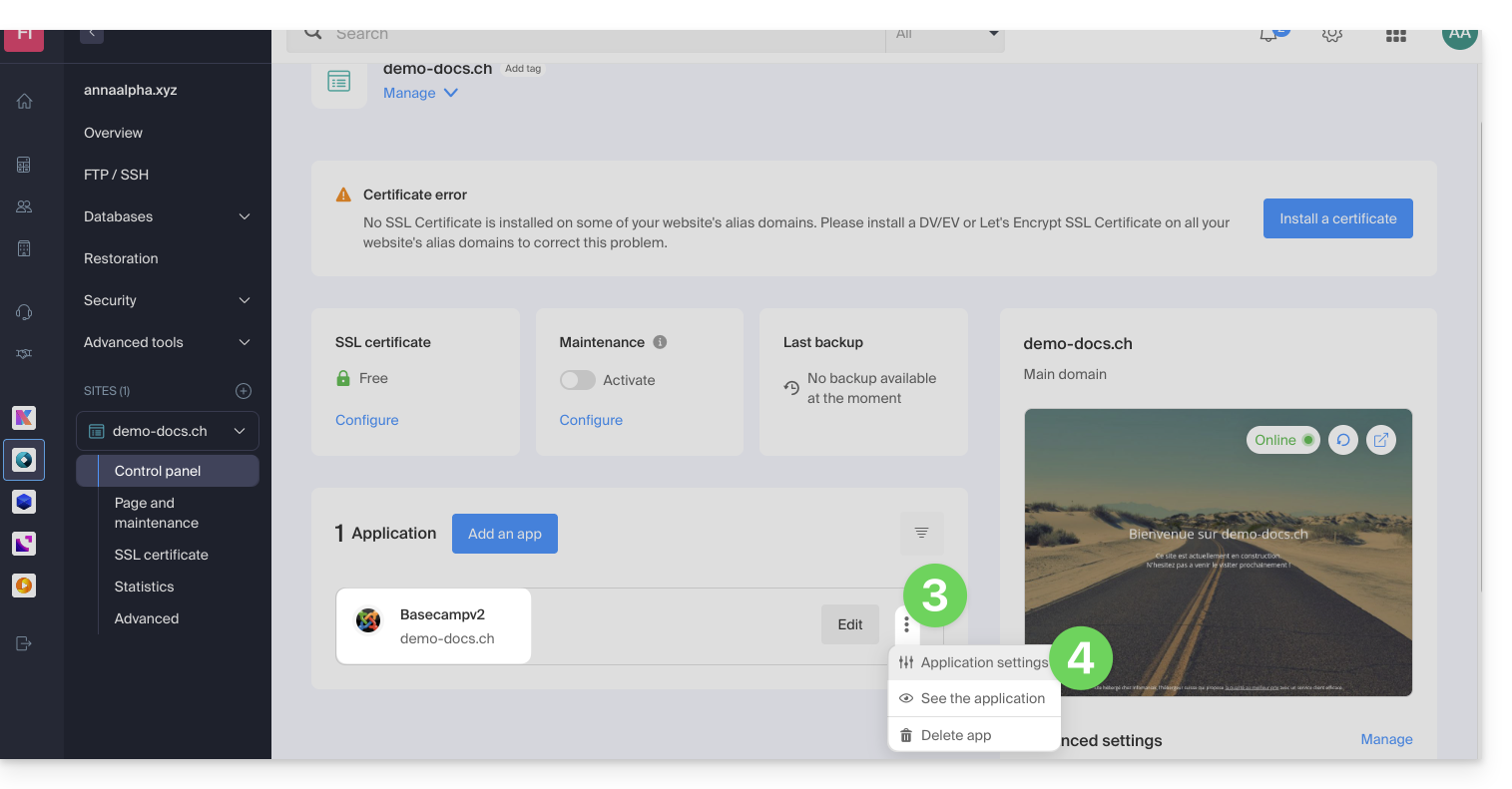
- Click on the action menu ⋮ located to the right of the relevant Web Application.
- Click on the application's Settings:
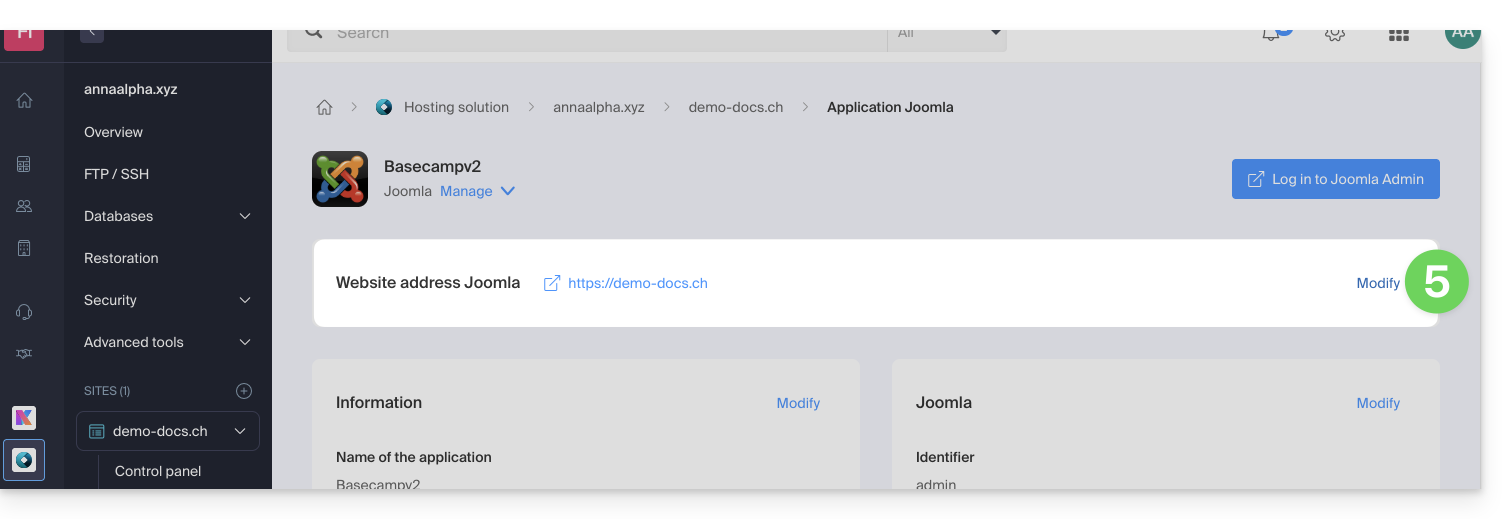
- Click on Edit to the right of Joomla:
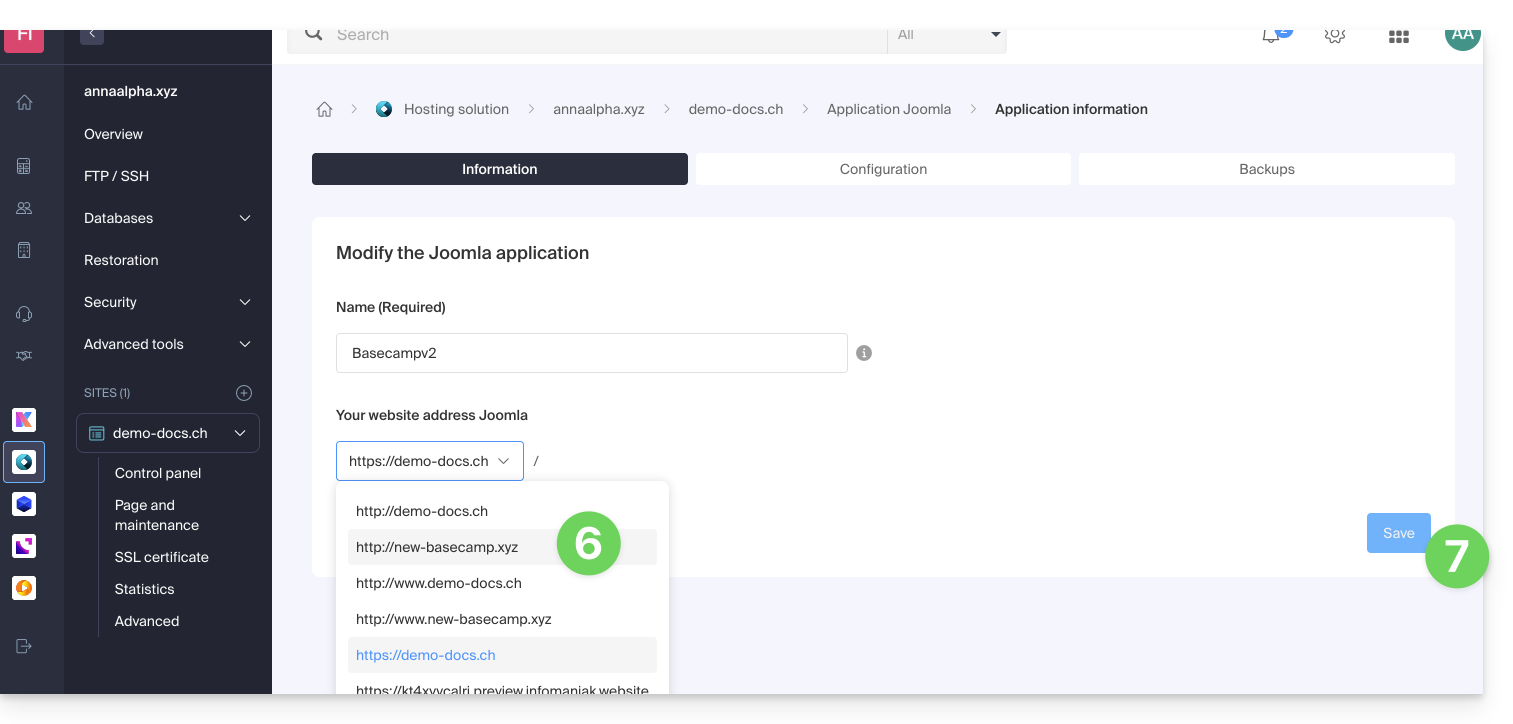
- Under Website URL, select the desired web address from the dropdown menu:
- If you have not followed the prerequisites above, the desired domain will not appear even if it is registered in the same Organization.
- If you have added the domain as an alias for the site, the desired domain will appear and you can select it to replace the previous domain.
- Click on the Save button:
Domain “…preview.infomaniak.website”?
Among the URLs in the drop-down menu, the preview URL allows you to access your Joomla site in case the site's domain name is not yet correctly configured to point to your app: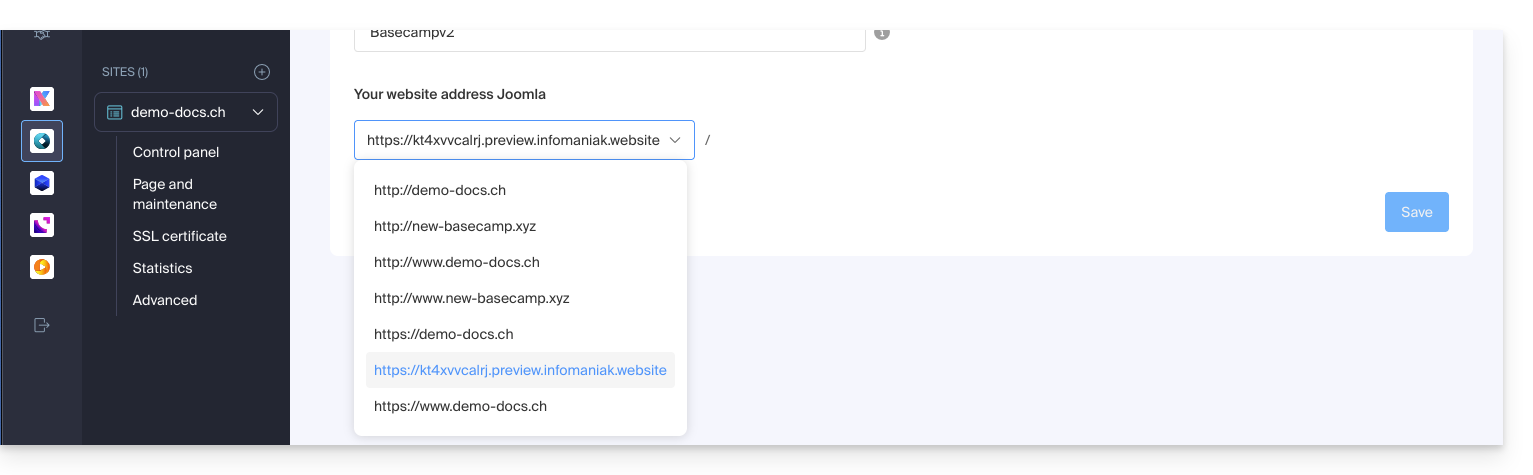
Modify the address or location of Joomla
⚠️ These operations will break the link between your Joomla and the Infomaniak Web Applications system; you will no longer be able to benefit from the advantages of the latter.
Prerequisites
- Create an FTP account (need help?).
- Connect via FTP (need help?).
To modify the Joomla installation if it was done in a subfolder…
- Delete the now-empty subfolder:
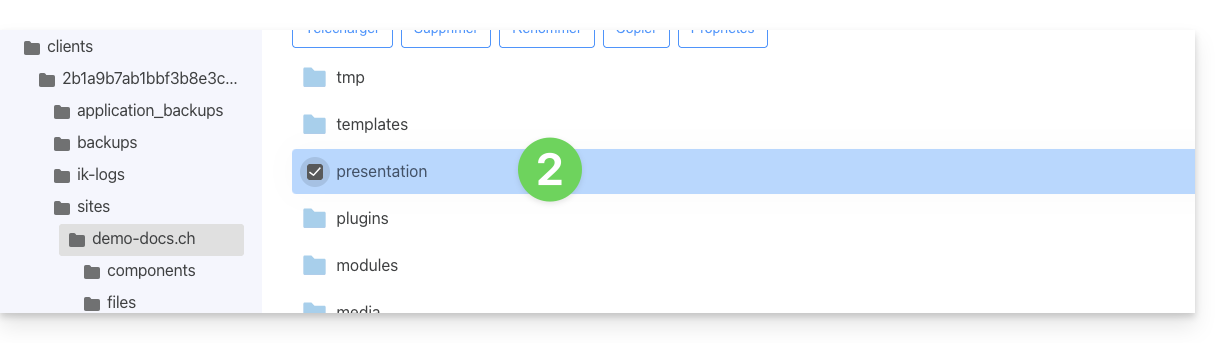
- Edit the
.htaccessfile located in the root directory of your Joomla installation. - Replace
RewriteBase /presentationwithRewriteBase /: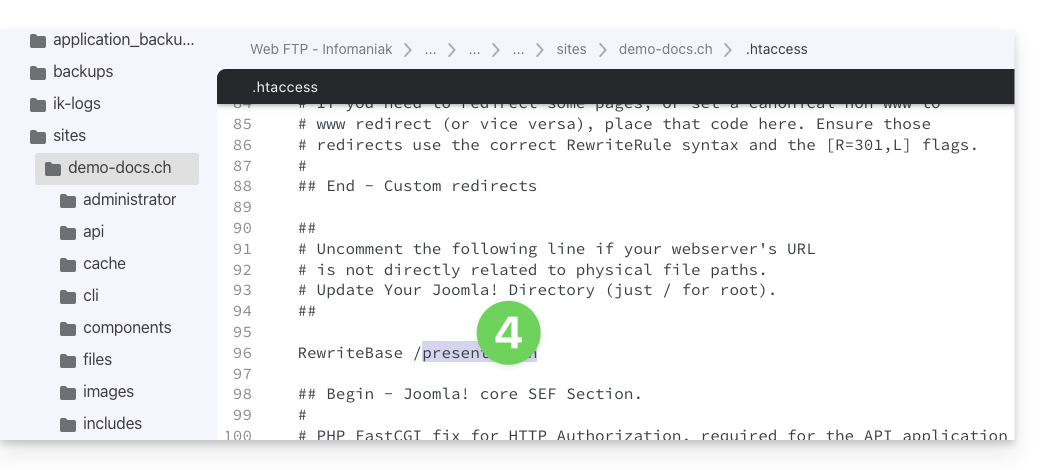
- Save the changes.
- Do not uninstall the Joomla Web Application, simply stop using it and connect directly to the management interfacefrom your Joomla via the URL
/administrator: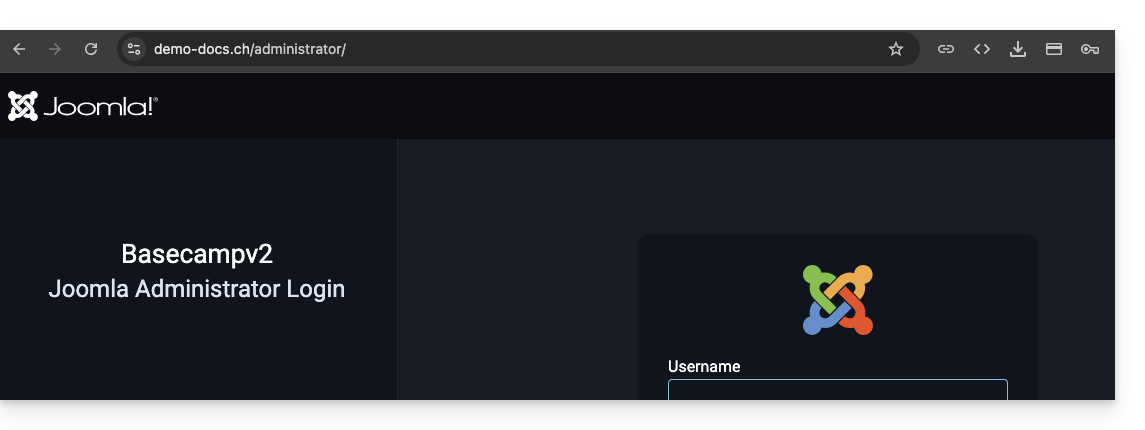
Link to this FAQ: https://faq.infomaniak.com/1515
Has this FAQ been helpful?