Knowledge base
1000 FAQs, 500 tutorials and instructional videos. Here, there are only solutions!
Rename an Organization / Edit Details
This guide explains how to modify the postal and name details related to the Organization to which you belong.
Introduction
- The postal address specified determines the currency (CHF / EUR) used for future invoices, but you can add billing addresses.
- You can modify, among other things:
- the name
- the postal address
- the contact phone number
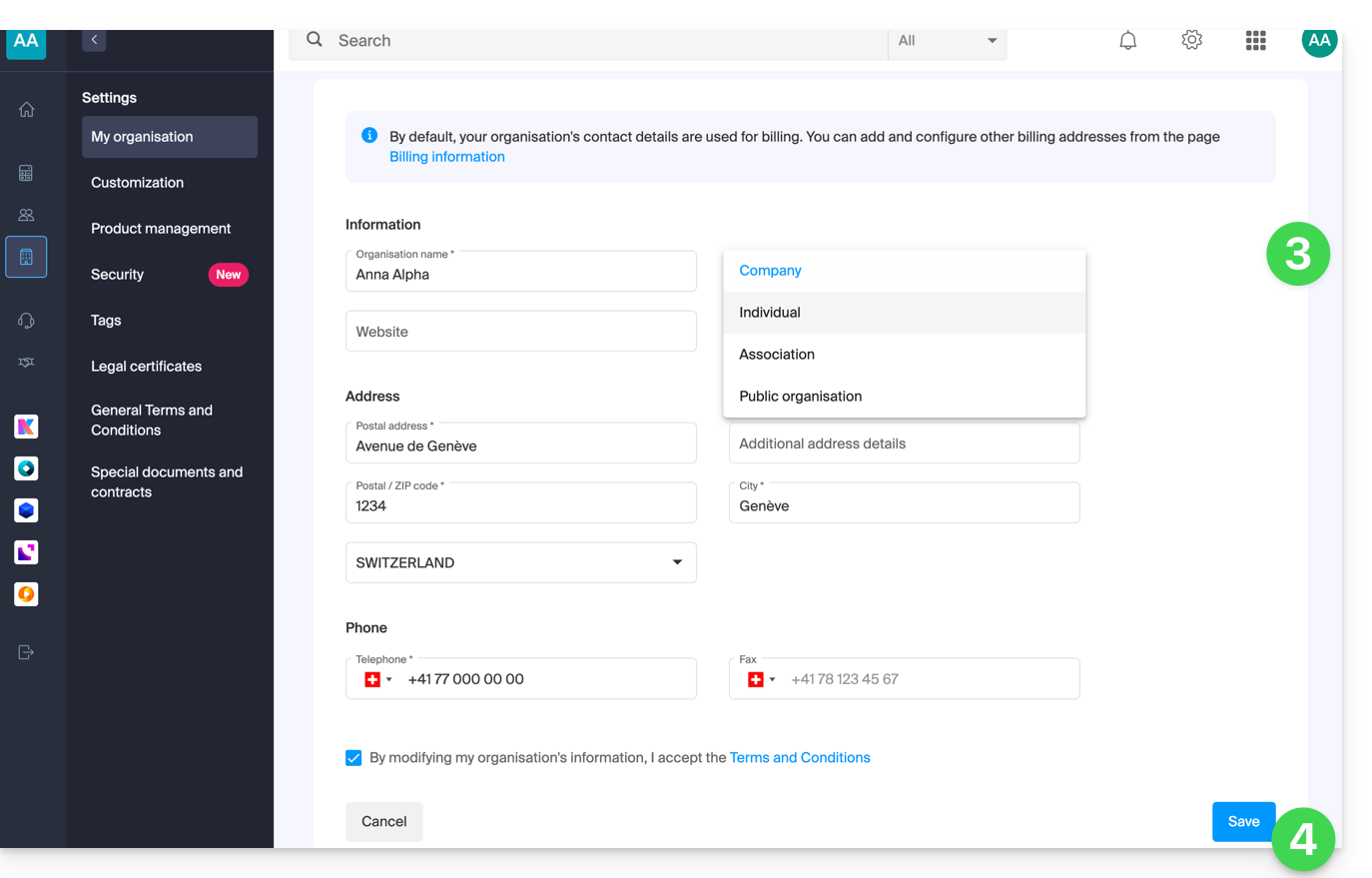
- the type of your organization (individual, association, company, etc.)
- the logo
- A summary email is then sent.
- To manage your Infomaniak account details, please refer to this other guide.
Modify Organization Details
Prerequisites
- Be the Legal Representativewithin the Organization (any collaborator who also has access to your Organization will not be able to modify this information from their restricted account).
- Switch to the desired Organization beforehand, if necessary.
To modify the details of this Organization at any time:
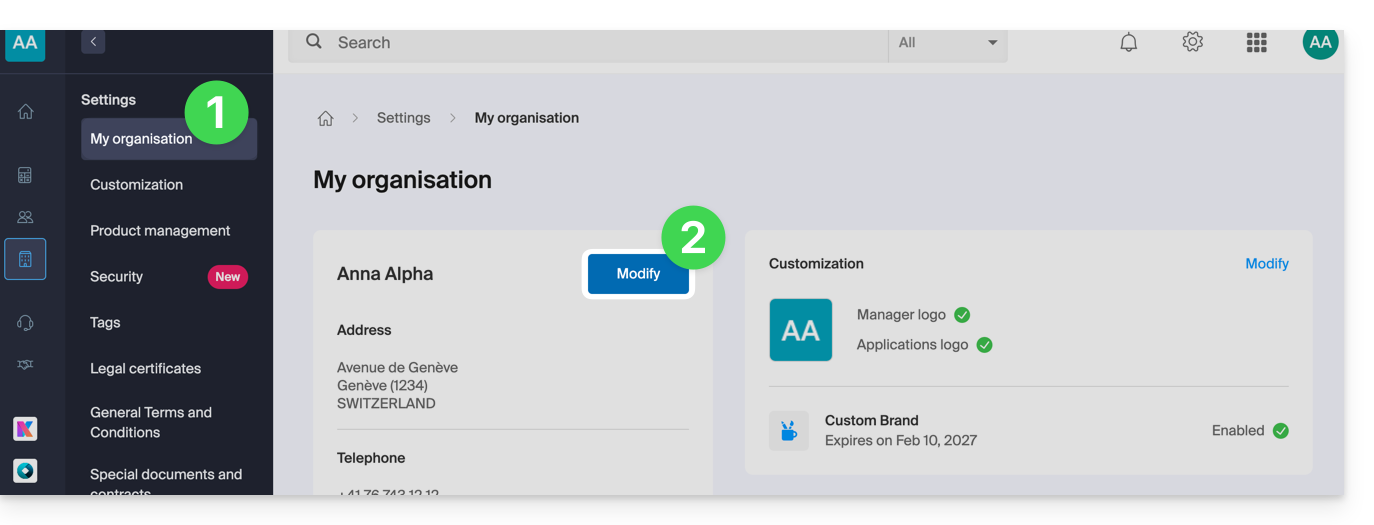
- Click here to access the management of your Organization.
- Click on the Edit button (if it is not present, check the prerequisites above):
- Modify the desired information.
- Click the Save button to save your new information:
In case of a problem
If you do not see any menu as in step 2 above, check the requirements.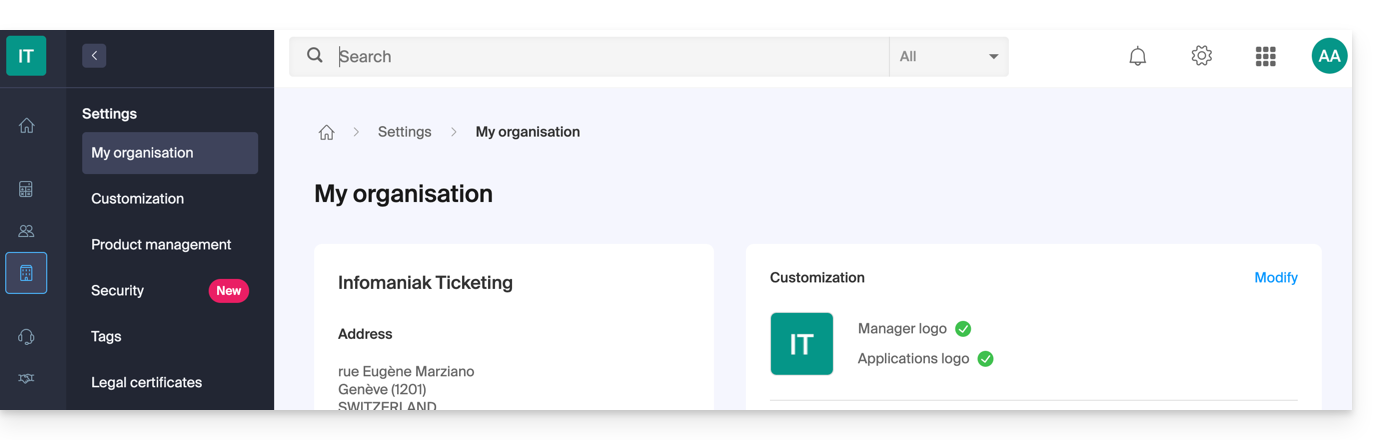
A my kSuite account no longer has this option: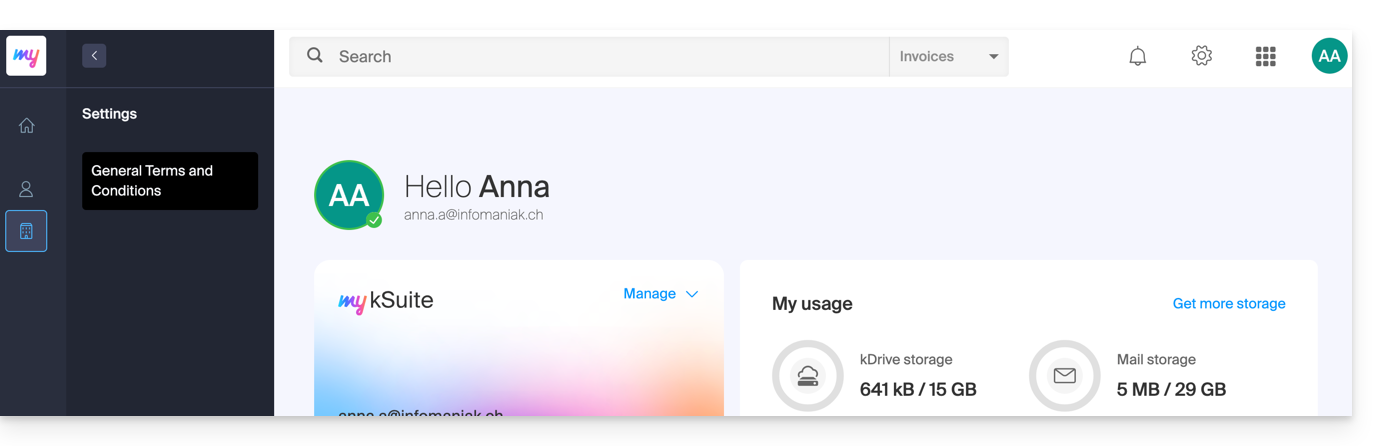
Link to this FAQ: https://faq.infomaniak.com/1462
Has this FAQ been helpful?