Knowledge base
1000 FAQs, 500 tutorials and instructional videos. Here, there are only solutions!
Secure videos with a unique key
This guide explains how to protect videos imported to an Infomaniak VOD service with a unique key.
Preamble
- Note that token protection is only effective in the case of standard integration via iframe and therefore through the use of the Infomaniak Player.
- Other access restrictions can be activated: password | geoip
Protect a video with a unique key
You have the option to protect all media in a folder by creating a token. The latter will be unique for each of your visitors and must be passed as a parameter to your media to limit access to it. Only you will be able to generate the unique key, necessary for each user to view the videos. This key therefore allows you to authorize only those previously verified by you.
This allows you to control access to videos and authorize only certain people, while denying access to others; useful in cases such as pay-per-view or limited broadcasts. However, please note that you are responsible for developing the integration with your existing system.
If the hash is not valid, access to the video will return an error page "403 forbidden".
Activate the restriction on the import folder
When the password is set once and for all at the destination folder level, all new media imports will automatically include this mode when played. To configure this folder:
- Click here to access the management of your VOD/AOD on the Infomaniak Manager (need help?).
- Click directly on the name assigned to the product concerned:
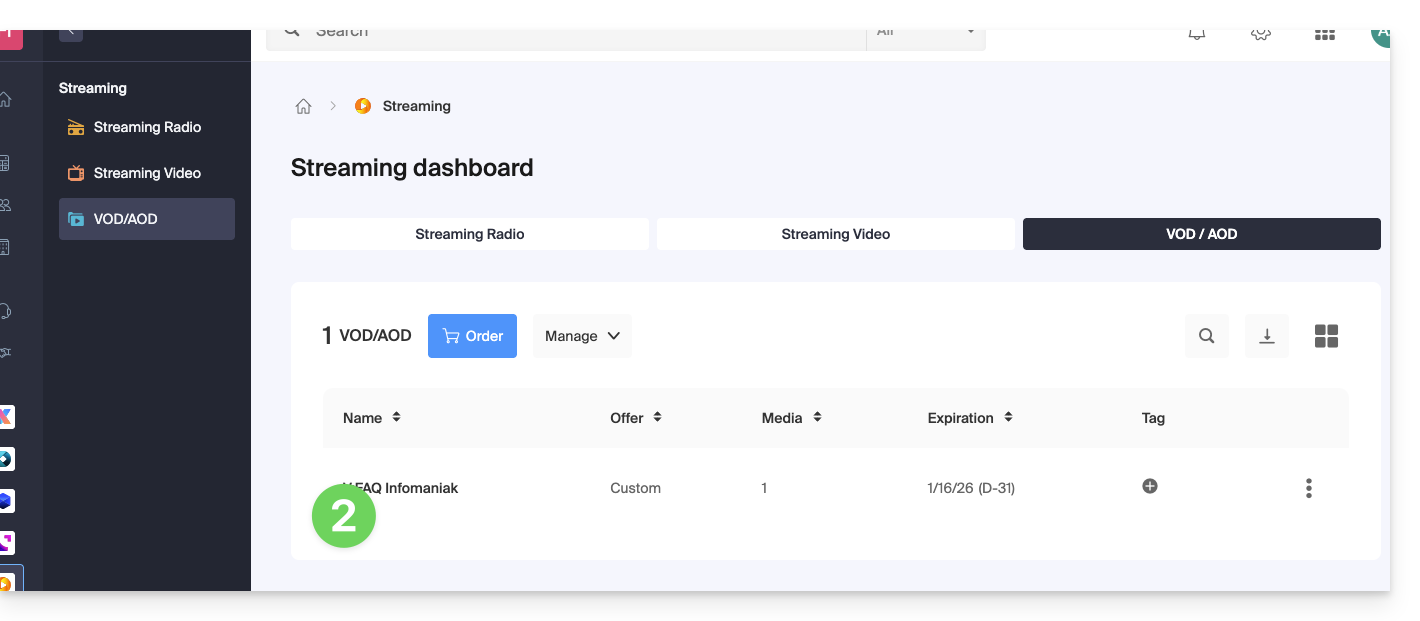
- Click on Media in the left sidebar menu.
- Click on Media Management in the left sidebar menu.
- Click on the icon to create a New Folder:
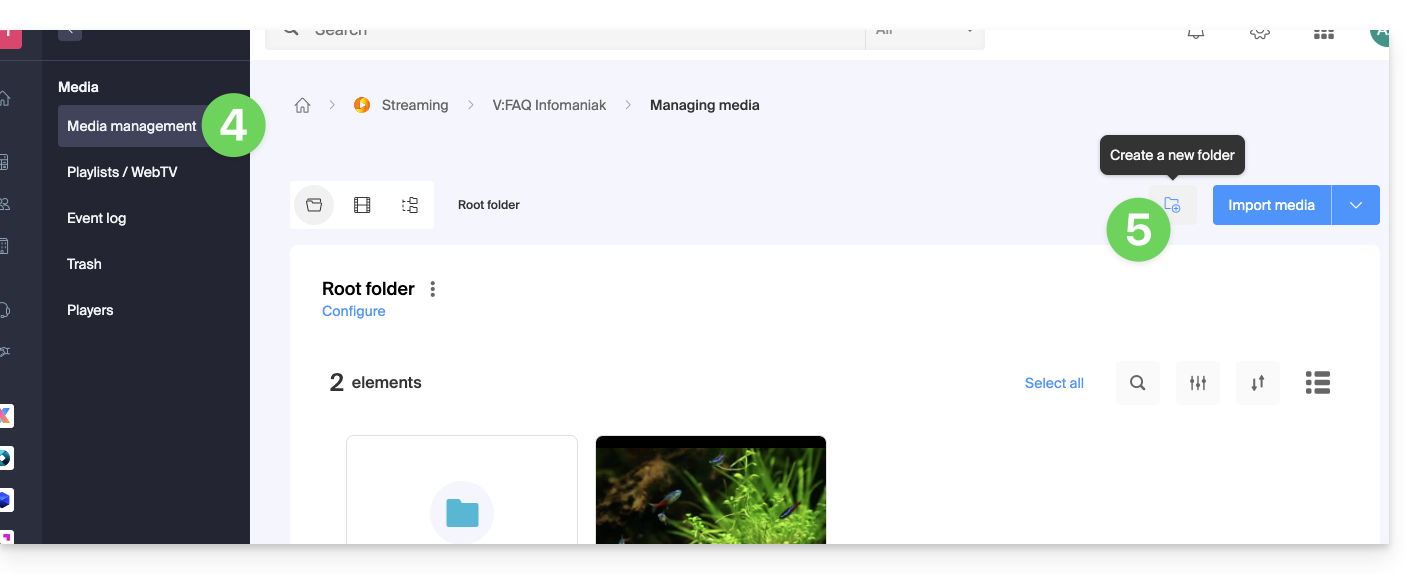
- Name the folder.
- Click the blue button to Create the folder.
- Click on Configuration:
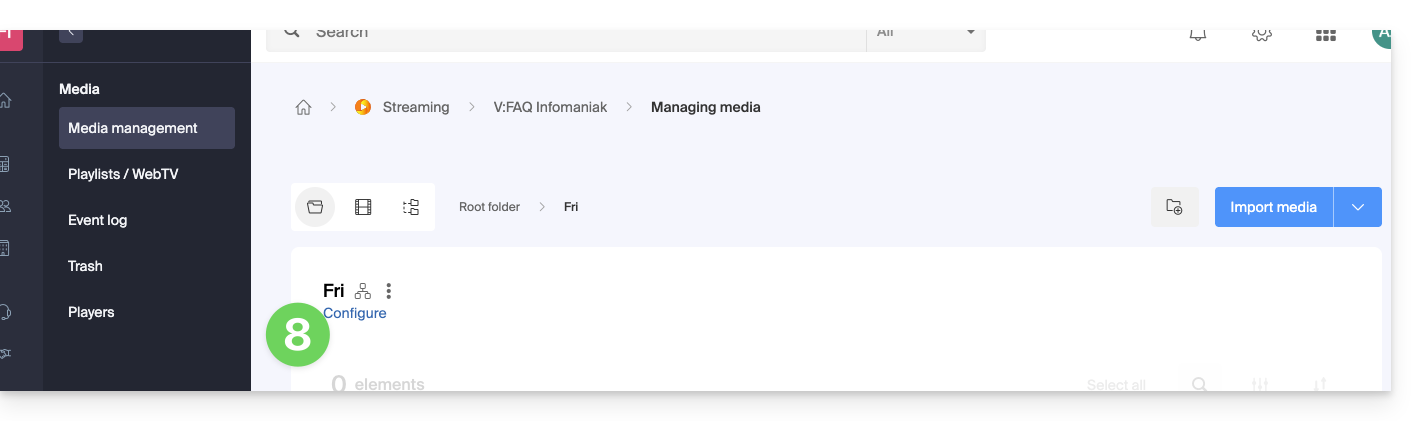
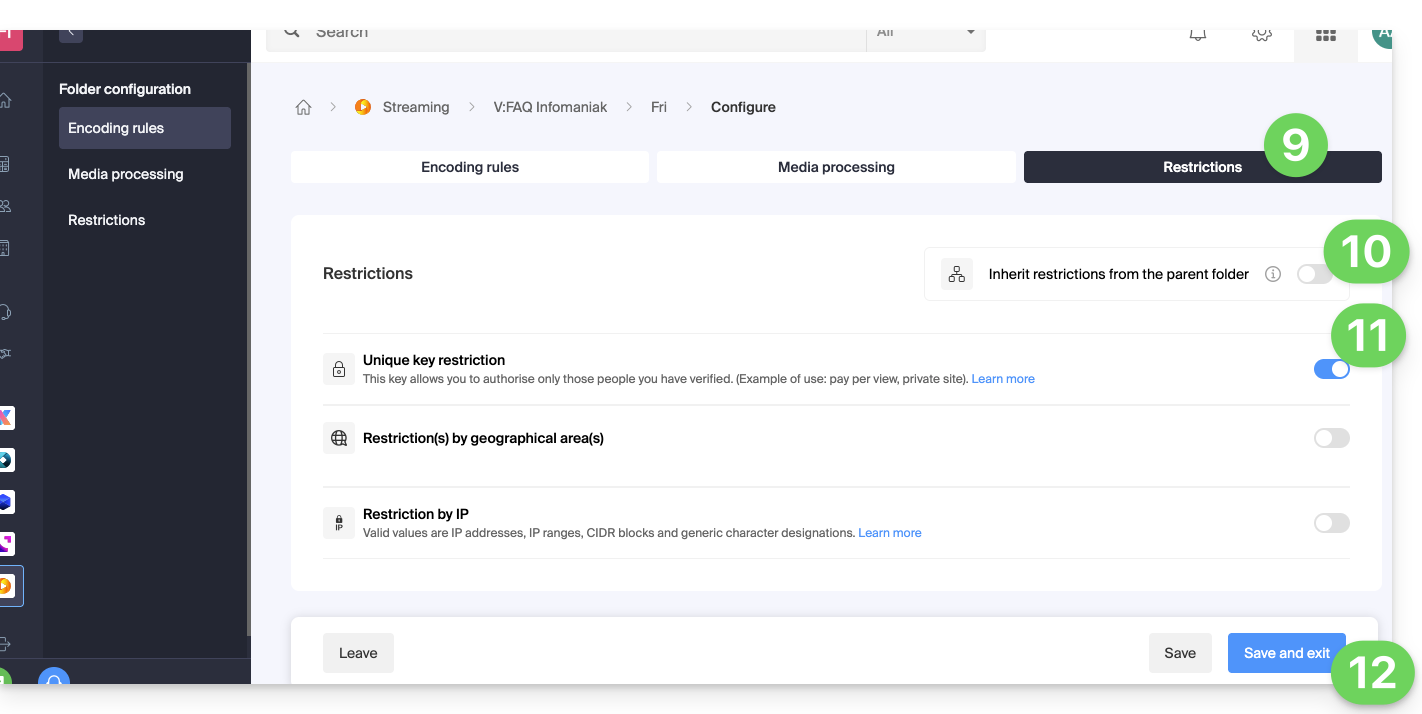
- Click on the Restrictions tab.
- If necessary, deactivate the toggle switch to remove the inheritance from the parent folder, so that you can configure your own rules for this specific folder.
- Enable the toggle switch to configure the unique key restriction.
- Click on Save once the desired options have been configured:
1. Create a VOD API token
To access the VOD API, you must first authenticate using a token (to be done only once - it will be common for all folders you wish to protect); refer to this other guide and then the documentation https://developer.infomaniak.com/getting-started#authentication.
2. Create the playback token
This step will need to be done on your website/application, and this token must be unique, so generated for each visitor.
It is therefore important that the page responsible for token generation does not have a cache, to guarantee the uniqueness of the token.
POST https://api.vod2.infomaniak.com/api/pub/v1/channel/channel_id/share/share_id/tokenchannel_id = 1227share_id = corresponds to the identifier of your video
Example: https://api.vod2.infomaniak.com/res/embed/1jhvl2uqa5rdf.html
The list of parameters is available in the documentation https://developer.infomaniak.com/docs/api/post/channel/share/token
3. Use the unique token on a media
The token retrieved in point 2 above will thus be passed as a parameter to the media, it will be unique and therefore different for each visitor:
<iframe frameborder="0" width="720" height="360" src="https://api.vod2.infomaniak.com/res/embed/1jhvl2uqa5rdf.html?token=st=1637143497~exp=1637143797~acl=/hls/1jhvl2uq4dnra/1jhvl2uq4dnmd/*~hmac=914aa838bdba141ec85db74266b54278572a1353a49e8851e4fd096dc6372127" allowfullscreen></iframe>Link to this FAQ: https://faq.infomaniak.com/1366
Has this FAQ been helpful?