Knowledge base
1000 FAQs, 500 tutorials and instructional videos. Here, there are only solutions!
Delete an audio stream
This guide explains how to remove an audio stream from your Streaming Radio, without deleting the entire product.
Delete a radio station
To access the Streaming service and delete one of its streams:
- Click here to access the management of your product on the Infomaniak Manager (need help?).
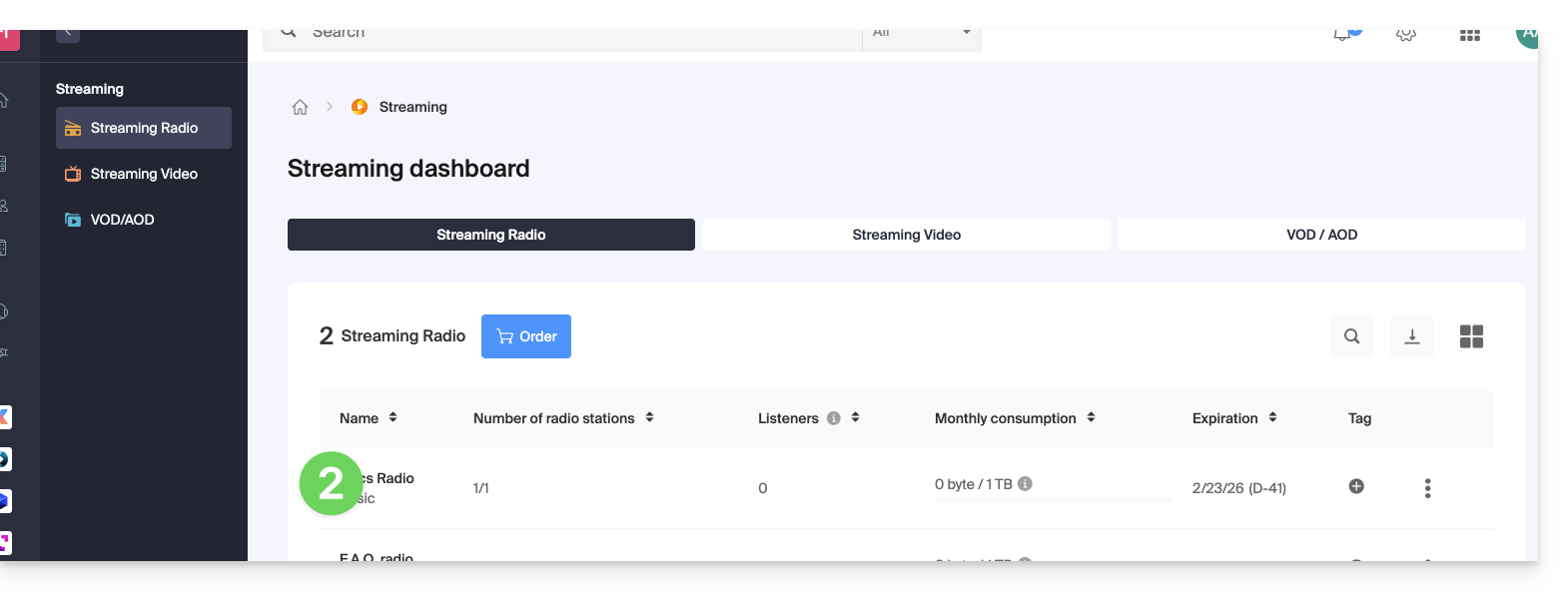
- Click directly on the name assigned to the product in question:
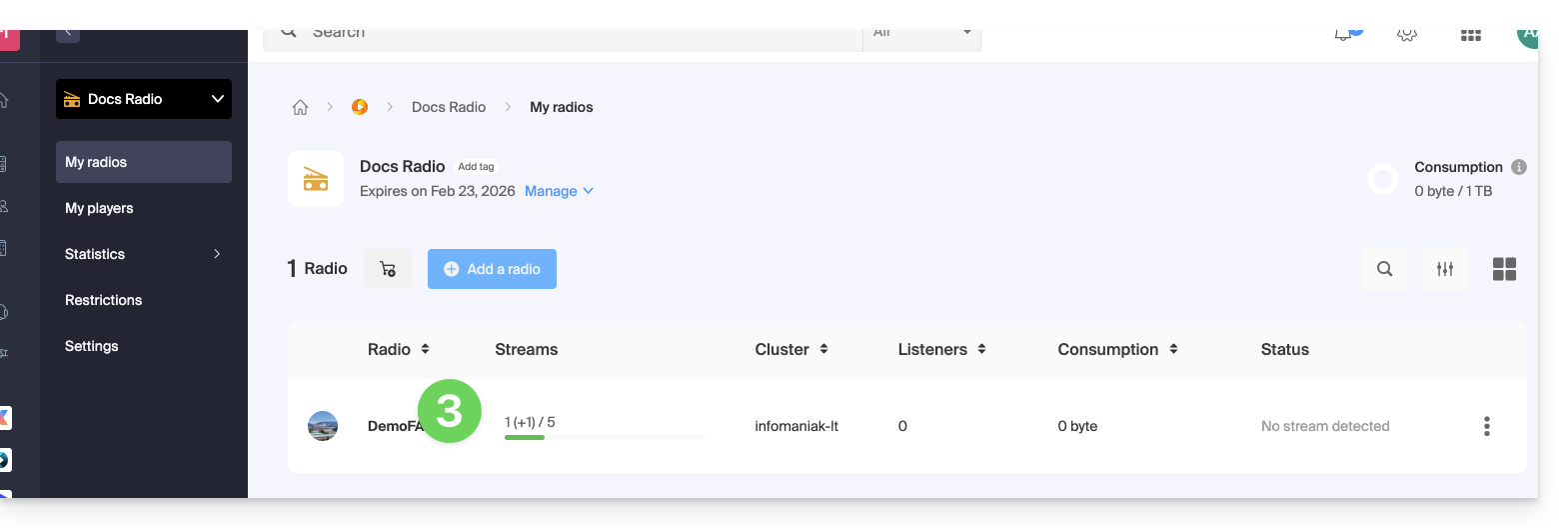
- Click on the name of the radio station in question:
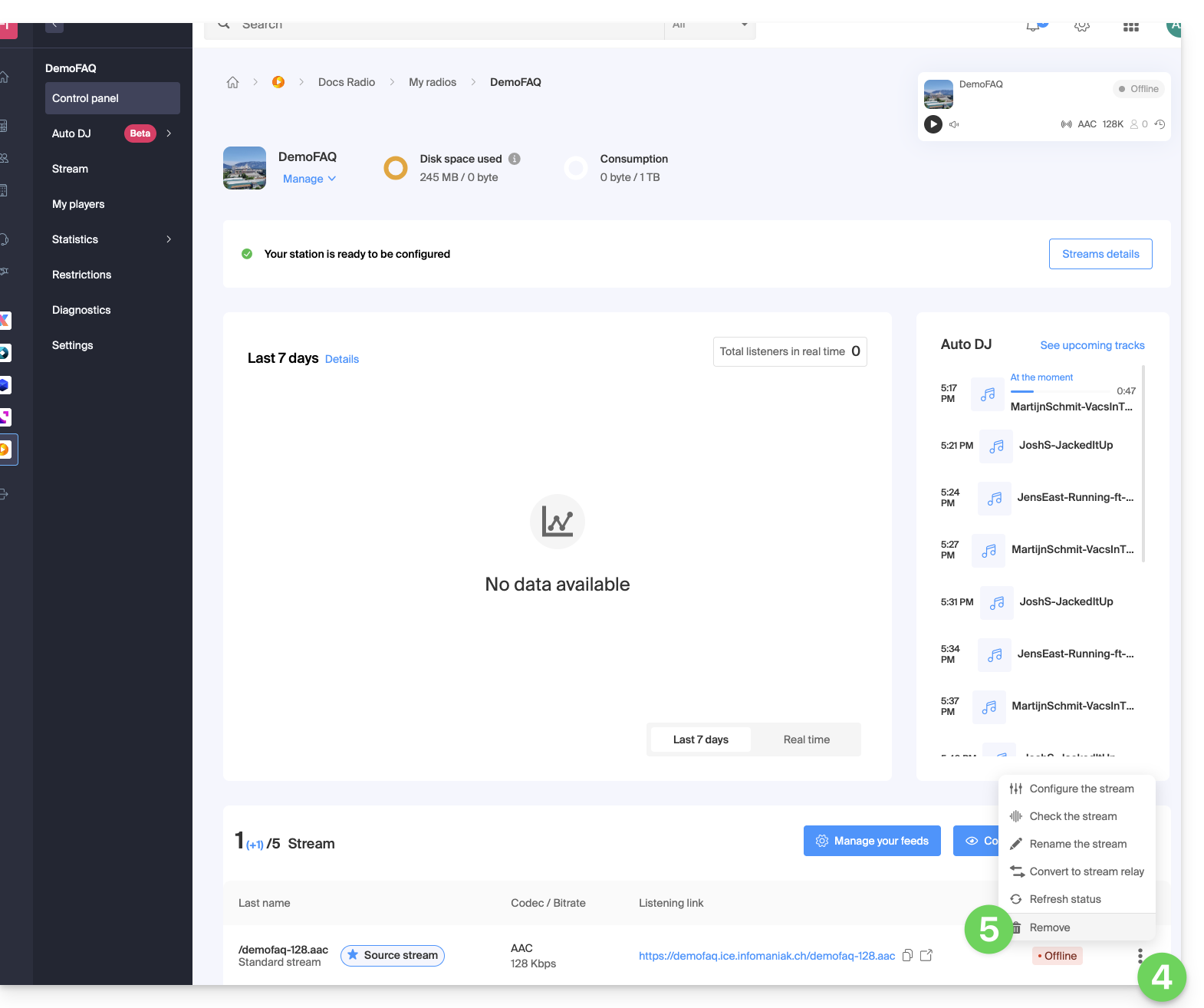
- Click on the action menu ⋮ located to the right of the item in question.
- Click on Delete:
- Enter the name of the radio station to confirm the deletion.
Link to this FAQ: https://faq.infomaniak.com/1343
Has this FAQ been helpful?